Skip to content
  • Recent
  • Tags
  • Popular
  • Users
  • Groups
  • Donate
Collapse

Plutonium

  1. Home
  2. MW3 Modding Releases & Resources
  3. [MAP][UPDATE] Bloc From CODO
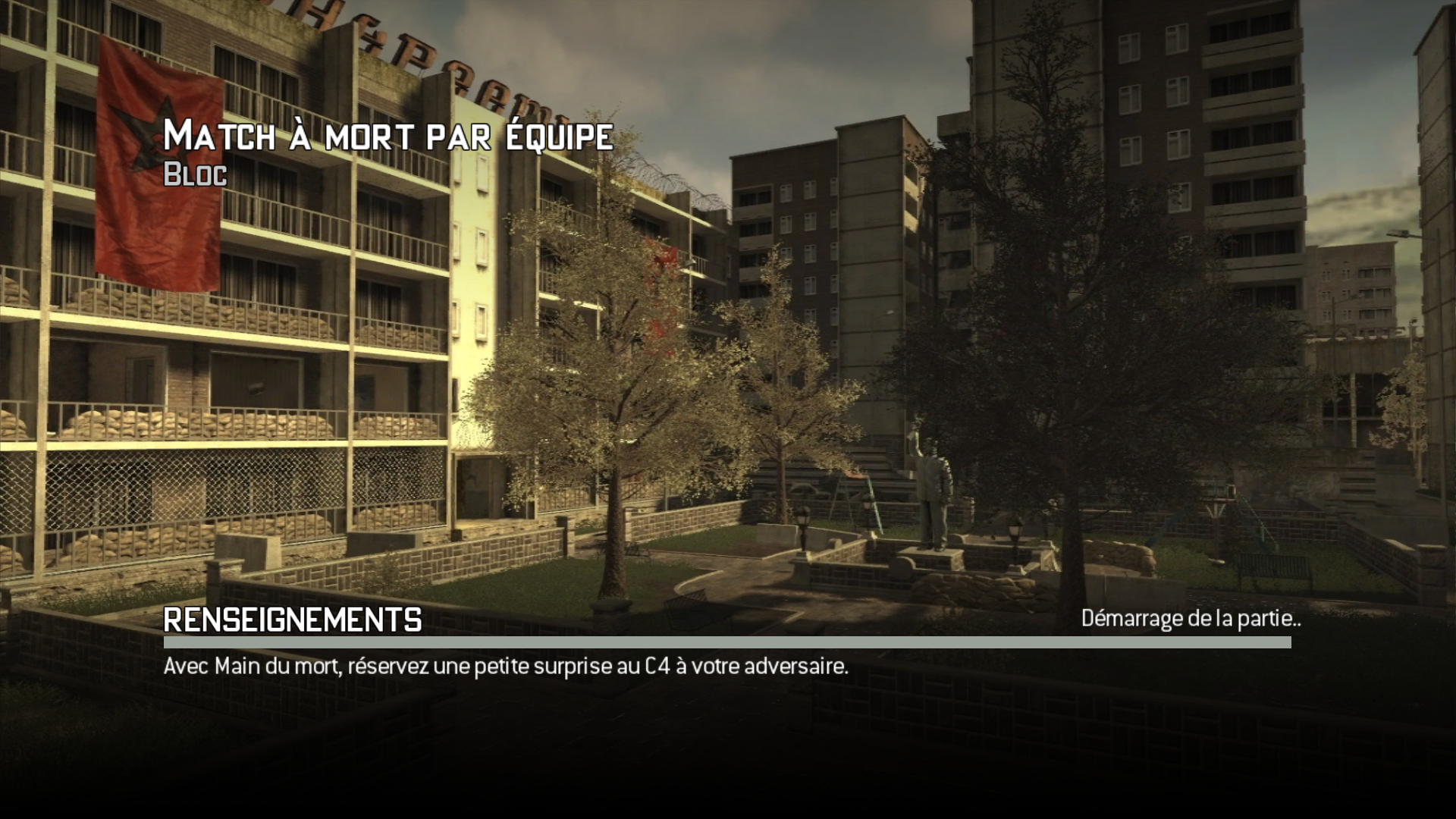
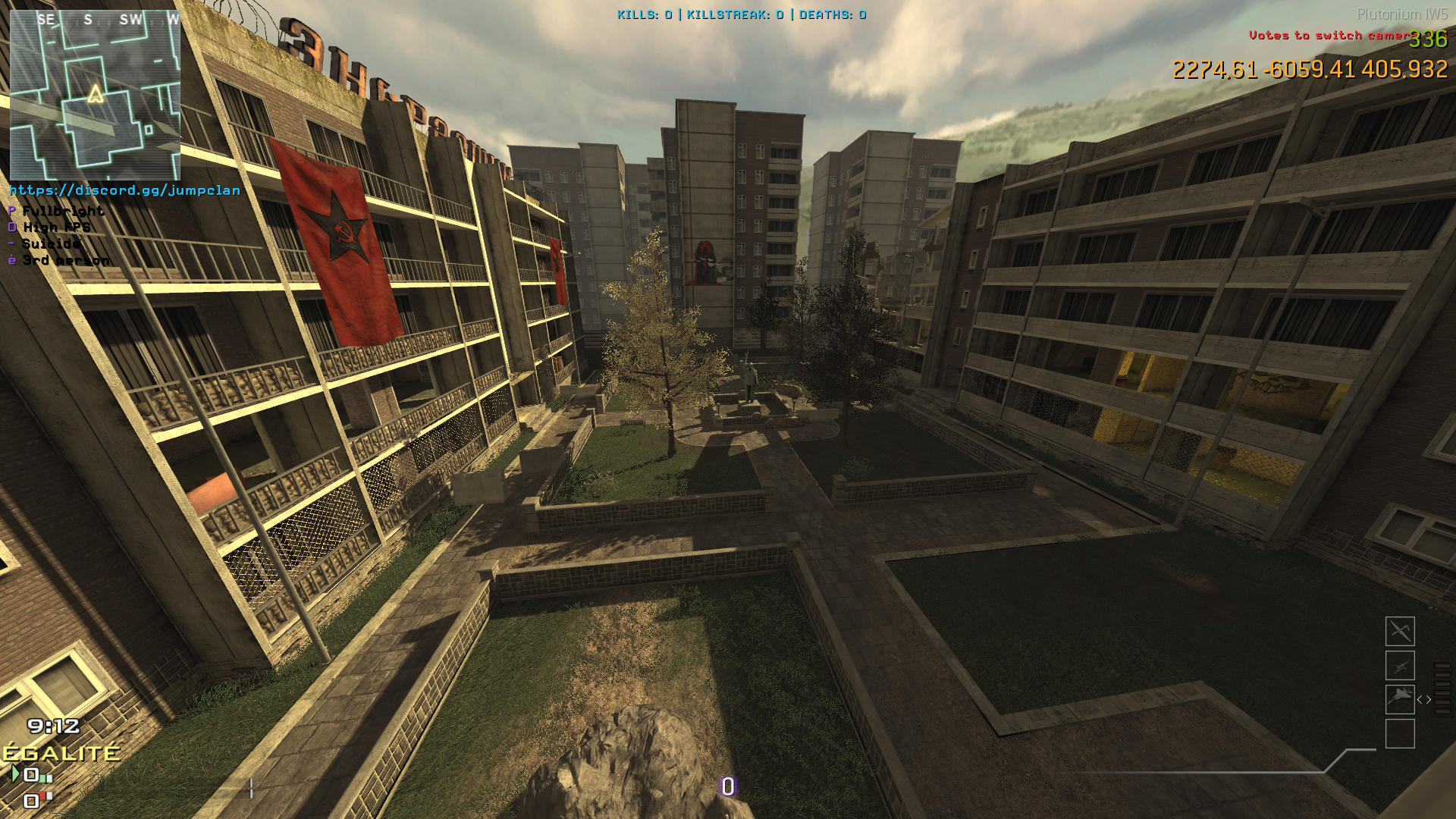
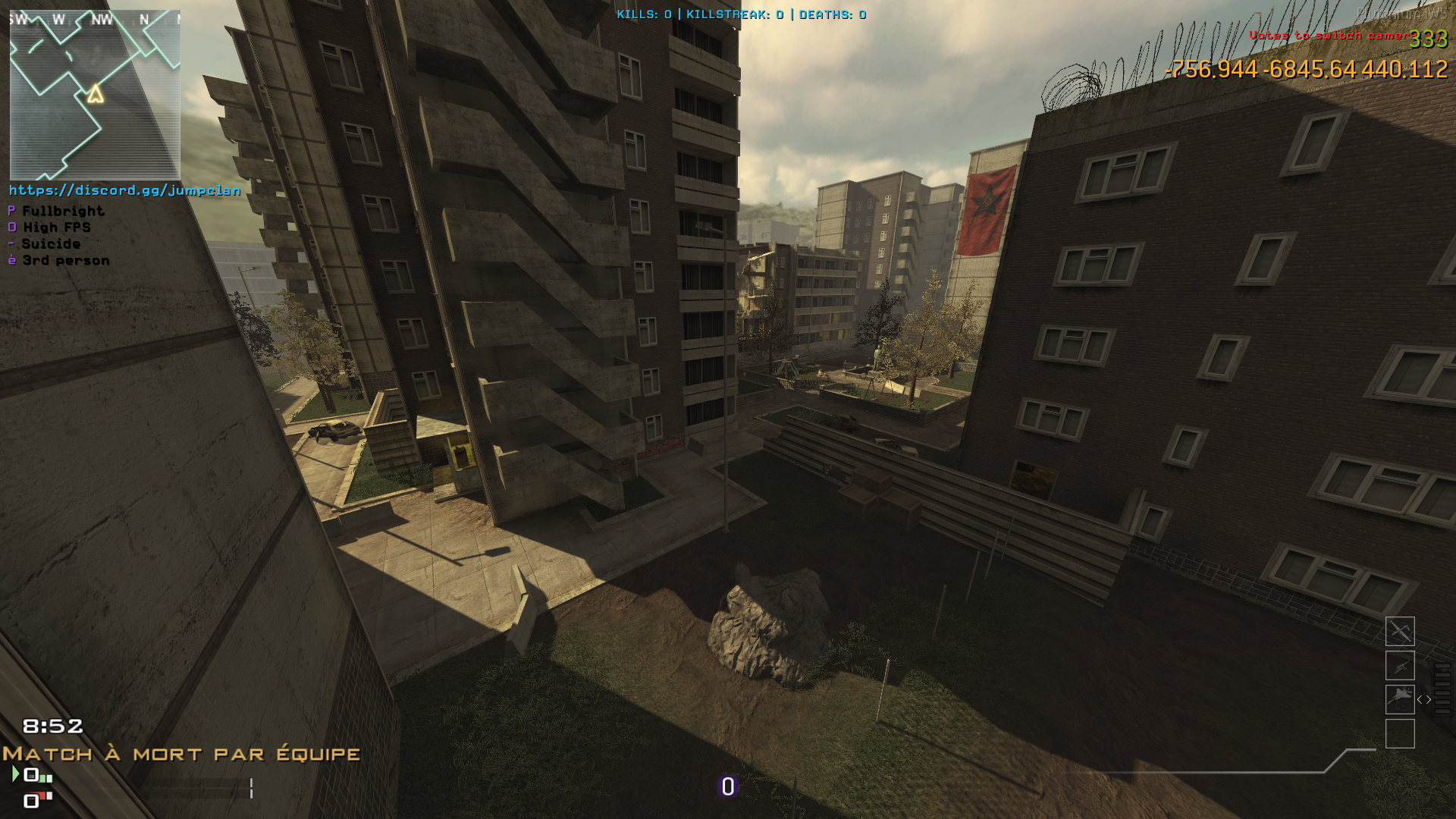
[MAP][UPDATE] Bloc From CODO
Scheduled Pinned Locked Moved MW3 Modding Releases & Resources
11 Posts 7 Posters 2.2k Views 1 Watching
  • Oldest to Newest
  • Newest to Oldest
  • Most Votes
Reply
  • Reply as topic
Log in to reply
This topic has been deleted. Only users with topic management privileges can see it.
  • Xerxesundefined Offline
    Xerxesundefined Offline
    Xerxes
    Plutonium Staff
    wrote on last edited by
    #2

    Thank you, nice map. I will add it ASAP to my servers.

    1 Reply Last reply
    1
    • Fryundefined Fry referenced this topic on
    • Fryundefined Offline
      Fryundefined Offline
      Fry
      Plutonium Staff
      wrote on last edited by
      #3

      Please clarify that this is a codo map on your topic.

      MrKermitFRundefined 1 Reply Last reply
      1
      • Fryundefined Fry

        Please clarify that this is a codo map on your topic.

        MrKermitFRundefined Offline
        MrKermitFRundefined Offline
        MrKermitFR
        wrote on last edited by
        #4

        Fry Sorry it's an import that comes from cod4 map custom I didn't know it was a CODO map

        1 Reply Last reply
        0
        • Slothundefined Offline
          Slothundefined Offline
          Sloth
          Contributor
          wrote on last edited by Sloth
          #5

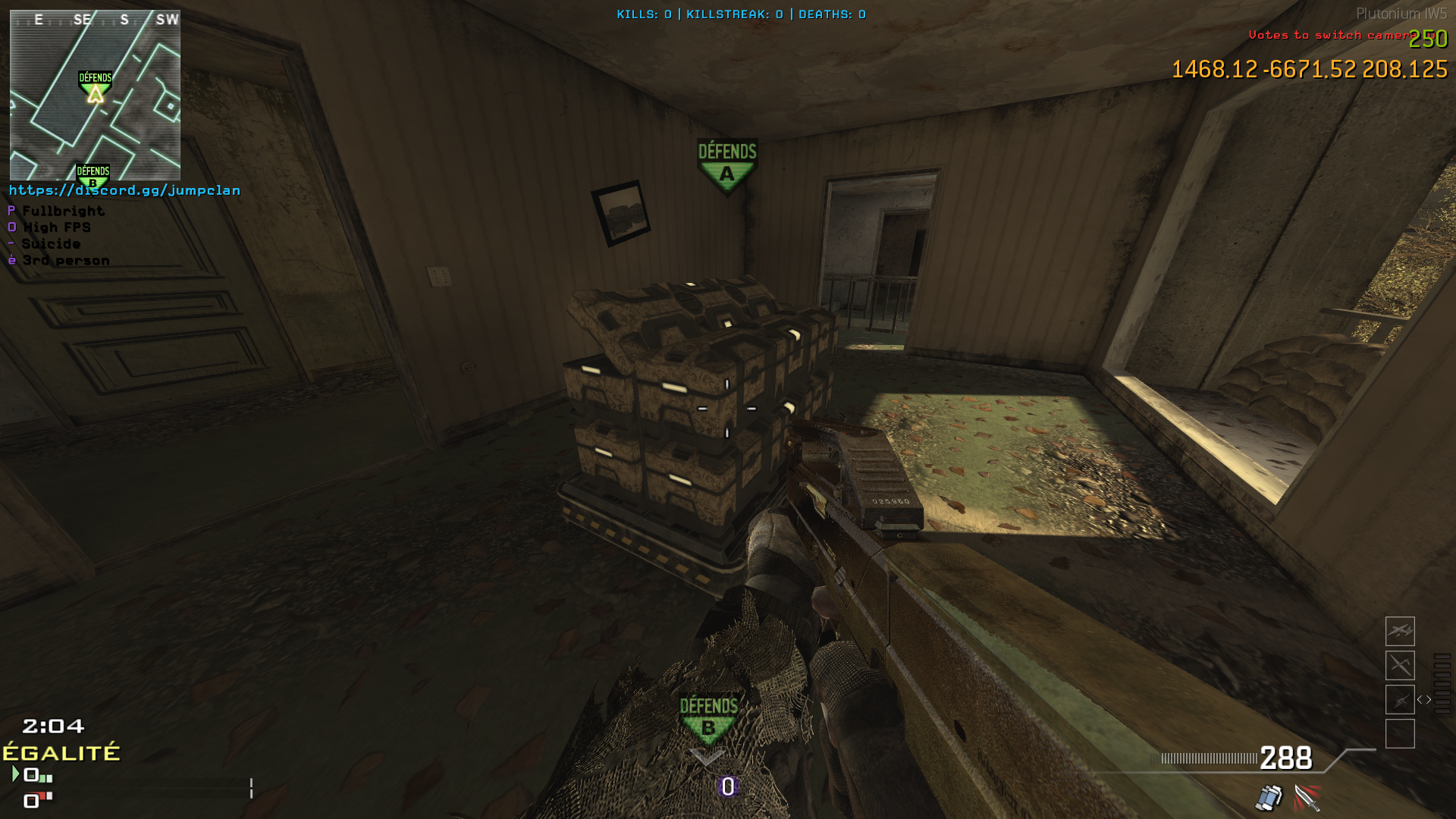
          Demolition: not supported
          DropZone: not supported

          AH-6 not supported
          image.png

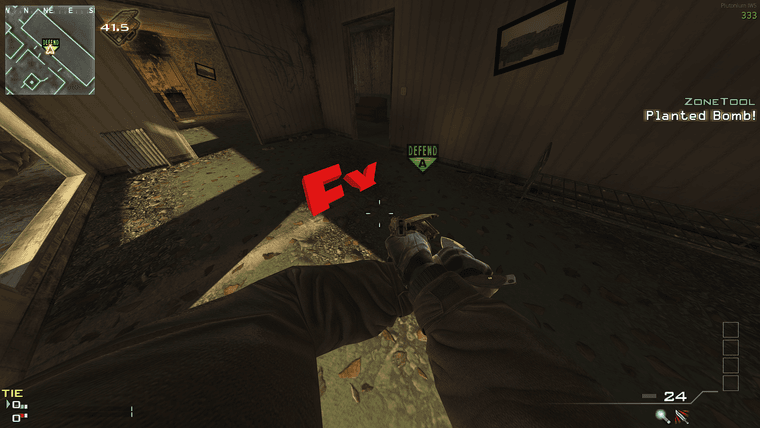
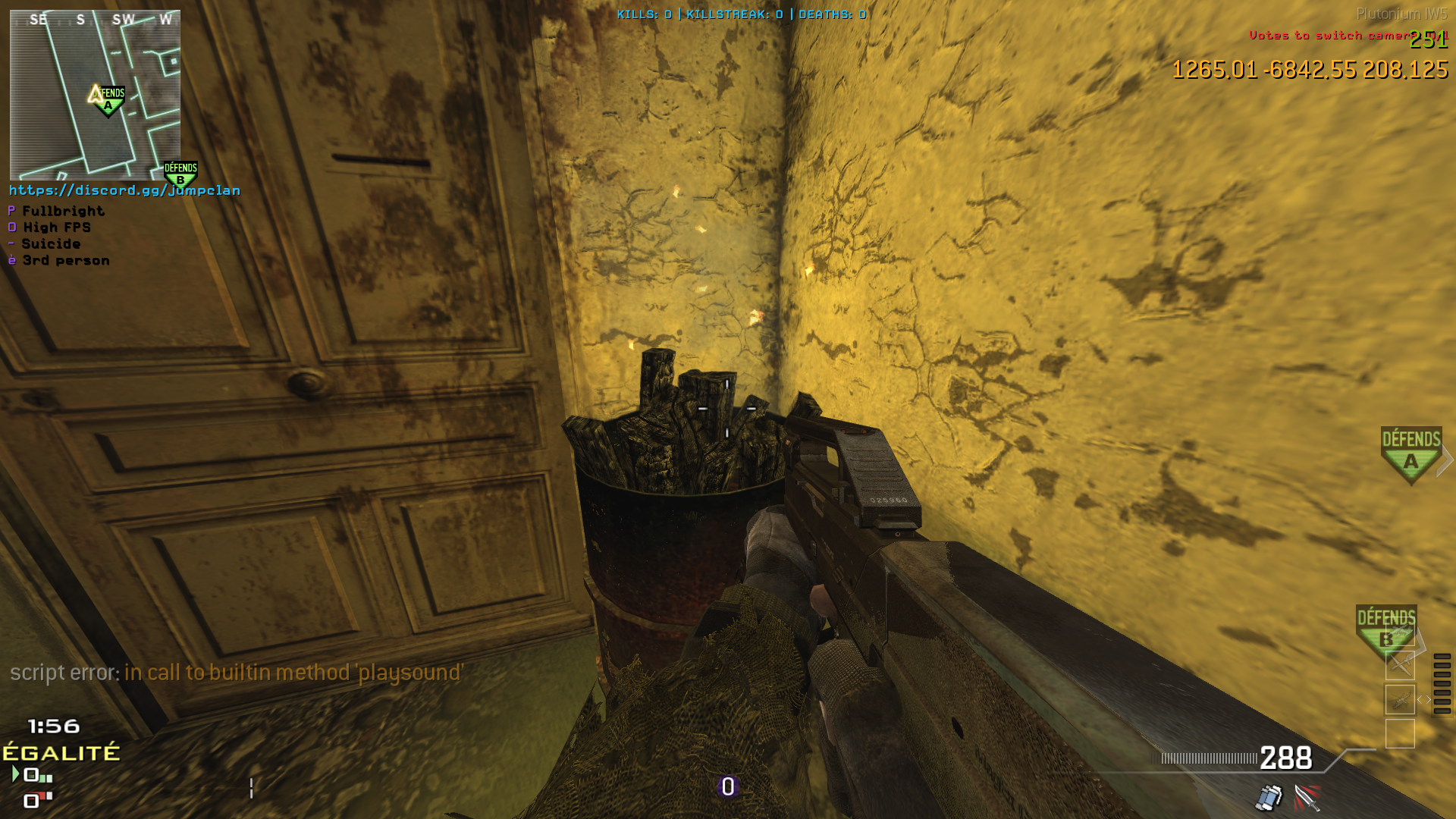
          SnD: No bombsite model
          image.png\

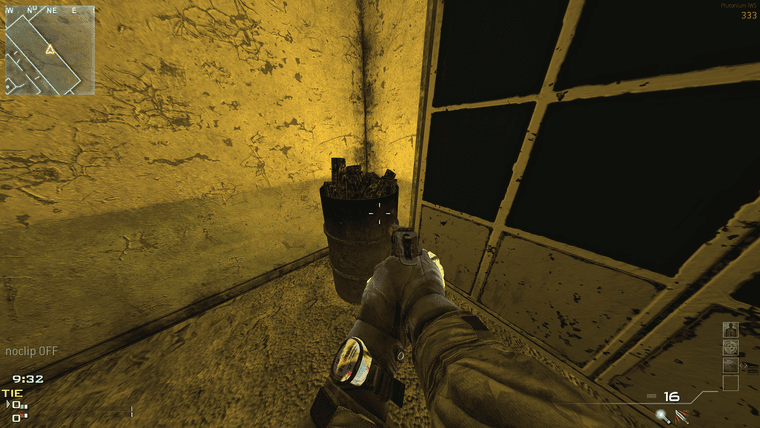
          Missing fx and sounds
          image.png

          MrKermitFRundefined 2 Replies Last reply
          1
          • Slothundefined Sloth

            Demolition: not supported
            DropZone: not supported

            AH-6 not supported
            image.png

            SnD: No bombsite model
            image.png\

            Missing fx and sounds
            image.png

            MrKermitFRundefined Offline
            MrKermitFRundefined Offline
            MrKermitFR
            wrote on last edited by
            #6

            sadslothxl thanks for your report

            1 Reply Last reply
            0
            • Slothundefined Sloth

              Demolition: not supported
              DropZone: not supported

              AH-6 not supported
              image.png

              SnD: No bombsite model
              image.png\

              Missing fx and sounds
              image.png

              MrKermitFRundefined Offline
              MrKermitFRundefined Offline
              MrKermitFR
              wrote on last edited by
              #7

              sadslothxl

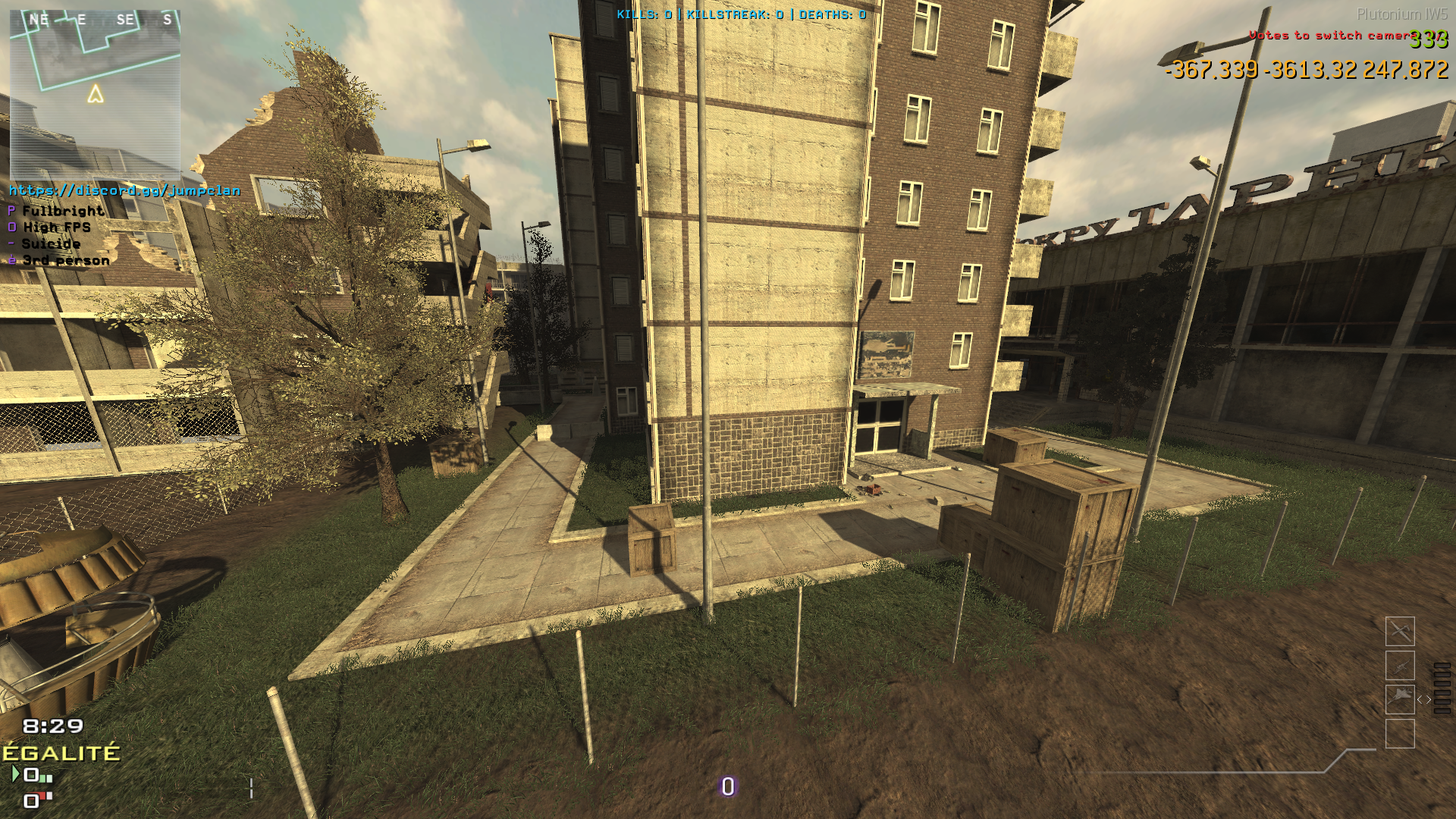
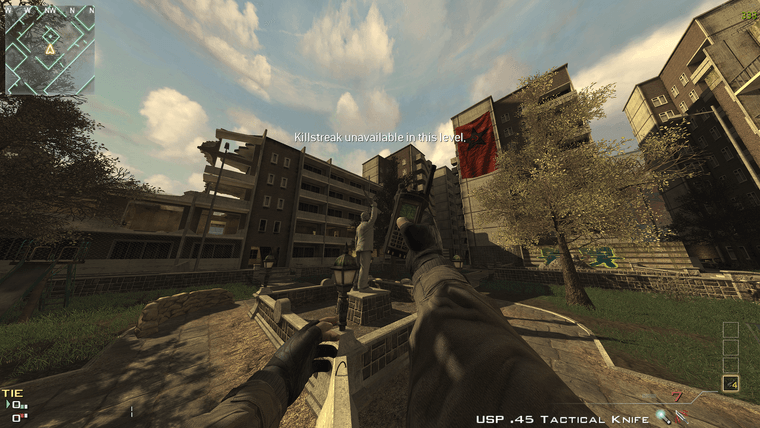
              Desktop Screenshot 2024.02.27 - 21.53.49.44.png

              Desktop Screenshot 2024.02.27 - 21.53.57.61.png

              1 Reply Last reply
              0
              • GhostRider0125undefined Offline
                GhostRider0125undefined Offline
                GhostRider0125
                Banned
                wrote on last edited by
                #8

                intresting map but how many floors can you go up🙃

                1 Reply Last reply
                0
                • plant_velderundefined Offline
                  plant_velderundefined Offline
                  plant_velder
                  wrote on last edited by
                  #9

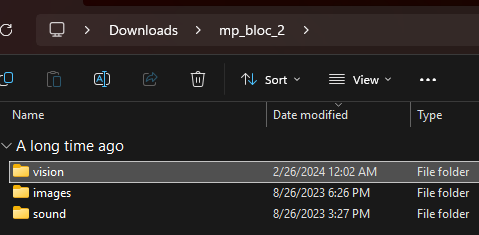
                  After downloading, where do I put the mp_bloc_2 file? Usually I would put the downloaded map file inside the "usermaps" folder, but that seems to only work for map files that only contain .arena, .ff, .iwd, and _load.ff files. This file seems to contain vision, sound, and images folders, and putting the mp_bloc_2 file inside usermaps doesn't seem to work. Should I instead concatenate them (images, sound folder) inside the iw5 folder?

                  MrKermitFRundefined 1 Reply Last reply
                  1
                  • plant_velderundefined plant_velder

                    After downloading, where do I put the mp_bloc_2 file? Usually I would put the downloaded map file inside the "usermaps" folder, but that seems to only work for map files that only contain .arena, .ff, .iwd, and _load.ff files. This file seems to contain vision, sound, and images folders, and putting the mp_bloc_2 file inside usermaps doesn't seem to work. Should I instead concatenate them (images, sound folder) inside the iw5 folder?

                    MrKermitFRundefined Offline
                    MrKermitFRundefined Offline
                    MrKermitFR
                    wrote on last edited by
                    #10

                    plant_velder

                    The zip file contains the mp_bloc_2 folder with all the required files. you need to place the folder in %localAppdata%\Plutonium\storage\iw5\usermaps. To launch the map you type devmap mp_bloc_2 in the iw5 console. I will check the files that are present during the download because if you say that the .arena files and others are missing it cannot work

                    1 Reply Last reply
                    0
                    • dellmasundefined Offline
                      dellmasundefined Offline
                      dellmas
                      wrote on last edited by
                      #11

                      This seems to be a ff dump rather than a ready to go custom map.

                      image.png

                      1 Reply Last reply
                      0
                      Reply
                      • Reply as topic
                      Log in to reply
                      • Oldest to Newest
                      • Newest to Oldest
                      • Most Votes


                      • Login

                      • Don't have an account? Register

                      • Login or register to search.
                      • First post
                        Last post
                      0
                      • Recent
                      • Tags
                      • Popular
                      • Users
                      • Groups
                      • Donate