Skip to content
  • 0 Unread 0
  • Recent
  • Tags
  • Popular
  • Users
  • Groups
Collapse

Plutonium

  1. Home
  2. Launcher Support
  3. Launcher does not recognize my game

Launcher does not recognize my game

Scheduled Pinned Locked Moved Launcher Support
5 Posts 2 Posters 544 Views 1 Watching
  • Oldest to Newest
  • Newest to Oldest
  • Most Votes
Reply
  • Reply as topic
Log in to reply
This topic has been deleted. Only users with topic management privileges can see it.
  • MrLOZAundefined Offline
    MrLOZAundefined Offline
    MrLOZA
    wrote on last edited by
    #1

    Mi problema es el siguiente yo descargue el launcher de plutonium con el black ops 2 mi problema es que entro al launcher y me dice esto ba4b402f-512c-4aff-8bc1-1394339b2e82-image.png luego le doy a setup y busco la carpeta en donde se a instalado mi juego luego de eso no me reconoce el juego d05c4900-0a4f-41fc-b90e-eb1aed7f8a3c-image.png lo selecciono y no sucede nada que puedo hacer?
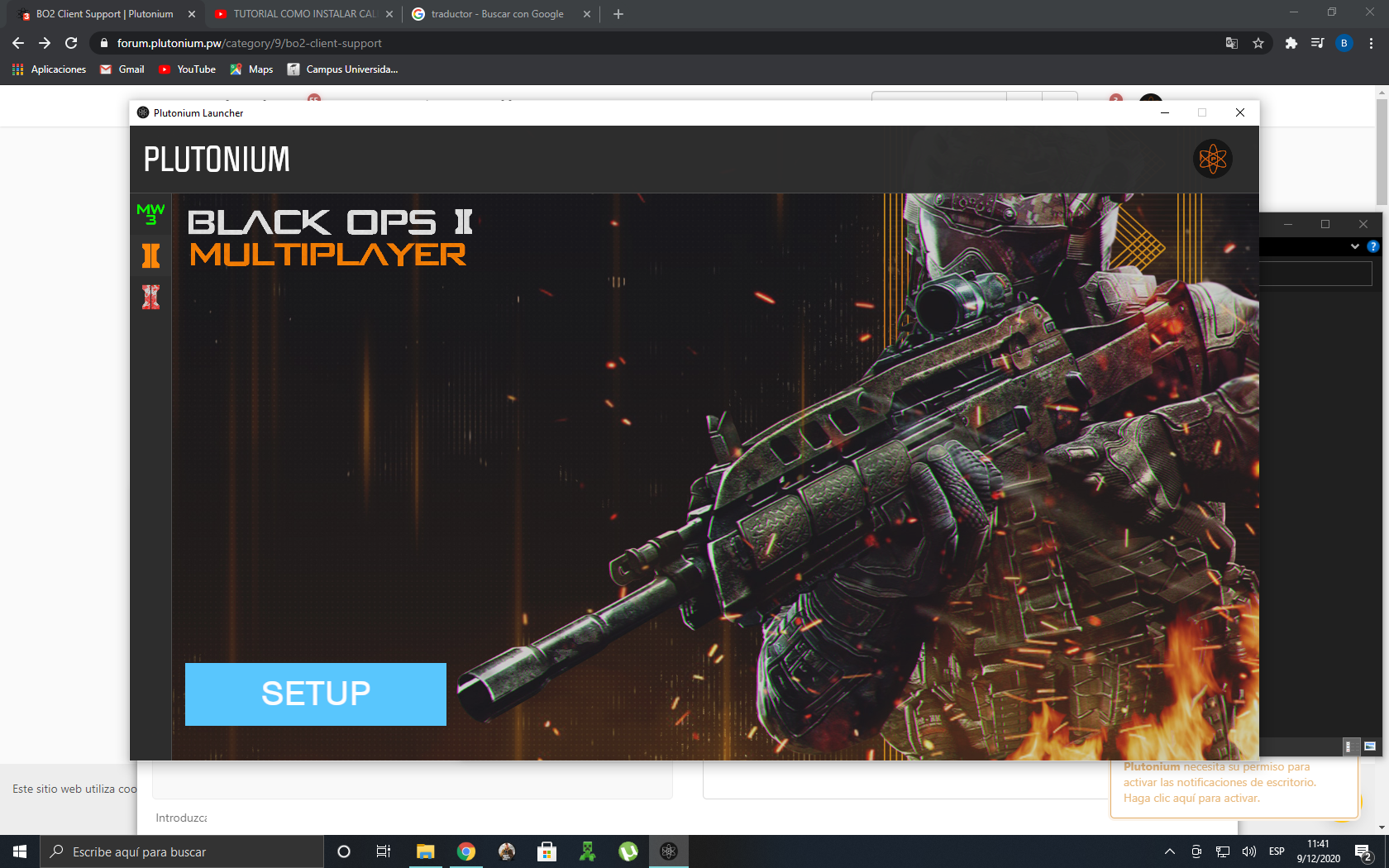
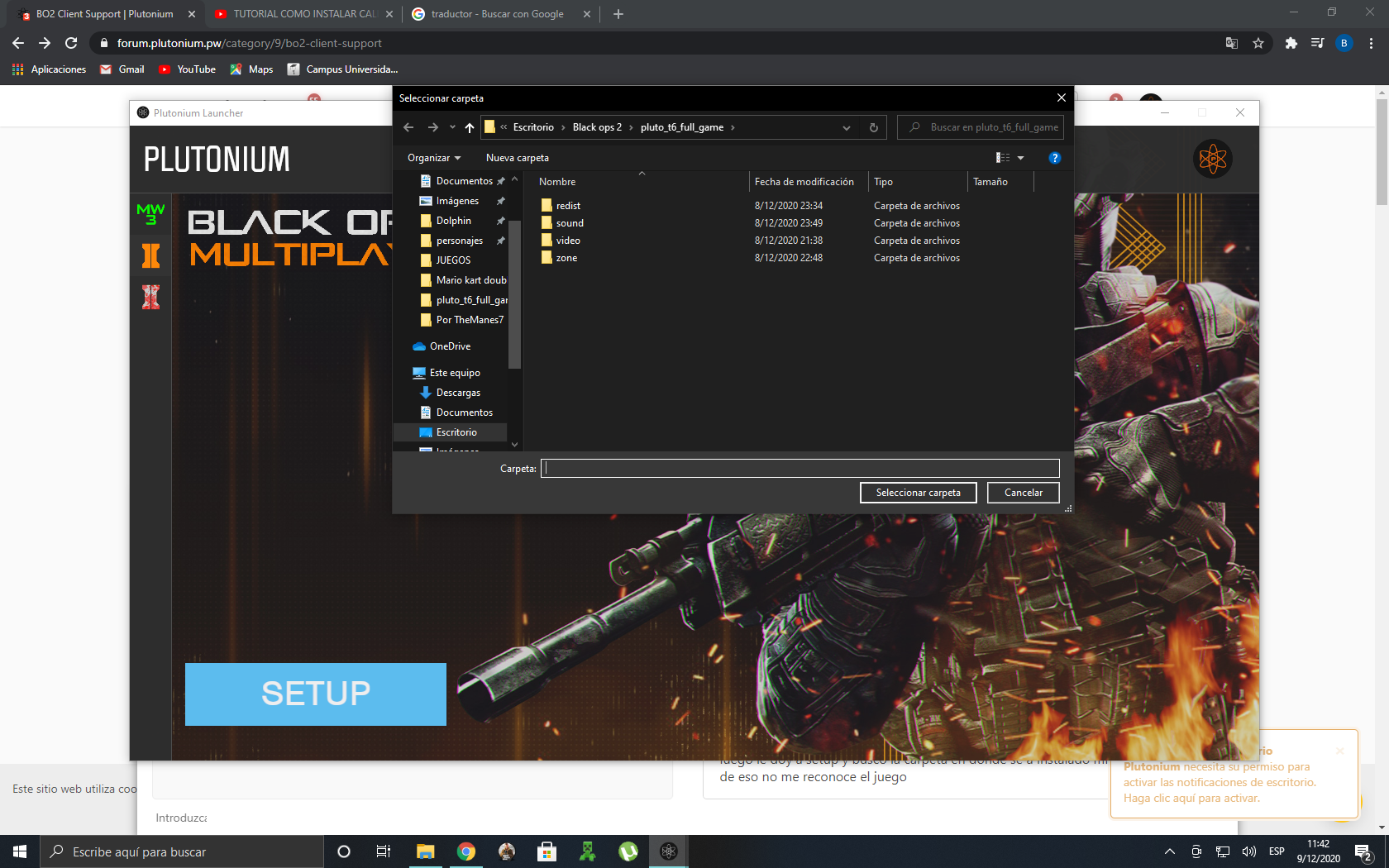
    My problem is the following I download the plutonium launcher with black ops 2 my problem is that I enter the launcher and it tells me this then I give setup and look for the folder where my game is installed after that it does not recognize me the game I select it and nothing happens what can I do?

    1 Reply Last reply
    0
    • MrLOZAundefined Offline
      MrLOZAundefined Offline
      MrLOZA
      wrote on last edited by
      #2

      brostosjoined 616f9b2a-c966-41da-9de1-5664573b0f76-image.png Ya cambie el nombre de mi directorio y no hay ningún carácter prohibido y tengo el mismo problema que puedo hacer?

      1 Reply Last reply
      0
      • MrLOZAundefined Offline
        MrLOZAundefined Offline
        MrLOZA
        wrote on last edited by
        #3

        brostosjoined Si ya instale esos drivers y desahibilite el antivirus en la carpeta del launcher de plutonium hasta descargue la version del launcher que pesa 4,123KB y tengo el mismo problema que podria ser?

        1 Reply Last reply
        0
        • HannesCundefined Offline
          HannesCundefined Offline
          HannesC
          Plutonium Staff
          wrote on last edited by
          #4

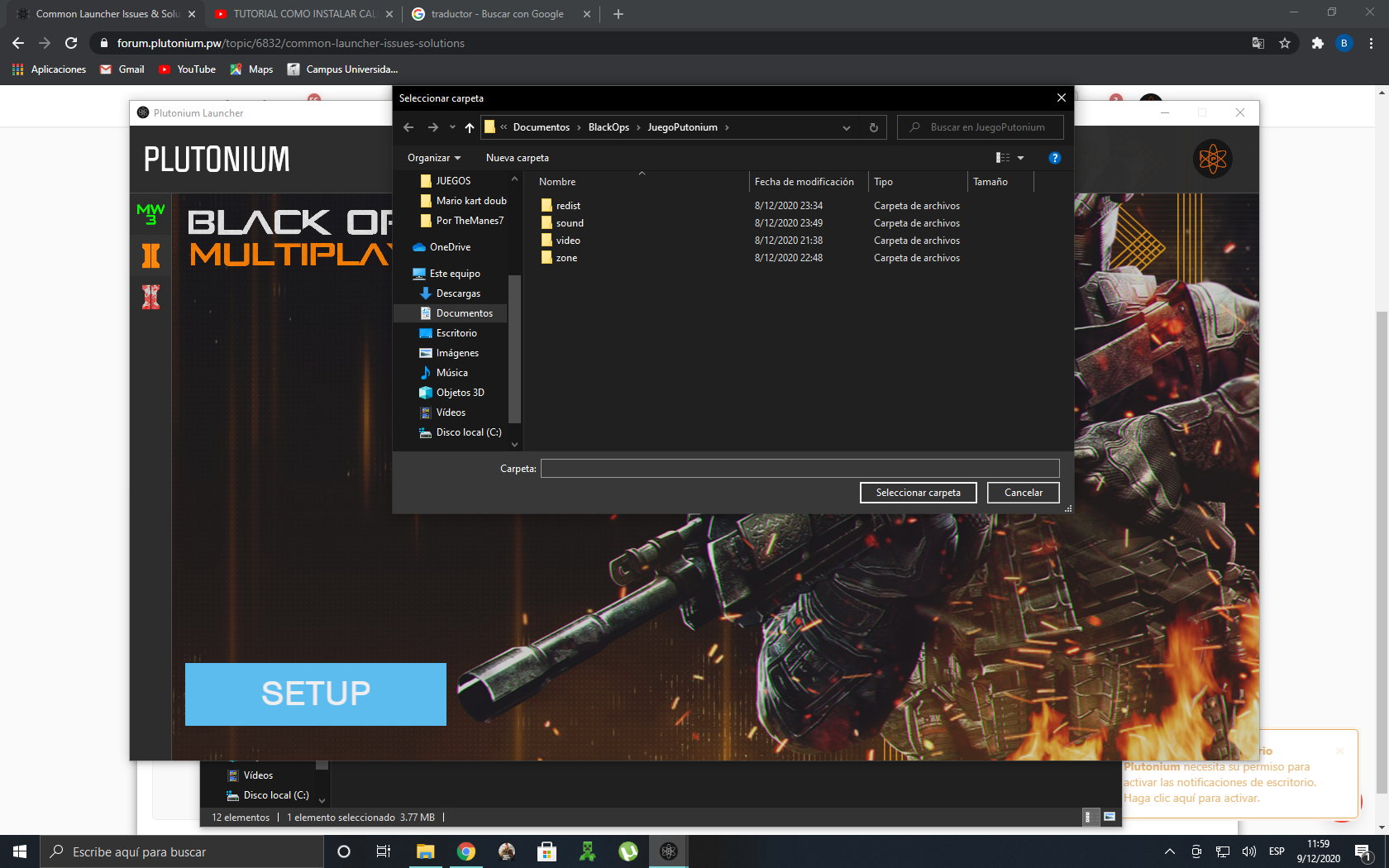
          You have the game in Desktop/Documents. Transfer the files to somewhere else like C:/Games or something and select this new directory in Setup again.

          MrLOZAundefined 1 Reply Last reply
          0
          • HannesCundefined HannesC

            You have the game in Desktop/Documents. Transfer the files to somewhere else like C:/Games or something and select this new directory in Setup again.
            MrLOZAundefined Offline
            MrLOZAundefined Offline
            MrLOZA
            wrote on last edited by
            #5

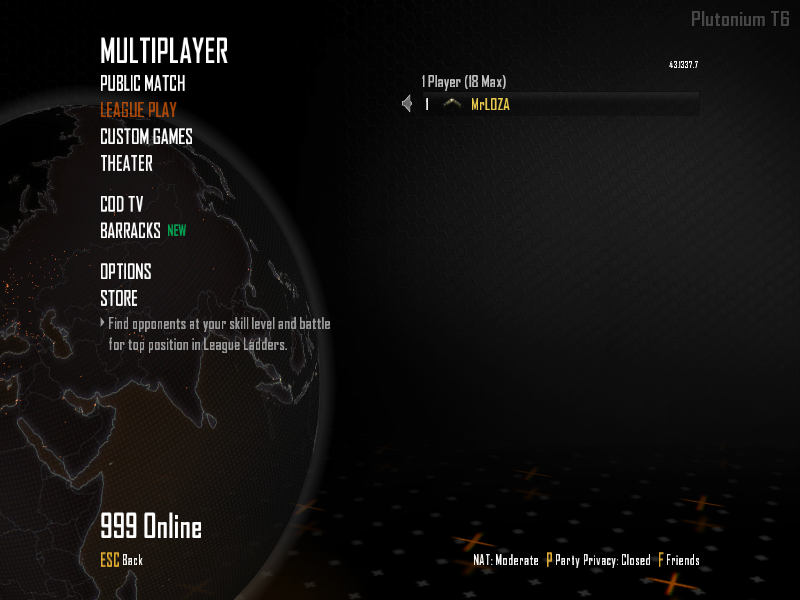
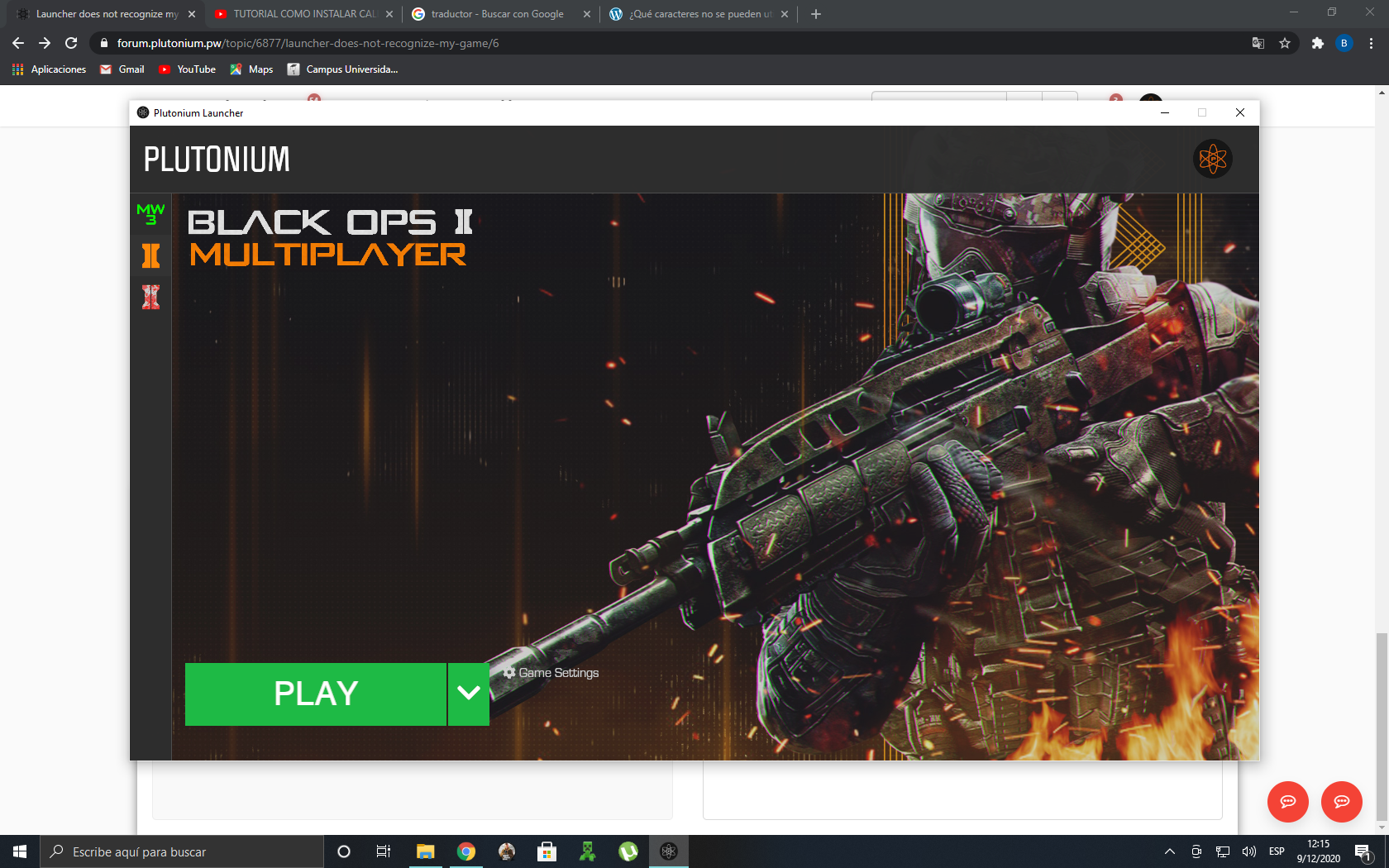
            HannesC GRACIAS AMIGO esa era la solucion cambiar la ubicacion de la carpeta del juego a Games ya lo probe me sirvio a la perfeccion Gracias ee8b6205-29af-4981-9e4e-8a74d69aa7b7-image.png

            9533e6fb-280d-426a-a9d0-ac22f93468d6-image.png

            1 Reply Last reply
            0

            Hello! It looks like you're interested in this conversation, but you don't have an account yet.

            Getting fed up of having to scroll through the same posts each visit? When you register for an account, you'll always come back to exactly where you were before, and choose to be notified of new replies (either via email, or push notification). You'll also be able to save bookmarks and upvote posts to show your appreciation to other community members.

            With your input, this post could be even better 💗

            Register Login
            Reply
            • Reply as topic
            Log in to reply
            • Oldest to Newest
            • Newest to Oldest
            • Most Votes


            • Login

            • Don't have an account? Register

            • Login or register to search.
            • First post
              Last post
            0
            • Unread 0
            • Recent
            • Tags
            • Popular
            • Users
            • Groups