Skip to content

BO2 Modding Support & Discussion

2.5k Topics 9.7k Posts

Got modding questions regarding Plutonium T6? Scripts erroring? Request help from the community here. Discuss your modding projects etc.

  • helpp

    3
    0 Votes
    3 Posts
    358 Views
    thanks brother I appreciate it
  • BO2 CUSTOM BLUEPRINTS

    1
    0 Votes
    1 Posts
    291 Views
    No one has replied
  • Ranks for T6 Zombies

    1
    1 Votes
    1 Posts
    375 Views
    No one has replied
  • cant find a specific custom map for origins

    Moved
    2
    0 Votes
    2 Posts
    258 Views
    The forum has categories and a search function for a reason. https://forum.plutonium.pw/post/129094
  • MW4,5,6 camo

    3
    1 Votes
    3 Posts
    670 Views
    [image: 1704581679497-3d742dca-86e4-4861-b580-4fcc1fa4a507-image.png]
  • This topic is deleted!

    1
    0 Votes
    1 Posts
    23 Views
    No one has replied
  • BO2/BO1 camo maker.

    Moved
    27
    12
    1 Votes
    27 Posts
    4k Views
    @AloneSweat22 he got caught I guess
  • 0 Votes
    3 Posts
    548 Views
    [image: 1704297094790-1689863276713-mtl_t6_wpn_sniper_m82_scope_nml.png][image: 1704297172875-1689863278344-mtl_t6_wpn_sniper_m82_nml.png] [image: 1704297190050-1689863275924-gmtl_t6_wpn_sniper_m82_scope_col.png] [image: 1704297195496-1689863275924-mtl_t6_wpn_sniper_m82_ao-l-amp-m-62a6ac9d.png] [image: 1704297199793-1689863275716-mtl_t6_wpn_sniper_m82_scope_-1172ecb4.png] [image: 1704297242808-1689863276331-gmtl_t6_wpn_sniper_m82_col.png] [image: 1704297261040-1689863275723-gmtl_t6_wpn_sniper_m82_sco-5594a61f.png] [image: 1704297298555-1689863276531-gmtl_t6_wpn_sniper_m82_spc-e528724e.png][image: 1704297329849-1689863275603-mtl_t6_wpn_sniper_m82_ir-r-amp-m-6ca59d45.png] [image: 1704297335510-1689863275602-mtl_t6_wpn_sniper_m82_scope_-899216c7.png]
  • how to get a mod menu for bo2 zombies

    9
    0 Votes
    9 Posts
    7k Views
    how do i use the menu once i open it i cans scroll down
  • need some help getting my mods to work

    14
    0 Votes
    14 Posts
    3k Views
    @JarlowRose the 1st minute is just for creating a template .iwd file. You can skip the 1st minute of the video if you use the template iw_42.iwd that’s provided in the megapack download. After that, the video shows that you should copy the textures/camos you want to use and place them in the template .iwd file. Then finally it shows where to install the file in your game folder. Instead of using the directory shown in the video, you can place the file in a folder inside of your mods folder to only load that file when that mod is loaded, so the path can be: %localappdata%\Plutonium\storage\t5\mods\MODNAME\WHATEVERNAME.iwd
  • all BO2 dlc camos texture zip

    Moved
    2
    0 Votes
    2 Posts
    2k Views
    @ig-777gorgo Download here Enjoy
  • HOW TO DOWNLOAD BLACK OPS ZOMBIES?

    Locked
    6
    3 Votes
    6 Posts
    2k Views
    The answer we give to people right now is THE STEAM STORE
  • [T6 ZM] Character Quote Glitch/Feature?

    bug feature soundproblem
    1
    0 Votes
    1 Posts
    276 Views
    No one has replied
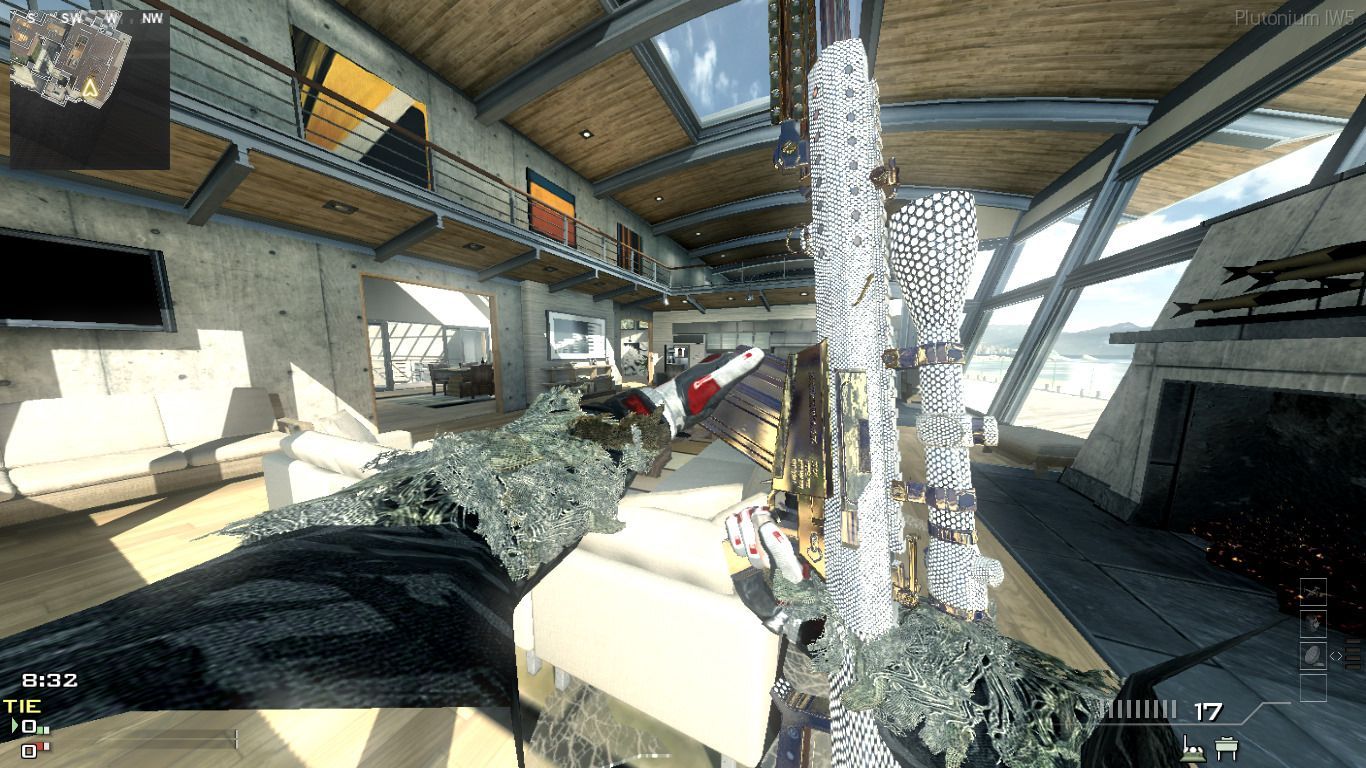
  • MWIII Gold Camo Attempt

    7
    2
    2 Votes
    7 Posts
    1k Views
    i looks like bo2 gold mixed in with mw3 2023 gold aka bo4 gold
  • How do I access the BO2 files

    1
    0 Votes
    1 Posts
    233 Views
    No one has replied
  • Where can I get the scripts for Pap and Perk's power ups

    1
    0 Votes
    1 Posts
    167 Views
    No one has replied
  • 0 Votes
    5 Posts
    3k Views
    https://forum.plutonium.pw/topic/23194/release-basic-coop-pause-for-zombie-mode This link will take you to the co_op pause script pagae with a download link if you have any questions lmk
  • This topic is deleted!

    1
    0 Votes
    1 Posts
    17 Views
    No one has replied
  • This topic is deleted!

    Moved
    1
    0 Votes
    1 Posts
    41 Views
    No one has replied
  • the custom camos dont show up in my game :/

    Moved
    8
    0 Votes
    8 Posts
    2k Views
    @i_lilsad this post is almost 3 years old, and that user hasn’t been online since 2 months after the post. You would’ve probably had more luck receiving a reply if you would’ve posted in the creator’s post since they were last online 25 days ago. Anyway, the issue they were having was caused by the names of the files being different from the original. If you look at the beginning of the names of their image files, you’d notice that it starts with underscores (either singular _ or double __), but those underscores should be tildes instead (either singular ~ or double ~~). Also, the folder from the installation instructions is outdated. Use the following guide instead: https://plutonium.pw/docs/modding/loading-textures/