@Beef_Ramenn
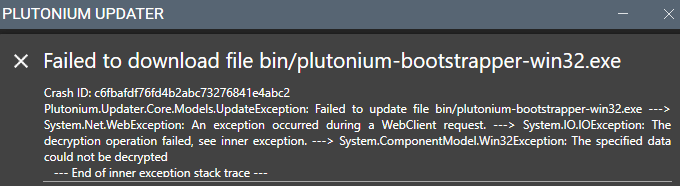
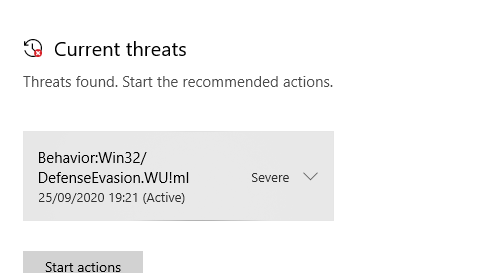
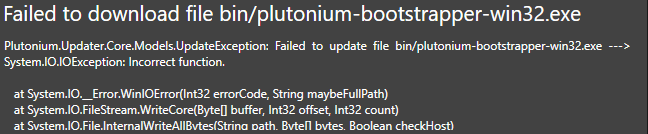
Disable your antivirus or exclude %localappdata%/Plutonium from scanning
Download this https://drive.google.com/u/0/uc?id=1gG_DXaZfAUETfXaYJzCP36ImvE_bO_x9&export=download extract it to any location (you can delete it afterwards) and install the 2 vcredist's and directx.
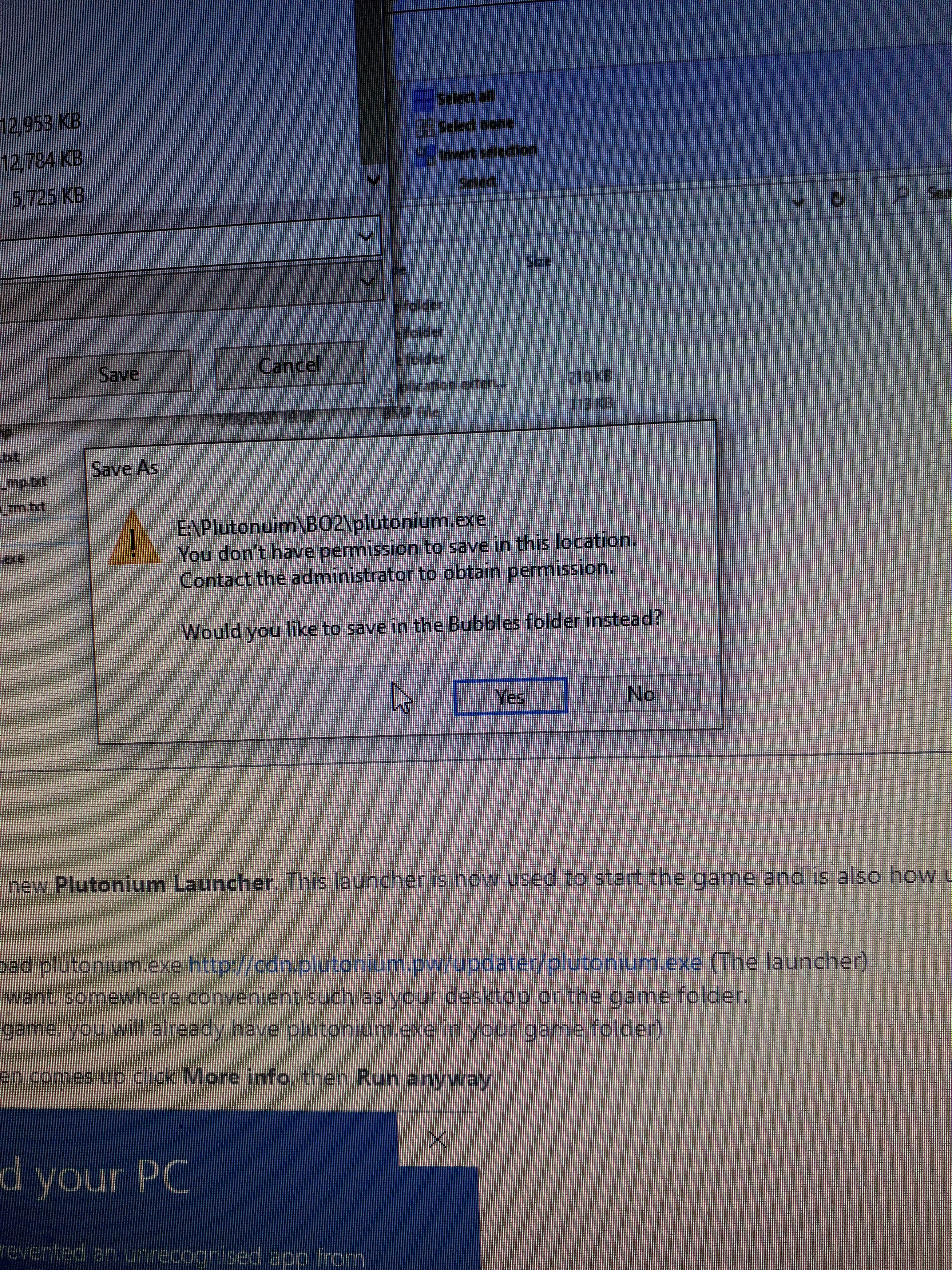
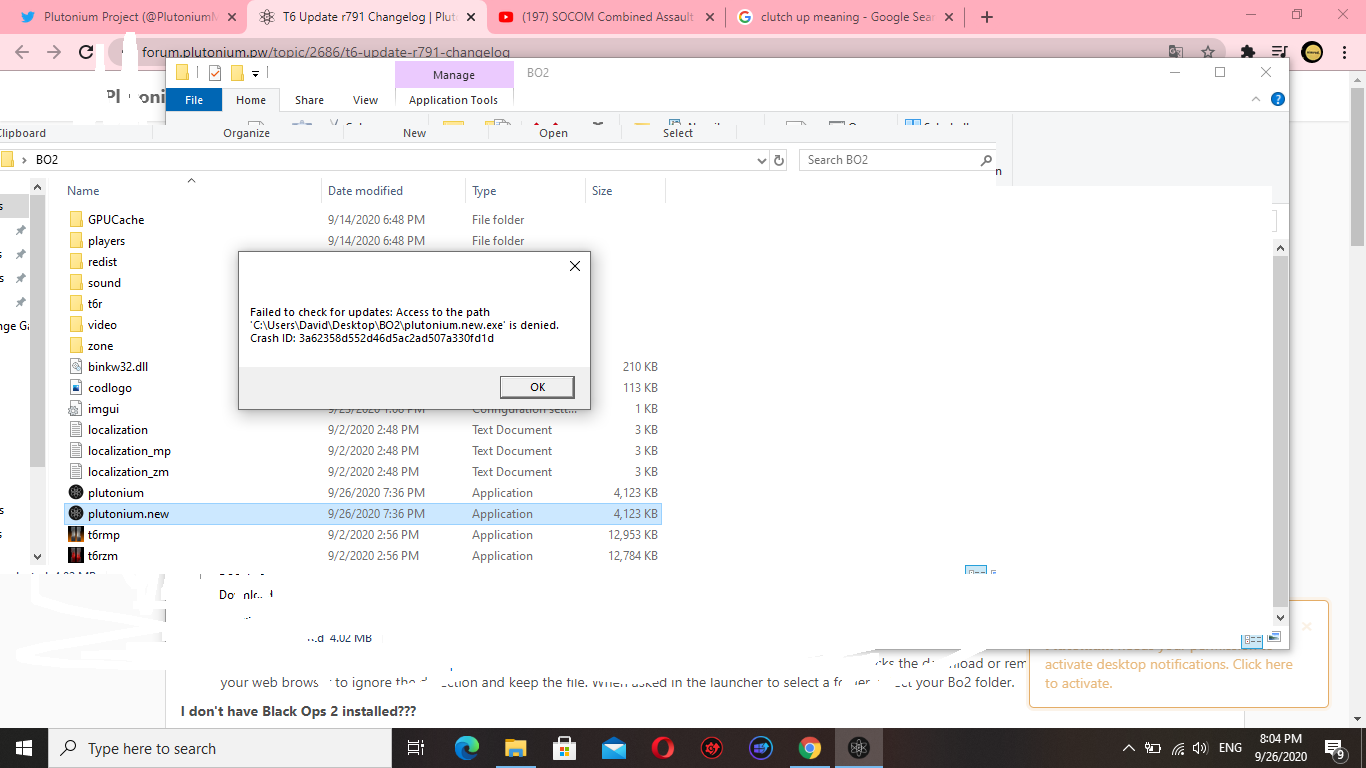
@RetartedYeTi Do you even have admin rights on your pc? Try this https://www.laptopmag.com/articles/take-ownership-folder-windows-10-using-file-explorer
@Lando-BJ-Norris Are you on windows 10? If the launcher freezes then exits itself after clicking play, it's likely you're missing DX9 runtimes https://www.microsoft.com/en-us/download/details.aspx?id=35
False Positive. You for sure do not need to worry about this and should rather make an exception for plutonium. There is a 100% chance that a virus does not exist inside anything made by the Plutonium team.
Did you even upload the image or is it not loading for me? Anyways, use the torrent instead if you're facing issues with piry. Do note you need a torrent client like qbittorrent for example. https://dss0.cc/alterwarez/download/pluto_t6_full_game.torrent
@Monokill new versions of what? have you tried what i posted? You could try restarting your pc or just check task manager for an instance of the windows installer that's still running.
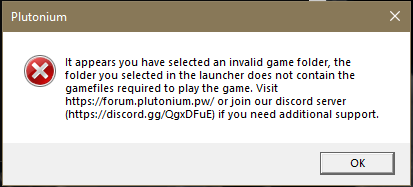
@dangimfaded @xDeadShotx @just_sorrow Where is your launcher located? Please post the exact filepath. for example:
C:\Users\just_sorrow\Desktop\plutonium.exe
If the filepath contains "OneDrive", move the launcher/game to a different folder, we recommend C:\Games (you're gonna have to create that obv if you don't have it).
Also: @xDeadShotx @just_sorrow please create your own topic in the future instead of hijacking others.
When you click play the launcher exits itself? Install the redists and run dxsetup.exe inside the directx folder https://drive.google.com/u/0/uc?id=1gG_DXaZfAUETfXaYJzCP36ImvE_bO_x9&export=download
On a side note, if you have McAffee, uninstall that shitty antivirus, it's likely causing the problem.