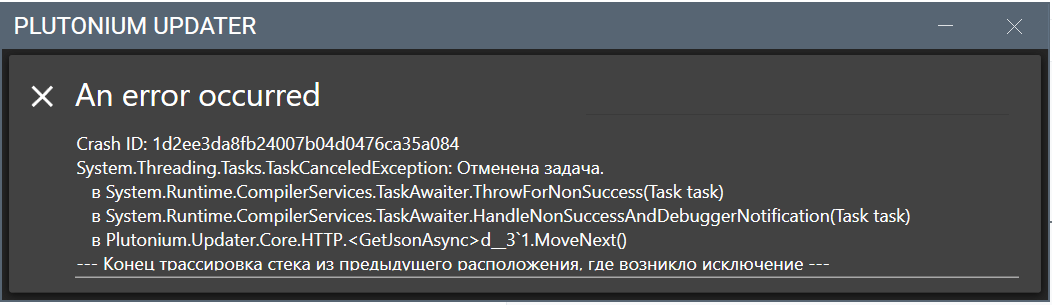
Open Windows Security → Protection history and check what file got blocked.
Open Windows Security → App & browser control → Smart App Control. If it is On, turn it Off. Plutonium support specifically points to Smart App Control for this exact error.
If they use Defender or another antivirus, whitelist/exclude the Plutonium folder, because Plutonium also notes AV can block updater files.
If this is a work/school/shared PC, it may be blocked by an organization policy like AppLocker/App Control, so they may need admin access or a different PC. Microsoft’s docs say those policies can restrict what apps are allowed to run.
After that, retry the updater.