@qara_khan said in launcher is does not work:
and 32 bit x64
well it can't be both, is it x86 or x64?
Try downloading and running this: https://github.com/ChxseH/Redist-Installer/releases/download/latest/Redist-Installer.bat
@PablSavage press Win + R type winver and screenshot the window.
You can also read all the solutions listed here https://plutonium.pw/docs/update/
And re-read what I said above for the GPUDriverD3D11 error as it's clearly explained and straight forward
Are you really sure you don't have any other antivirus or protection tool installed?
MalwareBytes, Avast, McAfee etc.
Look in the system tray menu bottom right and mention any protection tool you have even if it's disabled
You could also try to read this
https://plutonium.pw/docs/update
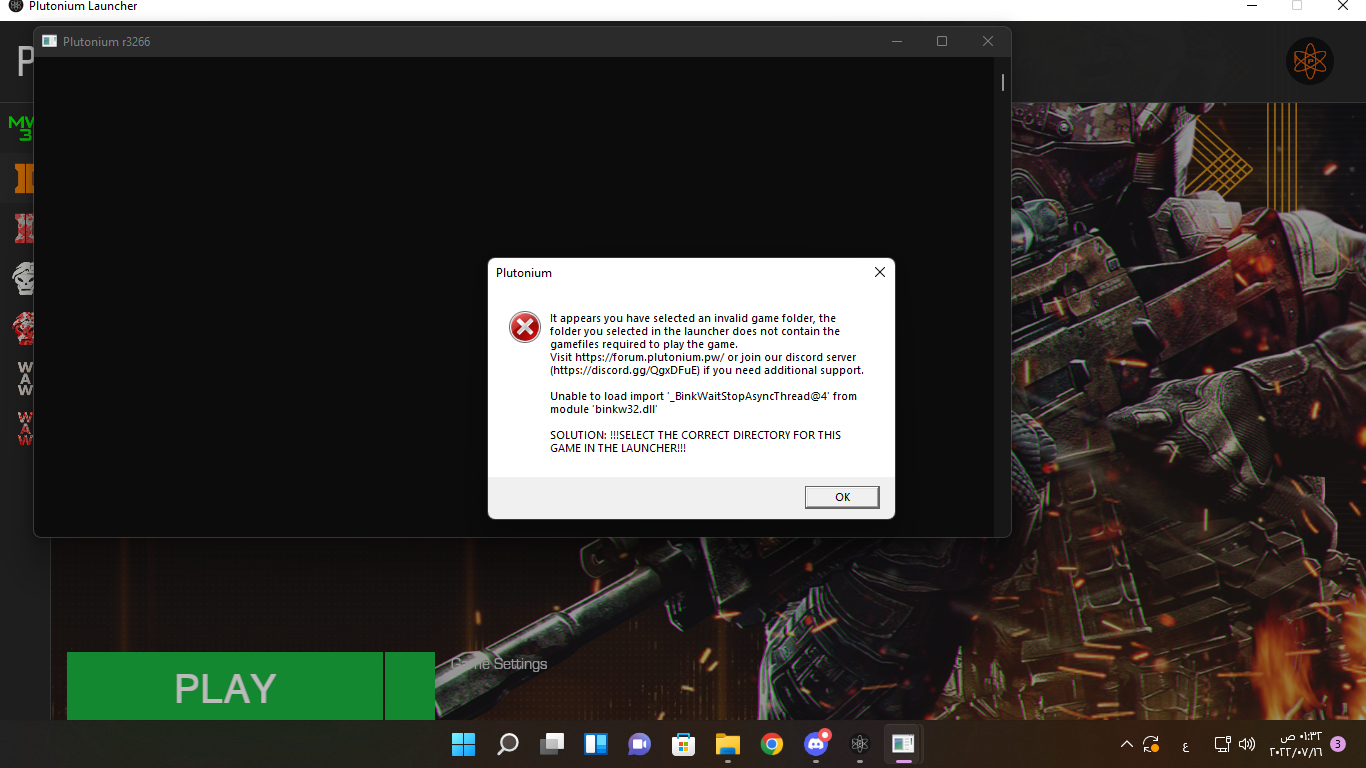
@MightyWolf716 you need to give us more information. "an error" could be anything. Post screenshots of:
your game folder
the game settings in the launcher
the error message
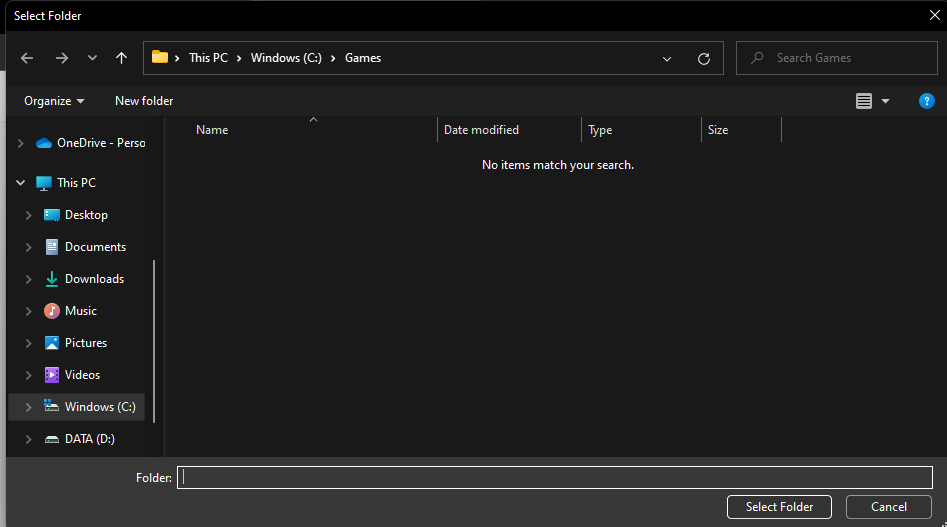
@DanskiPR let's say you downloaded game on C:\Games\pluto_t6_full_game .
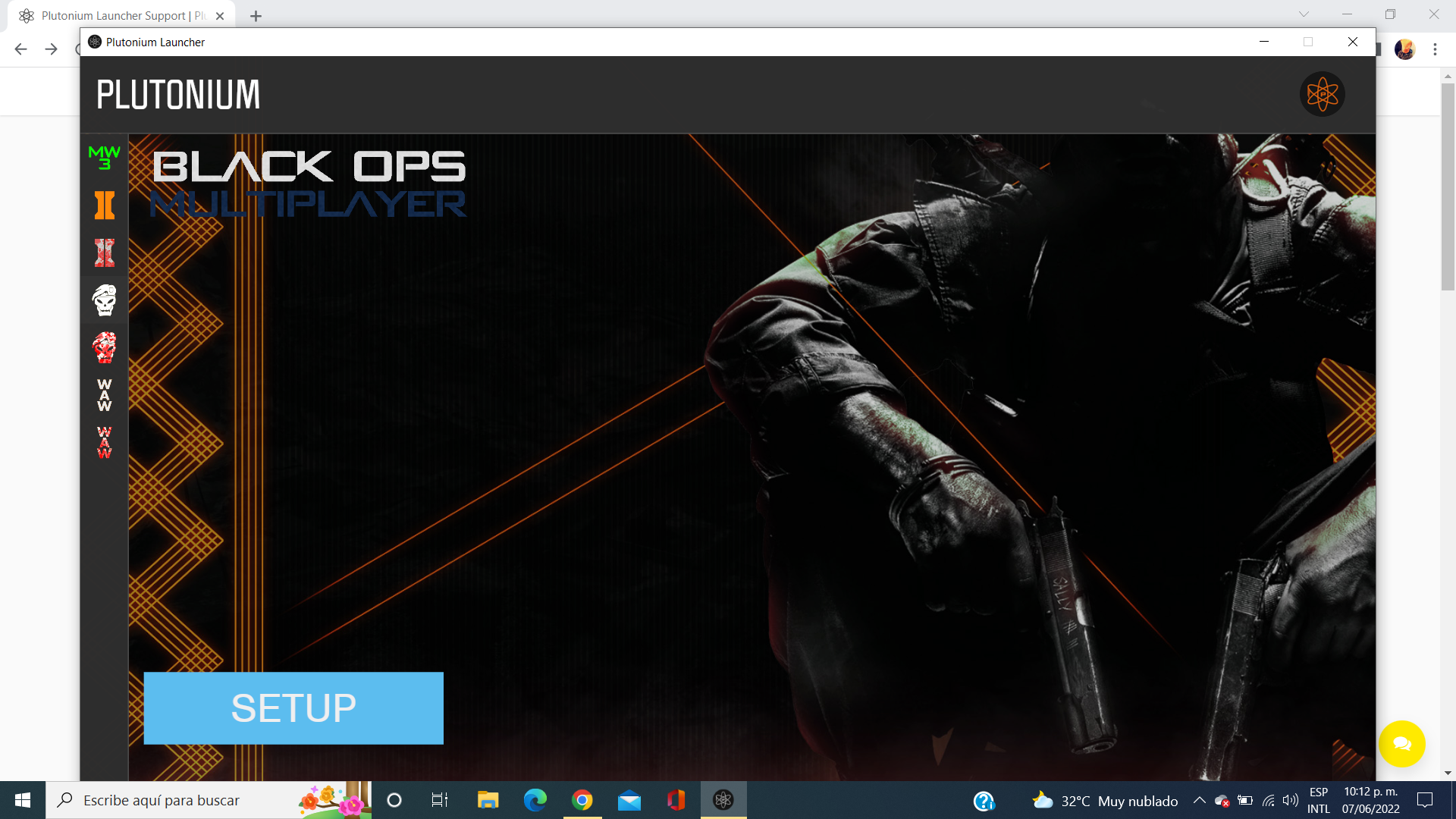
Now, you go in Plutonium launcher, choose the folder where you installed the game, and you should be good.
@Dogethextreme you select your game folder. it'll only show folders, not files. which game are you trying to install? do you own it on steam or did you use the torrent to download the game files?