@InfuzedJr game path just means what folder you have the game files in. so, once you install the game files, select the same folder in the launcher and game will launch.
@Resxt
Thanks for the advice. I am buying a new laptop/notebook next month. Guess I'll keep this old notebook turned off untill I got a USB drive to install an updated version of windows 10.
Very curious that windows 10 doesn't see any of the new updates and be a security risk.
Have a great day.
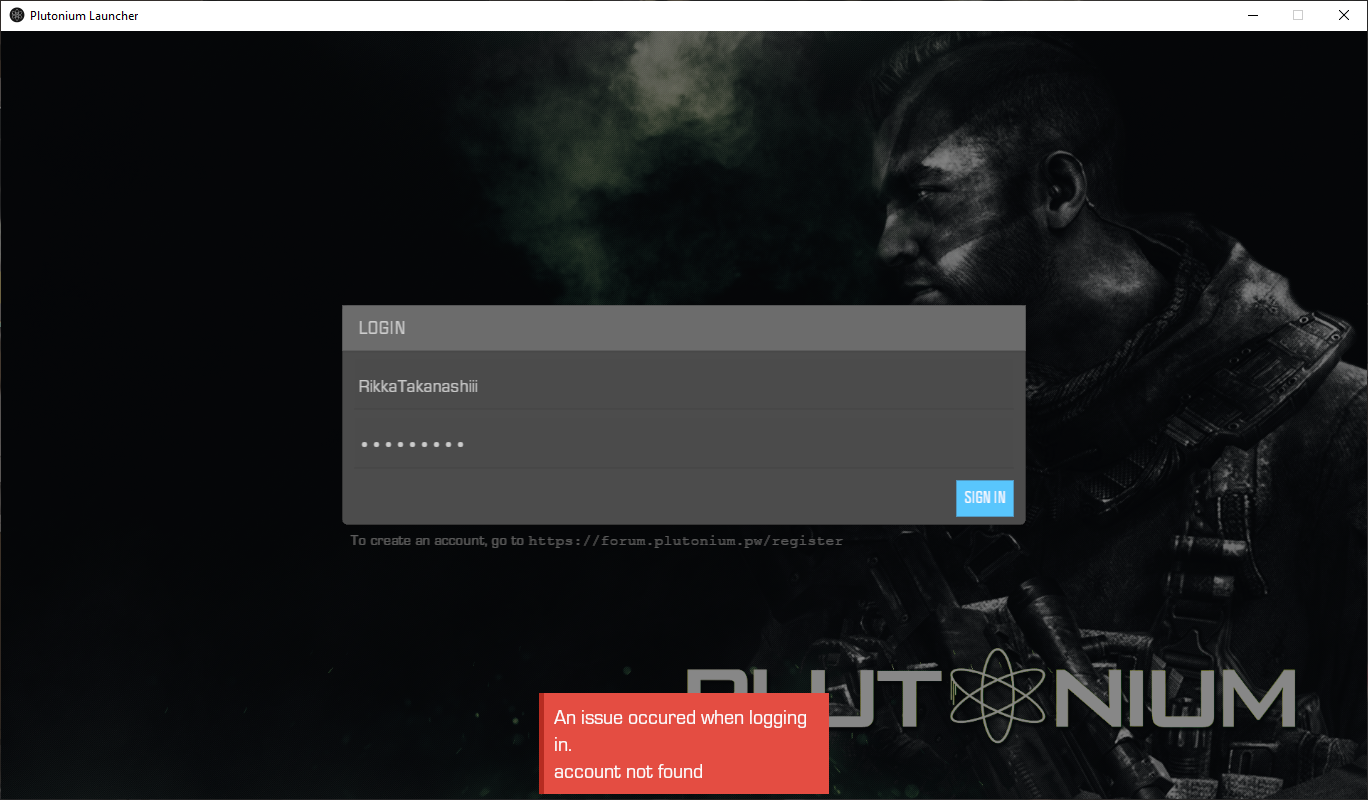
[image: 1657536658885-2022-07-09-18_56_02-plutonium-launcher.png]
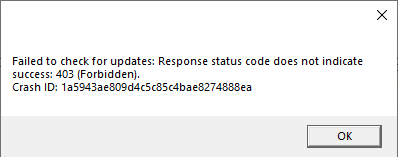
At one point I got this when attempting to move the window of the Launcher. I somehow (without me even knowing what I did) managed to fix the launcher, I just... Started it and it worked? I have Black Ops (T5) open right now, I'm so confused...
@Leneking x86 is for 32bit versions of systems. For 64bit versions, download x64 one.
@Lordbob123 either missing DLL's or you forgot to install DirectX12.
@Lordbob123 probably not, if your gpu supports dx12 it also supports dx11, 10 and 9 (altough you may have to install older dx runtimes). The launcher not opening is covered here: https://forum.plutonium.pw/topic/6832/common-launcher-issues-solutions