Skip to content

Game Support

If you're looking for help with an issue related to our supported games, post here!

17.9k Topics 57.0k Posts

Subcategories


  • Request support for the Plutonium T6 client, please wait at-least 1 day for a reply, it can get busy. The community is free to try to help in any thread.

    12k 39k
    12k Topics
    39k Posts
    Oh look lil nut is back posting gifs
  • Request support for the Plutonium T5 client, please wait at-least 1 day for a reply, it can get busy. The community is free to try to help in any thread.

    2k 6k
    2k Topics
    6k Posts
    I can't seemingly join their game, i can join other online servers and my other friends can join their host but I can't seemingly connect, it just says connection with the host lost, the console doesn't seem to throw any error, I already verified my game's files my friends also can't join my upnp hostings.
  • Request support for the Plutonium IW5 client, please wait at-least 1 day for a reply, it can get busy. The community is free to try to help in any thread.

    2k 8k
    2k Topics
    8k Posts
    @nomz75 you're a chief man thx u!
  • Request support for the Plutonium T4 client, please wait at-least 1 day for a reply, it can get busy. The community is free to try to help in any thread.

    1k 4k

    1k Topics
    4k Posts
    @Resxt hello brother
  • Waw Resolution Error

    2
    0 Votes
    2 Posts
    218 Views
    Change the resolution in the video settings. Also make sure to have the game windowed borderless Change your video settings without crashing the game (borderless windowed) Make sure your game is closed before doing that. Go to %localappdata%\Plutonium\storage\t4\players Open the config file with the notepad to edit it. plutonium.cfg is for singleplayer/zombies and plutonium_mp.cfg is for multiplayer Change these 4 dvars to be like below (you can use ctrl+f to search for them) seta r_fullscreen "0" seta r_noborder "1" seta vid_xpos "0" seta vid_ypos "0"
  • T6 Zombies

    2
    1 Votes
    2 Posts
    180 Views
    Give what I’ve suggested in the following a try: https://forum.plutonium.pw/topic/34933/what-to-do-if-error-can-t-join-game-session-comes/2
  • 0 Votes
    6 Posts
    602 Views
    @a085 Is the only server with players, is either play on his server or on 250 ping in EU servers
  • Bo1 Textures

    11
    0 Votes
    11 Posts
    2k Views
    @zTeskeys if you have placed textures in the \t5\images folder (from the Plutonium loading textures document), try removing the images folder entirely and see if that’s the cause of the problem. If that’s not it, then idk. It would be good if you provide links of the textures you’re trying to apply.
  • Bo2 Textures

    2
    0 Votes
    2 Posts
    258 Views
    Read our doc. Don't use outdated instructions
  • Adding Black Ops 2

    2
    0 Votes
    2 Posts
    133 Views
    Make sure both MP and ZM is installed and repair both
  • getting kicked

    2
    0 Votes
    2 Posts
    100 Views
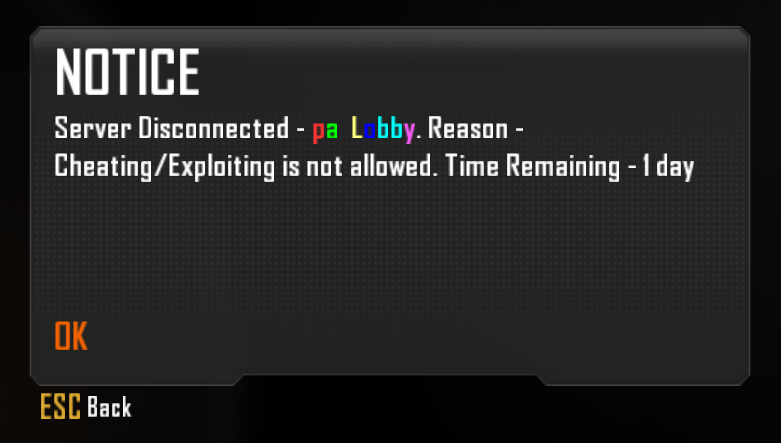
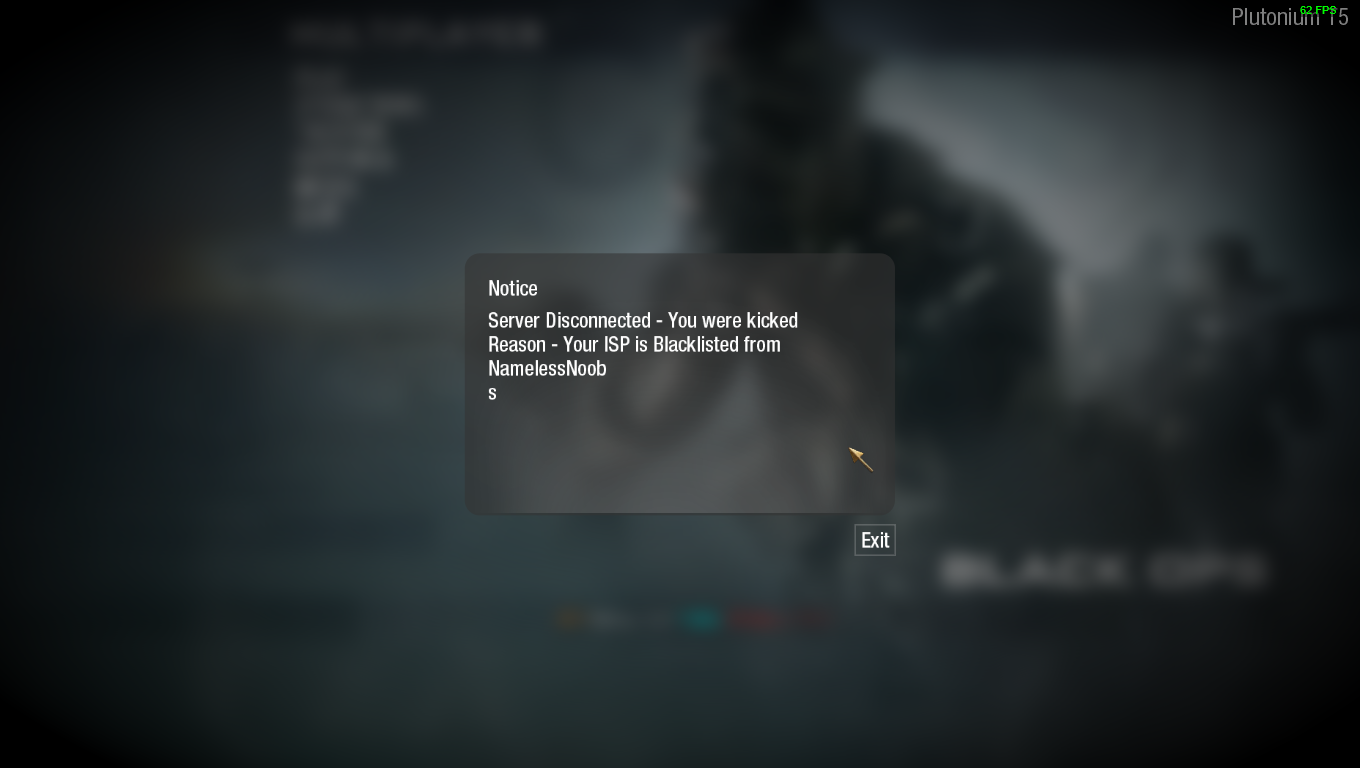
    All servers are community hosted so we don't have any say on where the servers are located. You can always try to join a server closer to you. If you get kicked for your ISP you have to contact the server hoster of said server.
  • Plutonium GH3/GHWT

    Locked
    2
    0 Votes
    2 Posts
    203 Views
    Nice try, but we do read more than just the titles of each topic.
  • Help with controller on t6 (bo2)

    3
    0 Votes
    3 Posts
    721 Views
    @Cay i use inputmapper
  • game crash

    Locked
    6
    0 Votes
    6 Posts
    252 Views
    @s_RAUL_z we won't help with pirated files
  • my ips is blacklisted how to solve this shi ?

    2
    1
    0 Votes
    2 Posts
    204 Views
    Apply common sense, the servers are community-hosted. Plutonium doesn't control the contents displayed by individual servers. Feel free to figure it out at https://forum.namelessnoobs.com/
  • Help

    1
    1
    0 Votes
    1 Posts
    77 Views
    No one has replied
  • 0 Votes
    4 Posts
    273 Views
    Thank you, and apparently it said zombies was downloaded, but it ended up not being done.
  • World At War

    1
    0 Votes
    1 Posts
    140 Views
    No one has replied
  • help

    1
    0 Votes
    1 Posts
    68 Views
    No one has replied
  • i can`t login

    2
    0 Votes
    2 Posts
    135 Views
    Might be an antivirus or outdated launcher issue etc. Try to delete the Plutonium folder in %localappdata% and double click on plutonium.exe on your desktop Also double check your antivirus
  • Stats keep resetting

    1
    0 Votes
    1 Posts
    71 Views
    No one has replied
  • invite doesnt work

    2
    0 Votes
    2 Posts
    140 Views
    https://plutonium.pw/docs/custom-games/
  • Sound problem

    1
    0 Votes
    1 Posts
    74 Views
    No one has replied
  • The progess dont save in my MW3 game.

    1
    0 Votes
    1 Posts
    59 Views
    No one has replied