Translation bo1 GE/ES/IT/FR/RU/PL/JP
-
Put the game in GE/ES/IT/FR/RU/PL/JP
If you have the game on Steam, just read these instructions
https://help.steampowered.com/fr/faqs/view/4984-C127-121D-B3F2READ THE INSTRUCTIONS BELOW
Make sure you don't have any process that uses the current game files (the game, qBittorrent etc).
Simply download the .zip file, extract/move the folder inside (to the desktop for example) and then double click on the .bat file provided with it and follow the instructions.
The path to your game can be found in the bar at the top of the file explorer when you are in the game folder.If you encounter an error after installing the patch or if some voices are missing or if the game is still in English, you can drag all folders and files from the patch to the root of your game (into the game folder directly).
Exception for WAW and BO1 in addition to doing this you must also delete files in your game.For World at War and Black Ops, delete all localized_English_iw files in the main folder and delete the English folder in the zone folder.
Created by me = Patch GE
Created by me = Patch ES
Created by me = Patch IT
Created by me = Patch RU
Created by LKurama and Resxt for Patch FR and for the written tutorial
Created by Hadi77KSA = Patch PL
Created by Hadi77KSA = Patch JP In the Japanese and Polish patches, the voices are in English and The texts in the Japanese version are a little broken
-
this broke my game, thank you
Dogeeee did you watch the youtube video?
-
Dogeeee did you watch the youtube video?
polemik victor Thanks brother, I'm Mexican and the Spanish translation helped me a lot: DDD, thank you very much
-
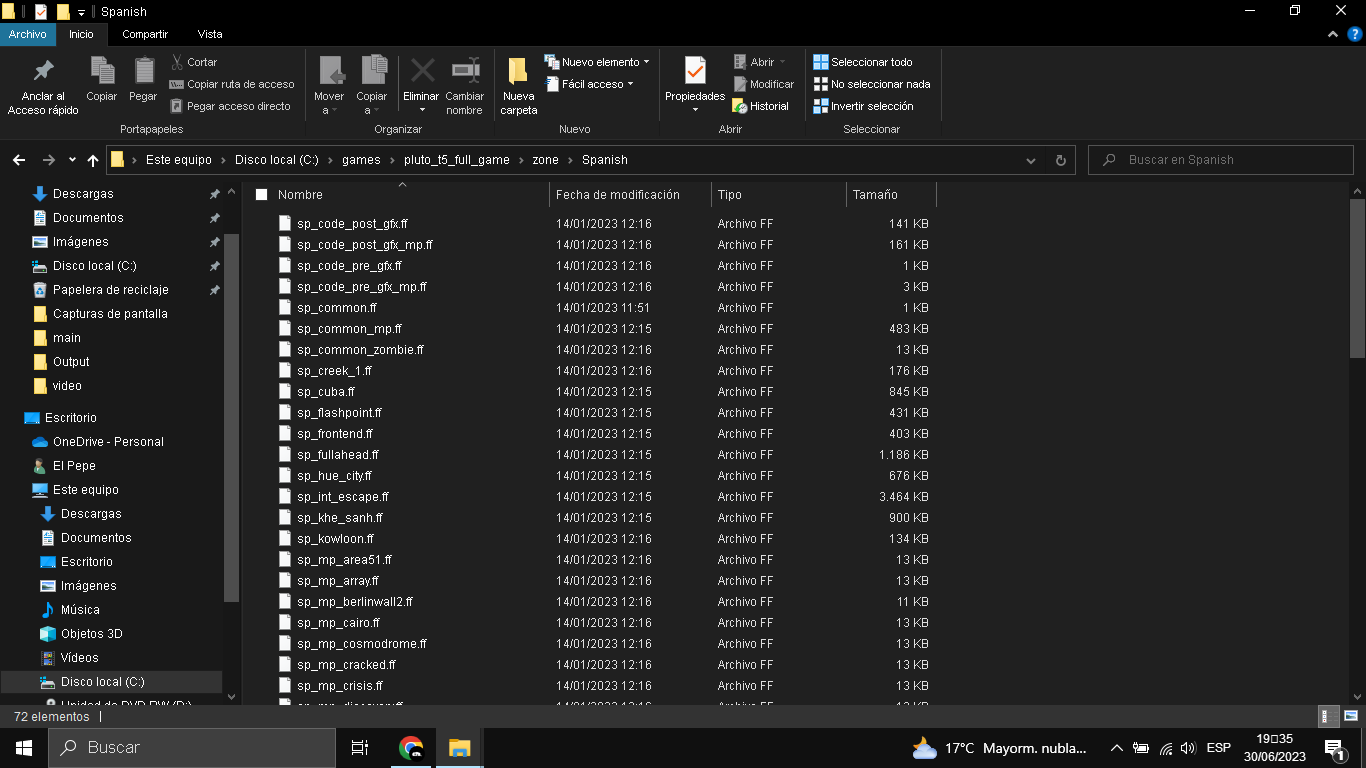
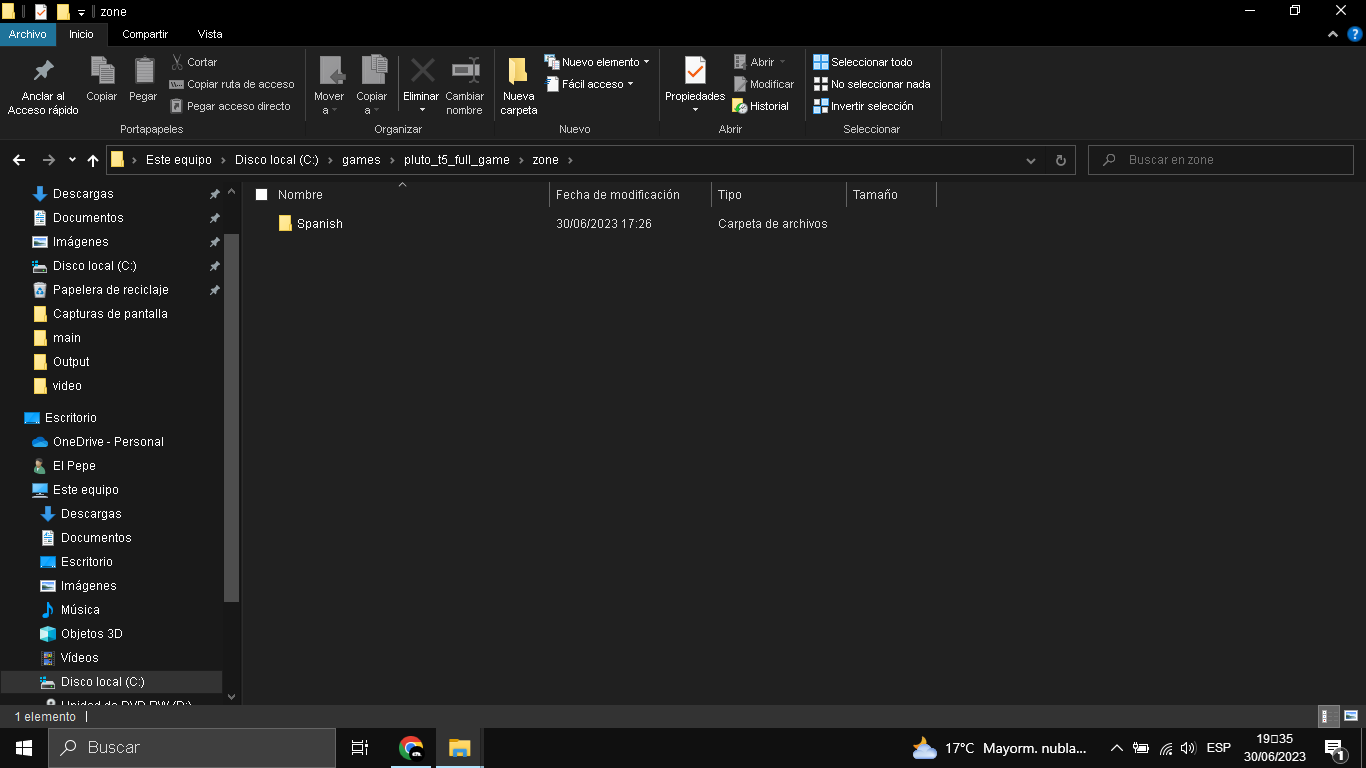
polemik victor Can you help me, it says: exe_can't_find_zone(the carpet and yes i have it it's in BO1 spanish



-
polemik victor Can you help me, it says: exe_can't_find_zone(the carpet and yes i have it it's in BO1 spanish
@NiknameMatador88 i just solved it by not deletting the "common" carpet inside the "zone" carpet, i recomend that you put that error inside the mod description
-
Put the game in GE/ES/IT/FR/RU/PL/JP
If you have the game on Steam, just read these instructions
https://help.steampowered.com/fr/faqs/view/4984-C127-121D-B3F2READ THE INSTRUCTIONS BELOW
Make sure you don't have any process that uses the current game files (the game, qBittorrent etc).
Simply download the .zip file, extract/move the folder inside (to the desktop for example) and then double click on the .bat file provided with it and follow the instructions.
The path to your game can be found in the bar at the top of the file explorer when you are in the game folder.If you encounter an error after installing the patch or if some voices are missing or if the game is still in English, you can drag all folders and files from the patch to the root of your game (into the game folder directly).
Exception for WAW and BO1 in addition to doing this you must also delete files in your game.For World at War and Black Ops, delete all localized_English_iw files in the main folder and delete the English folder in the zone folder.
Created by me = Patch GE
Created by me = Patch ES
Created by me = Patch IT
Created by me = Patch RU
Created by LKurama and Resxt for Patch FR and for the written tutorial
Created by Hadi77KSA = Patch PL
Created by Hadi77KSA = Patch JP In the Japanese and Polish patches, the voices are in English and The texts in the Japanese version are a little broken polemik victor Hello! Bro may you publish the files on Mediafire?
-
 polemik victor referenced this topic on
-
 DragonBleak referenced this topic on
-
increible GRACIAAAAS
-
The italian language pack is down, could you re upload it?
Fly14 Hello, I just recreated a link with the Italian patch, I did it by hand, can you tell me if it works? thx
-
polemik victor referenced this topic on
-
polemik victor referenced this topic on
-
 bhfff referenced this topic on
-
Just a couple of notes regarding the Polish and Japanese packs:
-
They're incompatible with "PlayStation DualShock 4 Button Prompts Mod" (link to the mod: https://forum.plutonium.pw/topic/28975/release-bo1-playstation-dualshock-4-button-prompts-mod) and any other fonts mods that are not designed for the Polish nor Japanese languages.
This is due to these two languages' fonts being in a different structure than the English language's fonts structure. -
Sometimes the text could appear broken or lower quality. This is due to the value of the
loc_languagedvar changing. This change also affects the file directory from which the game will look for the language files. I suggest changing its value either through theconfig_mp.cfg/conLZM.cfgfile if you know where it's located for Plutonium, or through the game console.
Upon starting the game, check though the console that the dvar doesn't have a "latched value". The below picture shows how this latched value would look like in the in-game console if it's present:
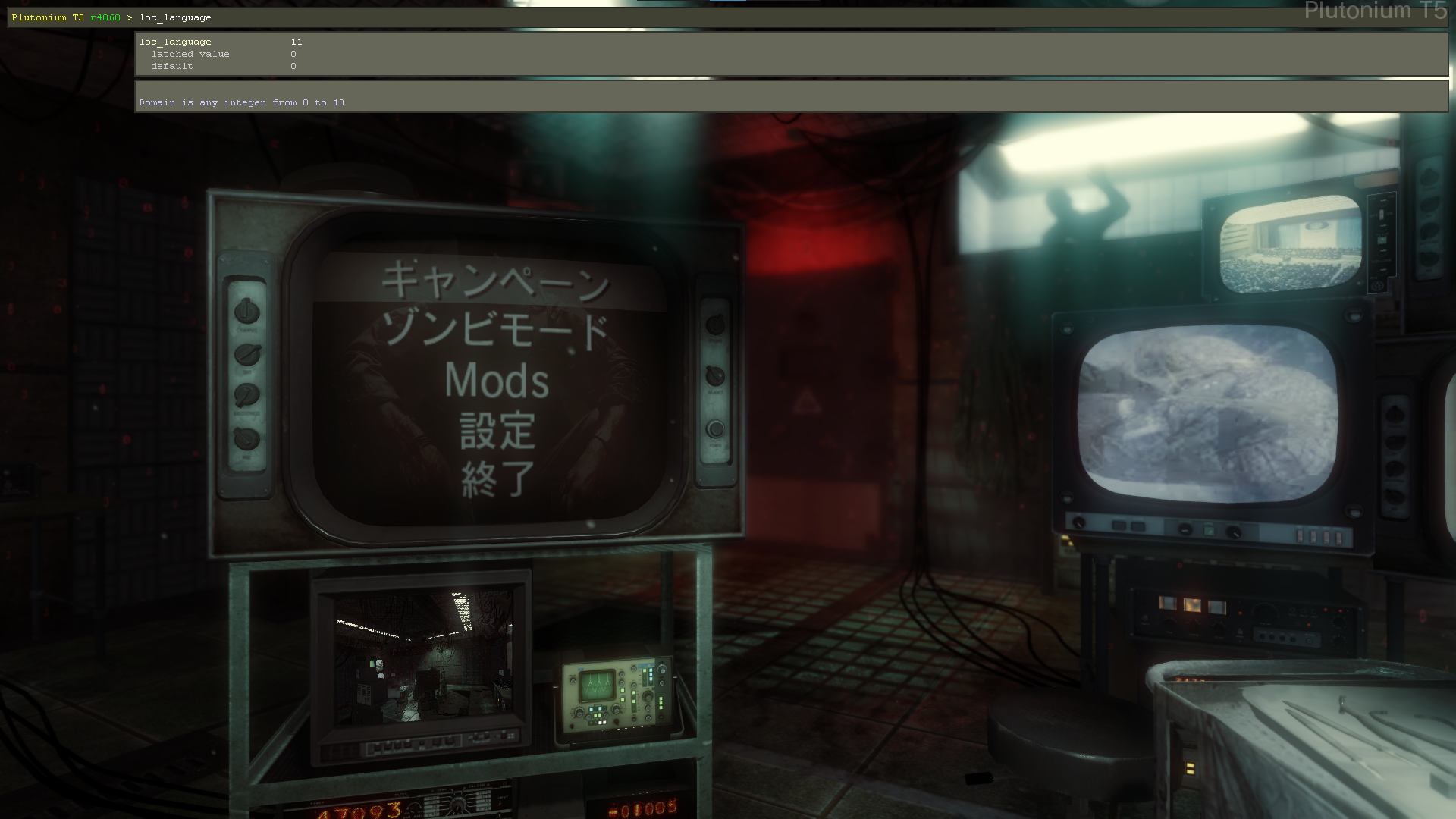
If it's present, use the below command. Doing so set it to the corresponding number of the language you're using.
loc_language ( dvarInt( loc_language ) )- English:
0 - French:
1 - German Low-Violence:
3- Created by me and PsyHaIceFire = Patch GE LV
- German:
4 - Italian:
5 - Spanish:
6 - Russian:
8 - Polish:
9 - Japanese:
11
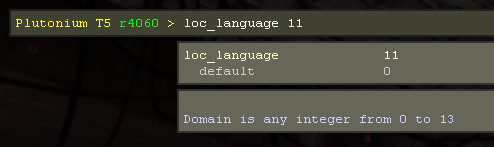
- English:
Update (2024/09/21)
Added the rest of the languages' corresponding
loc_languagevalues.Update (2025/03/12)
Changed the
loc_languagecommand. -
-
 Hadi77KSA referenced this topic on
-
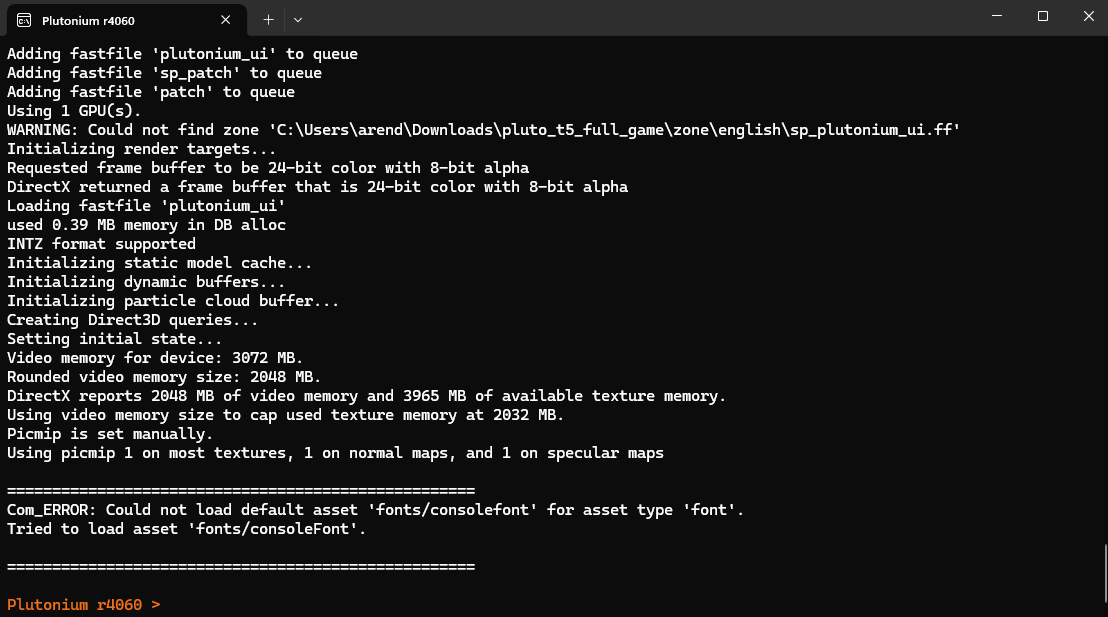
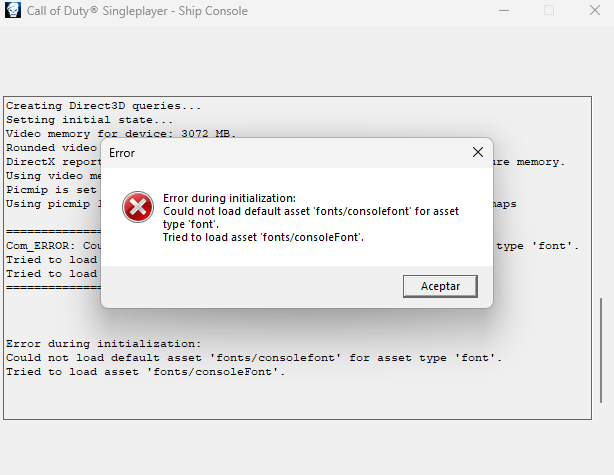
I saw the tutorial and I did everything but get this error. Don't know what to do, any help guys?
-
I saw the tutorial and I did everything but get this error. Don't know what to do, any help guys?
@JuancaRayo if this is happening when loading a mod, then it’s caused by the value of
loc_languagenot corresponding to the language you have installed. Briefly mentioned in my comment.Otherwise, you’d have to repair your game files: https://plutonium.pw/docs/repair/
-
I have the ES patch and It works but It doesn't playin zombies, the characters dont speak. Does anyone know how to fix it? Pls
Also there is BO_-_Patch_ES.bat in the patch fólder and i dont know what It is, i didnt put It in the game fólder yet because idk where it has to be.
-
ChoriPanZeOG lo puidste reperar? si es asi me dices como porfa y esto lo pregunto antes de instalarlo el español es de latam o de españa?
-
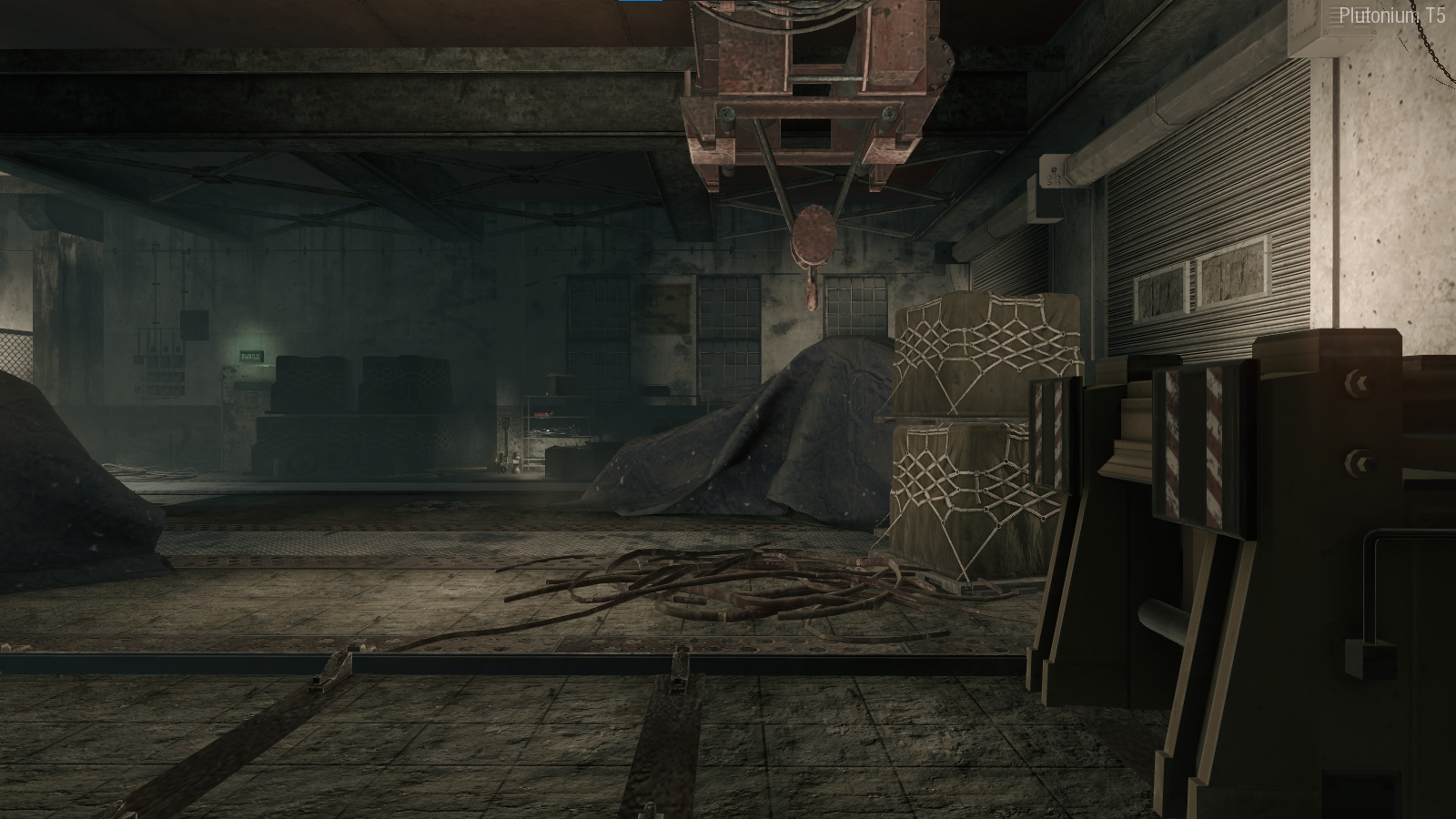
In the mission to liberate hell, I get like this, how do I solve it?alesanto HI, PLEASE TELL ME HOW YOU FIXED THIS BUG?

Hello! It looks like you're interested in this conversation, but you don't have an account yet.
Getting fed up of having to scroll through the same posts each visit? When you register for an account, you'll always come back to exactly where you were before, and choose to be notified of new replies (either via email, or push notification). You'll also be able to save bookmarks and upvote posts to show your appreciation to other community members.
With your input, this post could be even better 💗
Register Login