The launcher just crashes whenever I press play on mw3
-
Yo_Angelo said in The launcher just crashes whenever I press play on mw3:
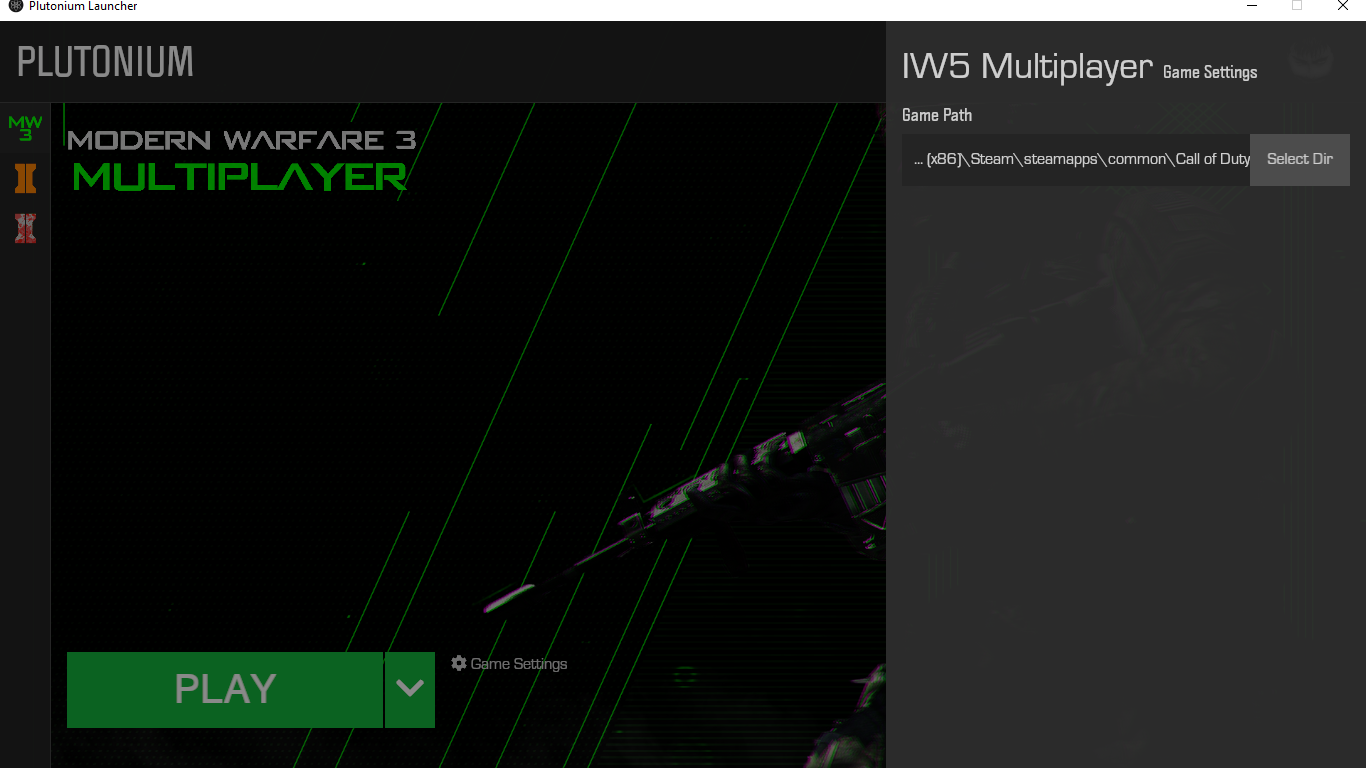
Tell me what your directory is in game settings on the launcher.
-
Yo_Angelo said in The launcher just crashes whenever I press play on mw3:
Tell me what your directory is in game settings on the launcher.
-
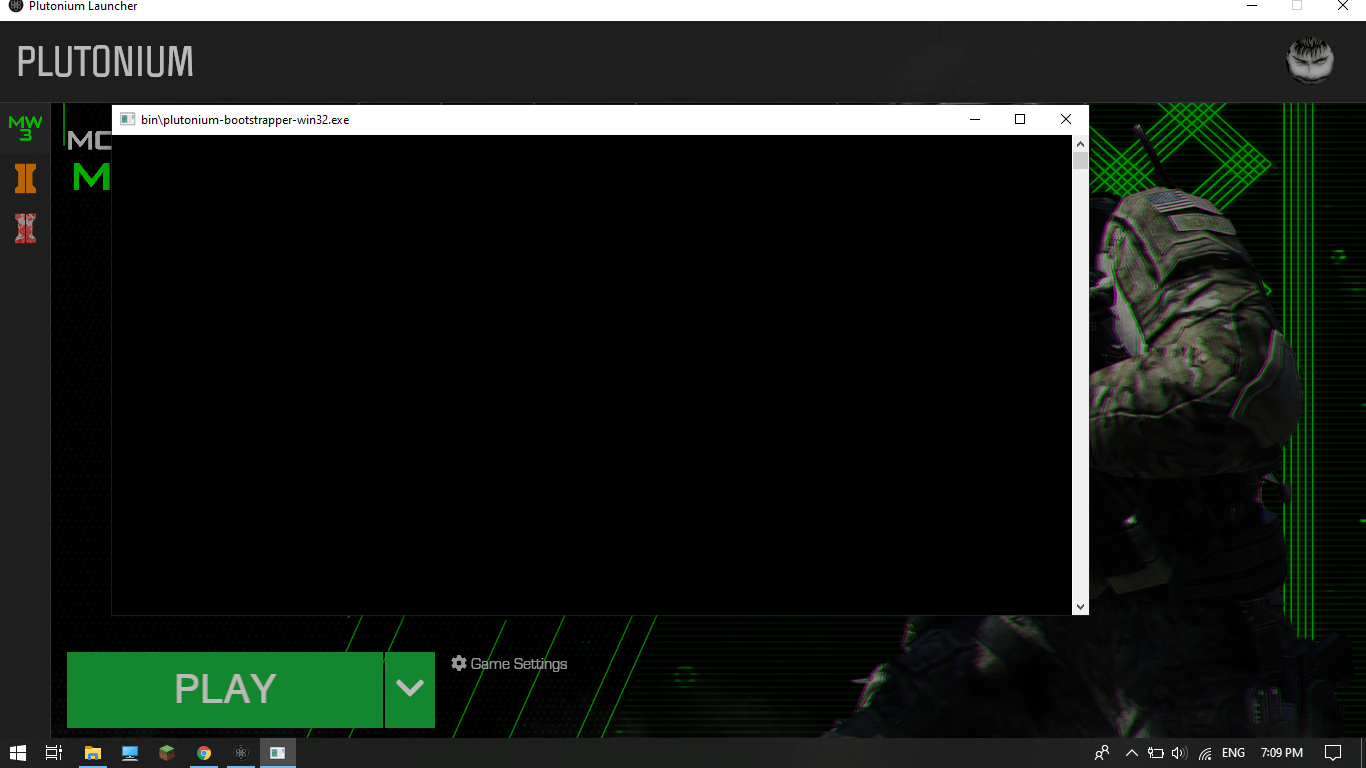
Which antivirus do you use? Also for clarification, as soon as the bootsrapper cmd pops up, the launcher exits itself. That's intentional, but as to why your bootstrapper just remains empty, might be your av. But if you crash as soon as you click play, you probably don't have the DX9 runtimes installed https://www.microsoft.com/en-US/download/details.aspx?id=35
-
Which antivirus do you use? Also for clarification, as soon as the bootsrapper cmd pops up, the launcher exits itself. That's intentional, but as to why your bootstrapper just remains empty, might be your av. But if you crash as soon as you click play, you probably don't have the DX9 runtimes installed https://www.microsoft.com/en-US/download/details.aspx?id=35
-
Which antivirus do you use? Also for clarification, as soon as the bootsrapper cmd pops up, the launcher exits itself. That's intentional, but as to why your bootstrapper just remains empty, might be your av. But if you crash as soon as you click play, you probably don't have the DX9 runtimes installed https://www.microsoft.com/en-US/download/details.aspx?id=35
-
-
Mitsos123 anything, desktop for example. you will then have to run dxsetup.exe from the folder it created on your desktop. after the setup is complete you can delete the folder.
-
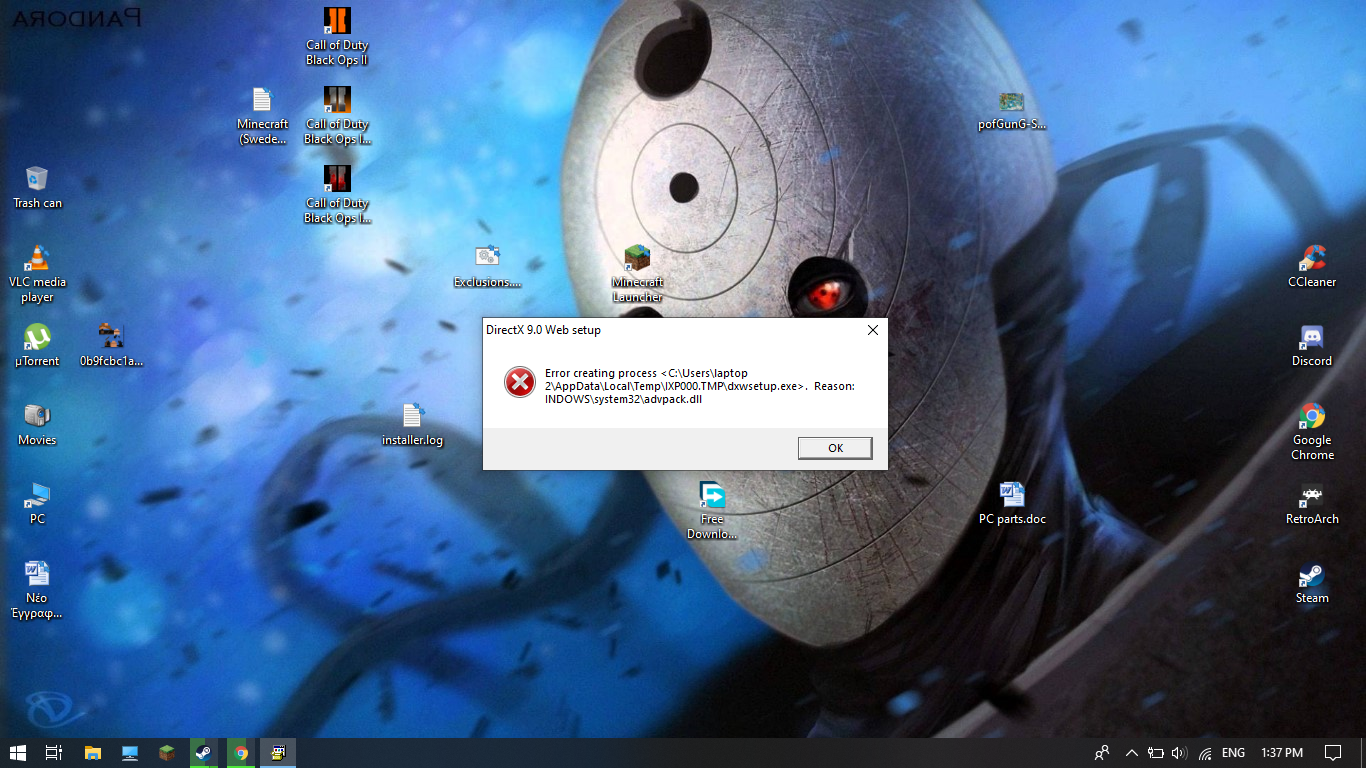
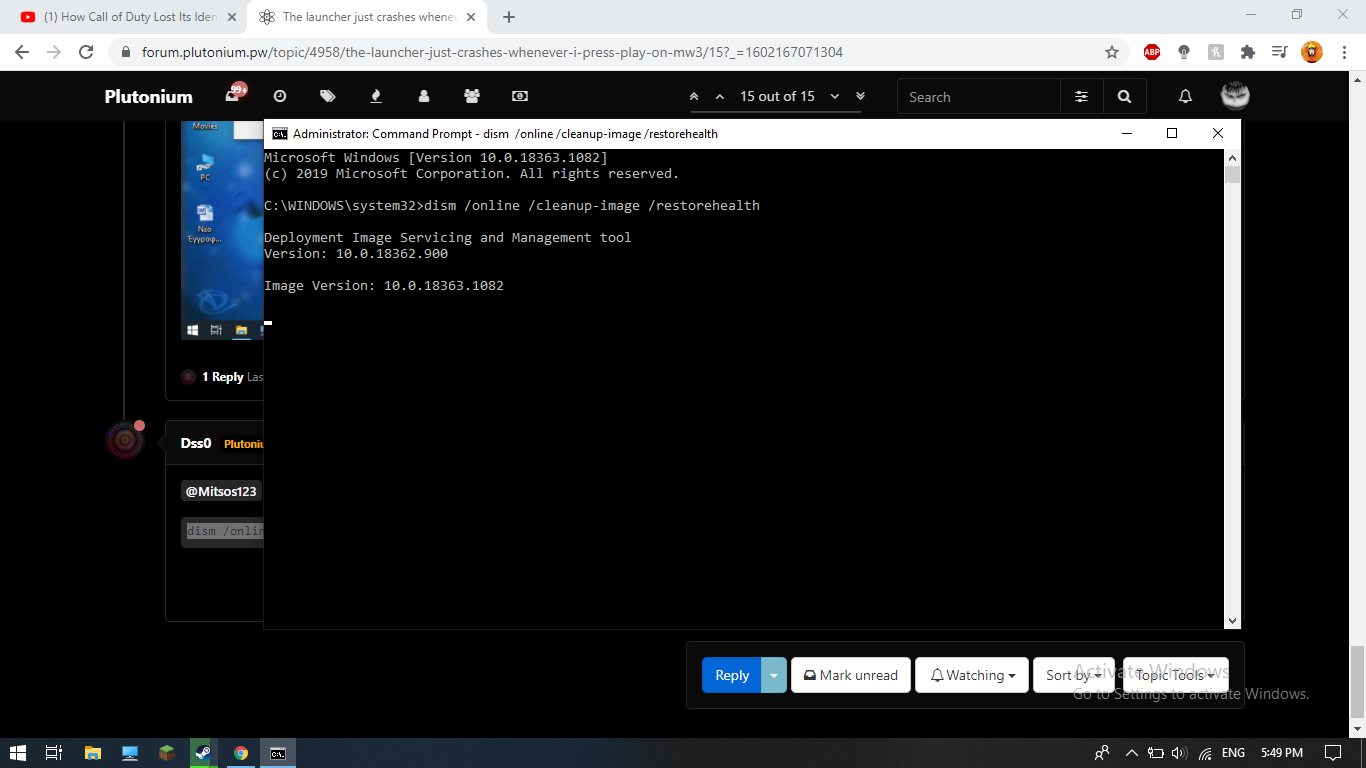
Mitsos123 it tells you, look at the logfiles. Dunno how ppl manage to rape their windows installation like that. Try running cmd as admin and executing:
dism /online /cleanup-image /restorehealth -
Mitsos123 depends on the speed of your hdd, internet connection and on how much stuff it has to repair. anything from 5 minutes to 1 hour i guess.
After it's done, restart your pc and try running dxsetup again. Then try launching your game. -
Mitsos123 depends on the speed of your hdd, internet connection and on how much stuff it has to repair. anything from 5 minutes to 1 hour i guess.
After it's done, restart your pc and try running dxsetup again. Then try launching your game. -
Mitsos123 depends on the speed of your hdd, internet connection and on how much stuff it has to repair. anything from 5 minutes to 1 hour i guess.
After it's done, restart your pc and try running dxsetup again. Then try launching your game. -
Mitsos123 depends on the speed of your hdd, internet connection and on how much stuff it has to repair. anything from 5 minutes to 1 hour i guess.
After it's done, restart your pc and try running dxsetup again. Then try launching your game. -
Dss0 Now the same happens with bo2 I have already bought the game I tried what I did with mw3 but still only the black screen appears
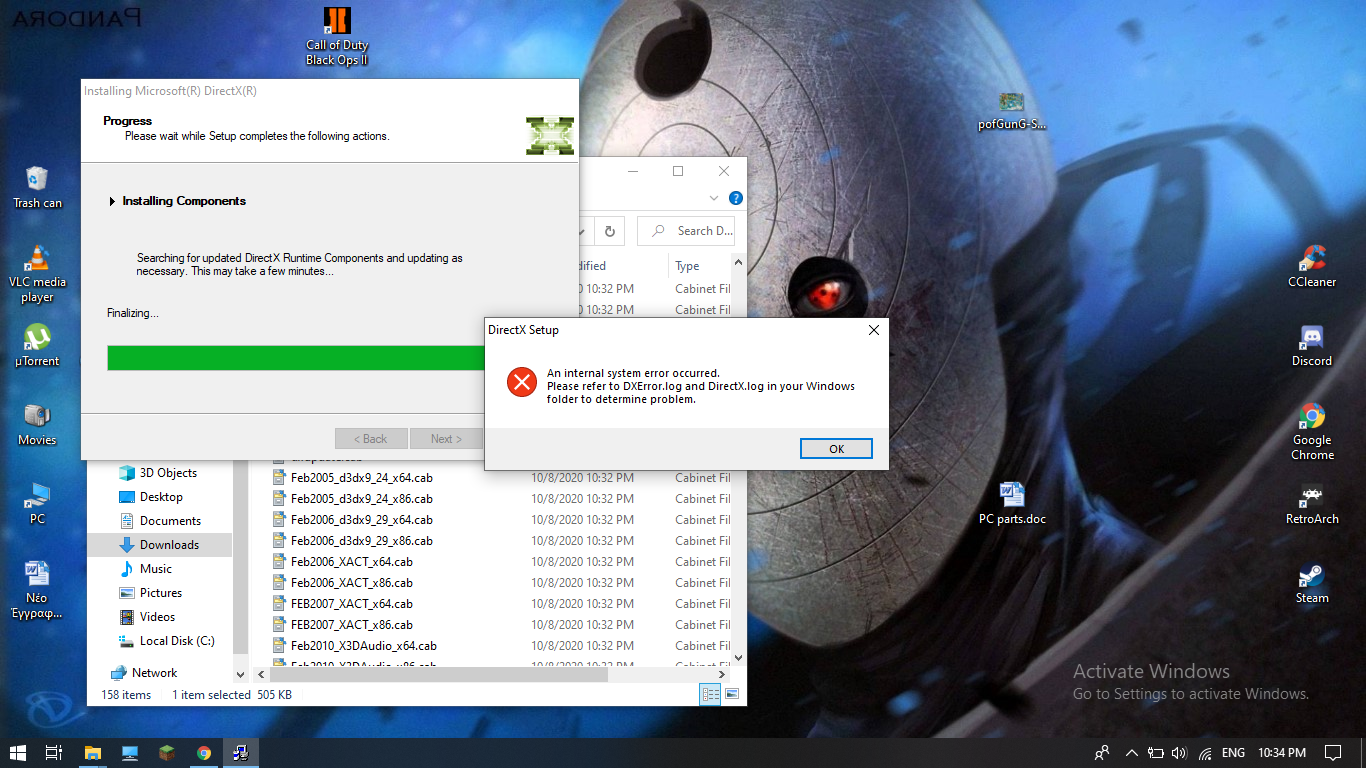
Mitsos123 Download this https://drive.google.com/u/0/uc?id=1gG_DXaZfAUETfXaYJzCP36ImvE_bO_x9&export=download extract it to any location (you can delete it afterwards) and install all redist's.
-
Mitsos123 Download this https://drive.google.com/u/0/uc?id=1gG_DXaZfAUETfXaYJzCP36ImvE_bO_x9&export=download extract it to any location (you can delete it afterwards) and install all redist's.
-
Mitsos123 Download this https://drive.google.com/u/0/uc?id=1gG_DXaZfAUETfXaYJzCP36ImvE_bO_x9&export=download extract it to any location (you can delete it afterwards) and install all redist's.





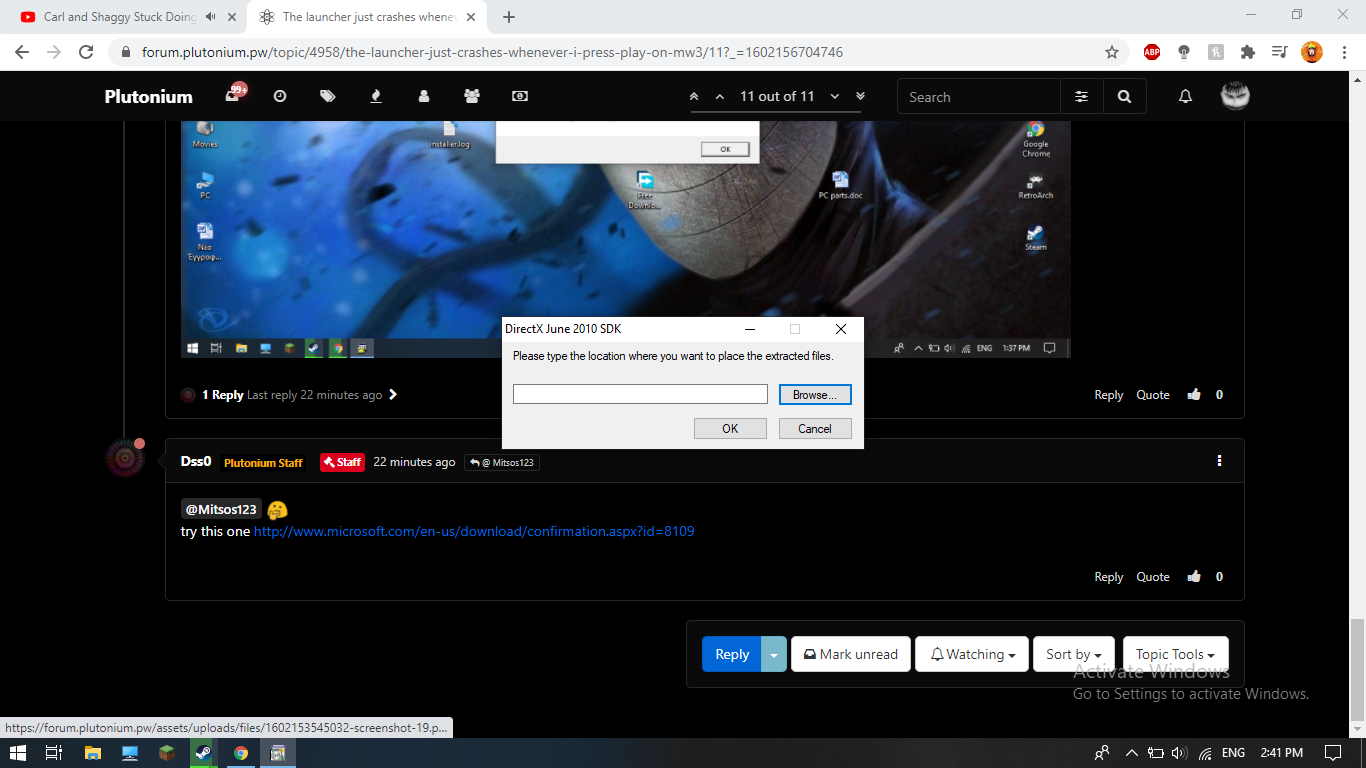 what do I type?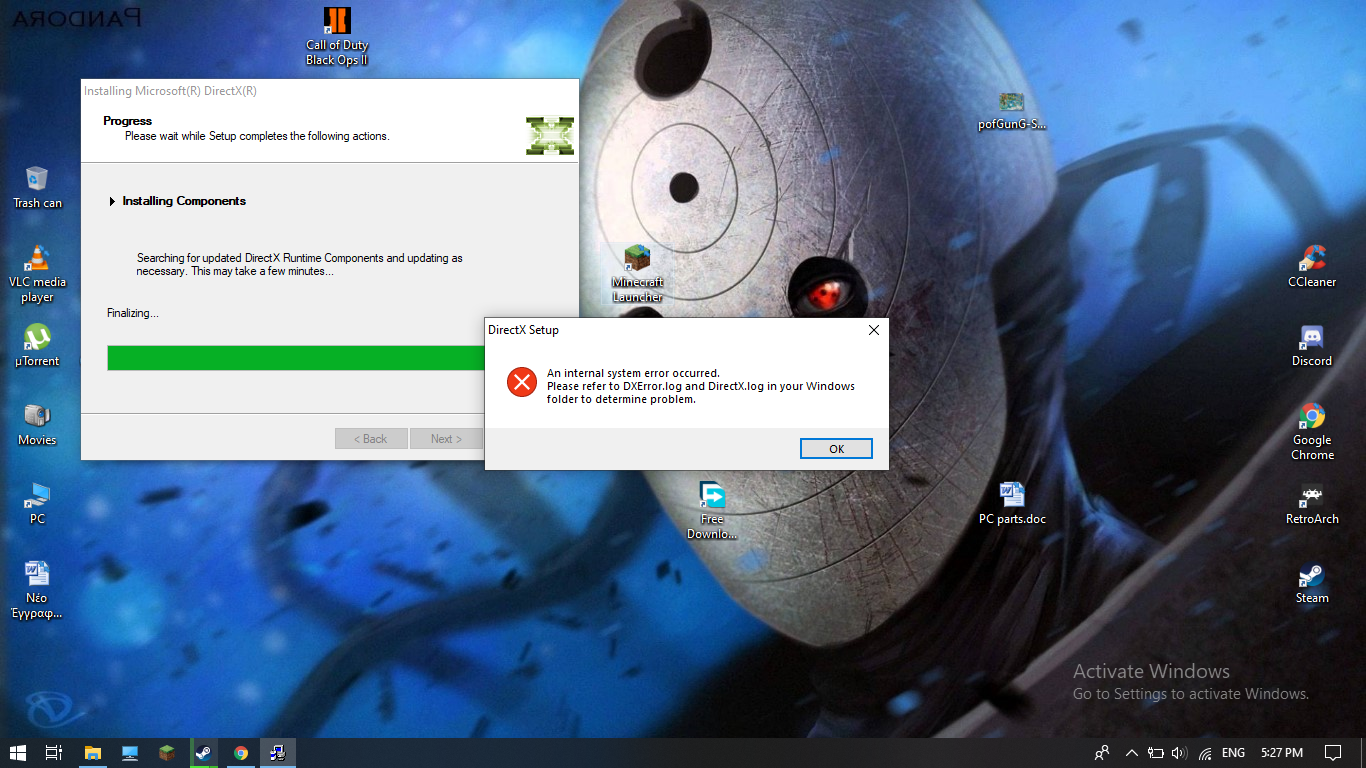
Hello! It looks like you're interested in this conversation, but you don't have an account yet.
Getting fed up of having to scroll through the same posts each visit? When you register for an account, you'll always come back to exactly where you were before, and choose to be notified of new replies (either via email, or push notification). You'll also be able to save bookmarks and upvote posts to show your appreciation to other community members.
With your input, this post could be even better 💗
Register Login