the launcher closes.
-
-

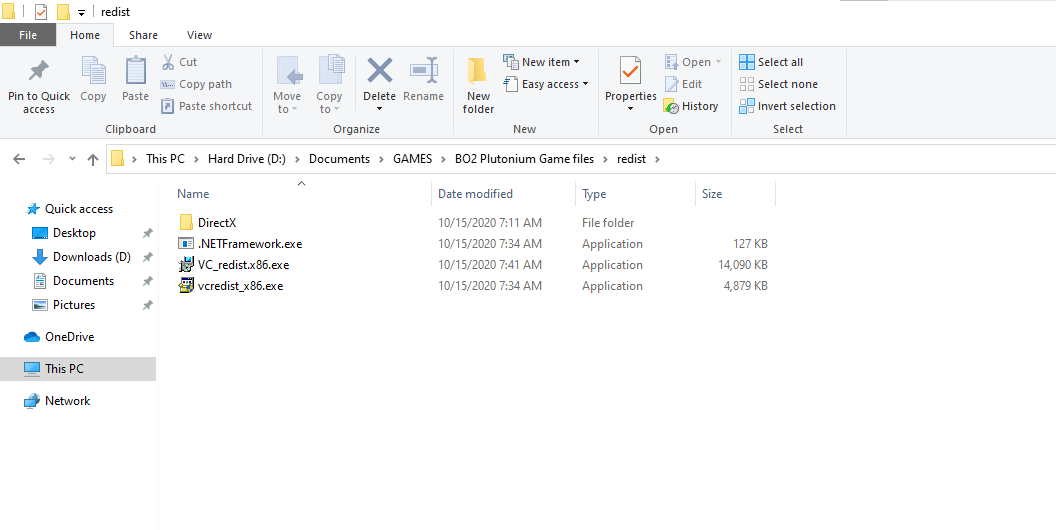
Qu1ck808 yes..... and directx/dxsetup.exe
also this one isn't included: https://aka.ms/vs/16/release/vc_redist.x64.exe
-
-
Qu1ck808 which version of windows are you on?
-
-
-
-
Qu1ck808 open the start menu and search for "cmd". Open cmd and run the command
winver -
-
Qu1ck808 ok that's fine. so:
- install all other redist's
- install directx
- run the launcher as admin
If it still doesn't work after that post a screenshot of your defender exclusion settings.
-
-
-
-
Dss0 Ok. So I followed those steps you laid out restarted my computer and the same problem occurred Plutonium launcher just closes no notification...
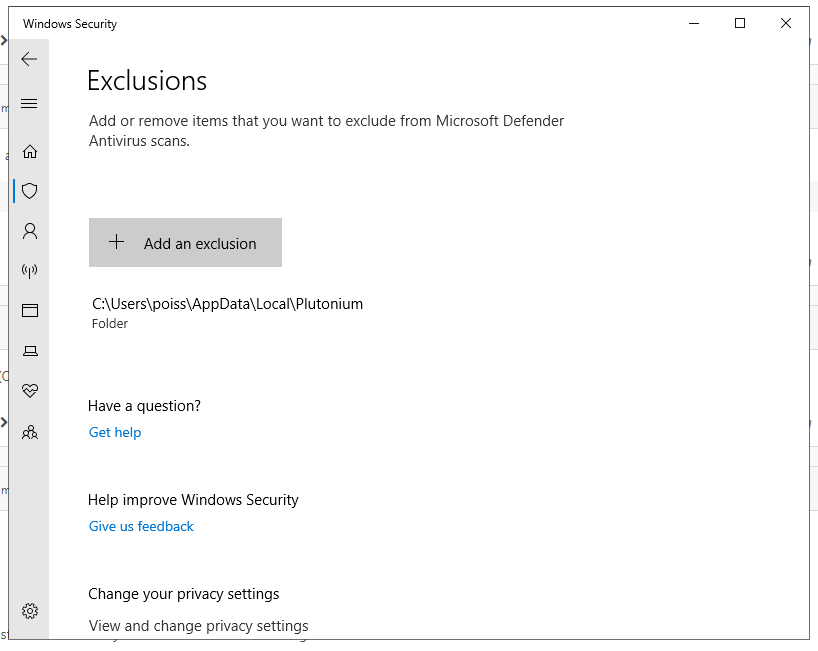
Qu1ck808 try also exluding plutonium.exe (should be in your game folder). If it still doesn't work try this aswell:
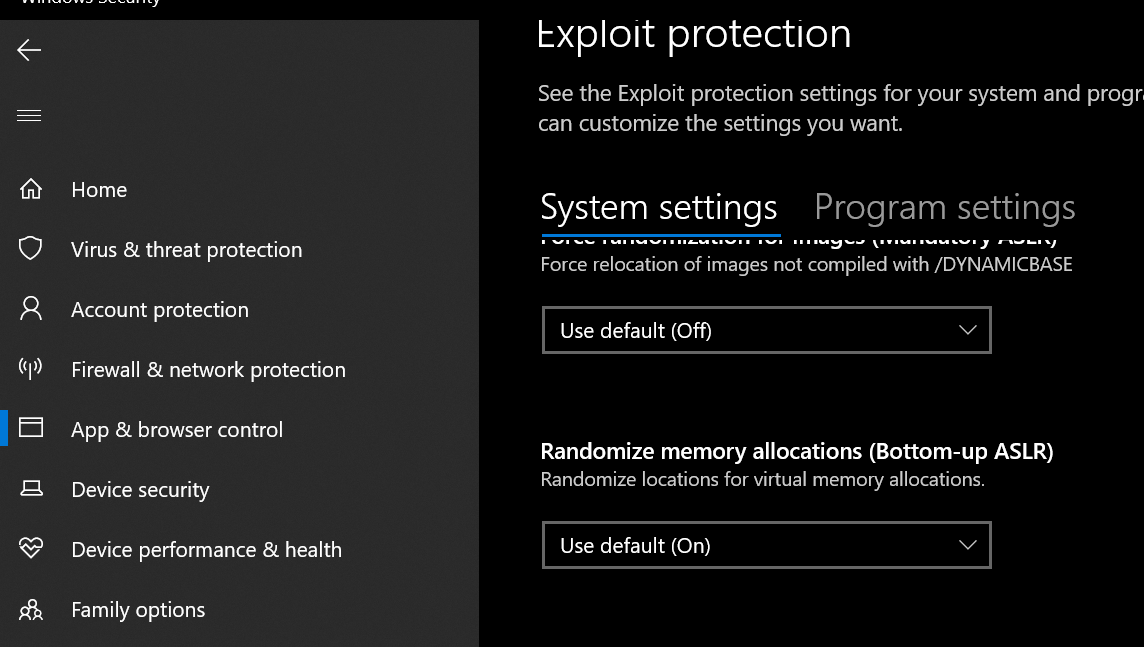
- go to windows security -> app & browser control -> exploit protection -> exploit protection settings
- turn off "randomize memory allocations (Bottom-up ASLR)"
-
-
-
-
-
Qu1ck808 google it. shouldn't be necessary tho. Can you open event viewer (search for event viewer in the start menu) then go to windows logs -> application and see if you can find anything related to the launcher, if yes post a screenshot of the event details.
-

Hello! It looks like you're interested in this conversation, but you don't have an account yet.
Getting fed up of having to scroll through the same posts each visit? When you register for an account, you'll always come back to exactly where you were before, and choose to be notified of new replies (either via email, or push notification). You'll also be able to save bookmarks and upvote posts to show your appreciation to other community members.
With your input, this post could be even better 💗
Register Login