ZeroTwoIsMyWife Cool. Bo2 easter egg songs are nice or you can make some cool loop sound like original menu had.

dontknowletspl
@dontknowletspl
Posts
-
BO2 ZM "115" Menu Music -
[Release] [Zombies] Black Ops 2 Alternative Ammo TypesLatest issues in comments should now be fix.
-
[Release] [Zombies] Black Ops 2 Custom Perk Power upJack Daniel yes it work in all maps and like the title says it's power up. (at some point you will find perk bottle powerup)
-
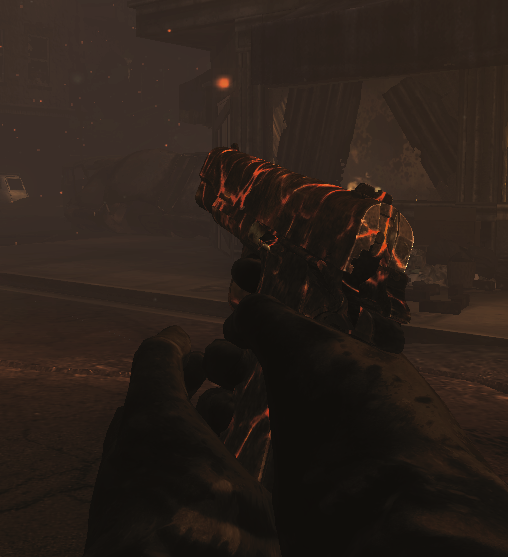
Lava M1911 -
[RELEASE][ZM] [BETA] New bo2 hud systemAdrX003 Doing it in gsc has few ways i guess. The way i did it was by removing the original powerups from the include array etc and added them back as custom powerups so i could set the new location for shader.
Example:
arrayremoveindex(level.zombie_include_powerups, "double_points");
arrayremoveindex(level.zombie_powerups, "double_points");
arrayremovevalue(level.zombie_powerup_array, "double_points");
Easier way would be doing it in lua. I think there is decompiled lua dump in plutonium discord pins. You can find powerup file in there and adjust the Y little higher.
I guess some of my post show how to add custom powerups if you decide to go that way.
-
[Release] [Zombies] "Custom Survival Maps" option for custom gamesbl1nkblink download and extract the zip file then follow the guide.