GhostRider0125 see if the tools I use work for you, Tools.zip

Sloth
@Sloth
Posts
-
iwi extracter error? -
✨atomic pistols with glitchy machine pistols👾 (Fixed Link and better magnum)GhostRider0125 I can send you all the tools I use
-
✨atomic pistols with glitchy machine pistols👾 (Fixed Link and better magnum) -
✨atomic pistols with glitchy machine pistols👾 (Fixed Link and better magnum)LKurama you can use any resolution for a camo/texture, most of my camos are 1024x1024 or 2048x2048
-
✨atomic pistols with glitchy machine pistols👾 (Fixed Link and better magnum) -
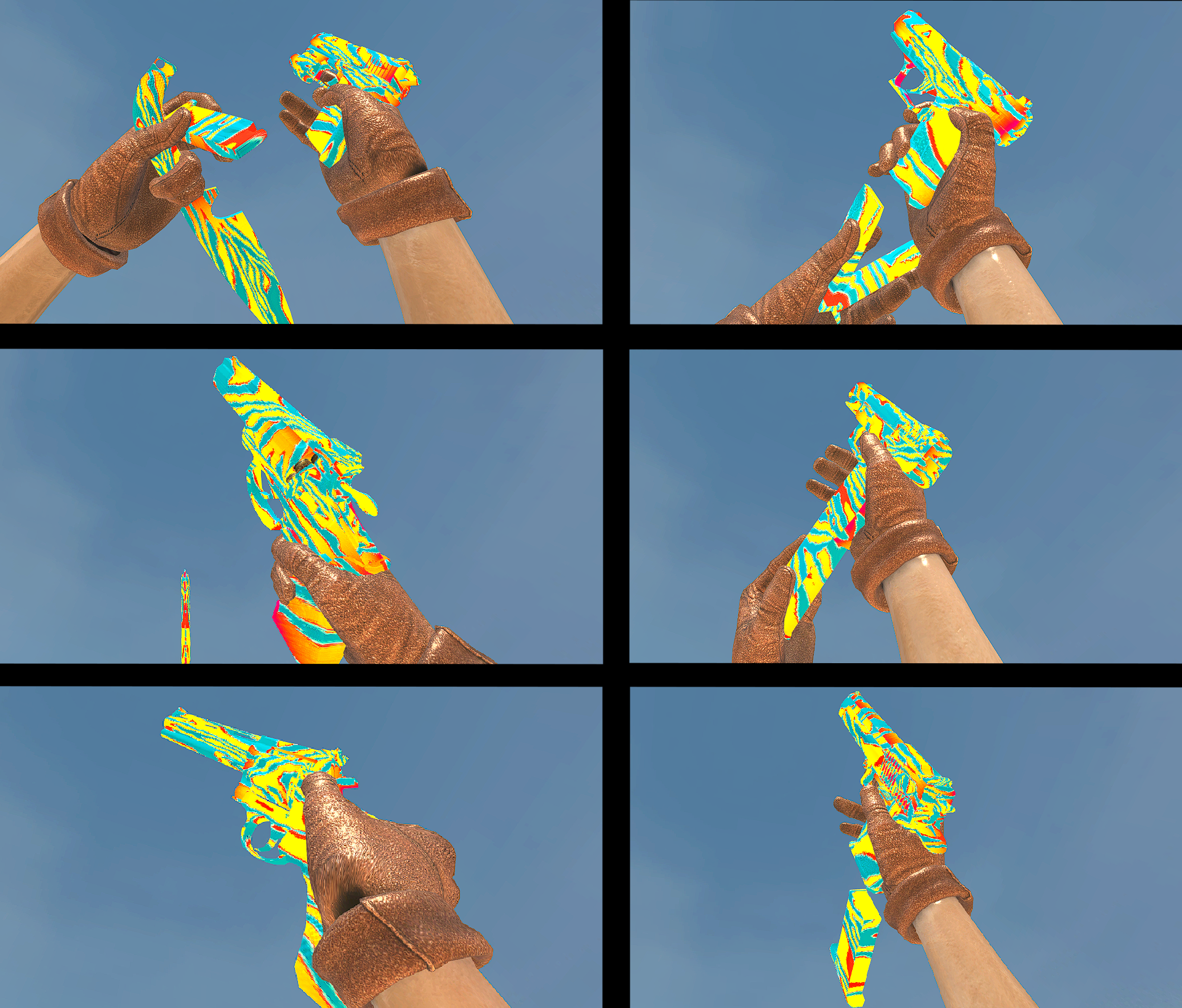
[Release] Solid Colours Camo Pack!Resxt ty, yeah I didn't know what to do for gold so just made a rainbow gradient texture and used that.
-
[Release] Solid Colours Camo Pack!Solid Colours Camo Pack!
Hello all!
Today I am releasing Solid Colours Camo Pack, this camo pack replaces all 13 original camos in the game with Solid Colours!
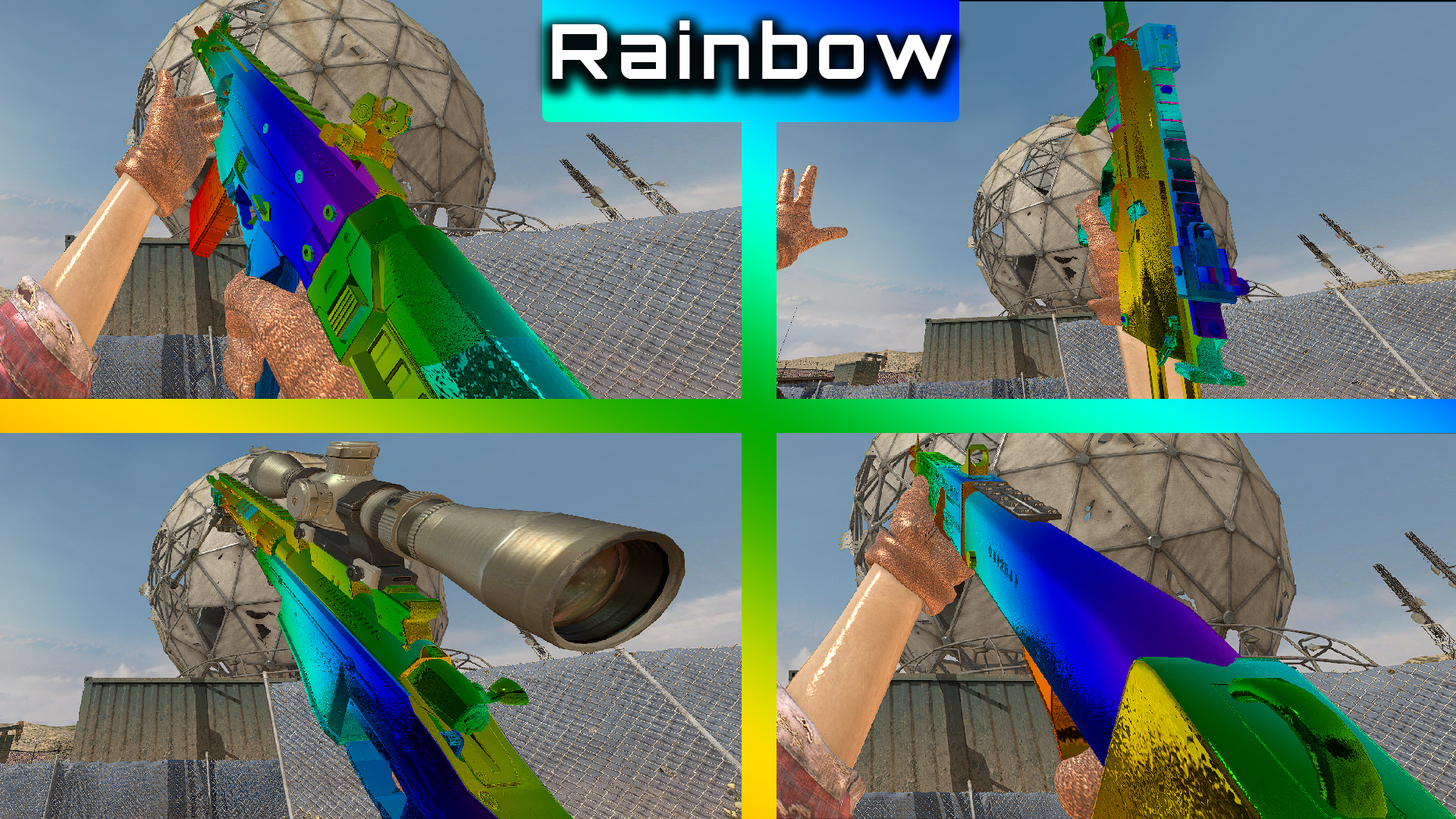
Note: Rainbow (Gold) camo will be broken if you have specular off
Camos!
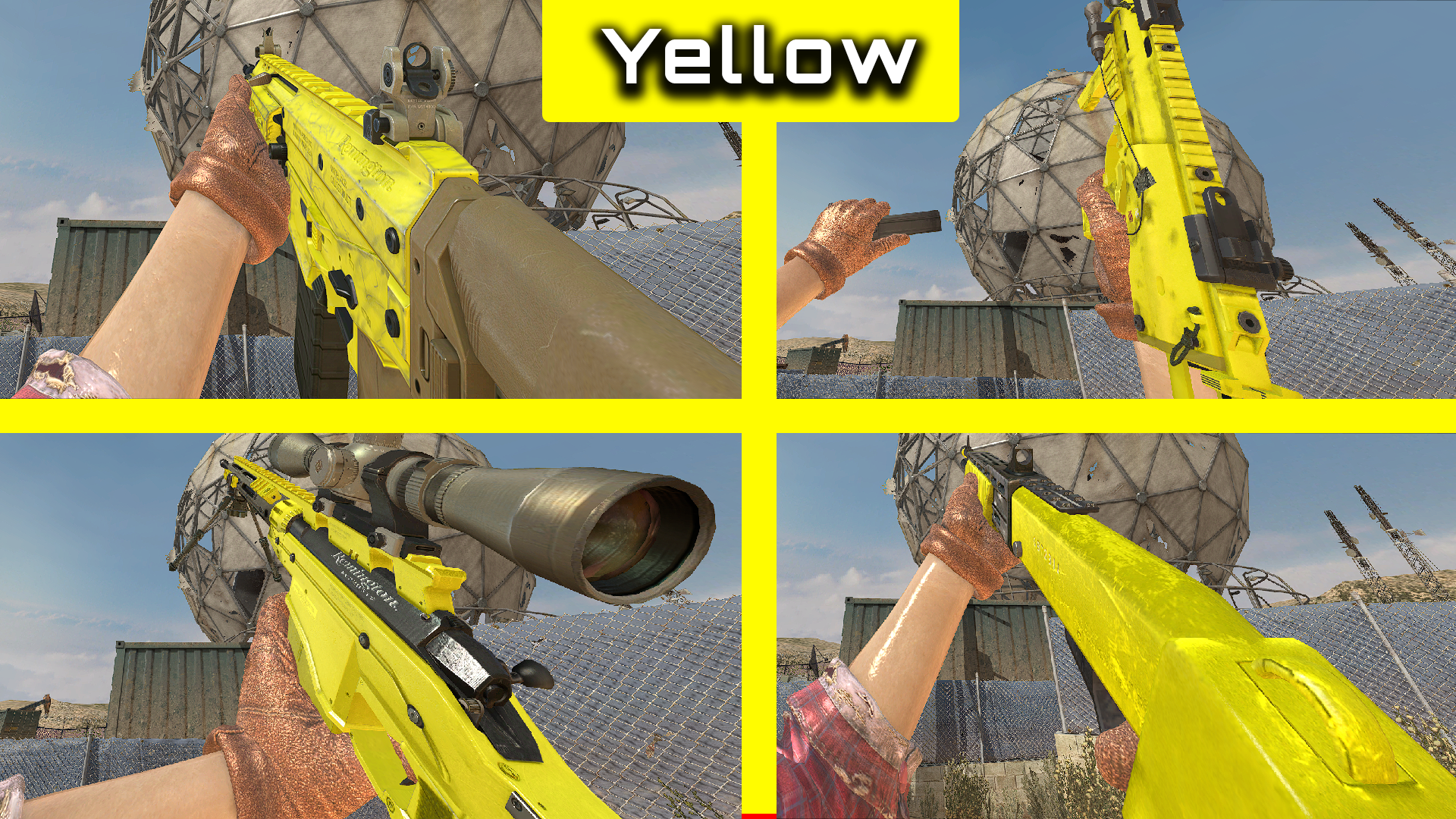
- Classic = Yellow
- Snow = White
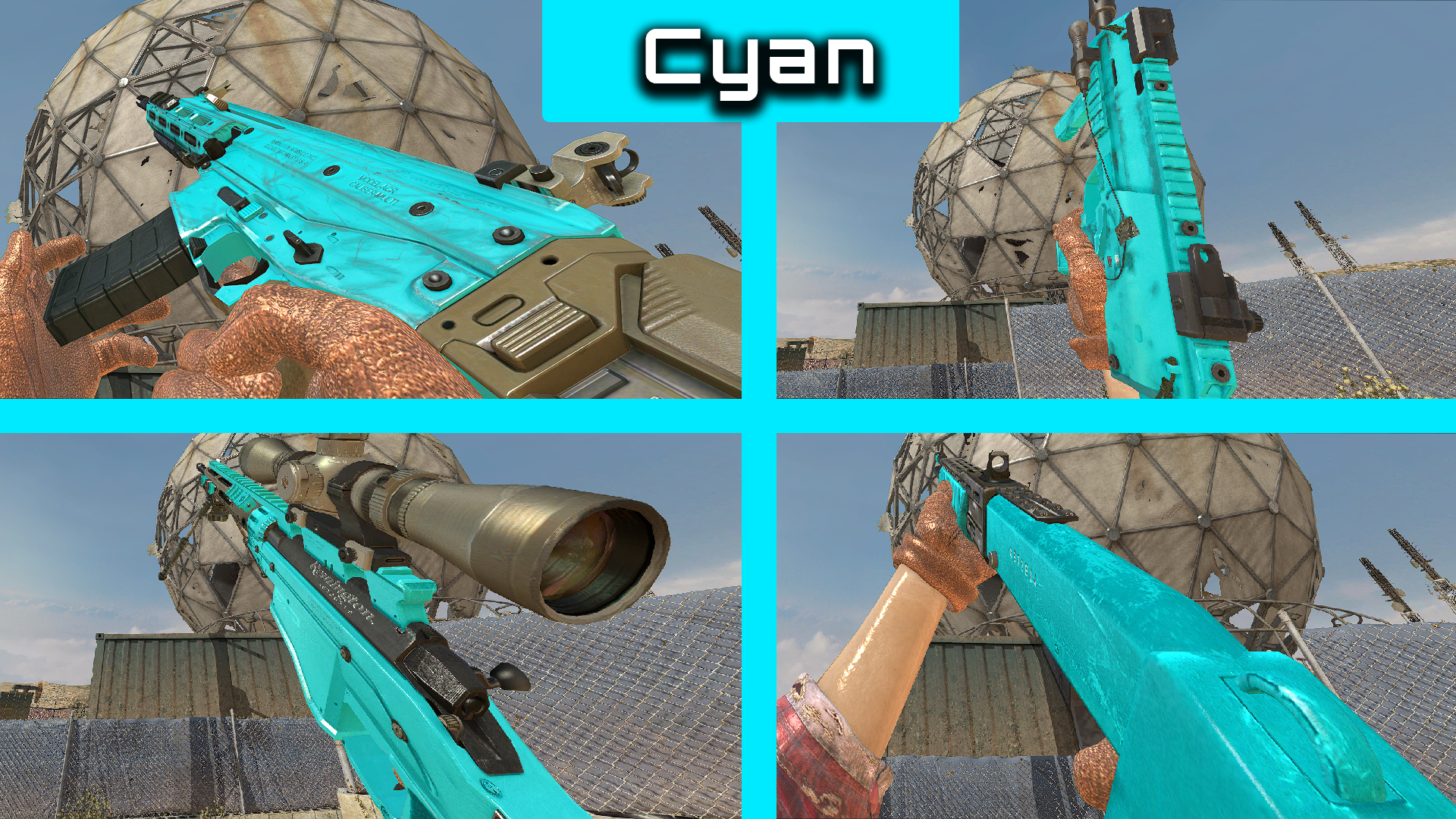
- Multicam = Cyan
- Digital urban = Dark Green
- Hex = Green
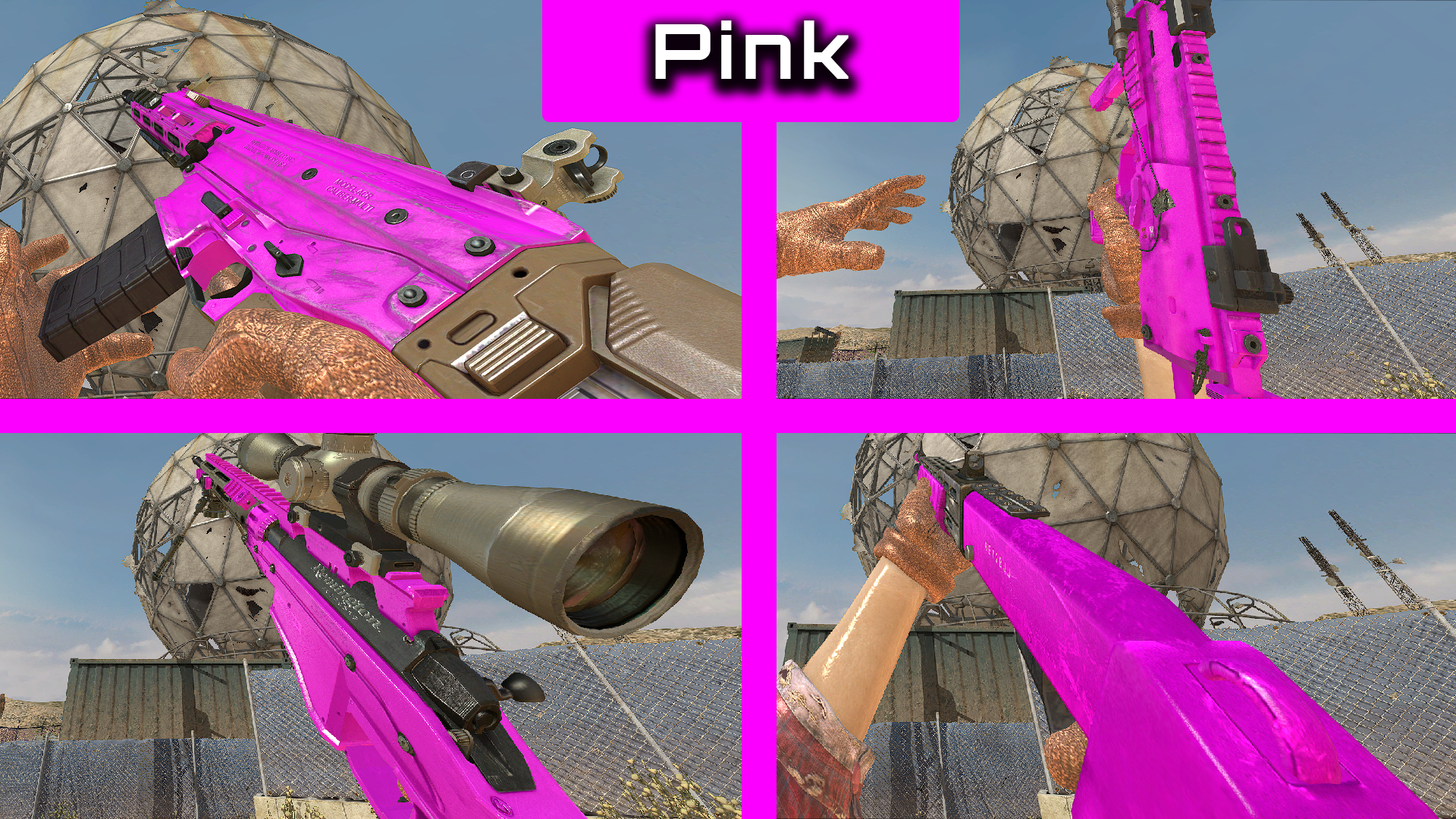
- Choco = Pink
- Snake = Magenta
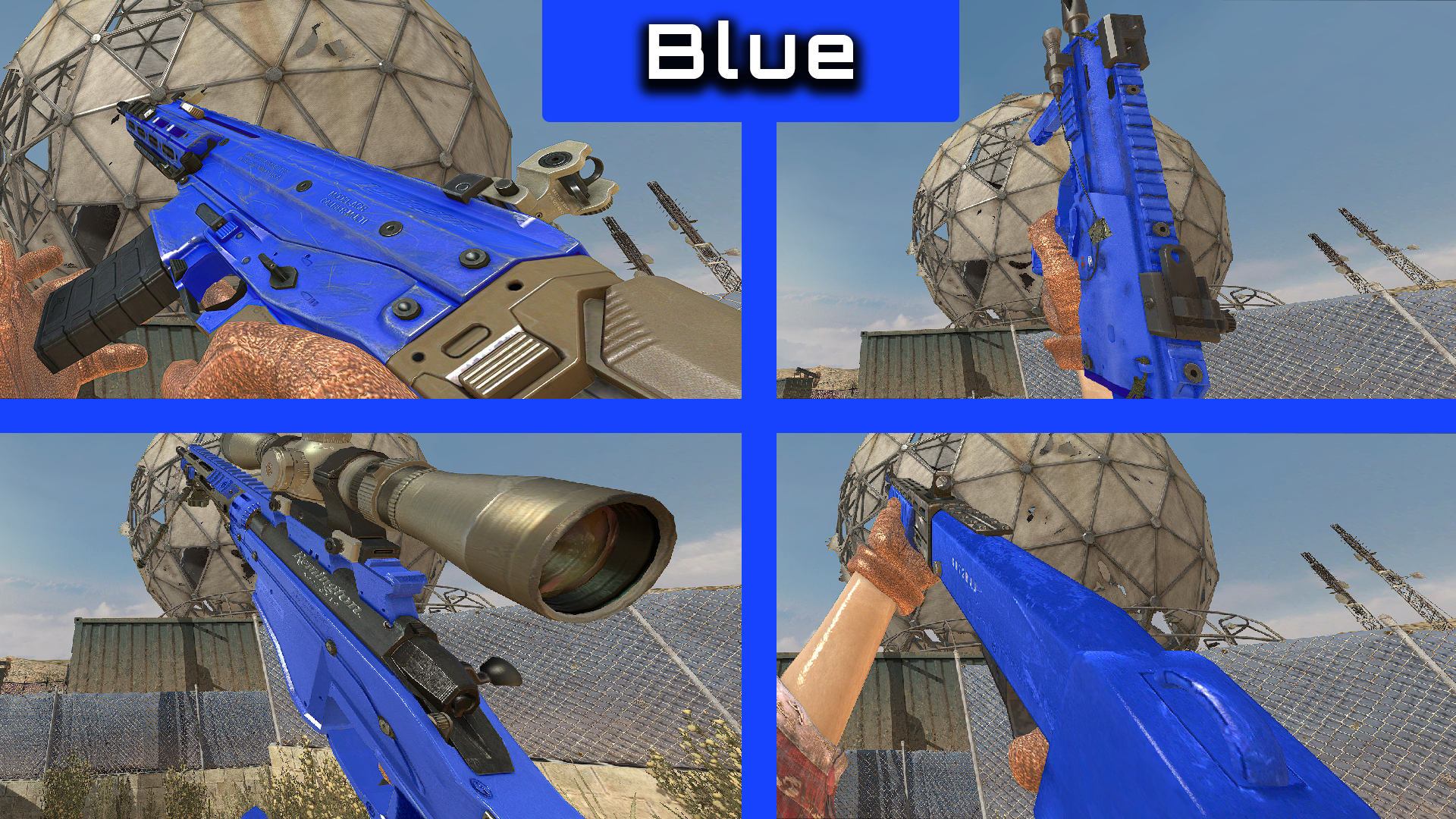
- Blue = Blue
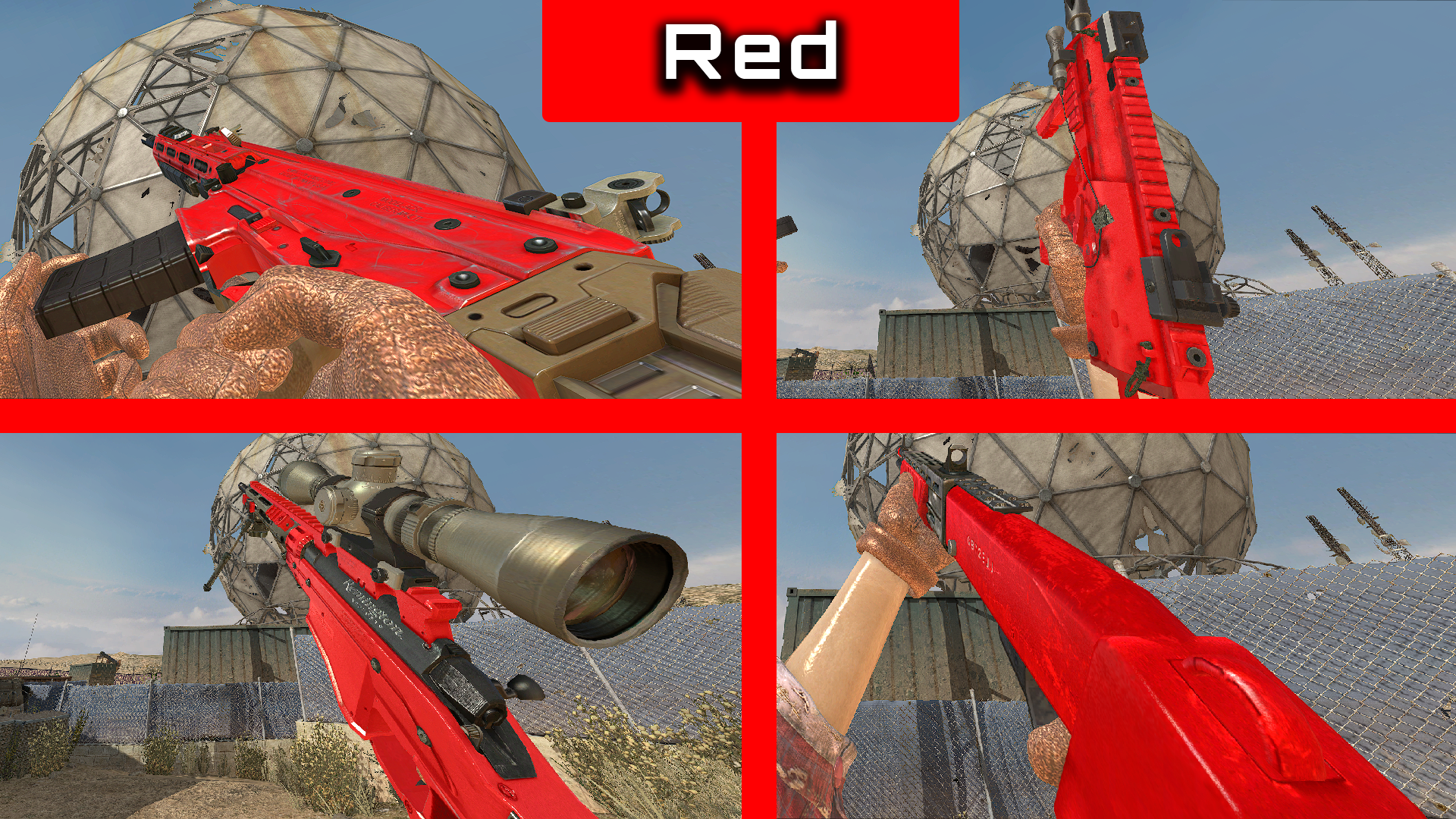
- Red = Red
- Autumn = Orange
- Gold = Rainbow
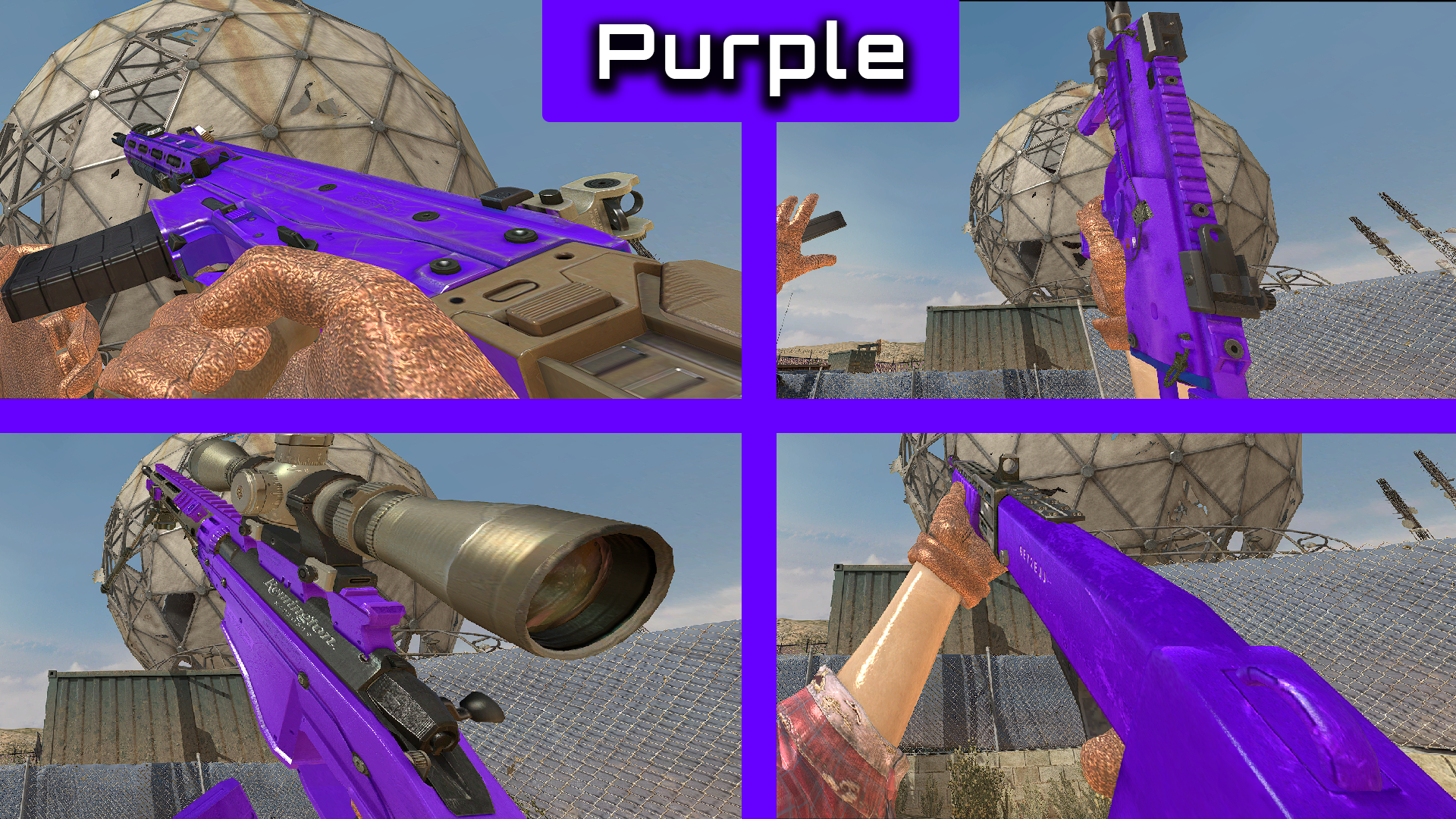
- Marine = Purple
- Winter = Black
How to install
-
Download the camo pack from Here.
-
Head to your plutonium IW5 images folder by holding Win + R
(Windows key + Letter R) and pasting this %localappdata%\Plutonium\storage\iw5\images into run and hitting ok or enter. -
Open the zip you just downloaded and open the Solid Colours folder inside the zip then drag and drop the iwis from the ALL folder to use all the camos or pick which camo you want and put them iwis into your iw5 images folder
-
You're done! you may load up iw5 and enjoy!
Visual Instructions:
Please if you have any issues leave a comment and I will try and help as soon as possible!
Hope you enjoy!

In-game screenshot(s)
Yellow
White

Cyan
Dark Green

Green

Pink
Magenta

Blue
Red
Orange

Rainbow
Purple
Black
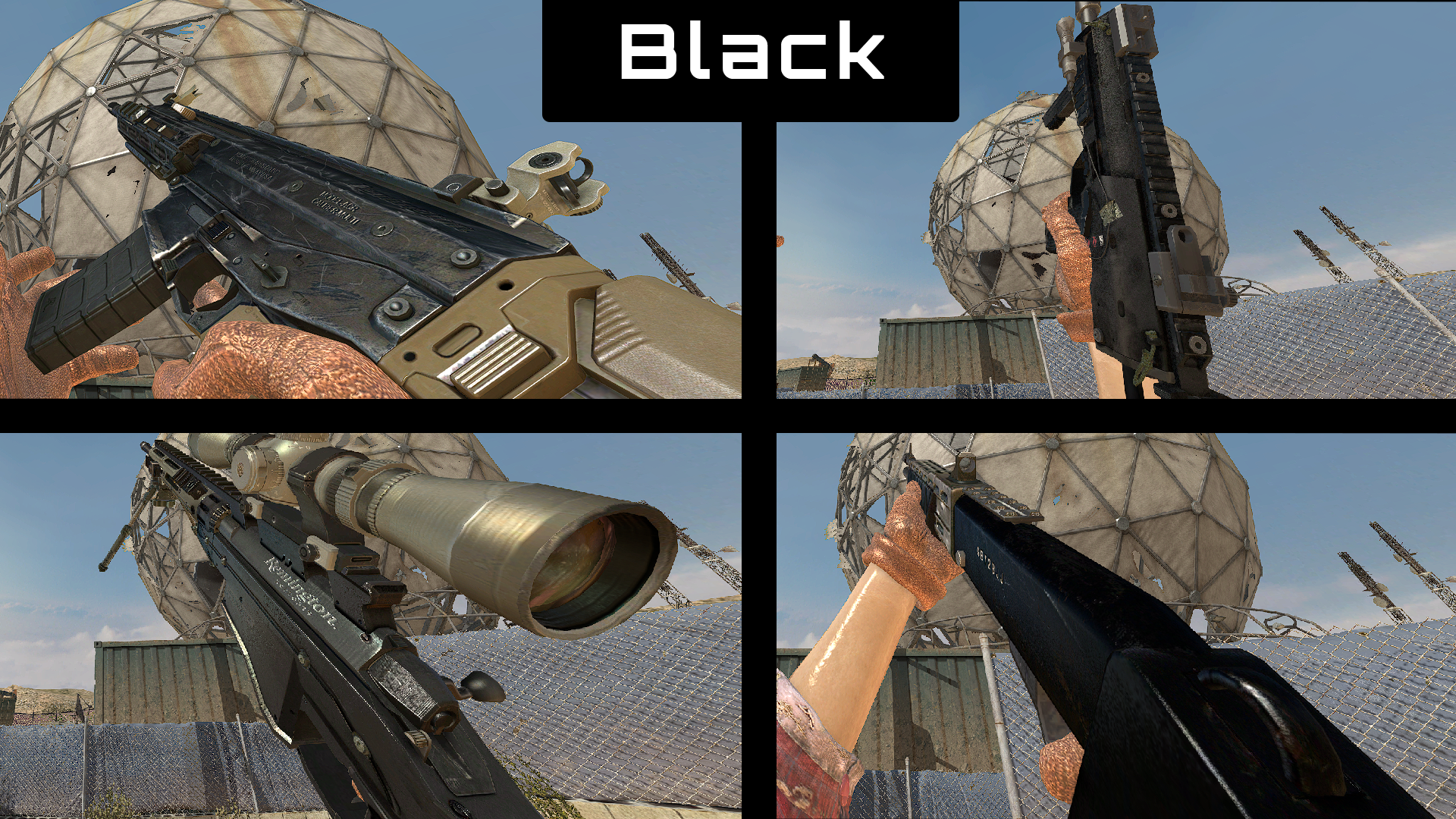
-
[Release] [Client Side] BO2 Misty Viewhands Mod![Client Side] BO2 Misty Viewhands Mod!
Hello all!
Today I am releasing a Misty Viewhands mod! This mod will replace all team viewhands with Mistys, Please note because of the current state of mod support for iw5 (02/01/23) this mod will crash your game on Outpost and Downturn.
(Viewhands taken from Quaks deathrun: https://github.com/Joelrau/IW5p_DeathRun)
ONLY CLIENT SIDE
How to install
-
Download the Viewhands from Here.
-
Head to your plutonium IW5 folder by holding Win + R
(Windows key + Letter R) and pasting this %localappdata%\Plutonium\storage\iw5) into run and hitting ok or enter. -
Open the zip you just downloaded and open the Misty_Viewhands folder inside the zip then move the Misty_Viewhands.iwd into your iw5 folder, next move the mod.ff into your iw5/zone folder.
-
You're done! you may load up iw5 and enjoy!
Please if you have any issues leave a comment and I will try and help as soon as possible!
Hope you enjoy!
In-game screen shot

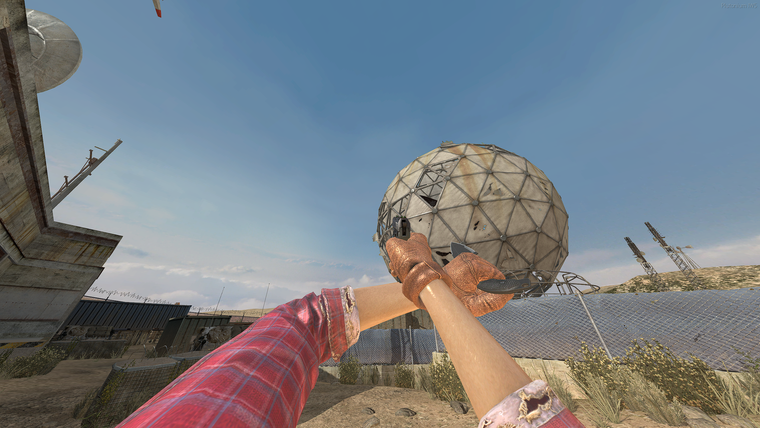
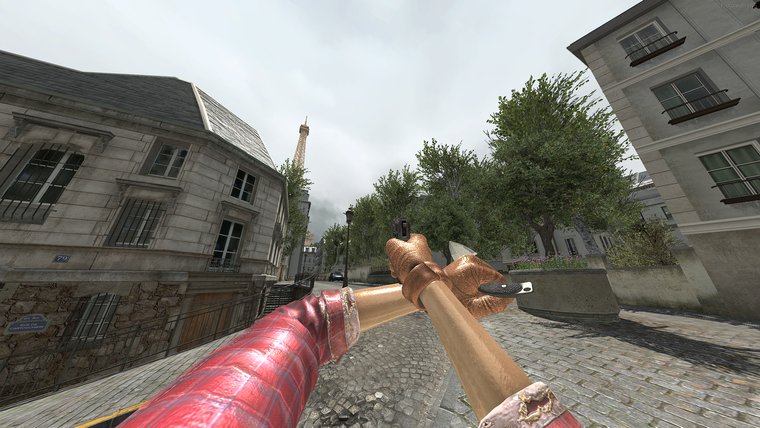
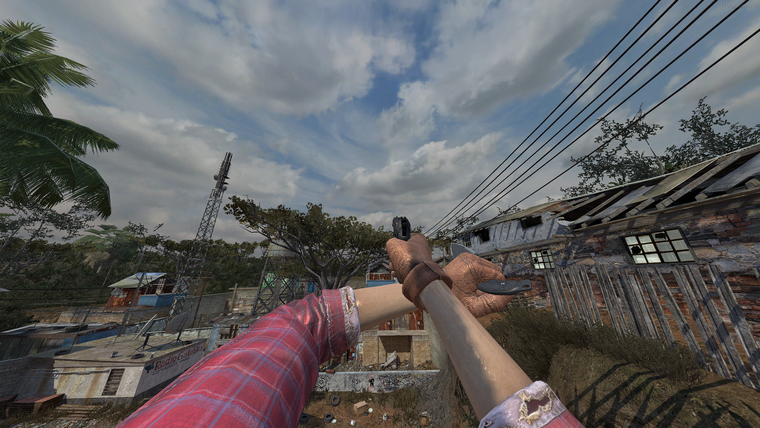
-
-
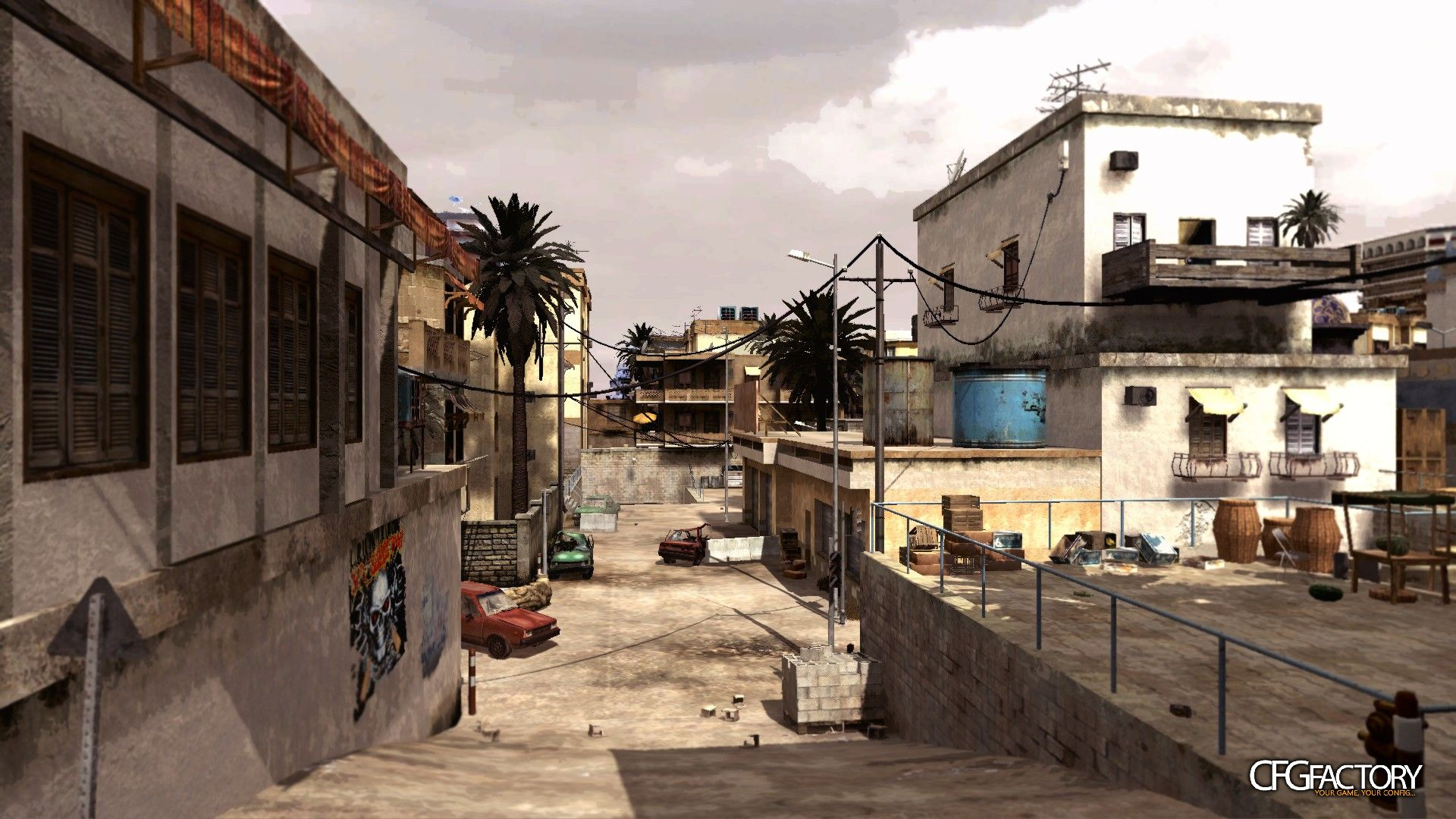
CS:GO dust2 mapGhostRider0125 https://cfgfactory.com/downloads/show/5a5a82c459b98 you could port this to iw5 if you wanted
-
[Release] M4A1 skins by speedwell!M4A1 skins by speedwell!
Hello all!
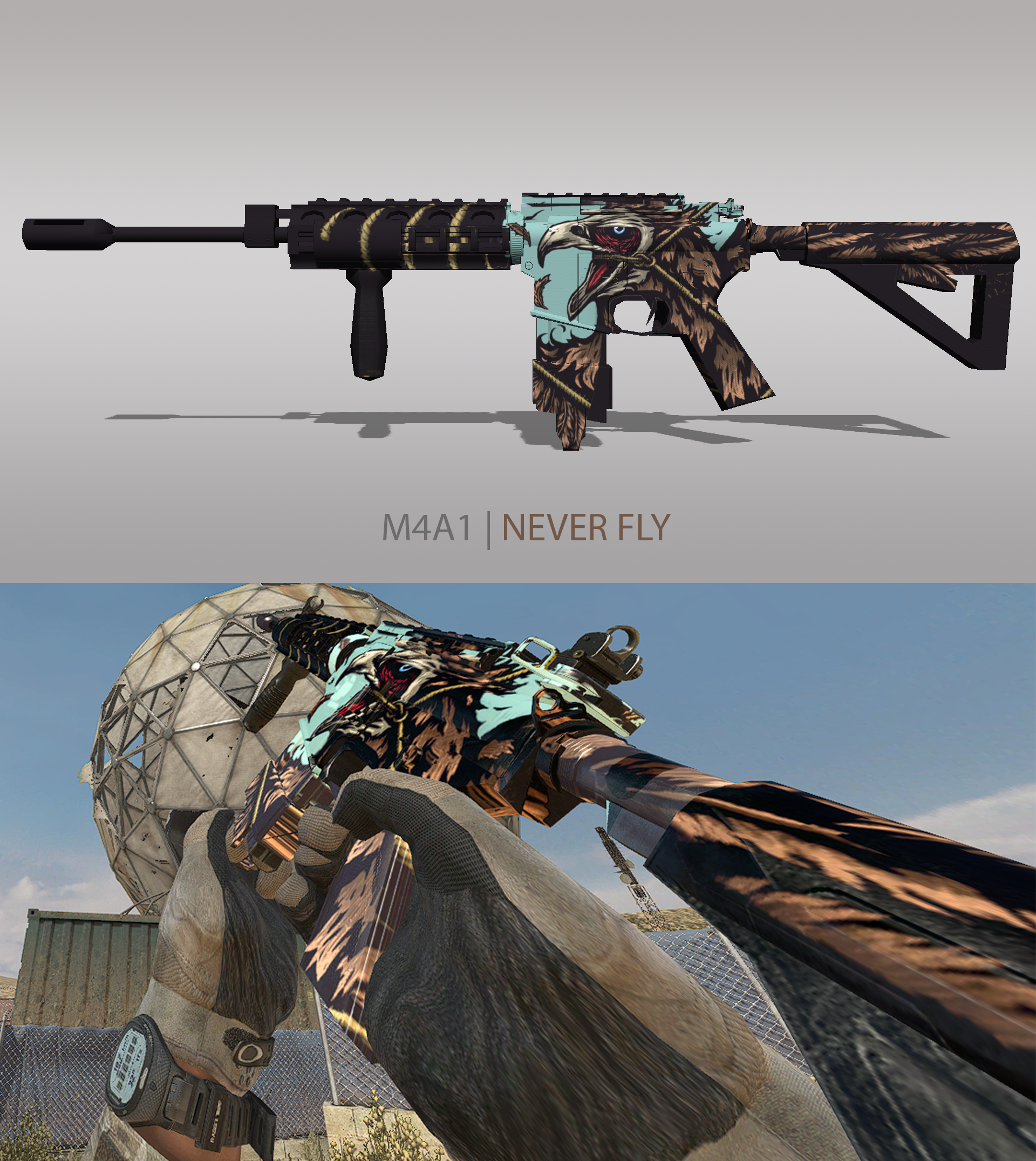
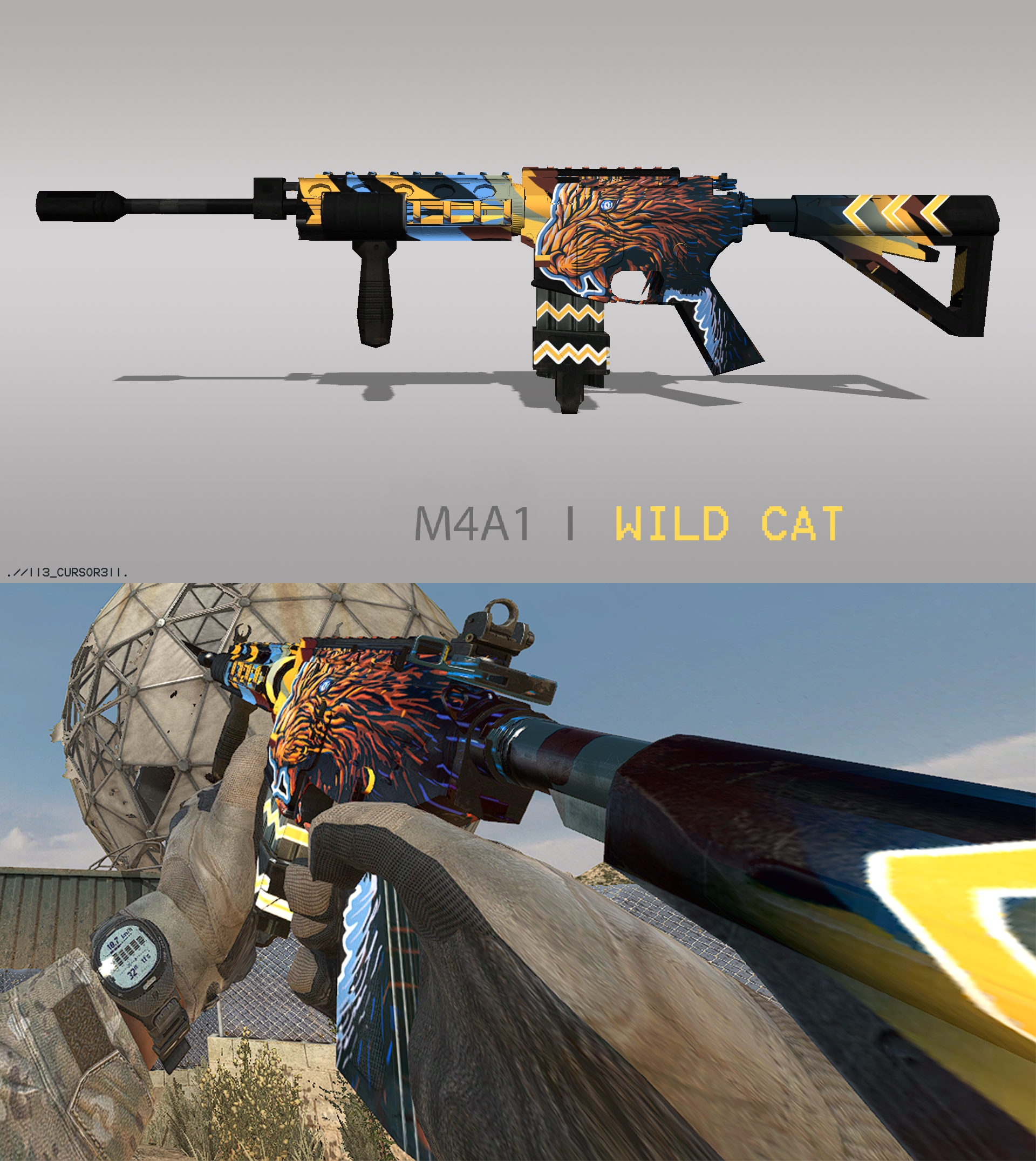
Today I am uploading speedwells M4A1 skins! These are not my own skins, I am just uploading them to the forum for people to use.
note: I recommend not using camo on top of these skins as they will not look how they should, you will also only be able to use one skin at a time as you are replacing the base texture for the weapon.
Link to speedwell CFG Factory Profile: Here
(Weapon render screenshot by speedwell)
(In-game screenshot by me)
How to install
-
Download the camo from Here.
-
Head to your plutonium IW5 images folder by holding Win + R
(Windows key + Letter R) and pasting this %localappdata%\Plutonium\storage\iw5\images into run and hitting ok or enter. -
Open the zip you just downloaded and open the M4A1 Skins by speedwell folder inside the zip then pick the skin you want and drag and drop the iwi into your iw5 images folder
-
You're done! you may load up iw5 and enjoy!
Please if you have any issues leave a comment and I will try and help as soon as possible!
Hope you enjoy!
In-game screen shot
Cursed

Kill Confirmed

Never Fly
Owner of the sea

Wild cat
-
-
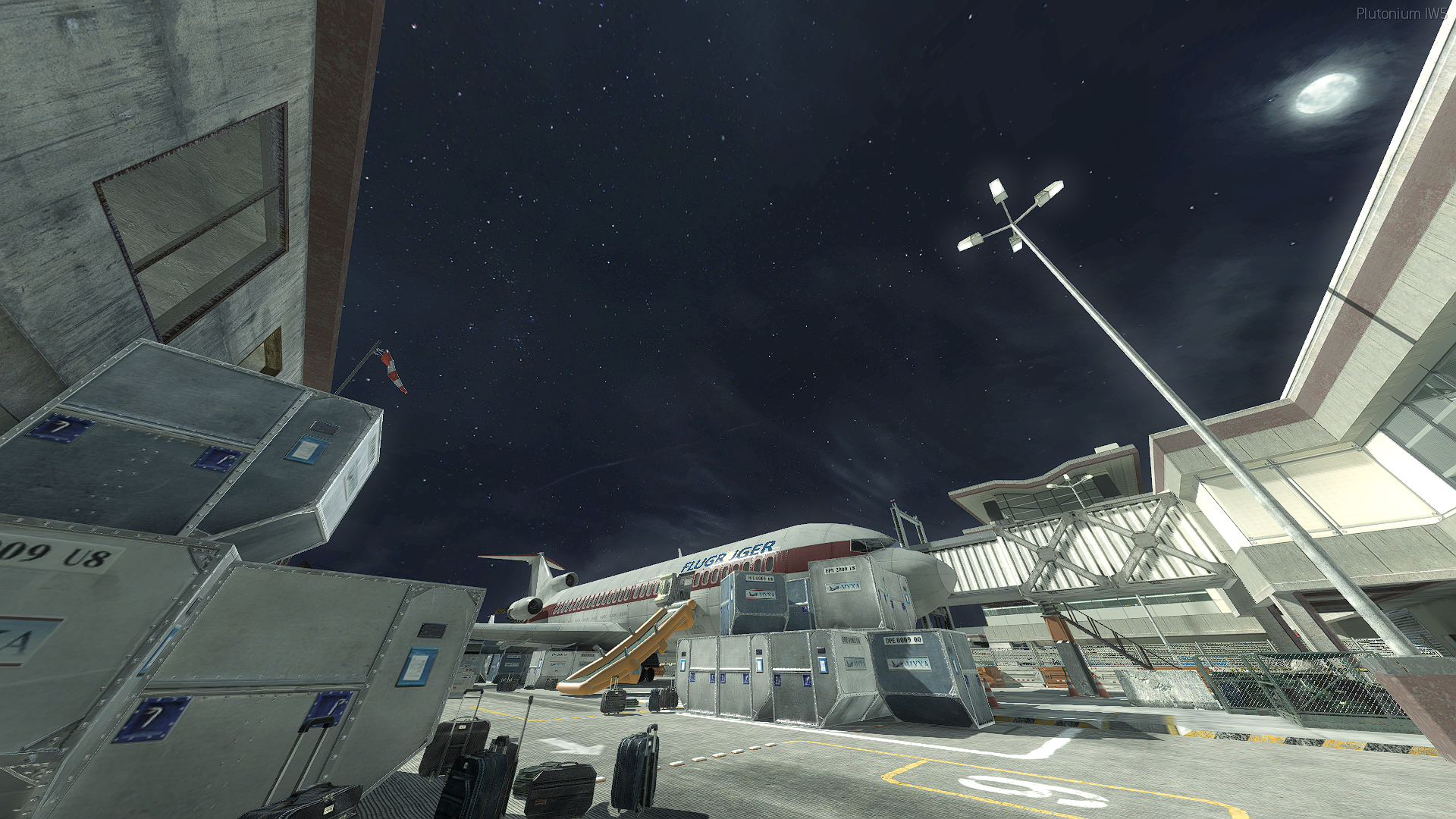
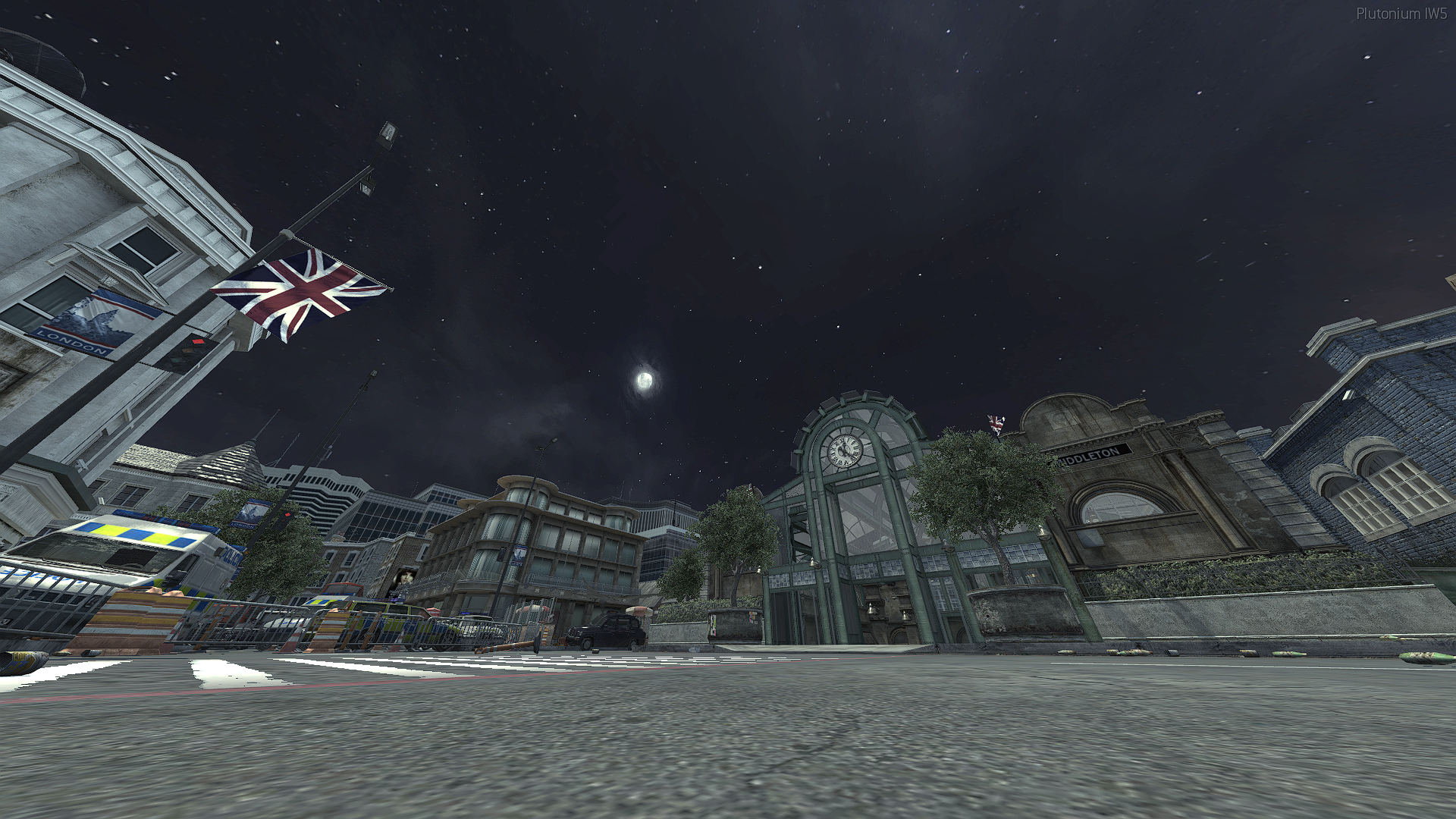
[Release] Night v2 Skyboxes!Night v2 Skyboxes!
Hello all!
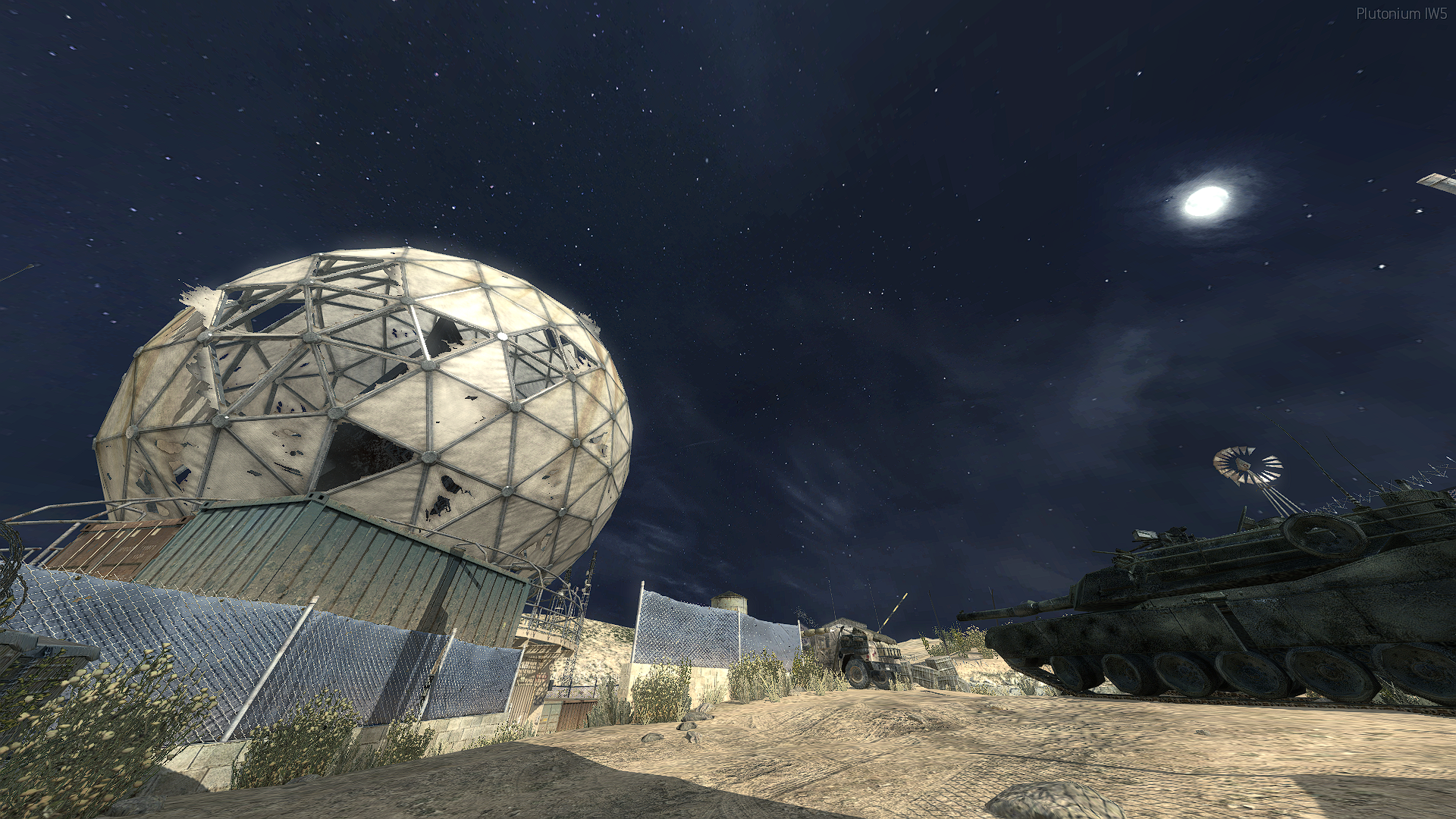
Today I am releasing night v2 Skyboxes!
This not my own sky box, taken from so_deltacamp
Skyboxes:
-
All stock maps
-
DLC: free DLC maps + Rust
How to install
-
Download the sky boxes from Here.
-
Head to your plutonium IW5 images folder by holding Win + R (Windows key + Letter R) and pasting this %localappdata%\Plutonium\storage\iw5\images into run and hitting ok or enter.
-
Open the zip you just downloaded and open the stock+freeDLC folder inside the zip and just drag n drop the iwis into your iw5 images folder.
-
You're done! you may load up iw5 and enjoy!
Visual Instructions:
Please if you have any issues leave a comment and I will try and help as soon as possible!
Hope you enjoy!
In-game screenshot(s)
-
-
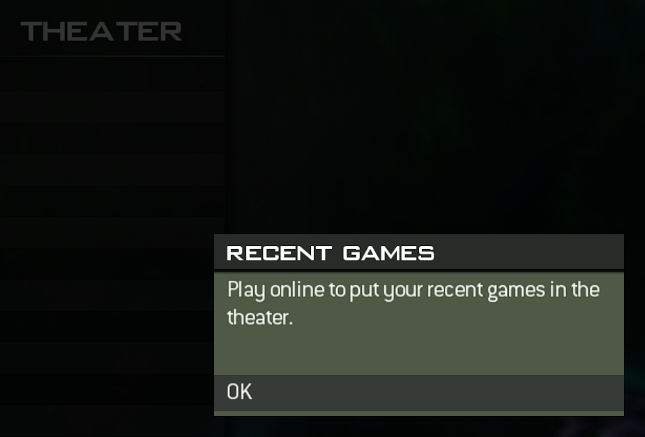
Unable to use theater due to new updateSince the new update to iw5 I have been unable to use theater, I have verified that I'm not the only person with this issue.
-
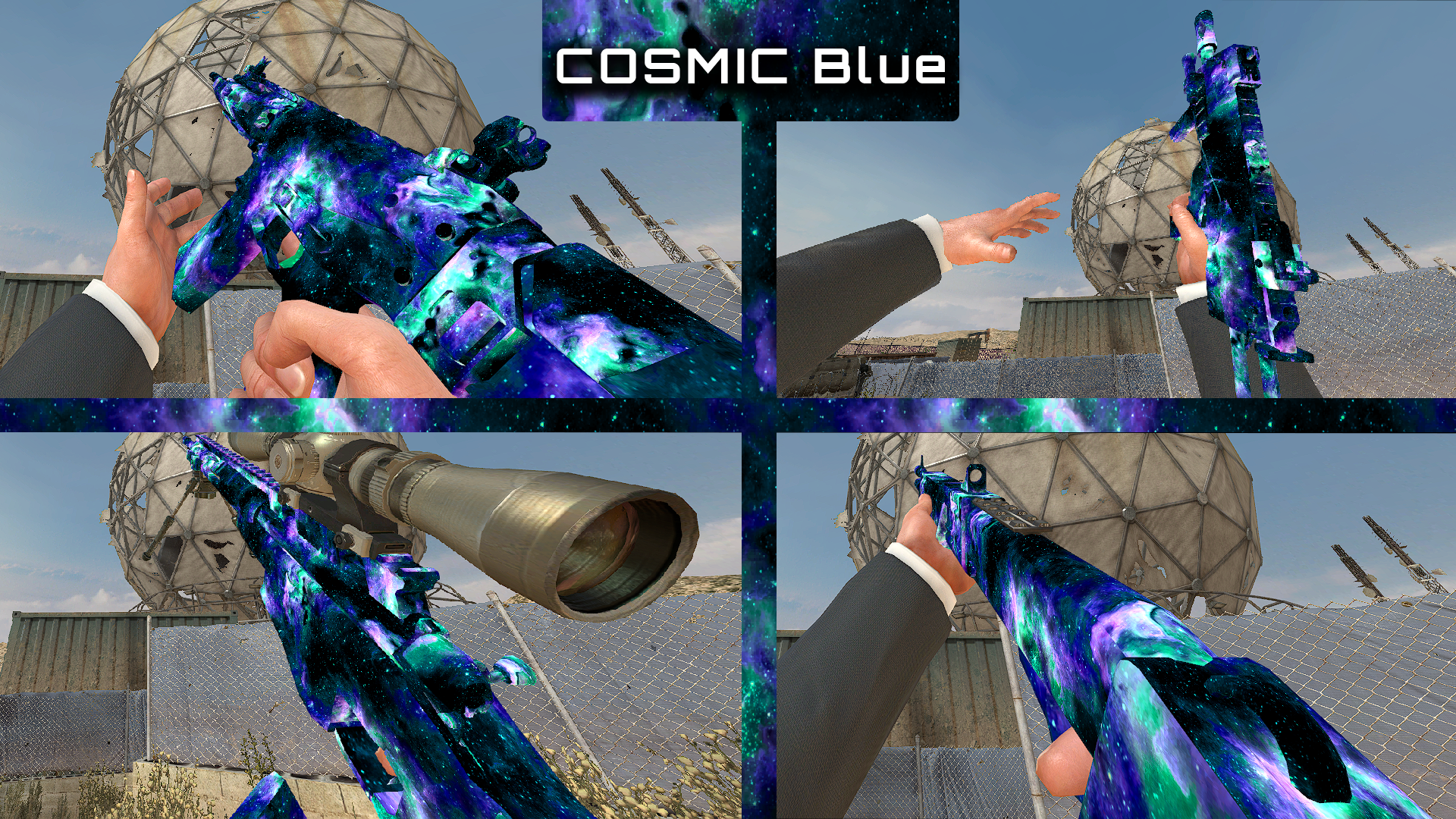
[Release] Cosmic Camos! (More Colours)Cosmic Camos! (More Colours)
Hello all!
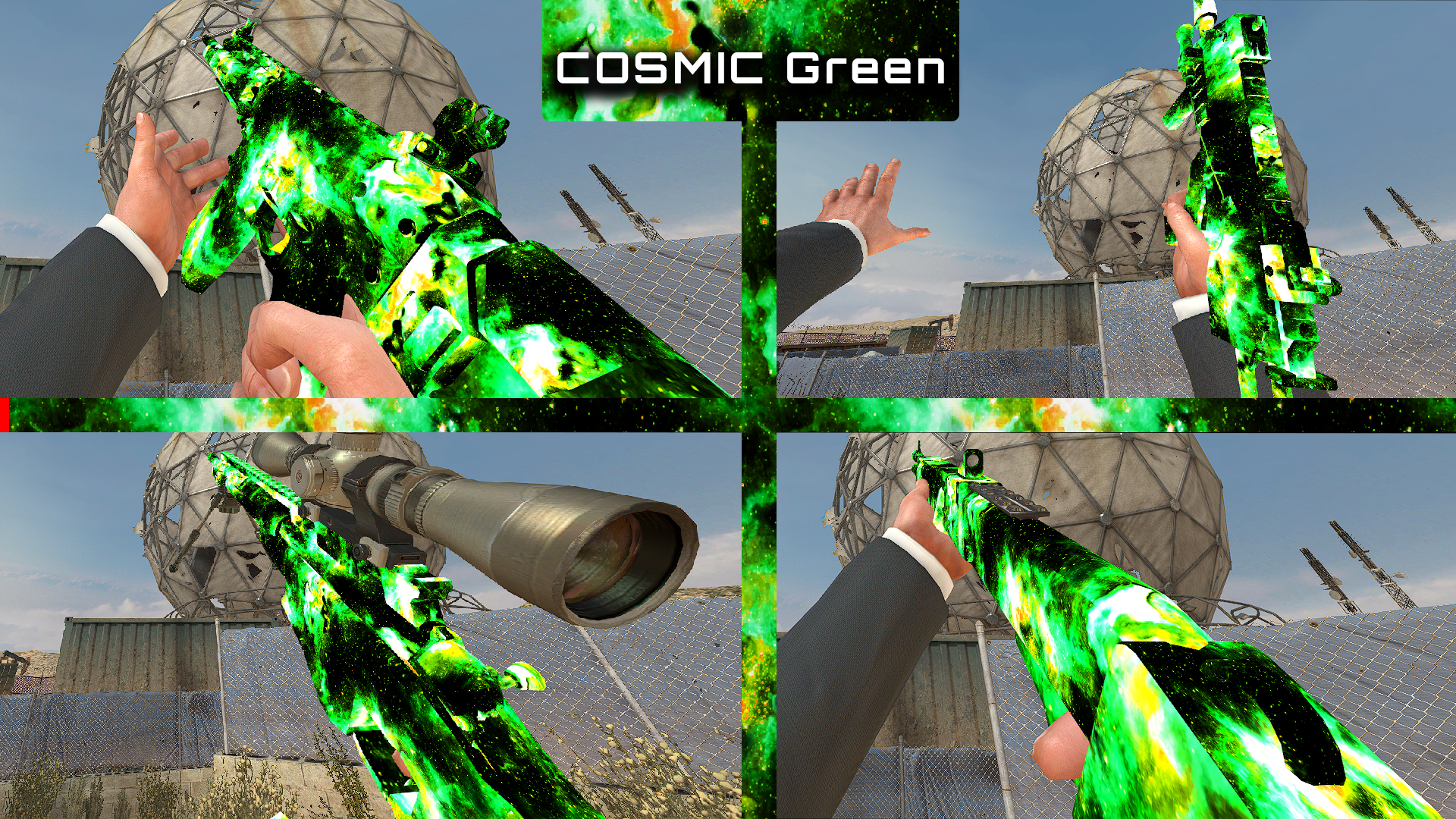
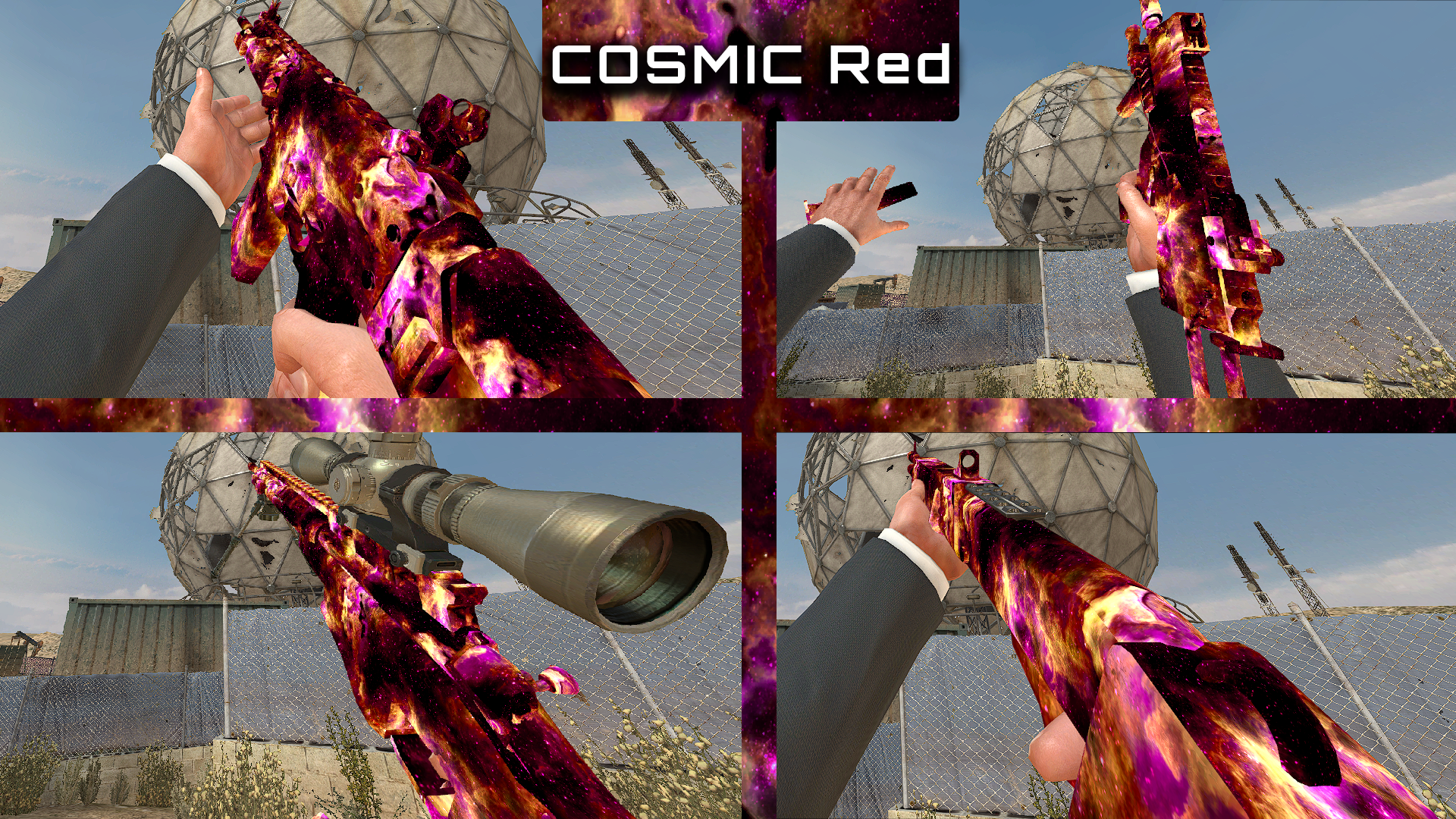
Today I am releasing Cosmic Camo
This camo will replace Gold camo
How to install
-
Download the camo from Here.
-
Head to your plutonium IW5 images folder by holding Win + R
(Windows key + Letter R) and pasting this %localappdata%\Plutonium\storage\iw5\images into run and hitting ok or enter. -
Open the zip you just downloaded and open the Cosmic colours folder inside the zip then pick the colour you want and drag n drop the iwis into your iw5 images folder
-
You're done! you may load up iw5 and enjoy!
Visual Instructions:
Please if you have any issues leave a comment and I will try and help as soon as possible!
Hope you enjoy!
In-game screenshot(s)
Purple

Blue/green
Green
Red
-
-
What are you currently listening to? -
Not able to join "Arcane Sniping Small Maps" -
[Release] 1440p MW3 Loading Screens! -
[Release] 1440p MW3 Loading Screens!@Mr-Android Thank you!

-
[Release] 1440p MW3 Loading Screens!H3X1C I would love to but I'm a bit discouraged because there are usermaps versions of the DLC maps that overwrite the images folder meaning any iwis I try to replace for DLC maps would not be used. I will most likely still work on them as I use normal DLC but it would nice if the permissions was fixed for usermaps as it has more power over the images folder.

-
[Release] Christmas Wrapping Camo pack!Christmas Wrapping Camo Pack!
Hello all!
Today I am releasing Christmas wrapping Camo pack, this camo pack replaces all 13 original camos in the game with Christmas wrapping!
How to install
-
Download the camo pack from Here.
-
Head to your plutonium IW5 images folder by holding Win + R
(Windows key + Letter R) and pasting this %localappdata%\Plutonium\storage\iw5\images into run and hitting ok or enter. -
Open the zip you just downloaded and open the Christmas Wrapping Camos folder inside the zip then drag and drop the iwis from the ALL folder to use all the camos included in the camo pack or pick which camo you want and put them into your iw5 images folder
-
You're done! you may load up iw5 and enjoy!
Visual Instructions:
Please if you have any issues leave a comment and I will try and help as soon as possible!
Hope you enjoy!
In-game screenshot(s)
Classic
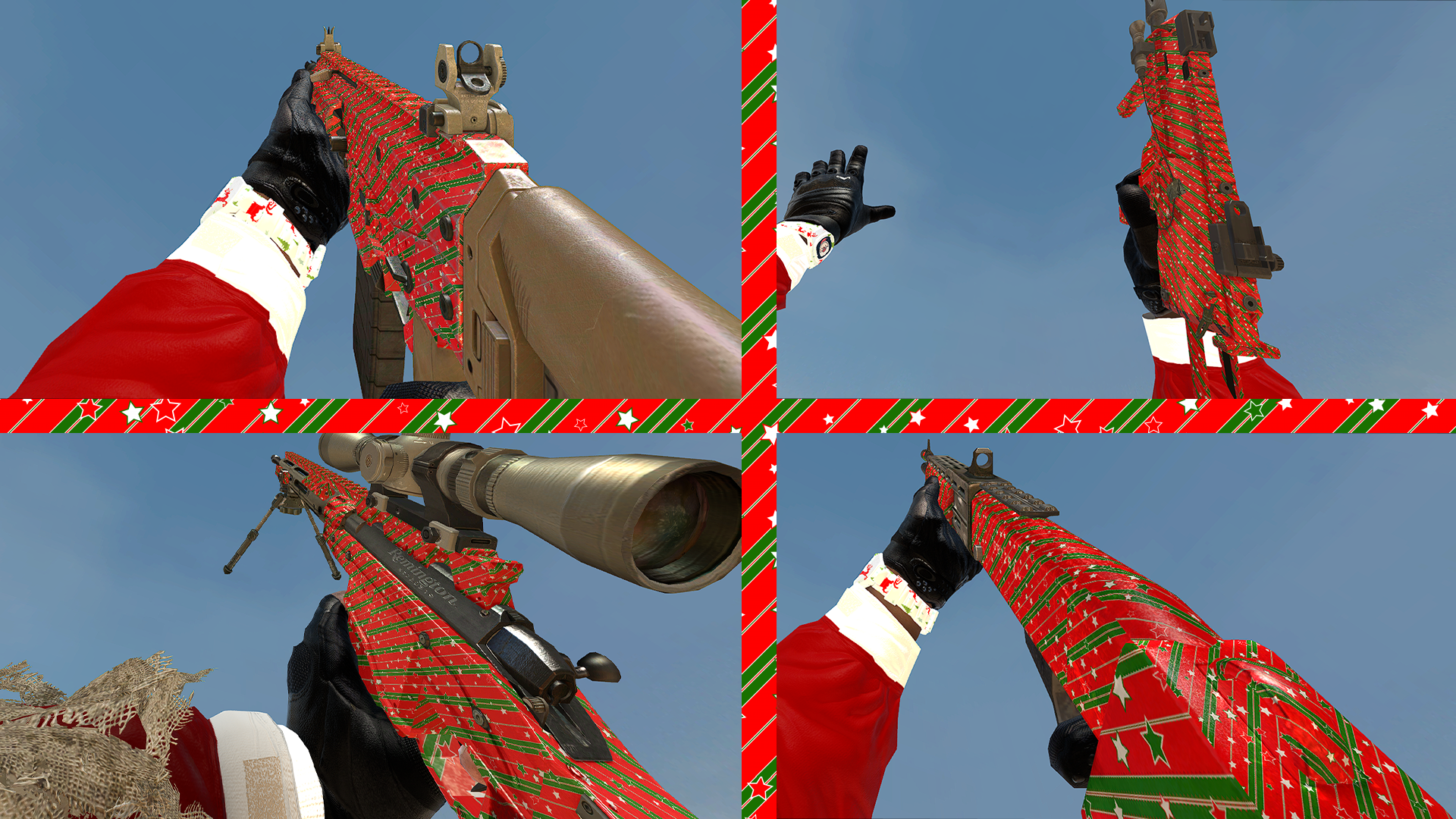
Snow
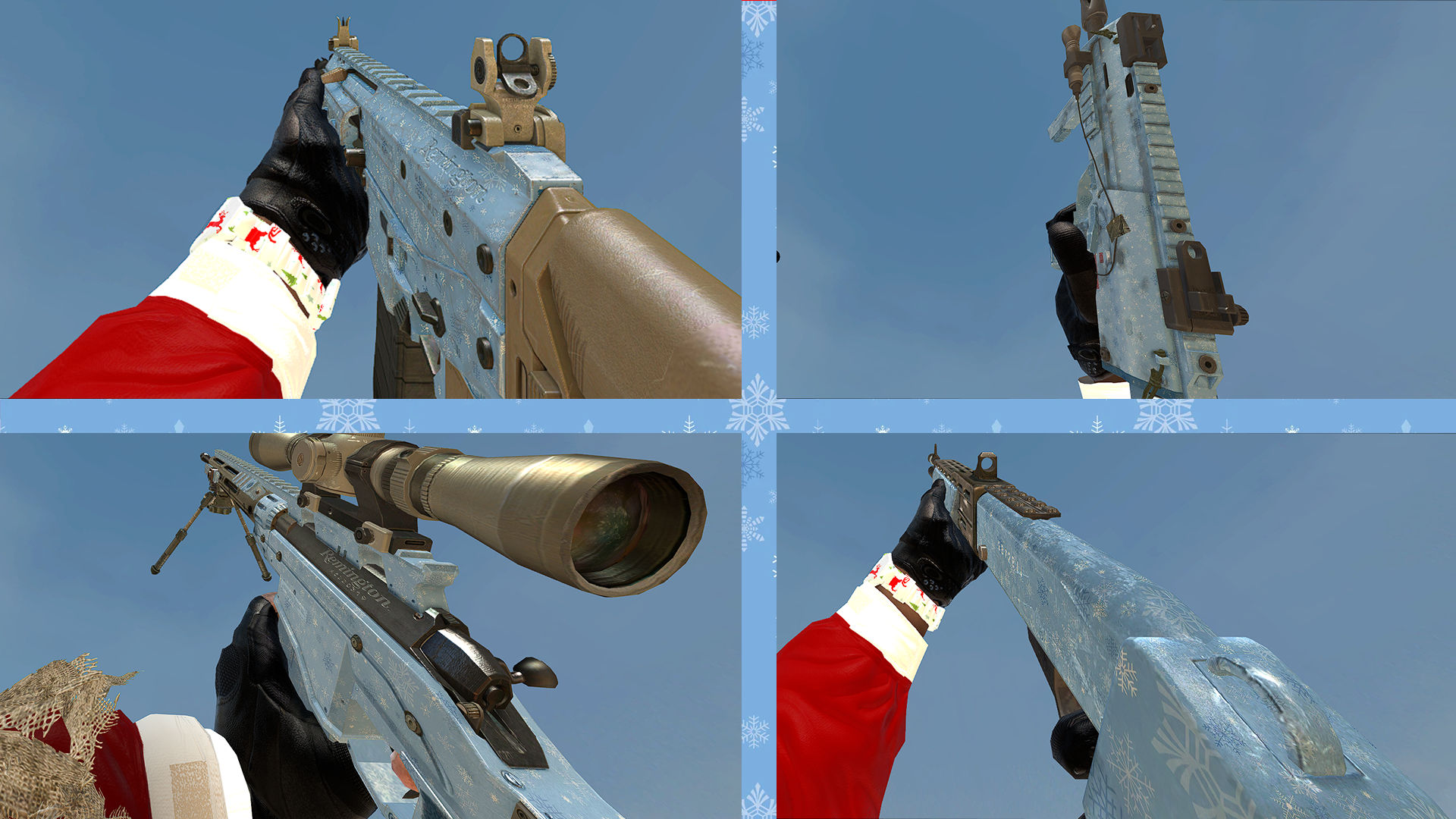
Multicam
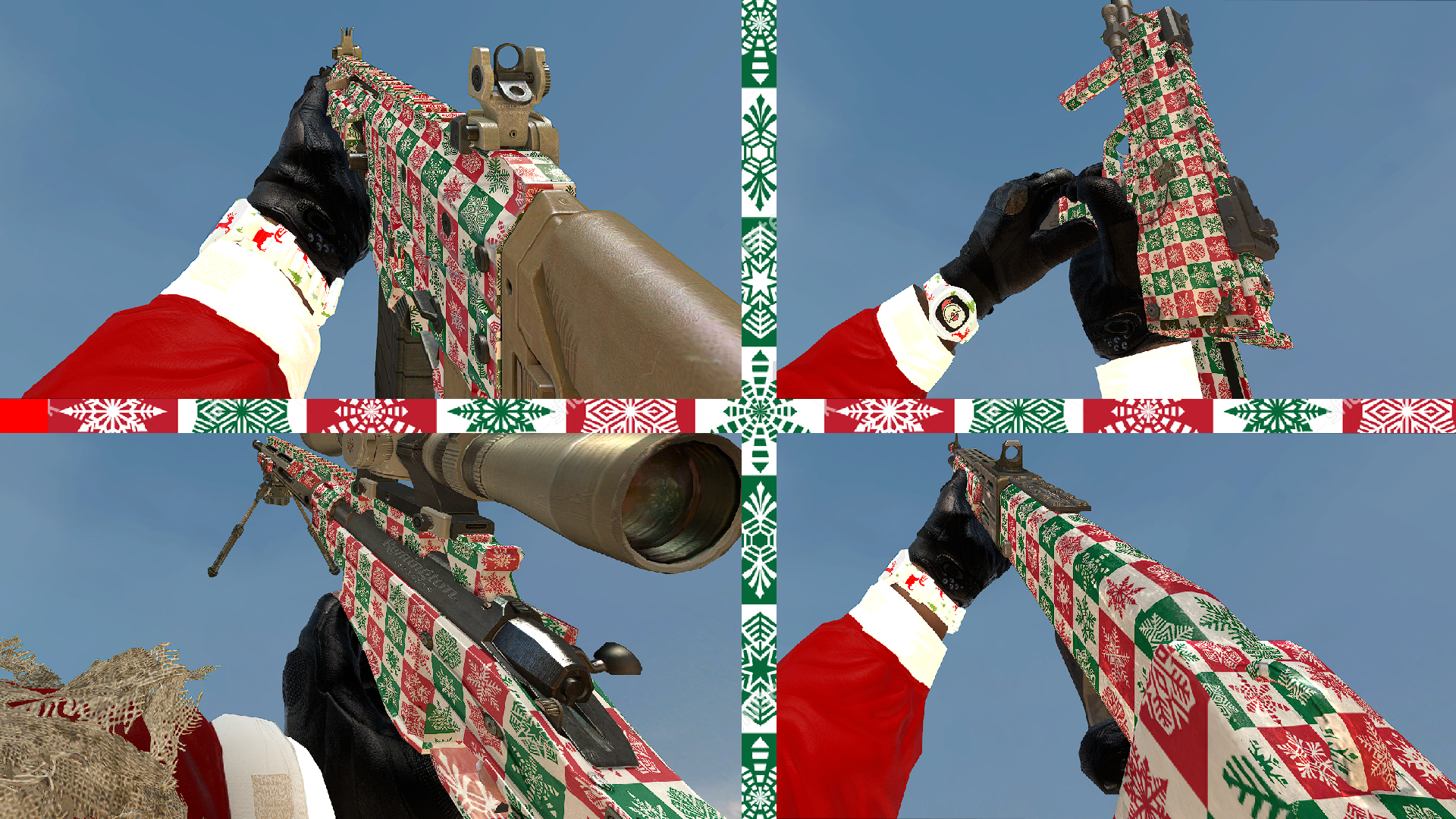
Digital urban
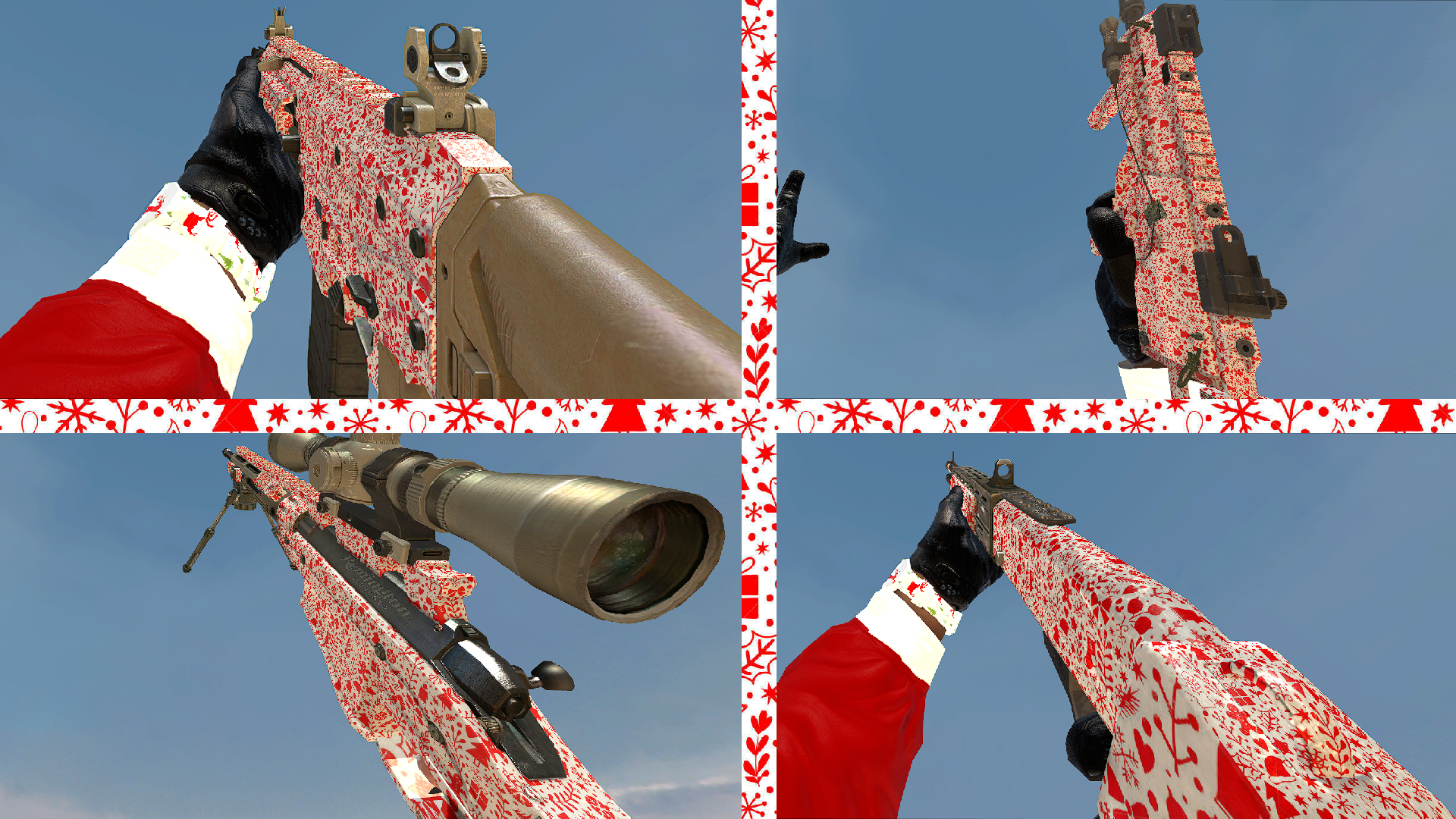
Hex
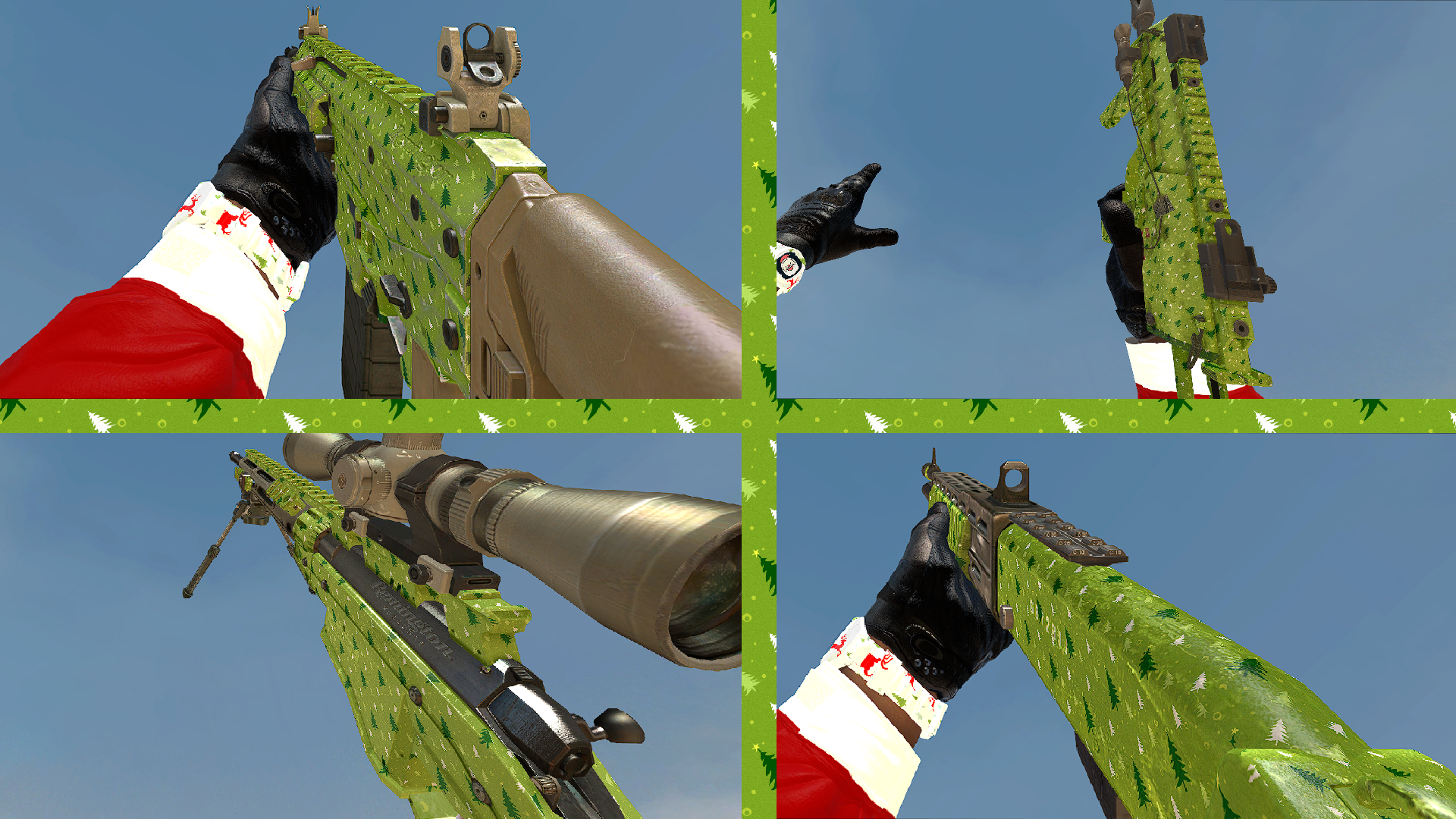
Choco
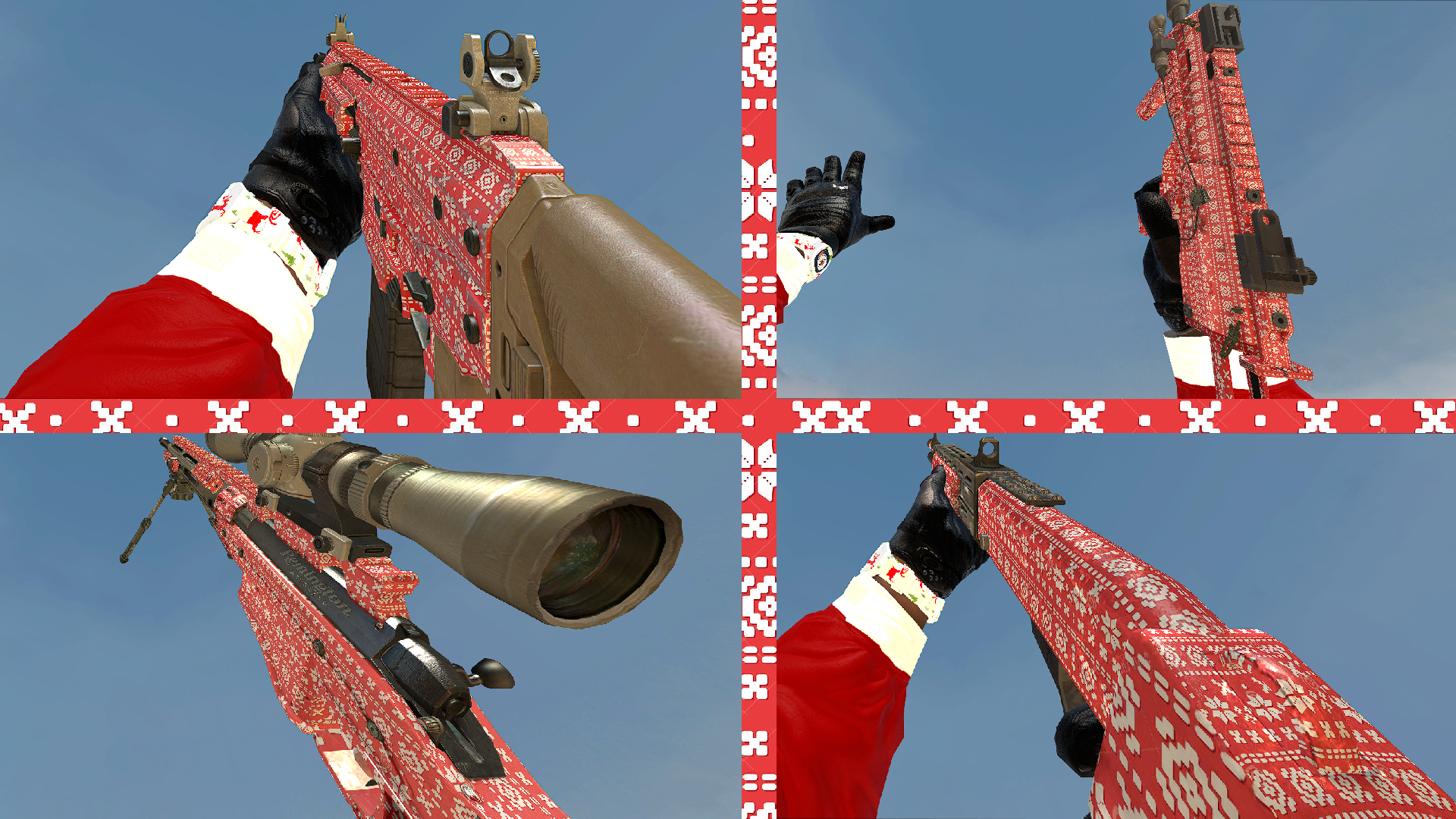
Snake
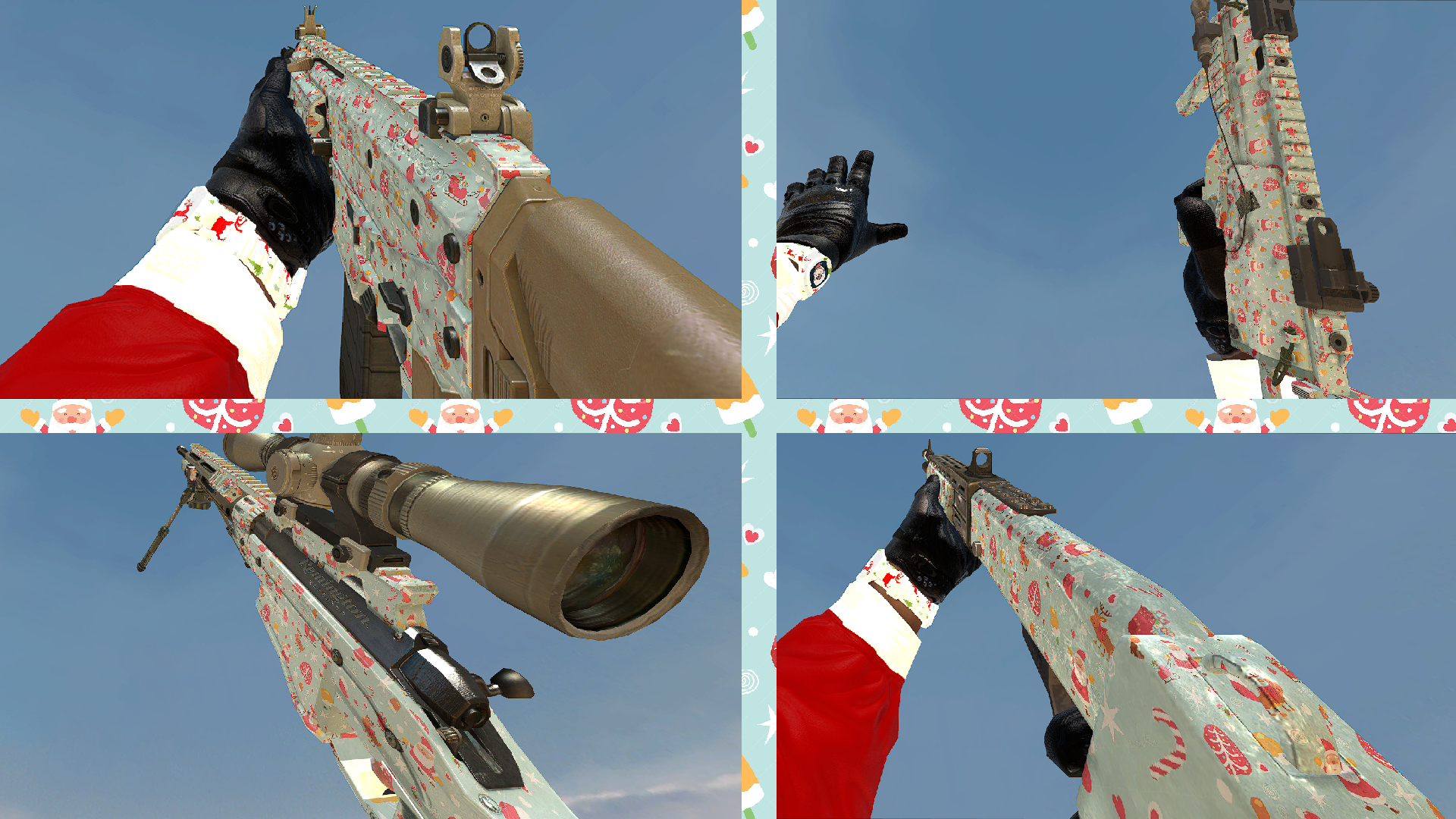
Blue
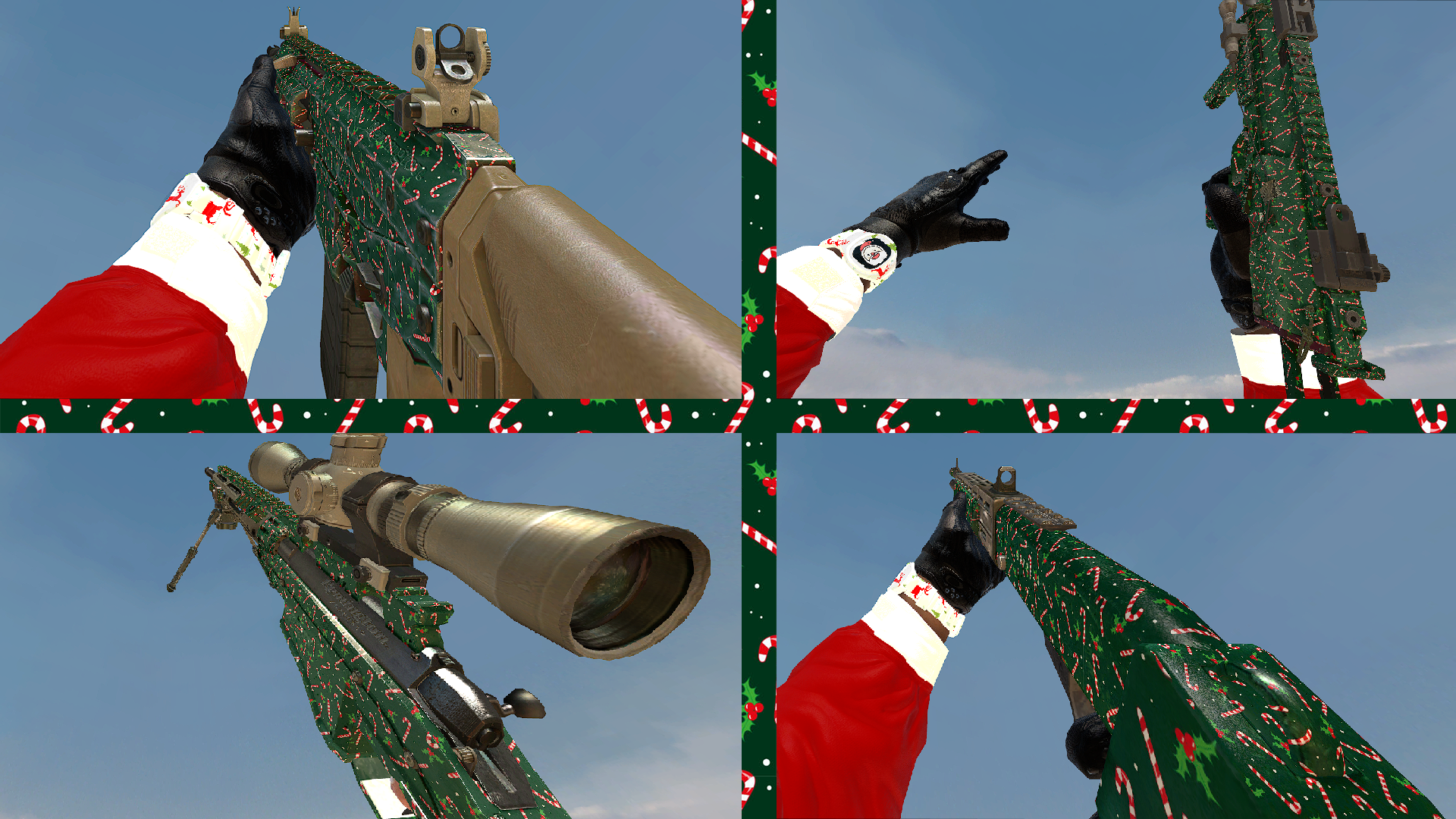
Red
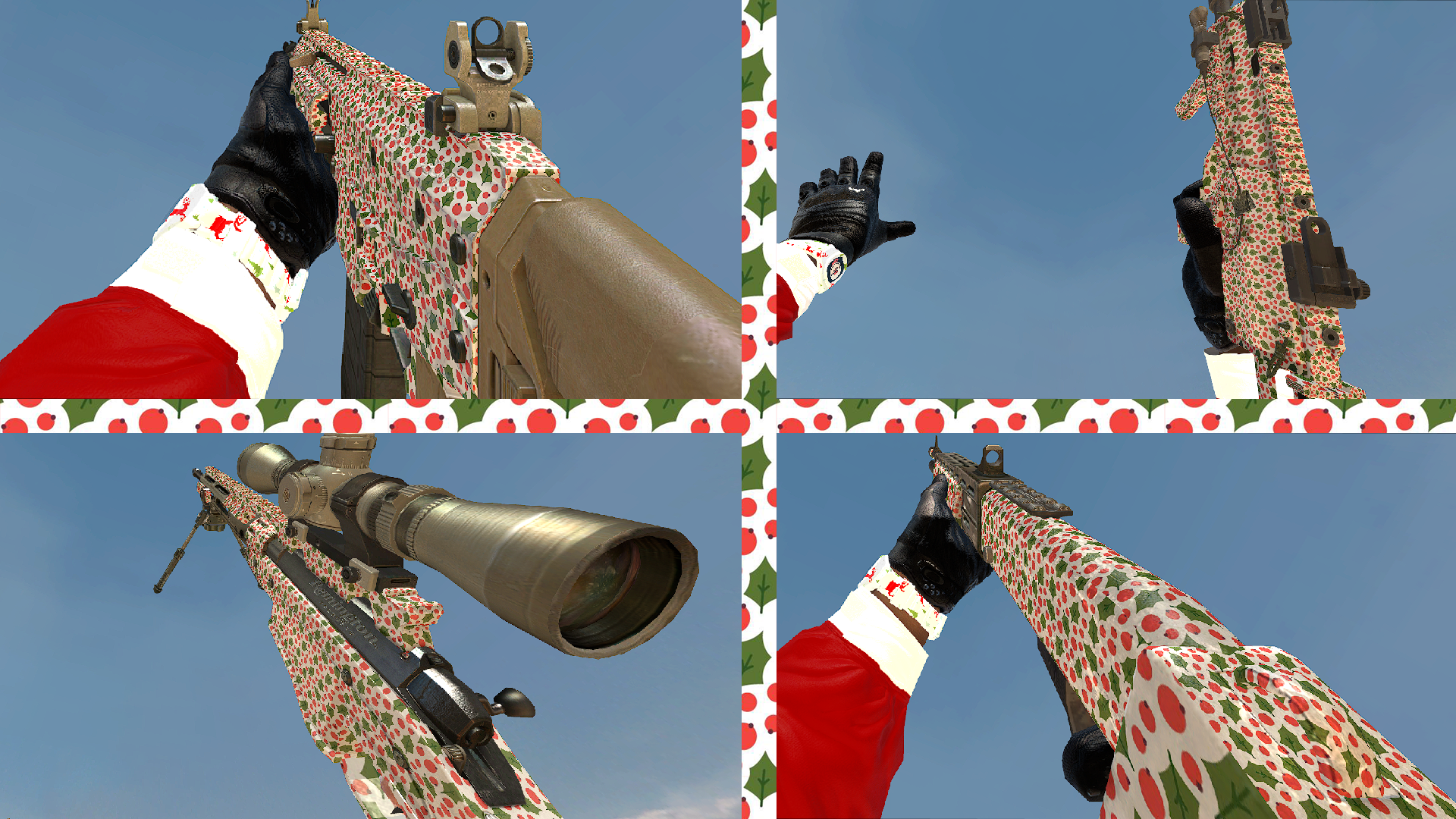
Autumn
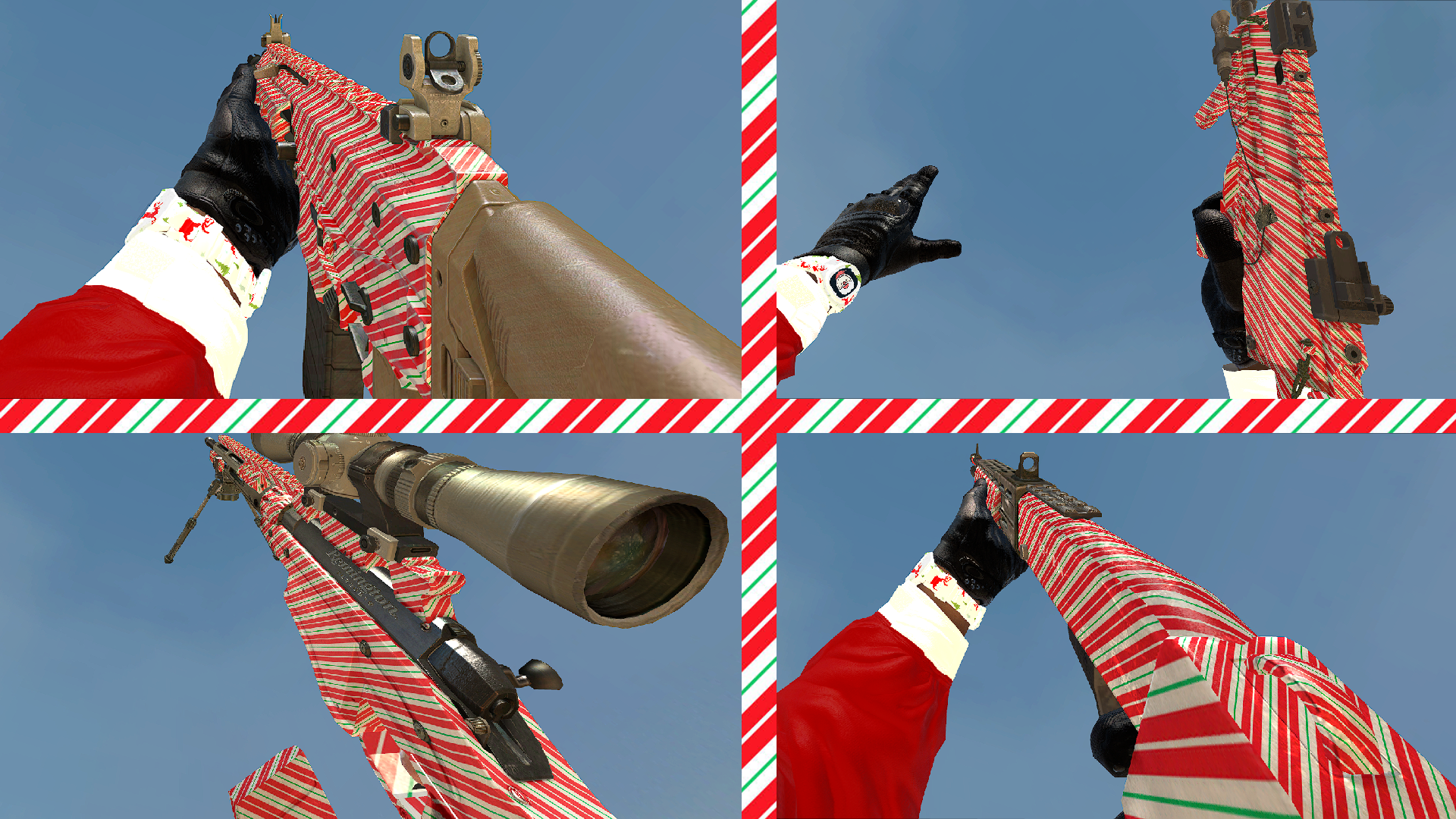
Gold
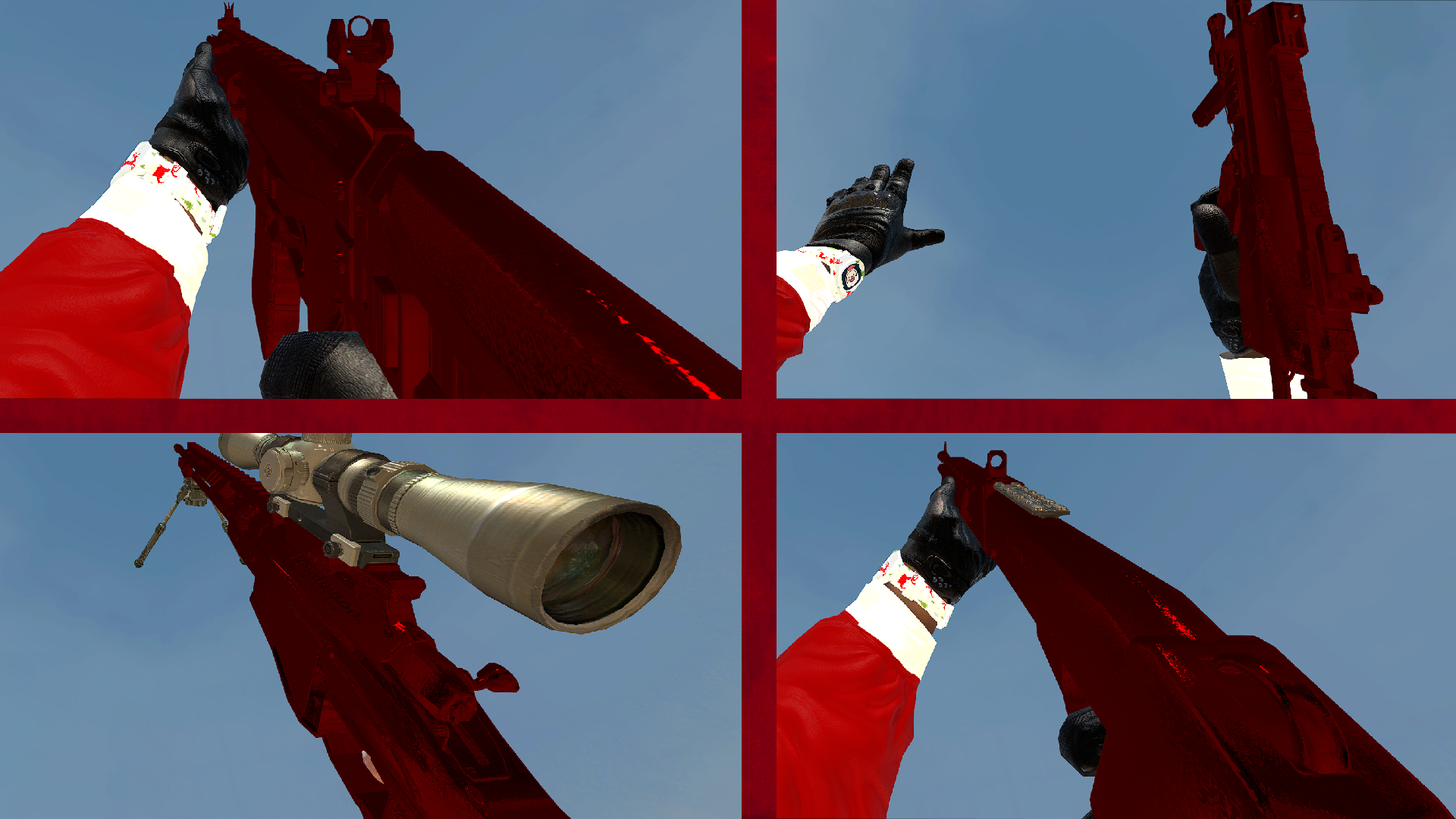
Marine
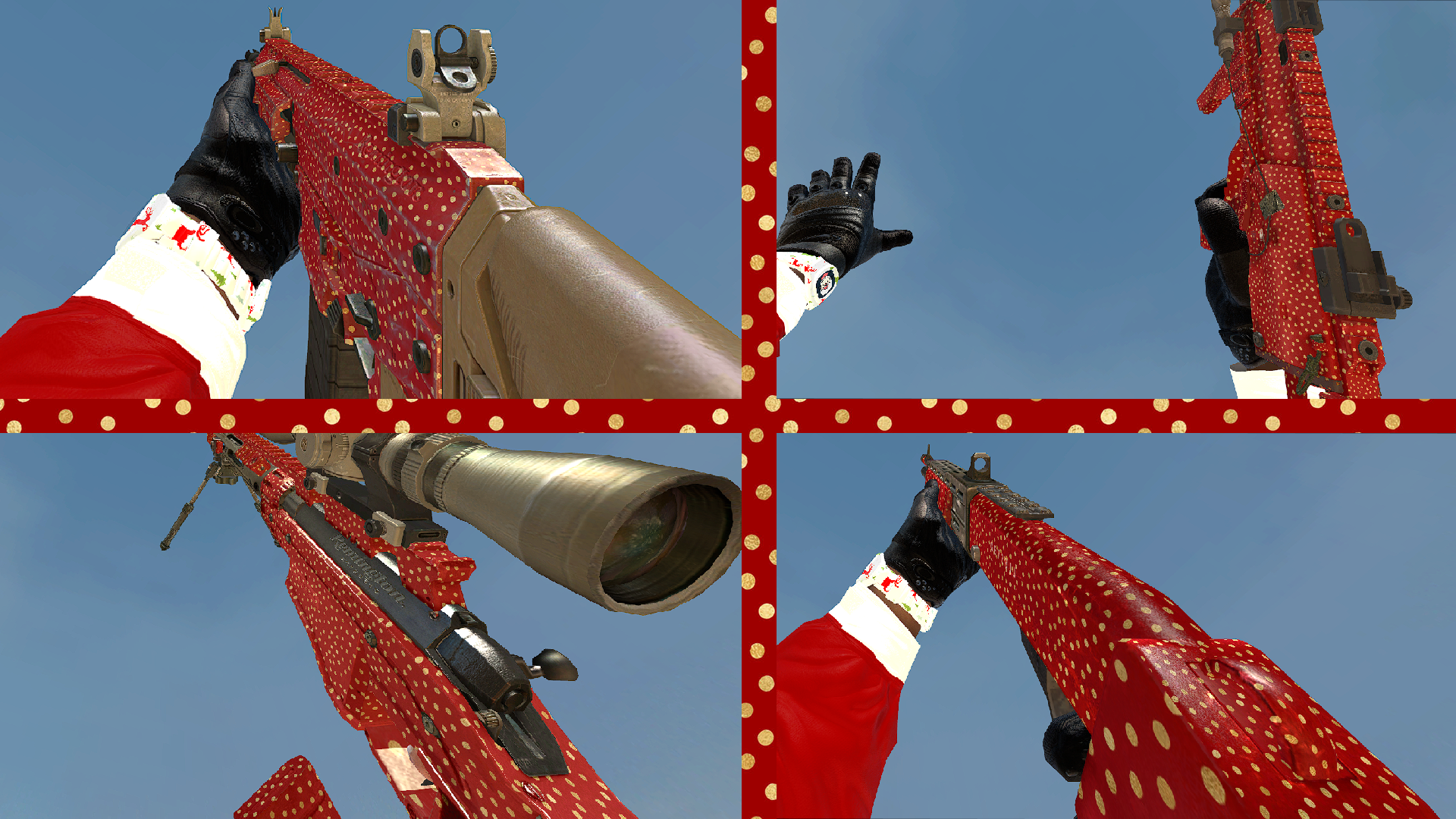
Winter
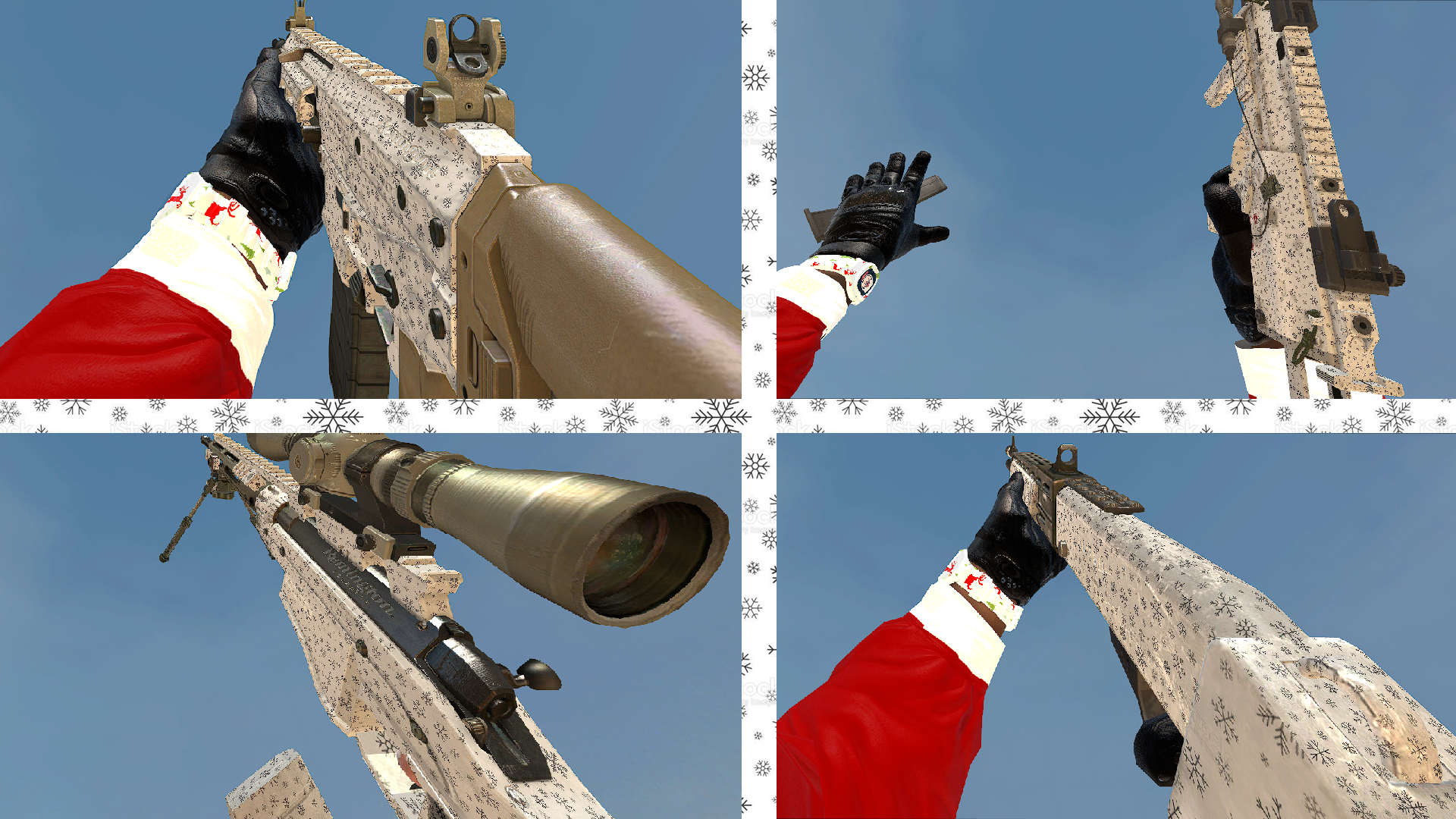
-
-
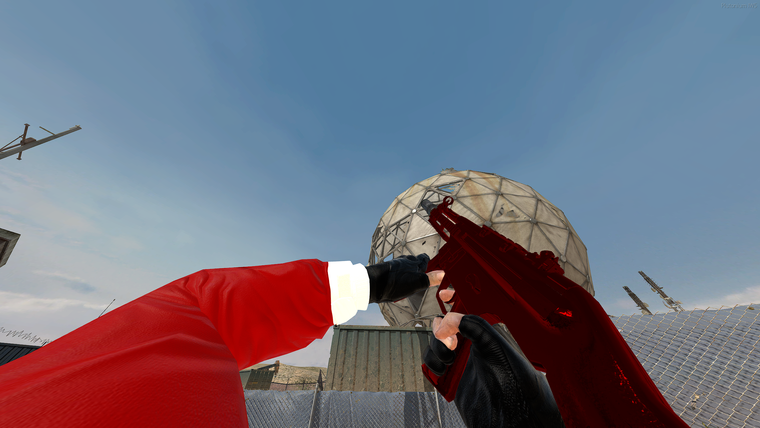
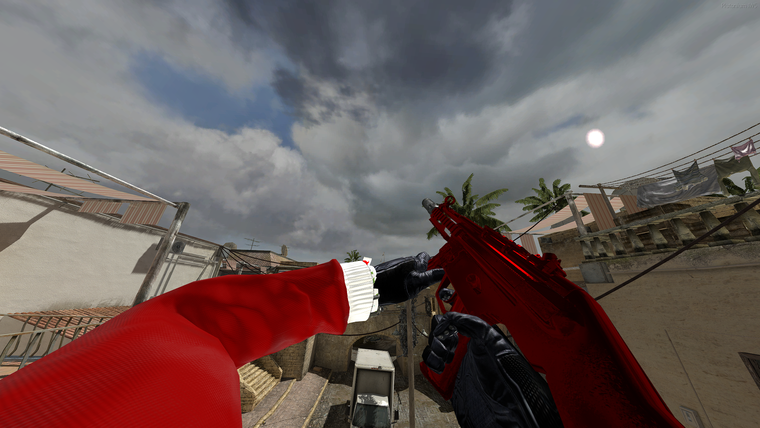
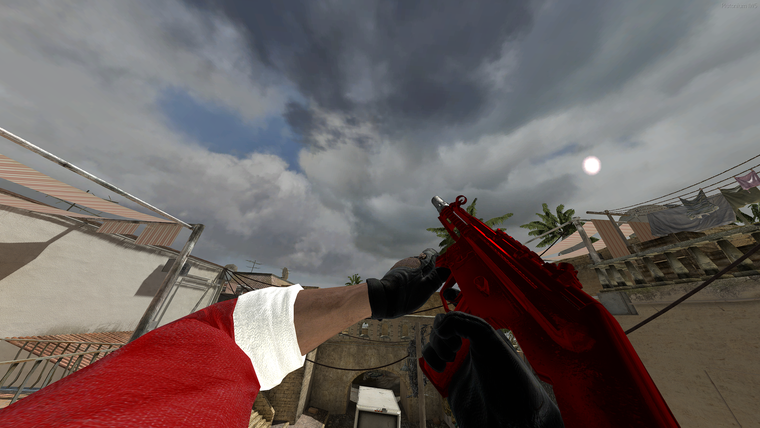
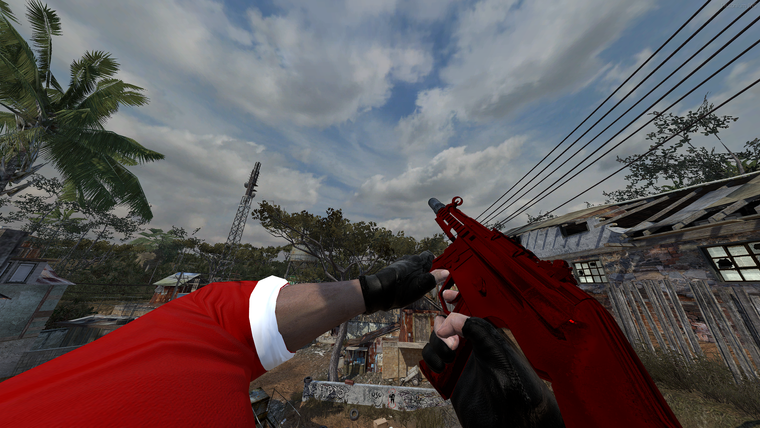
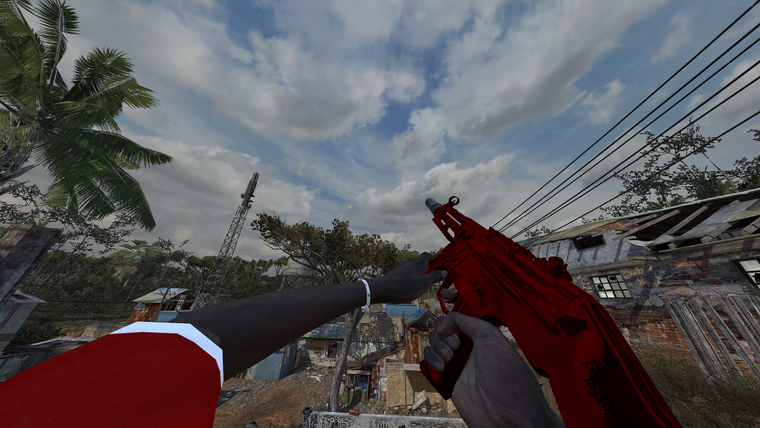
[Release] Santa Viewhands!MW3 Santa Viewhands!
Hello all!
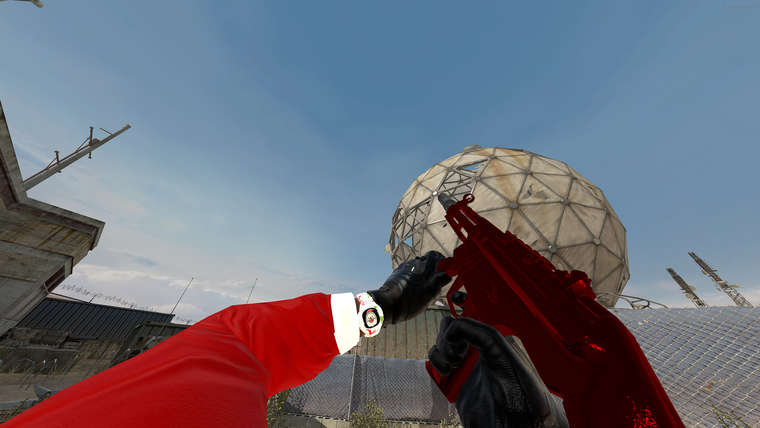
Today I am releasing Santa viewhands!
How to install
-
Download the view models from Here.
-
Head to your plutonium IW5 images folder by holding Win + R
(Windows key + Letter R) and pasting this %localappdata%\Plutonium\storage\iw5\images into run and hitting ok or enter. -
Open the zip you just downloaded and open the Santa ViewModels folder inside the zip, you will see a folder called All and a folder called individual if you want all the view models open the All folder and drag and drop the iwis into your iw5 images folder.
-
You're done! you may load up iw5 and enjoy!
Please if you have any issues leave a comment and I will try and help as soon as possible!
Hope you enjoy!
In-game screen shots
-