YaF3li Of course.

SoyKappy
@SoyKappy
Posts
-
[Release] [1.1] Sniper Scopes Fix [BO1] -
[Release] [1.1] Sniper Scopes Fix [BO1]YUNG MILES Thank you! Not at the moment. I have only done this in Black Ops and Black ops II.
-
[Release] - Snipers Scopes Fix - [1.1] -
[Release] [1.1] Sniper Scopes Fix [BO1]1.1 Changelog:
:::-L96A1 scope improved
-PSG1 scope improved
-Dragunov scope improved:::
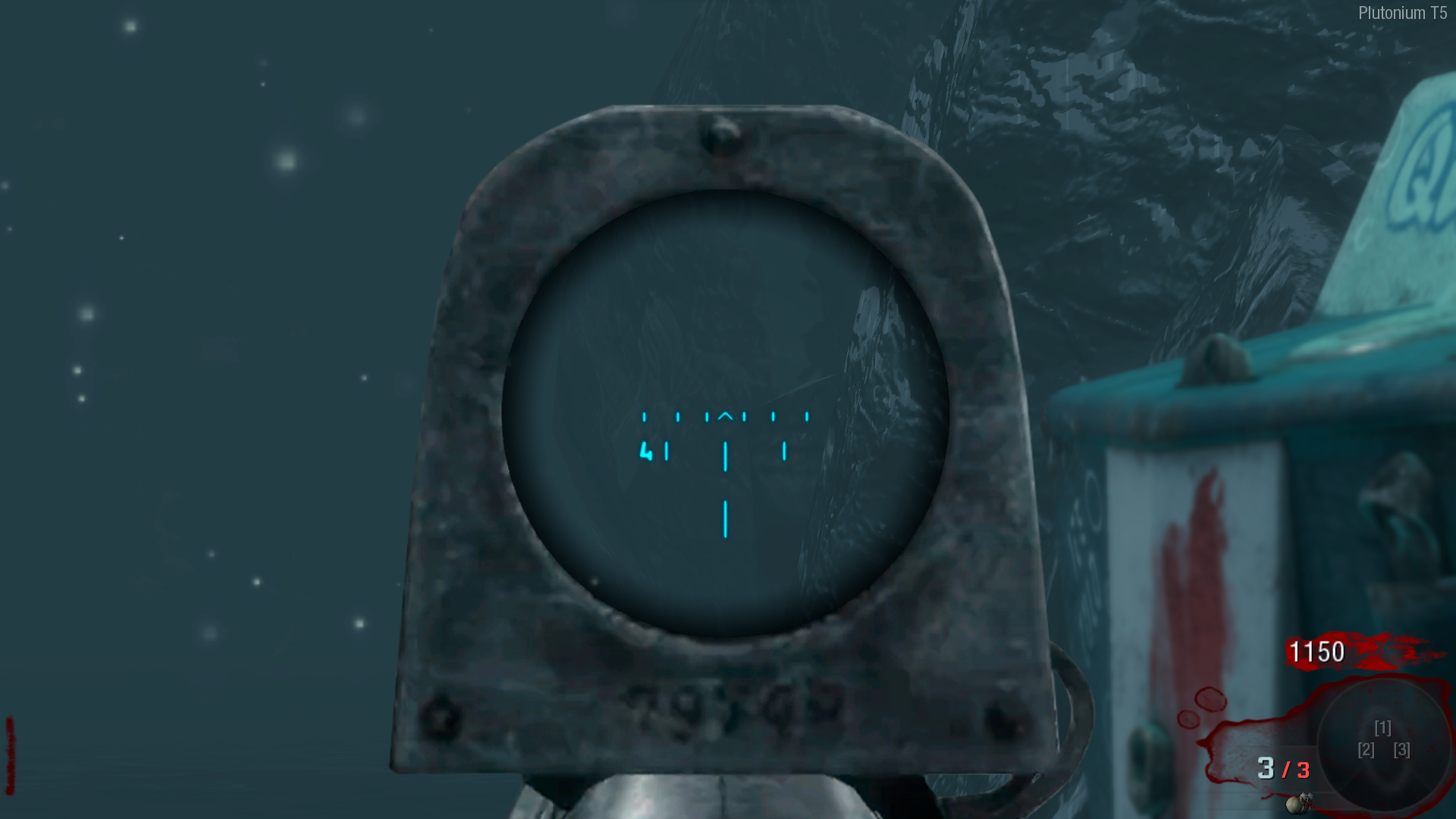
This texture pack converts the old sniper overlay into the modern COD overlay, with the sniper facing forward instead of a hideous black frame in the middle of the screen.
Here you can find this same pack but for Black Ops II.
Clarification: There is a problem, and it is that the Scavenger and WA2000 share the same overlay, therefore both snipers share the same overlay with the scavenger image, because I assume that the scavenger is more used and I see convenient that this is so.
 ️ L96A1

- ️ Dragunov

- ️ PSG1
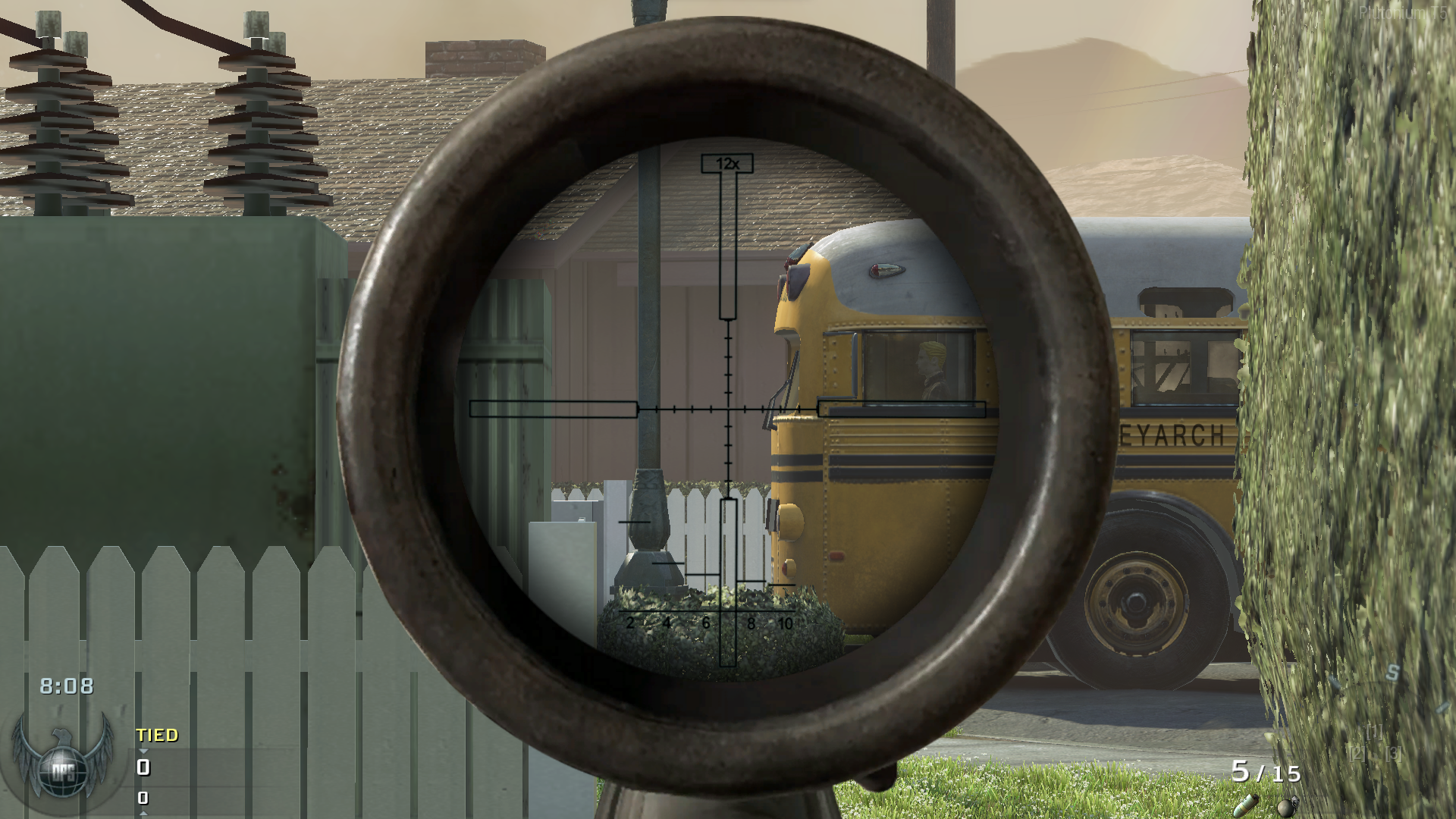
- ️ Scavenger
 INSTRUCTIONS
- Copy the following path, paste it in the file explorer and put all these ".iwi" files there.
➡️ %localappdata%\plutonium\storage\t5\imagesIf it tells you that the path does not exist, it is because the last folder is missing. go to %localappdata%\plutonium\storage\t5 and create a folder called "images" without the quotes.
-
[Release] [Zombies] Cold War modern perk icons for Bo1@jason-blundell
Ok. Done. -
[Release] [Zombies] Cold War modern perk icons for Bo1claxtastic said in [Release] [Zombies] Cold War modern perks for Bo1:
wait what does this change? How do the perks there differ from BO1
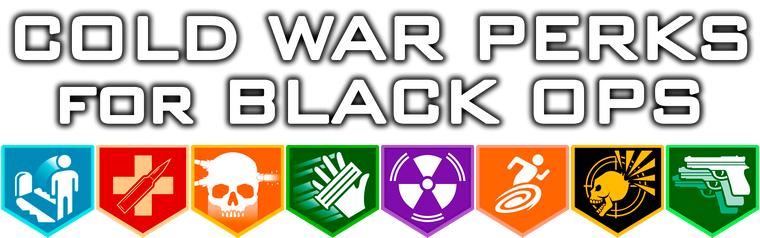
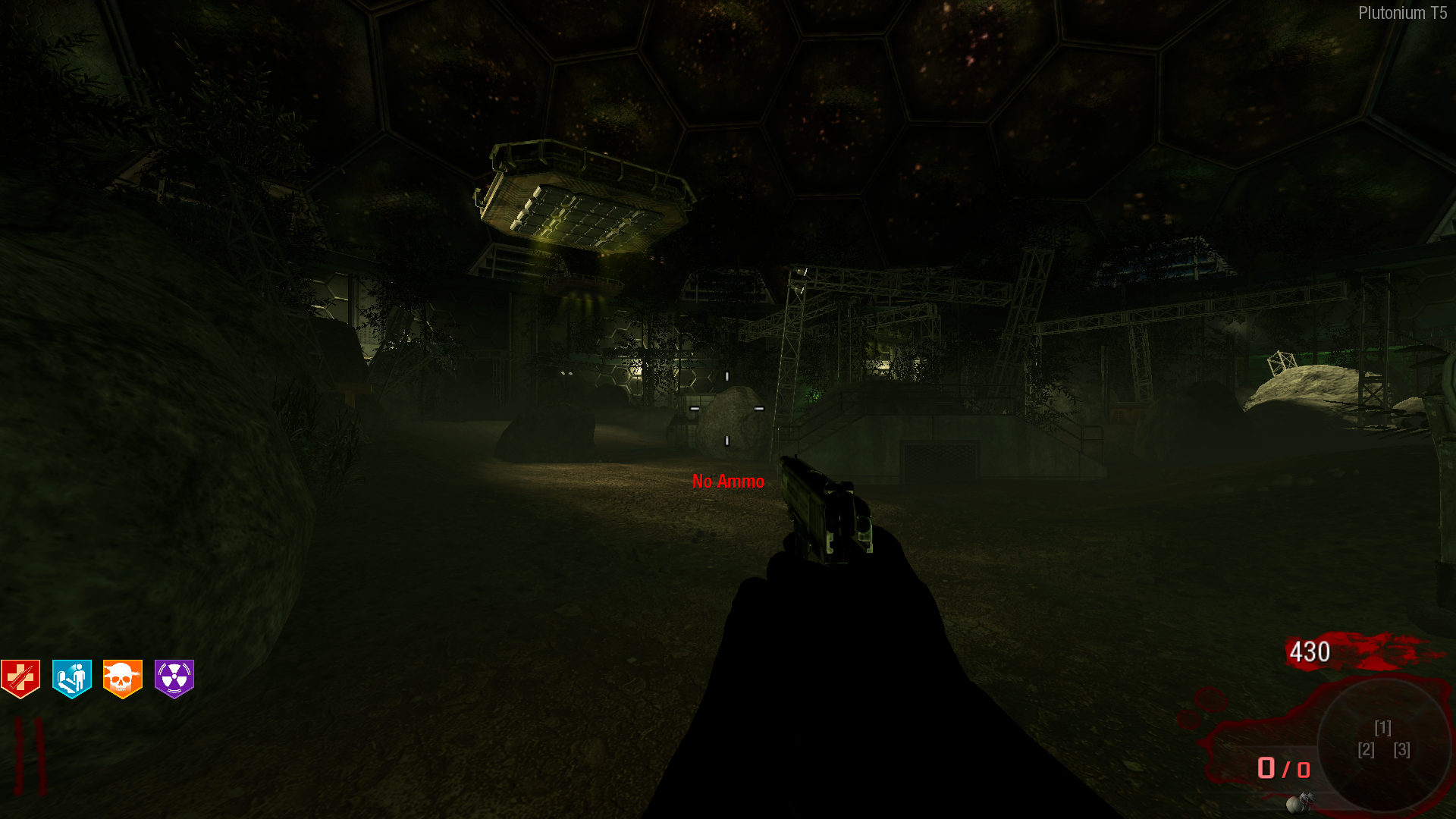
Only in the design. The perks do not change anything, only the Bo1 icons change, which are in very low quality.
-
[Release] [Zombies] Cold War modern perk icons for Bo1
INSTRUCTIONS- Copy the following path, paste it in the file explorer and put all these ".iwi" files there.
➡️ %localappdata%\plutonium\storage\t5\imagesIf it tells you that the path does not exist, it is because the last folder is missing. go to %localappdata%\plutonium\storage\t5 and create a folder called "images" without the quotes.
-
Project Hero [ Graphic Revamp and Sound Replacement ] -
[Release] - Snipers Scopes Fix - [1.1]WolflexZ You can change it with commands.
/cg_fovmin 1010 is the default.
Increasing this value will cause the zoom to be smaller.
-
[Release] - Snipers Scopes Fix - [1.1]Napsta115 It is not possible.
There is no barret scope in the game files and for some reason the DSR scope is used.
-
ZM - Origins Toy SkinIt's beautiful.
-
[Release] [Zombies] "Custom Survival Maps" option for custom games@dontknowletsplay
 10/10
10/10 -
[Release][MP] Caramelldansen animated Camo -
[Alpha] [Zombies] BO2 Zombies Bots -
Alternative resource packs websitesThis is the official Plutonium forum. You can find resources on YouTube channels and other sources, but usually they all end up leading you here.
And please, next time don't post questions here, as this post is for modding only. Go to support instead.
-
[Release] - Snipers Scopes Fix - [1.1] -
[Release] [MP] Cyan Supreme (Animated) -
Nuketown Zombies Revamped | City Of Mars V2 | Updated July 26th, 2025Ultimateman Is this intentional, or is it an incorrigible issue?
PD: I think this is the best mod I know of in the Plutonium Client.

 DOWNLOAD