JuanDavid831996 la campaña no está en plutonium, si quieres jugarla te tocaria con la version de steam o descargarla de alguna pagina
xNando
@xNando
Posts
-
[DESACTUALIZADO - VER DESCRIPCIÓN] Cambiar idioma del juego a Español Black Ops 2 (LATINO) -
[DESACTUALIZADO - VER DESCRIPCIÓN] Cambiar idioma del juego a Español Black Ops 2 (LATINO)xXreysonXx primero el castellano y luego seguir los pasos del latino
-
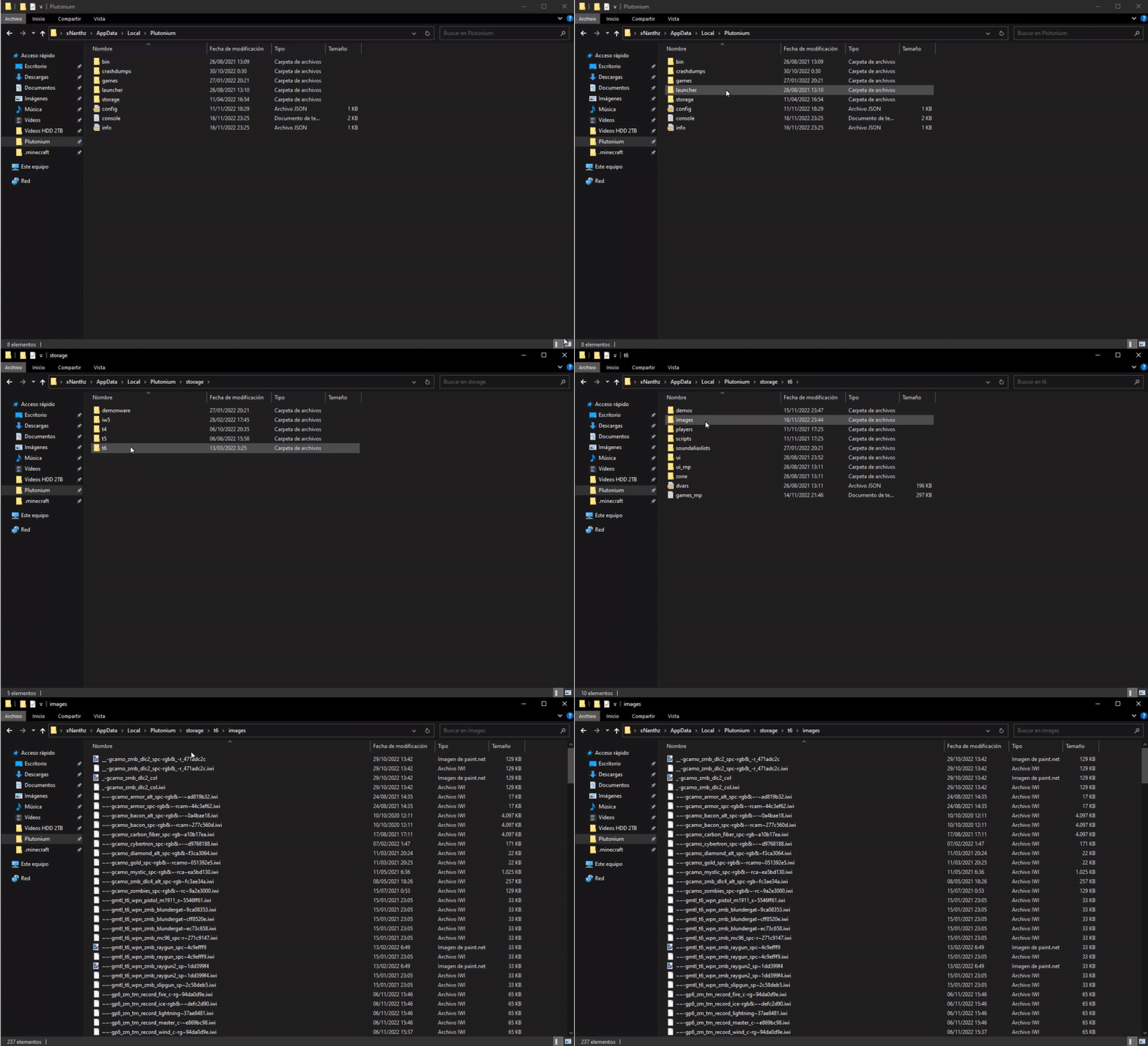
[Release - T6MP] Black Ops 3 Hitmarkers for Black Ops 2Angelku_ simplemente la creas, si lo vas a hacer en "%localappadata%" tienes que tener la carpeta "t6" en el directorio de "C:\Users\TU USUARIO\AppData\Local\Plutonium\storage" y dentro de la carpeta t6, crear la carpeta images
-
Black Ops 3 ZM next round style???It's there a way to create a script to make the zombies ending rounds looks like Black Ops 3??
For example: in Black Ops 2, when you beat round 10, the chalkmarks for the next round is in normal numbers like this...
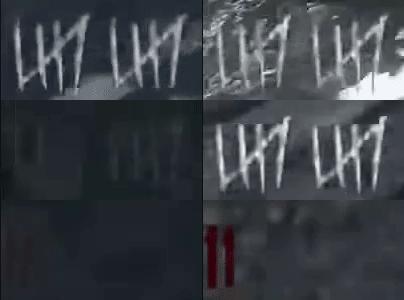
And in Black Ops 3, the normal numbers appears when you beat round 5...
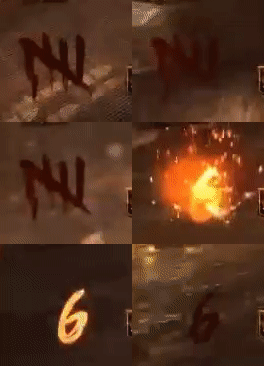
So that's my question, if there's a way to create a script to use normal numbers from round 6 like bo3 and not another group of 5 round chalkmarks
-
[Release - T6MP] Black Ops 3 Specialists Backgrounds for Black Ops 2 MP HELLO EVERYBODY!
  ️ First of all, I'm sorry if I make a mistake when writing but it's because I don't speak English natively.
Today I'm sharing with you these Black Ops 3 Specialists Backgrounds for Black Ops 2 Multiplayer.
In the pack, I included these specialists:
-
Main Menu Character

-
Ruin

-
Outrider

-
Prophet

-
Battery
 ️
️ -
Seraph

-
Nomad 🦟
-
Reaper
-
Spectre
 ️
️ -
Firebreak

-
Blackjack

Here are a preview of all the backgrounds:

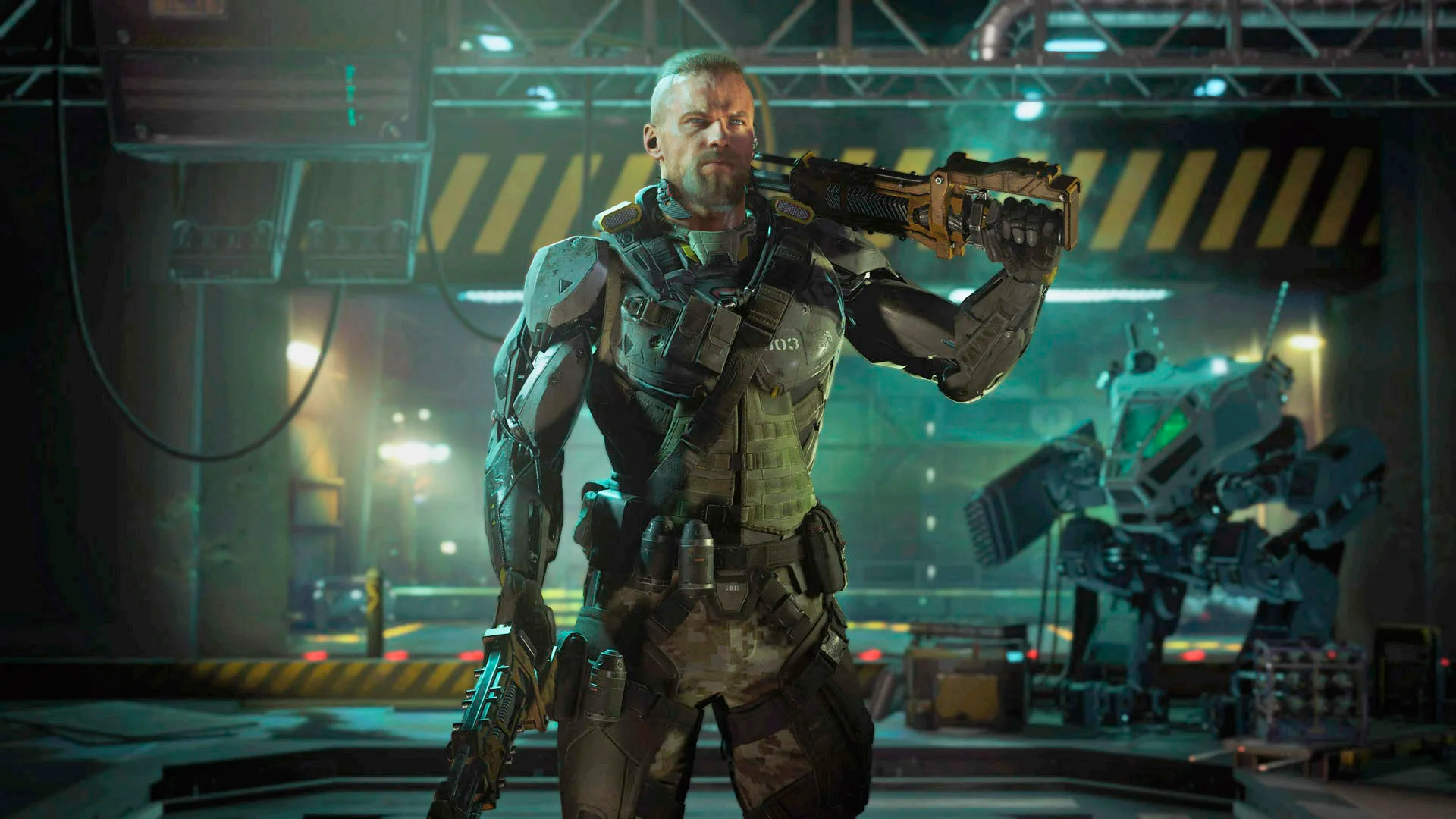
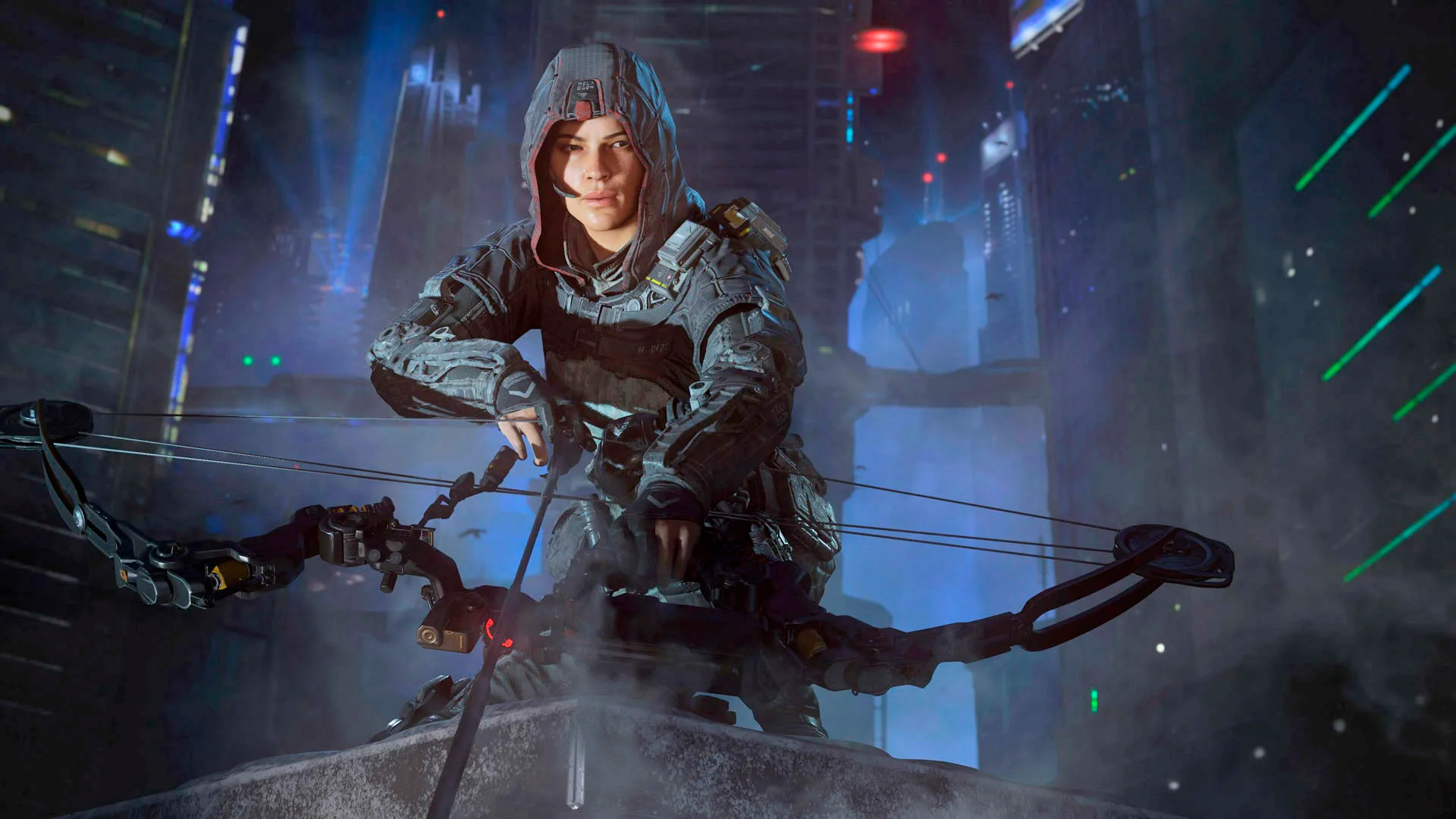
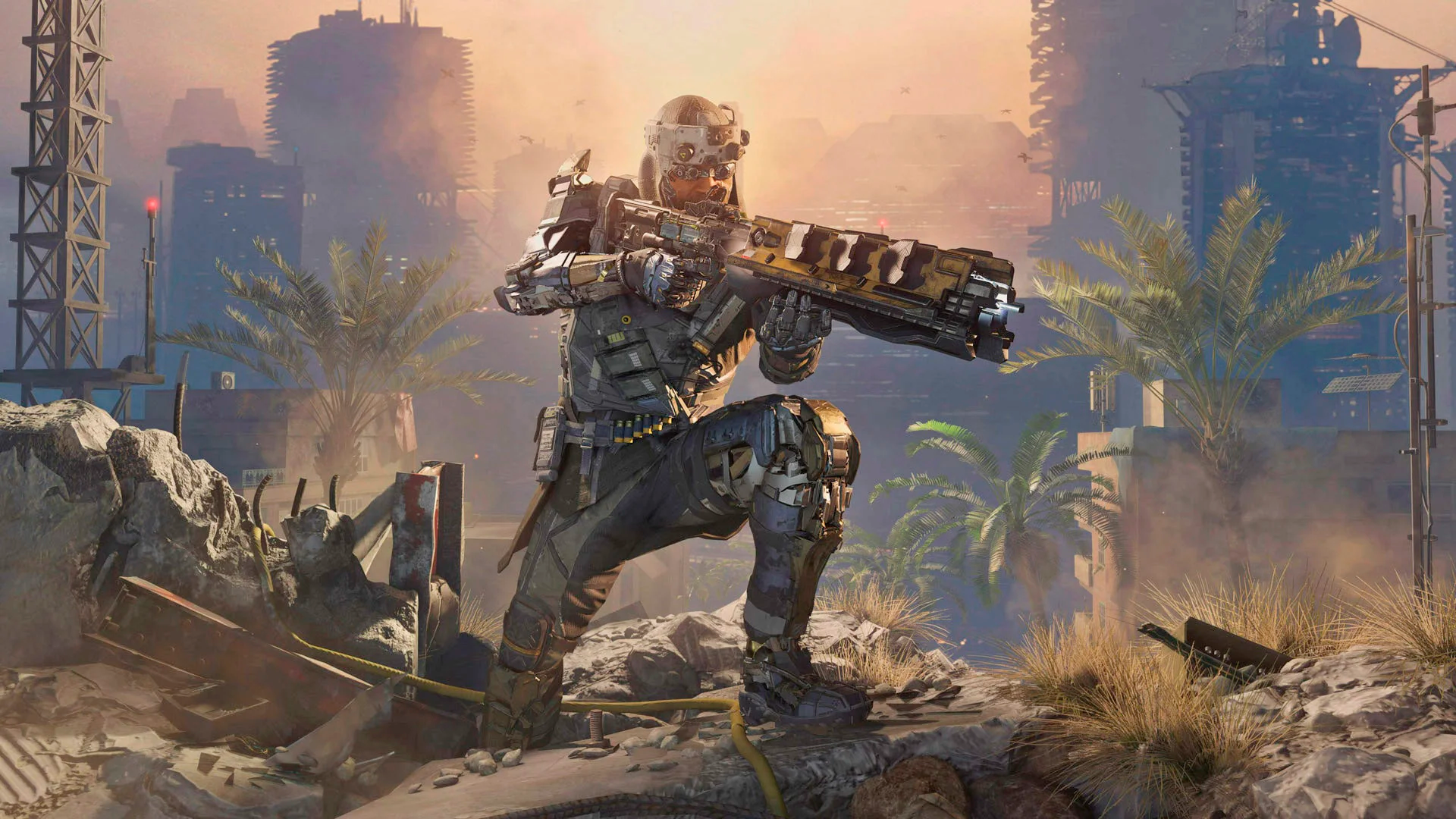
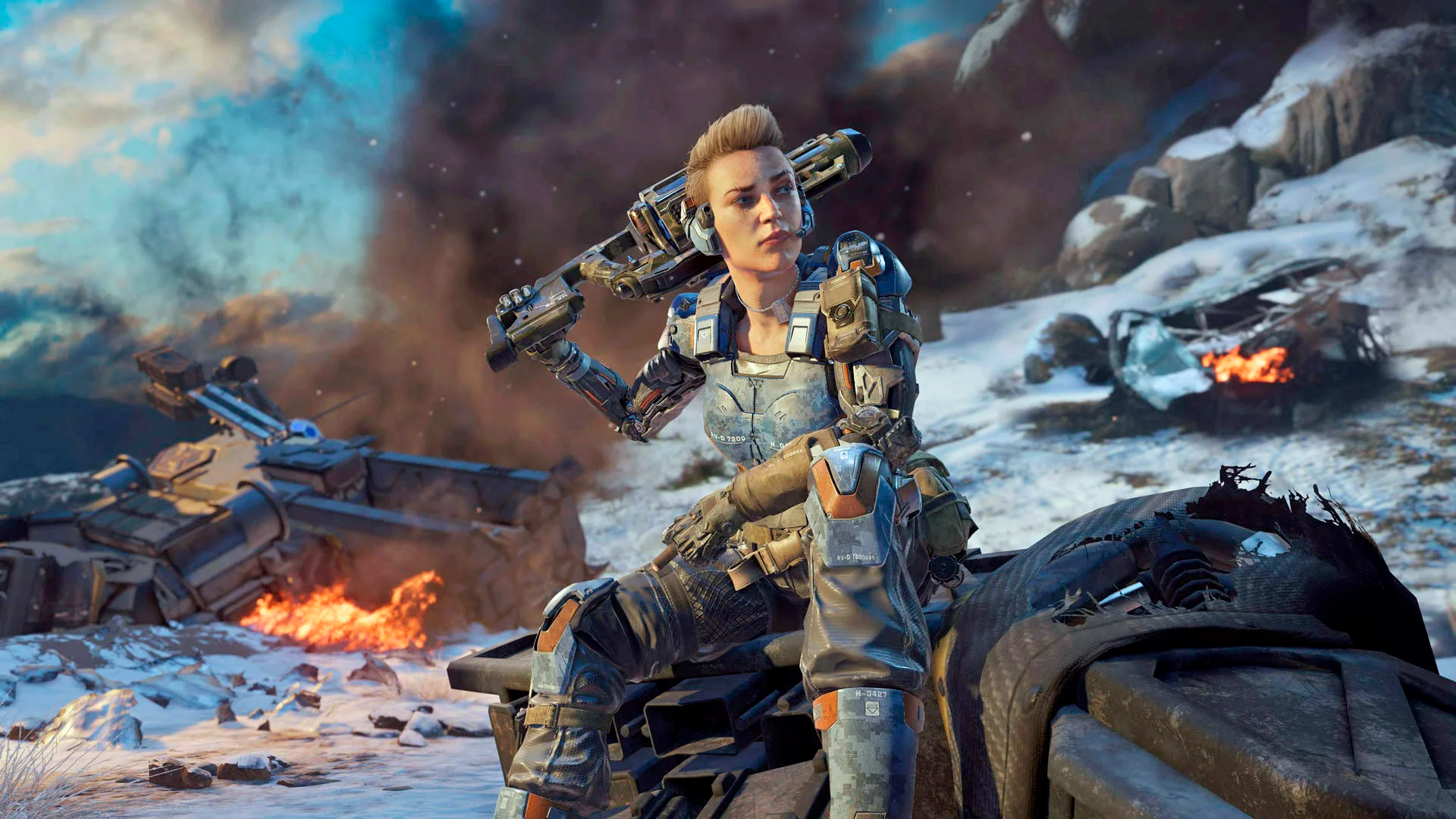
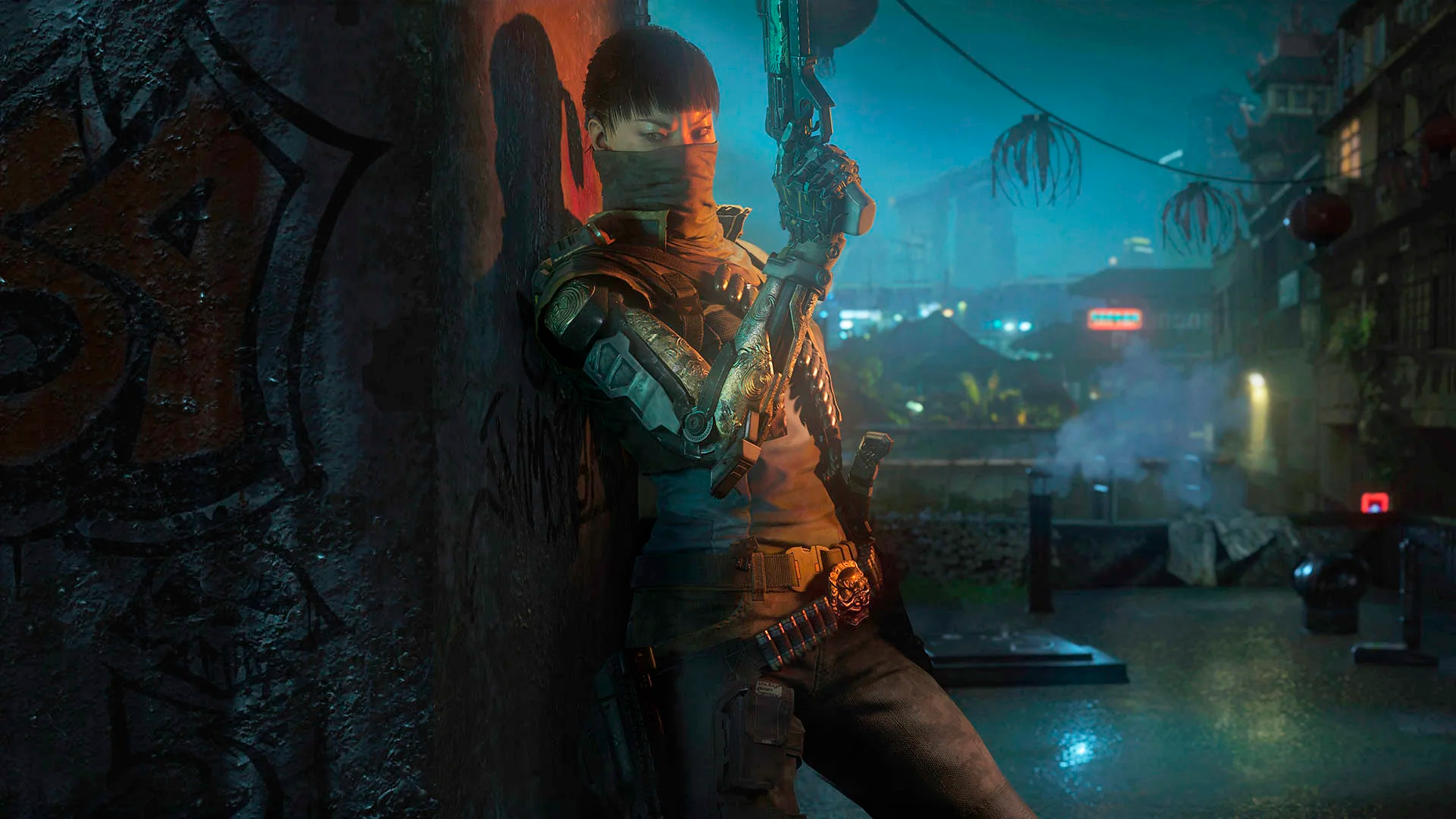
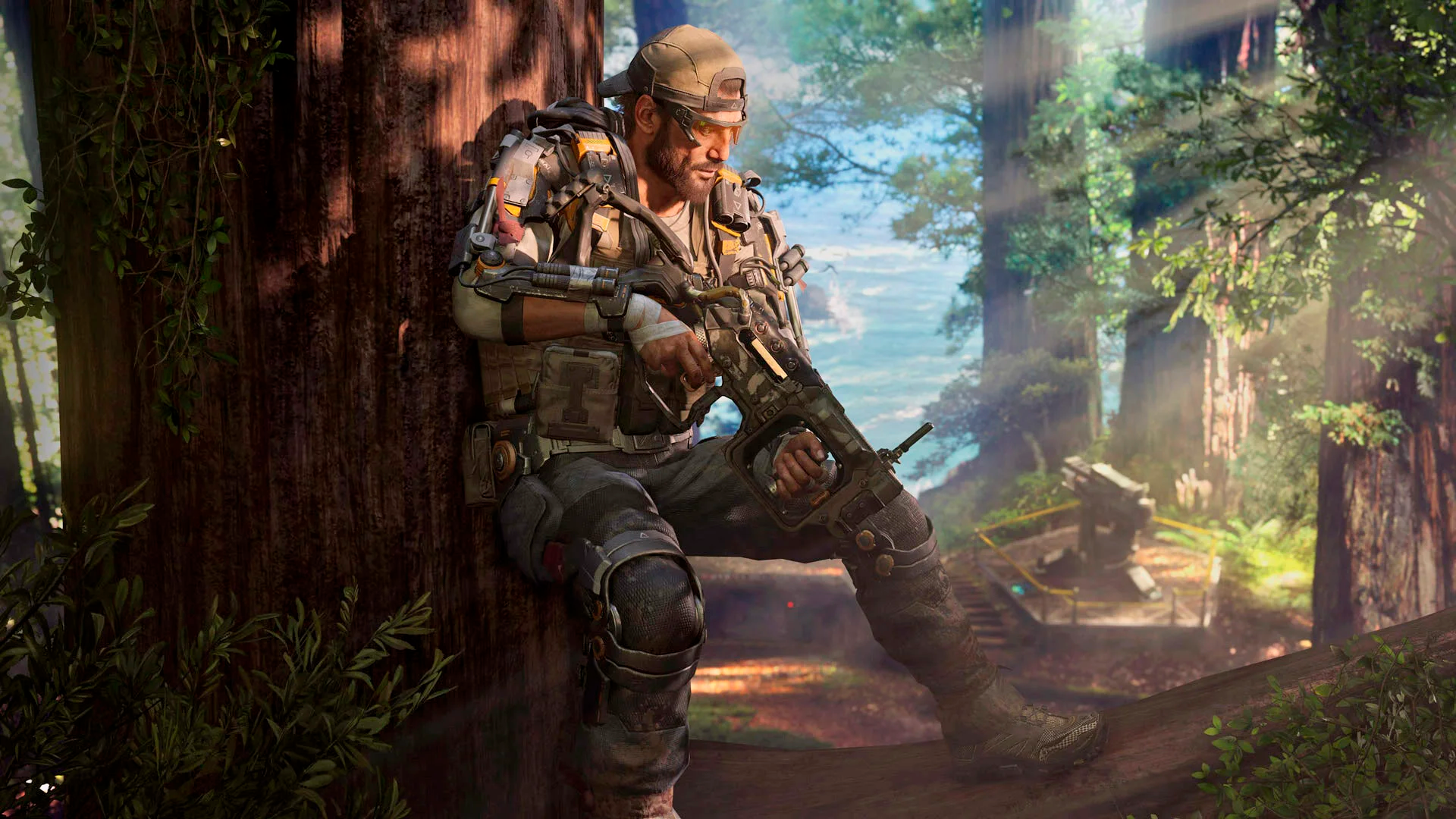
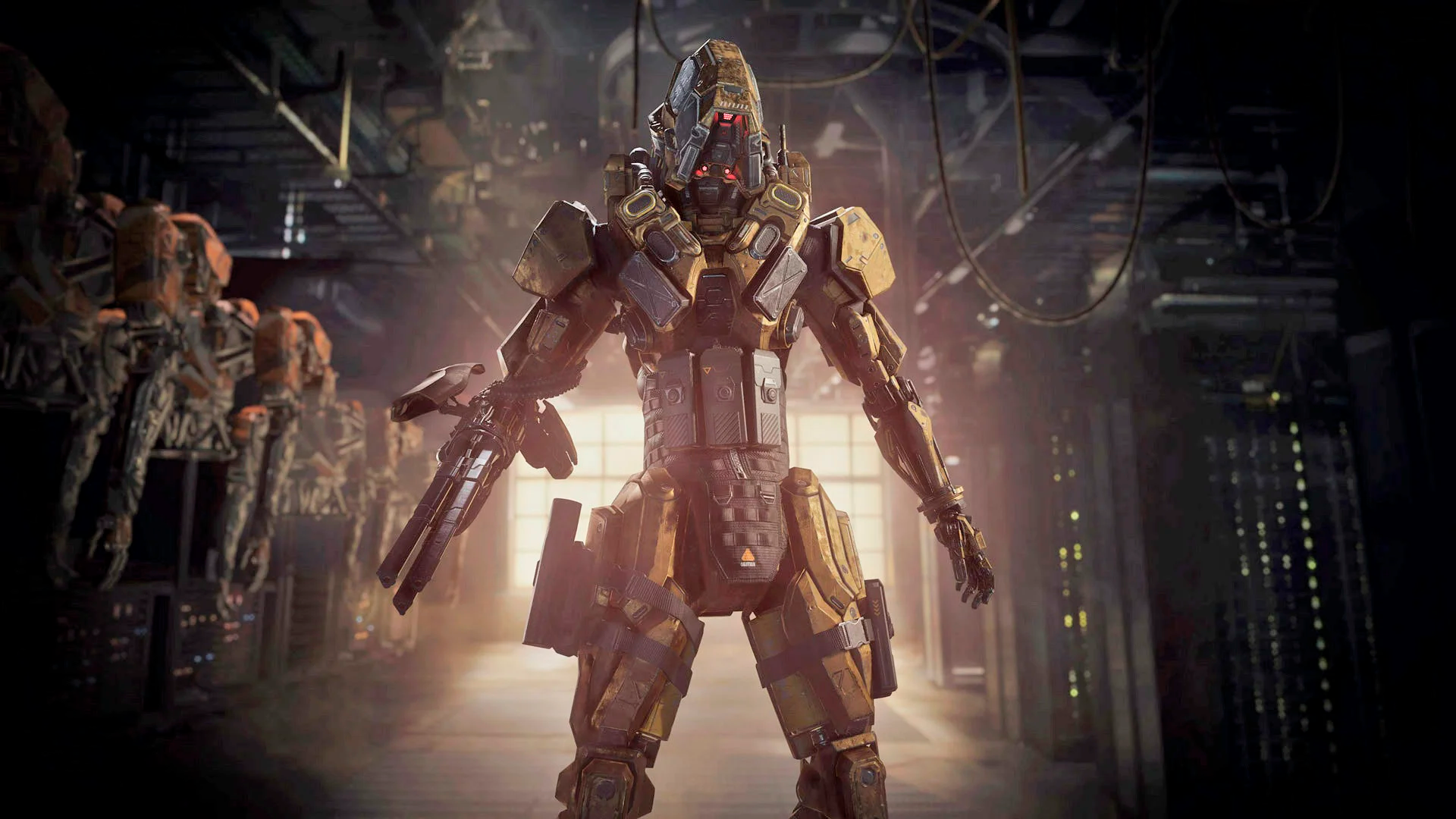
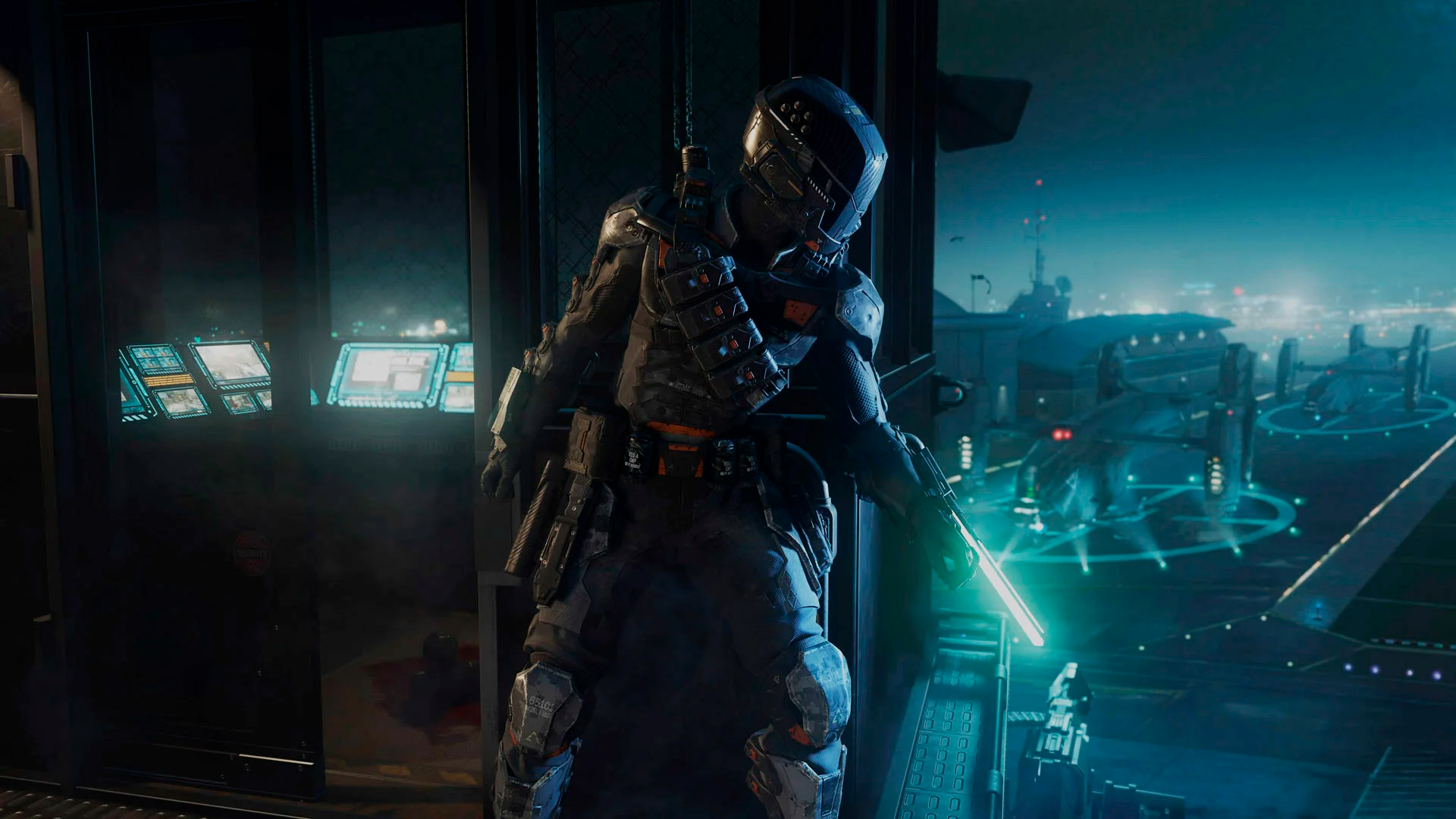
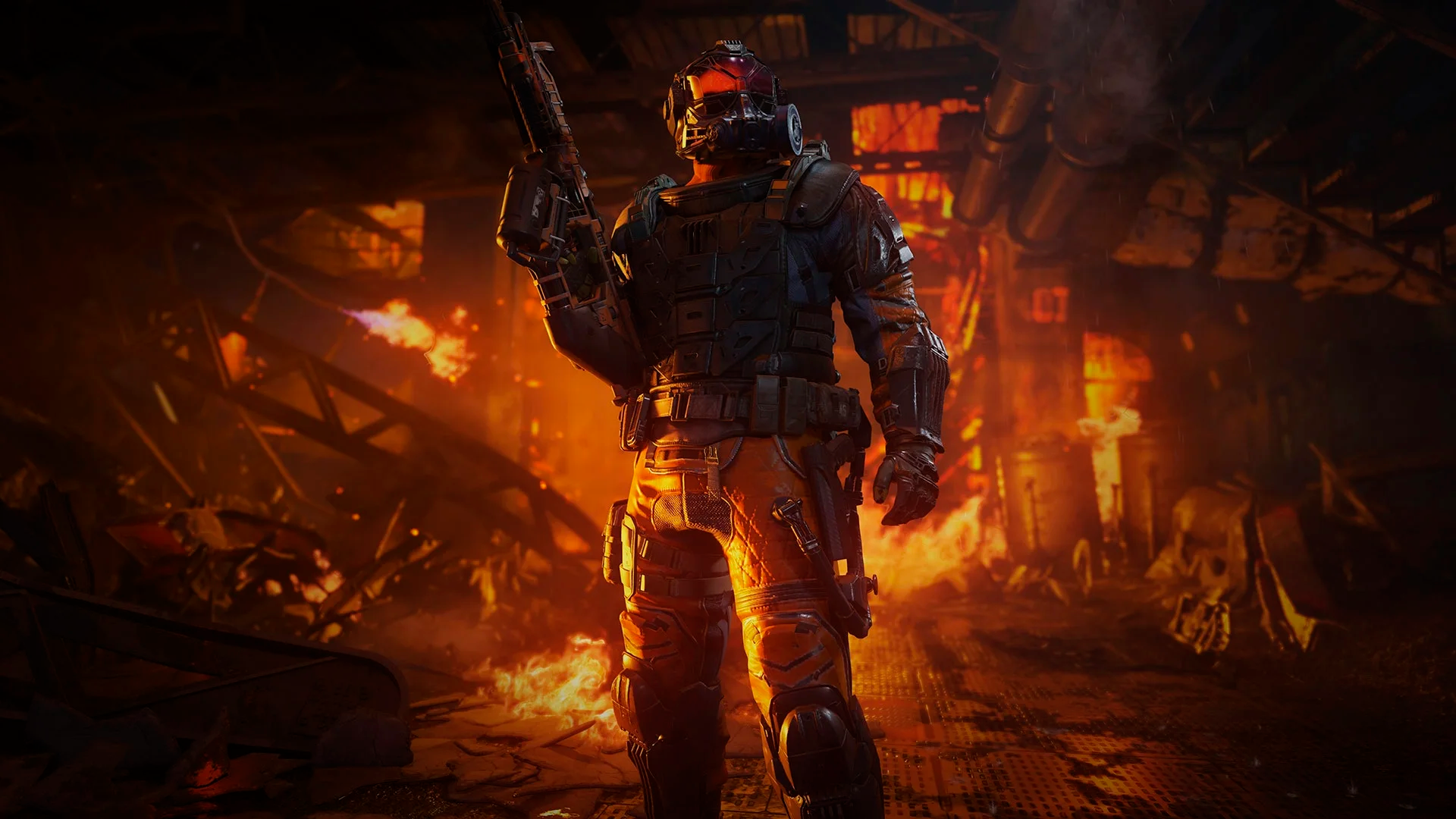
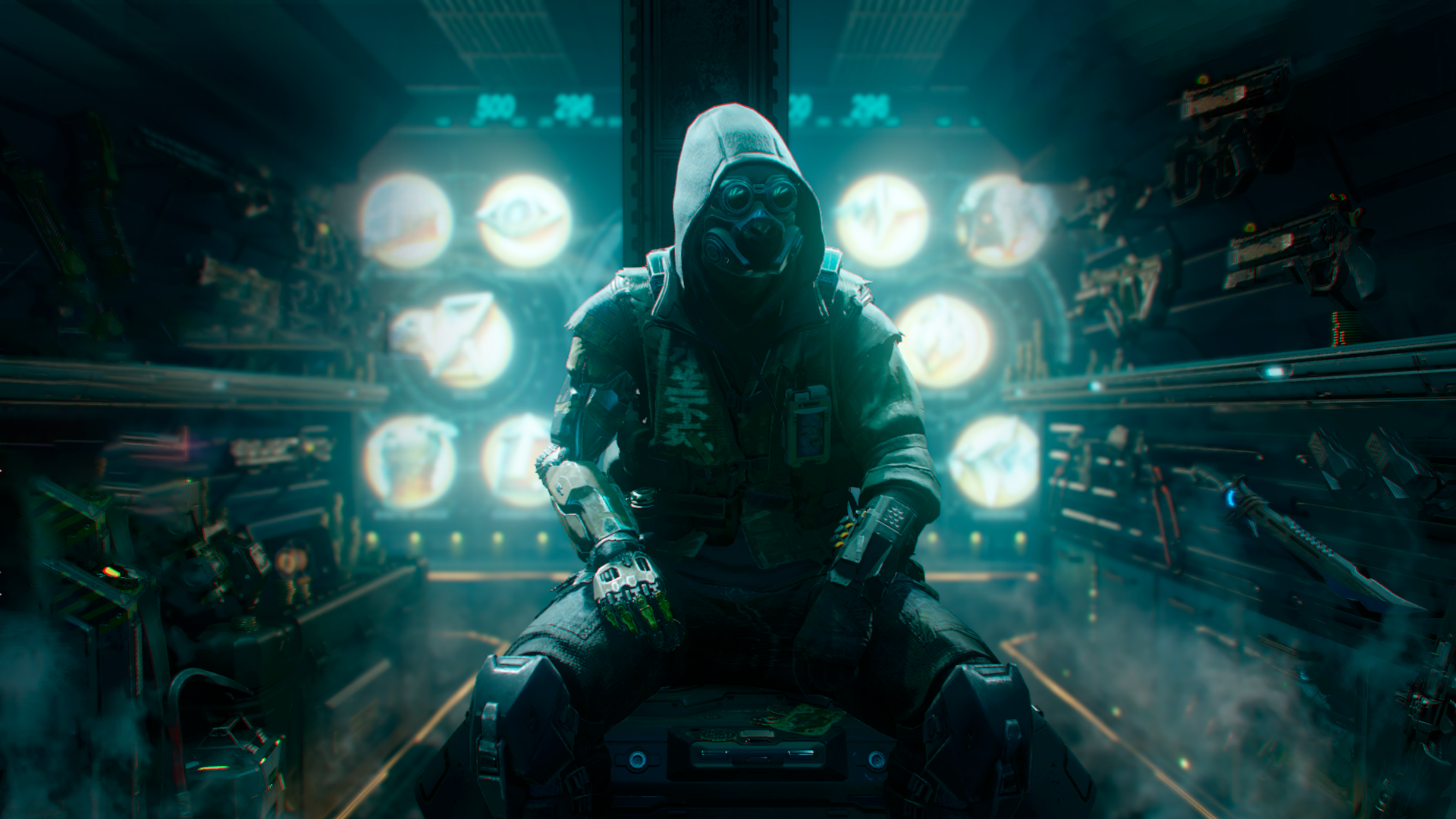
 STEPS TO REPLACE THE BACKGROUNDS:
 First of all, you need to download the files from this link below:
Once you've downloaded the files, extract it with WinRAR, 7Zip or WinZip.
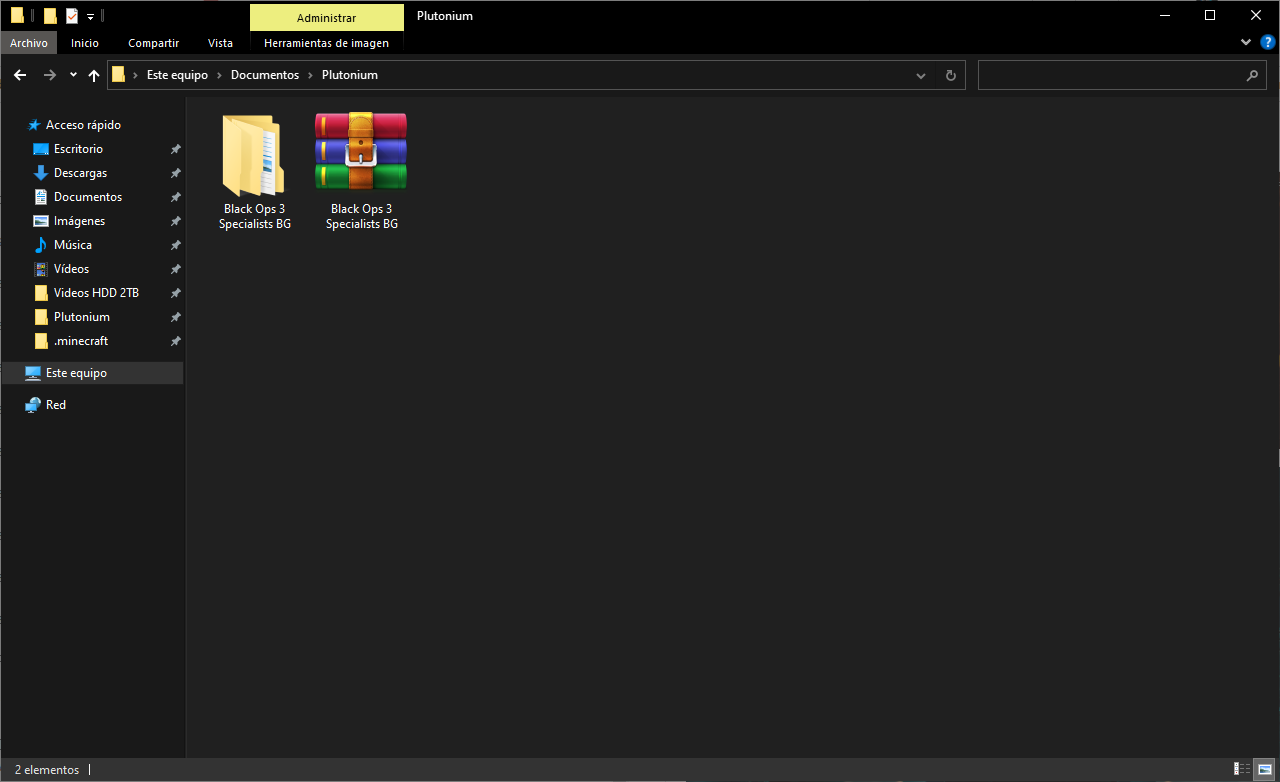
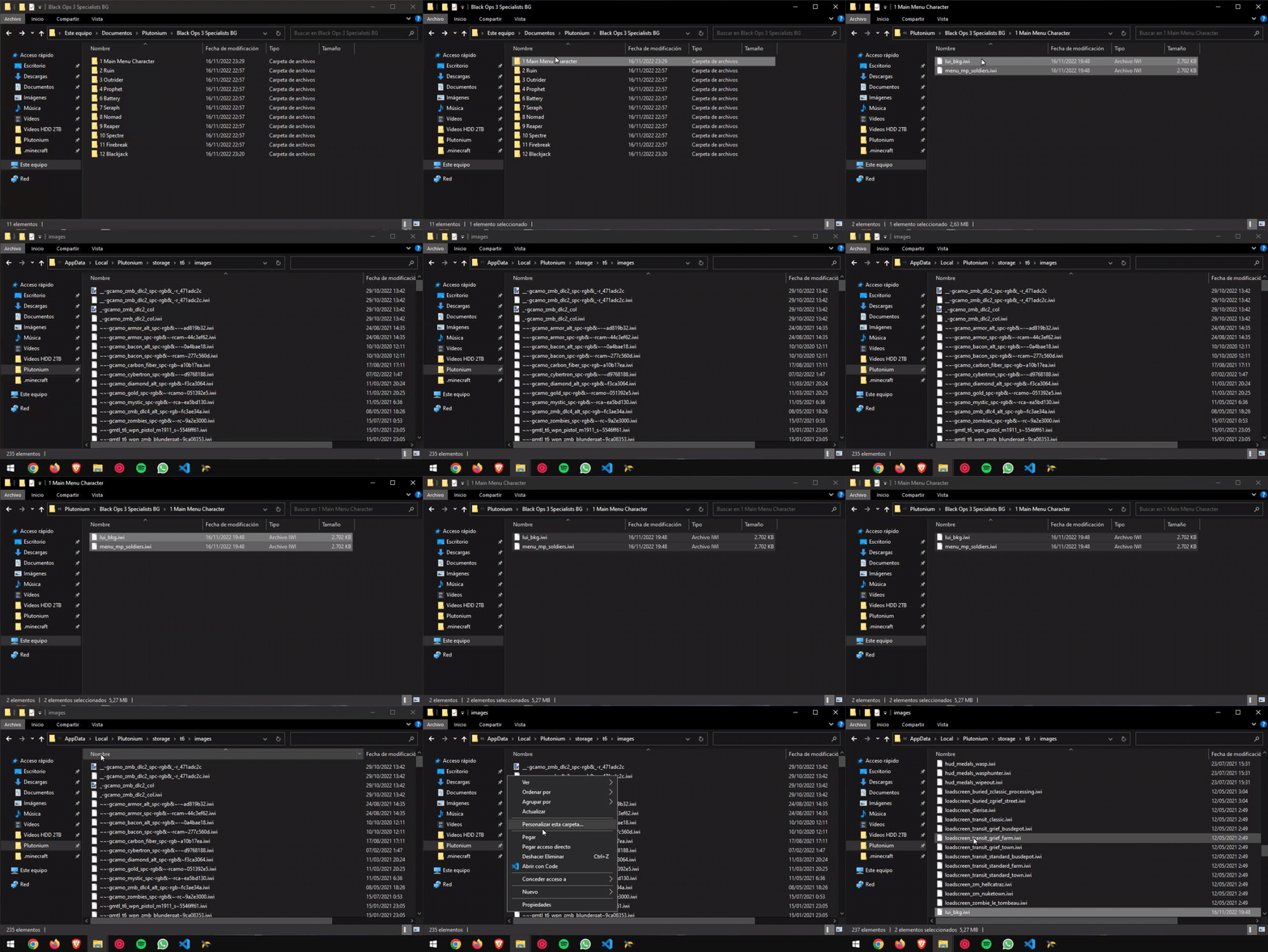
Now select the Specialist Background you want to change, open the folder and just "Drag & Drop" or "Copy & Paste" the files to the "images" folder where you have the game installed or in this directory (use Windows key + R and type "%localappdata%"):
C:\AppData\Local\Plutonium\storage\t6\images
️ NOTE!! ️The "menu_mp_soldiers" file is the main menu background and the "lui_bkg" file is the background that contains the "Server browser" option, "Custom game", etc.
 And there you have it!! Ready to enjoy it!!
 -
-
¿Hay algun metodo para colocar los audios y/o subtitulos en españos?LACRAANGEL En mi perfil tengo dos post explicando como cambiar el idioma al español castellano y al latino

-
ZM-Background packs for the main menu -
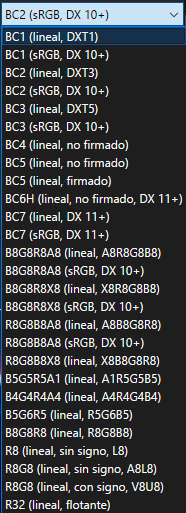
ZM-Background packs for the main menuCrissJ0 hola bro, a la hora de guardar la imagen como dds, que configuracion utlizas para guardar el dds?? BC1, BC2, BC3....???
-
(4) Zero Two ZM menu backgrounds (BO2)ZeroTwoIsMyWife thank you very much!!
-
(4) Zero Two ZM menu backgrounds (BO2)ZeroTwoIsMyWife how you disable the destroyed planet and the background glow of it???
-
Cambiar idioma del juego a Español Black Ops 2RaidenWind es imposible que te pida una contraseña, porque si no, la mayoría que ha descargado el archivo habría respondido tambien que les pide una contraseña... intenta descargarlo otra vez
-
[DESACTUALIZADO - VER DESCRIPCIÓN] Cambiar idioma del juego a Español Black Ops 2 (LATINO)️ ️ MUY IMPORTANTE ️ ️Esta forma de traducir el juego al Español Latino está desactualizada por diversos mensajes de errores o dificultad para instalarlo.
Visita el nuevo post con el método nuevo en este enlace:[NUEVO MÉTODO] Cambiar idioma del juego a Español Black Ops 2 (LATINO)
BUENAS A TODOS!!! POR FIN VENGO CON EL AUDIO LATINO!!!! En este post voy a enseñar a como cambiar el idioma del juego Call of Duty Black Ops 2 del Inglés al Español LATINO con voces y textos de los DLCs inlcuidos del juego original de Steam, ya que las versiones de Skidrow, FitGirl Repack, etc, no vienen completos en español.
La versión en Español Castellano lo puedes consultar en mi otro post:
Cambiar idioma del juego a Español Black Ops 2
️ ADVERTENCIA ️LOS PASOS HAY QUE SEGUIRLOS AL PIE DE LA LETRA TAL CUAL LOS DESCRIBO PARA EVITAR ERRORES AL CAMBIAR LOS ARCHIVOS.
PASOS A SEGUIR -
Primero, hay que descargar los archivos del juego en ESPAÑOL CASTELLANO desde el enlace que he indicado antes ya que para aplicar los audios en latino, hay que tener el juego es Español Castellano.
-
Una vez tengáis descargado los archivos del juego en Español Castellano, vais al enlace que dejo a continuación:
-
Una vez descargado, descomprimirmos el archivo .RAR con cualquier descompresor ya sea WinRAR, WinZip, 7Zip, etc. Puede tardar un poco en descomprimir debido al peso que tienen los archivos.
-
Cuando se haya descomprimido, aparecerán varias carpetas con los nombres de los diferentes modos en los que se va a cambiar el audio.
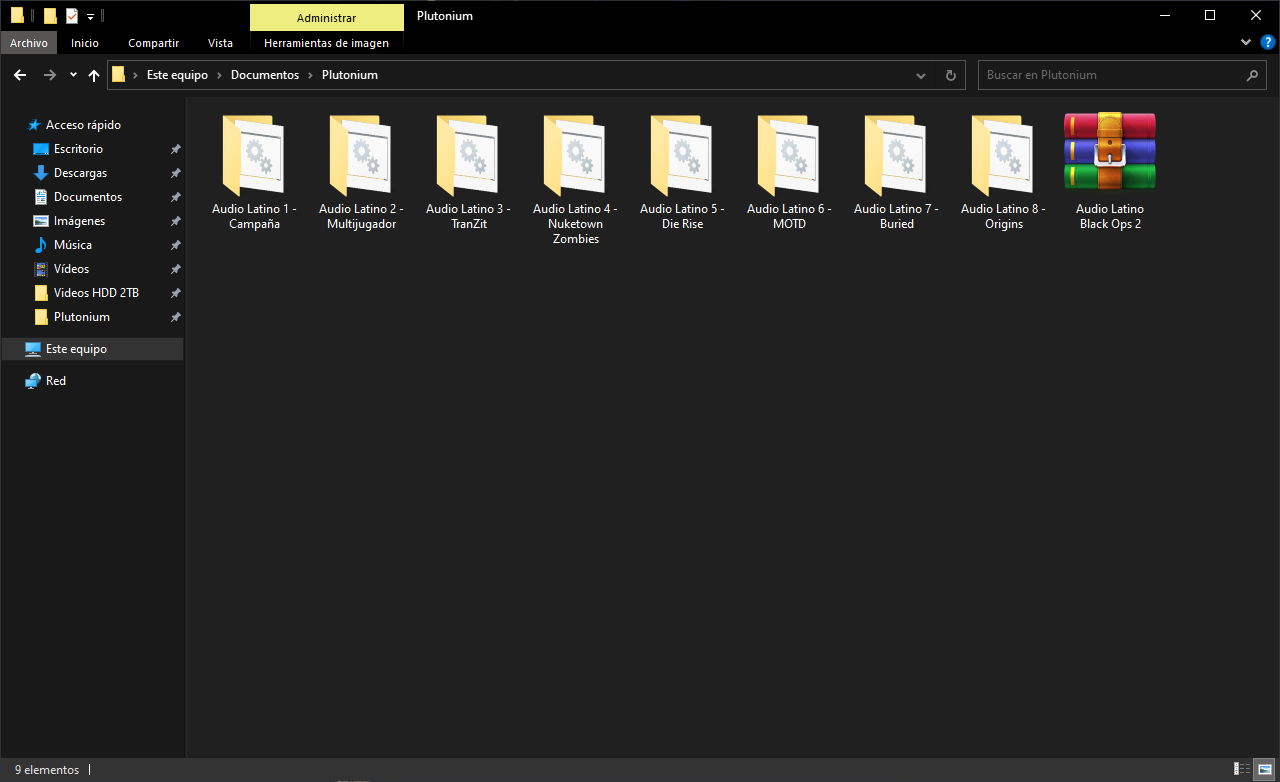
- Lo siguiente que tenemos que hacer es abrir las carpetas DE UNA EN UNA y el contenido que tienen dentro, lo tenemos que copiar en la ruta donde tengáis instalado el juego.
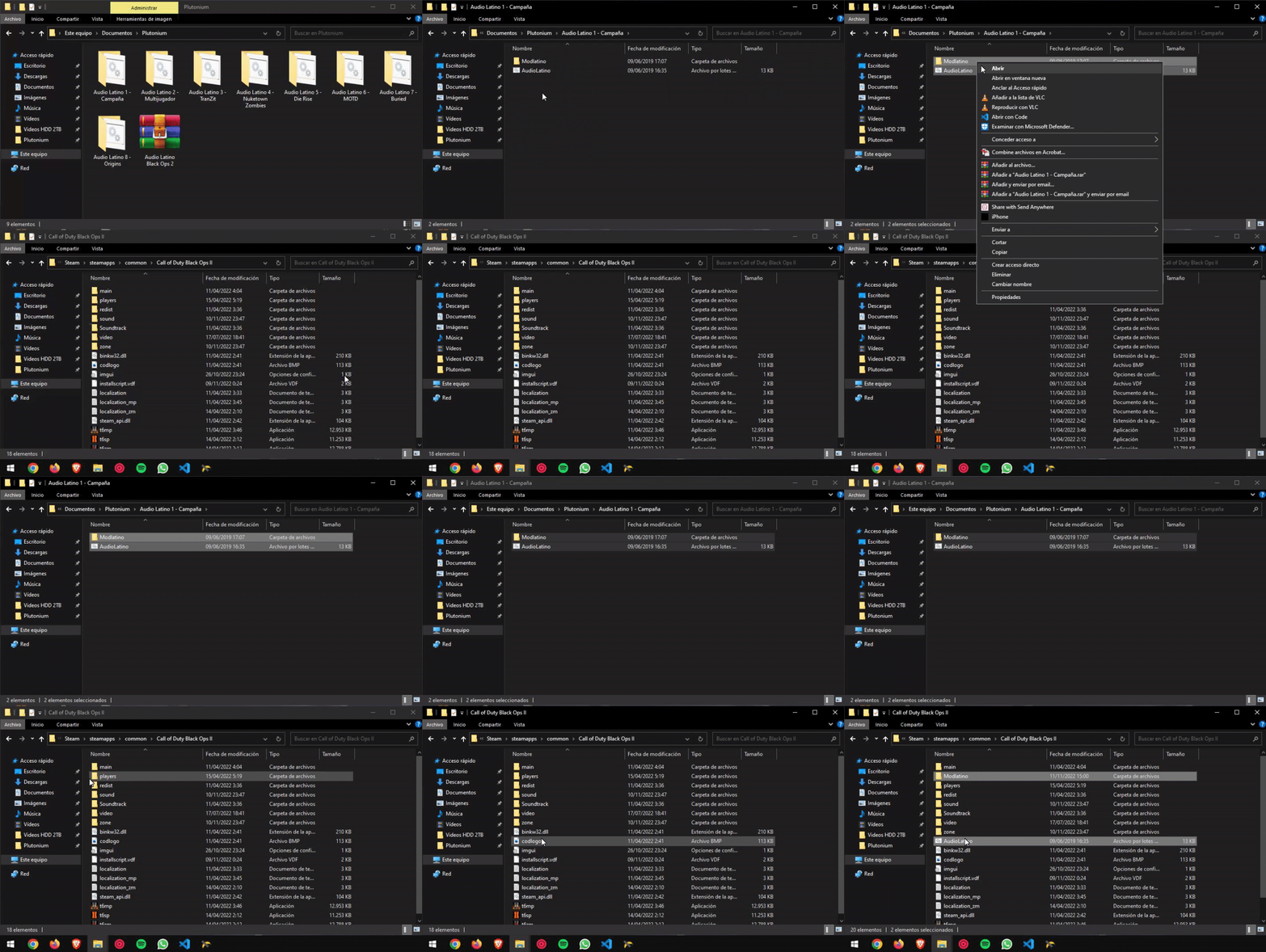
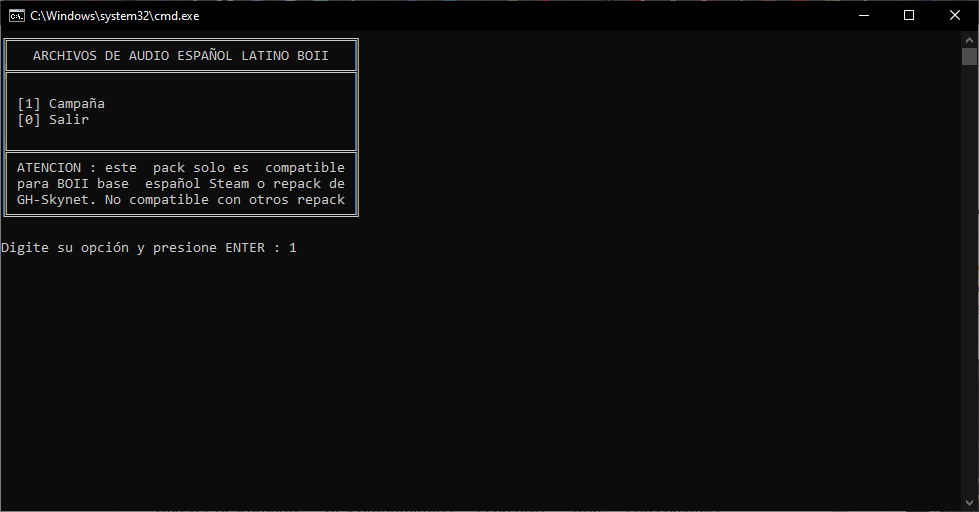
- Cuando tengáis copiado los archivos de la primera carpeta, abrimos el archivo llamado "AudioLatino.bat" y nos aparecerá una ventana de CMD indicandonos que modo de juego queremos cambiar el idioma. Seleccionariamos la opción "1" y le damos enter y seguimos los pasos que nos indica para cerrar la ventana.
- Una vez cambiado los archivos, tenéis que BORRAR LOS ARCHIVOS QUE HEMOS COPIADO DE LA CARPETA QUE HABÉIS DESCARGADO PARA EVITAR CUALQUIER ERROR y volvéis a repetir el proceso de copiar, pegar y abrir el archivo ".bat" de cada una de las carpetas.
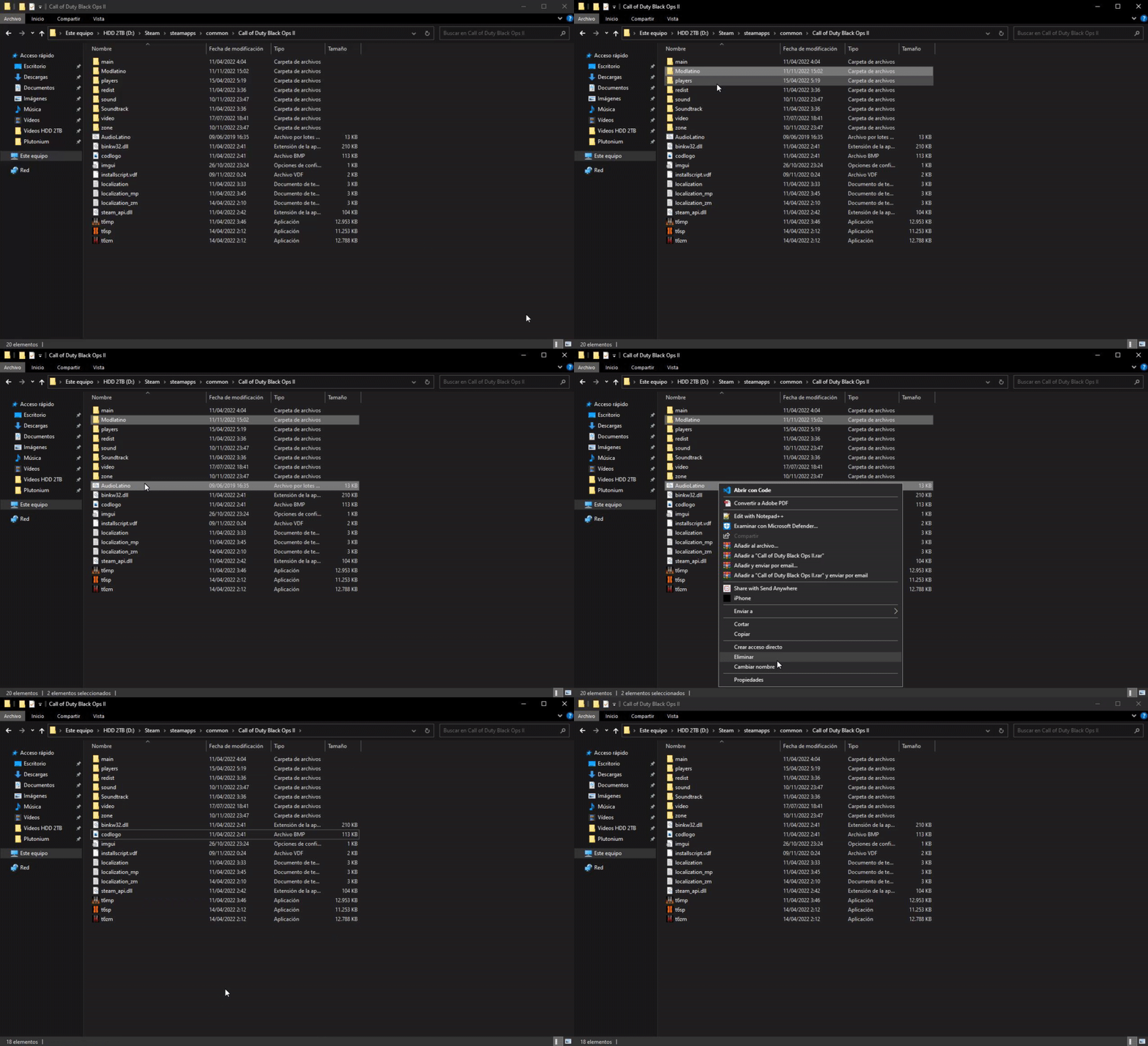
Ya podéis disfrutar del juego en Español!! -
-
[Release - T6MP] Black Ops 3 Hitmarkers for Black Ops 2 HELLO EVERYBODY!! ️ First of all, I'm sorry if I make a mistake when writing but it's because I don't speak English natively. Today I'm sharing whit you the Black Ops 3 Hitmarkers for Black Ops 2.
I decided to create this post because some users asks if somebody have or can create the Black Ops 3 Hitmarkers for Black Ops 2, so I decided to create the hitmarker and publish this post.Here are the differences between the hitmarker from Black Ops 2 and Black Ops 3:
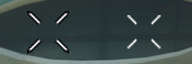
(Black Ops 2 at the left and Black Ops 3 at the right)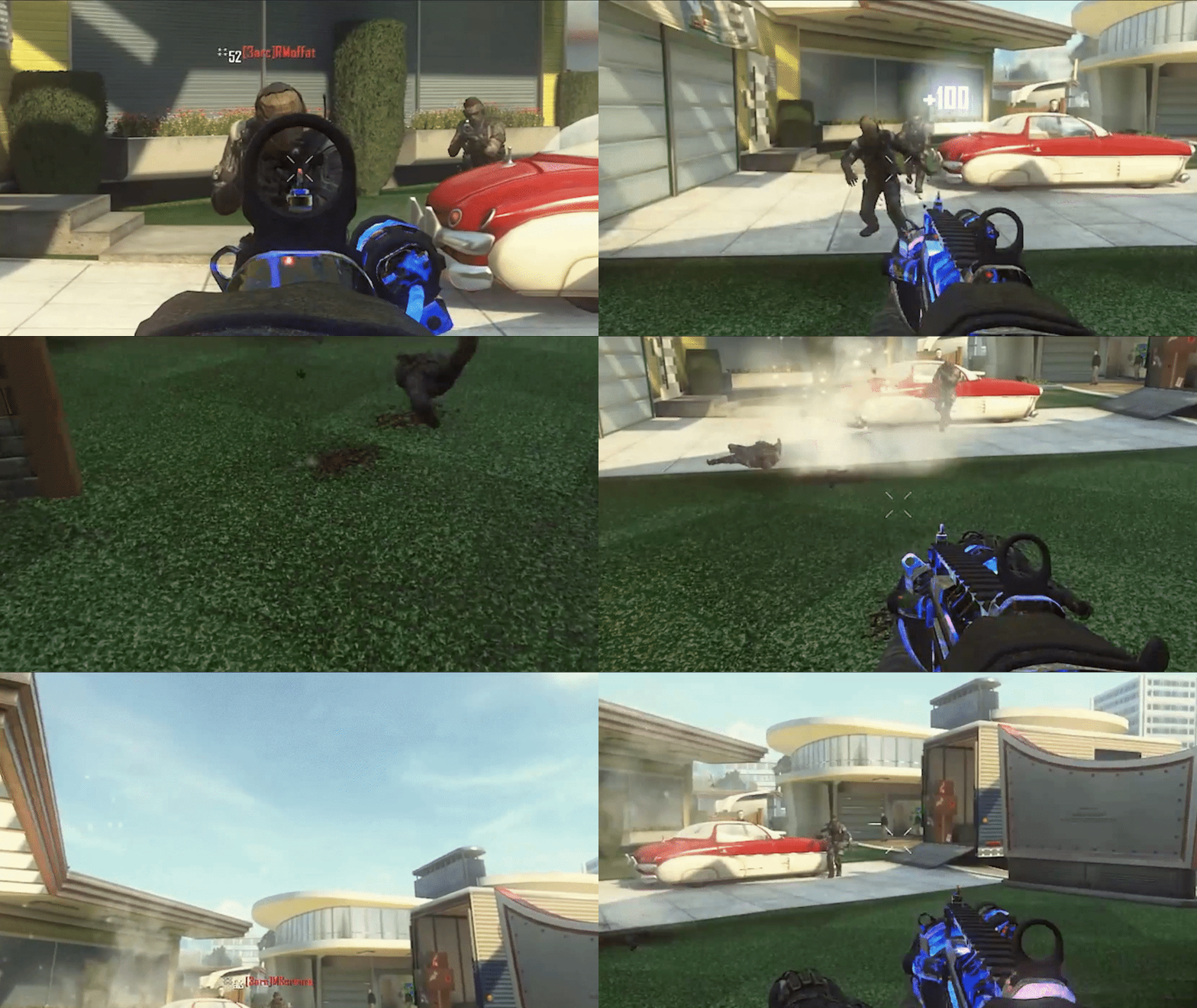
(Example of how the Black Ops 3 hitmarker looks like)
(Obviously, in-game, the hitmarker will look 1000% better)
As you can see, the Black Ops 2 Hitmarker has a black outline and it's bigger compared to the Black Ops 3 design.
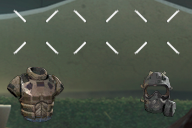
Also, I edited the hitmarkers when an enemy has Flak Jacket and Tactical Mask.
STEPS TO REPLACE AND SET THE BLACK OPS 3 HITMARKERS First of all, you need to download the files from this link below:
Once you've downloaded the files, extract it with WinRAR, 7Zip or WinZip.
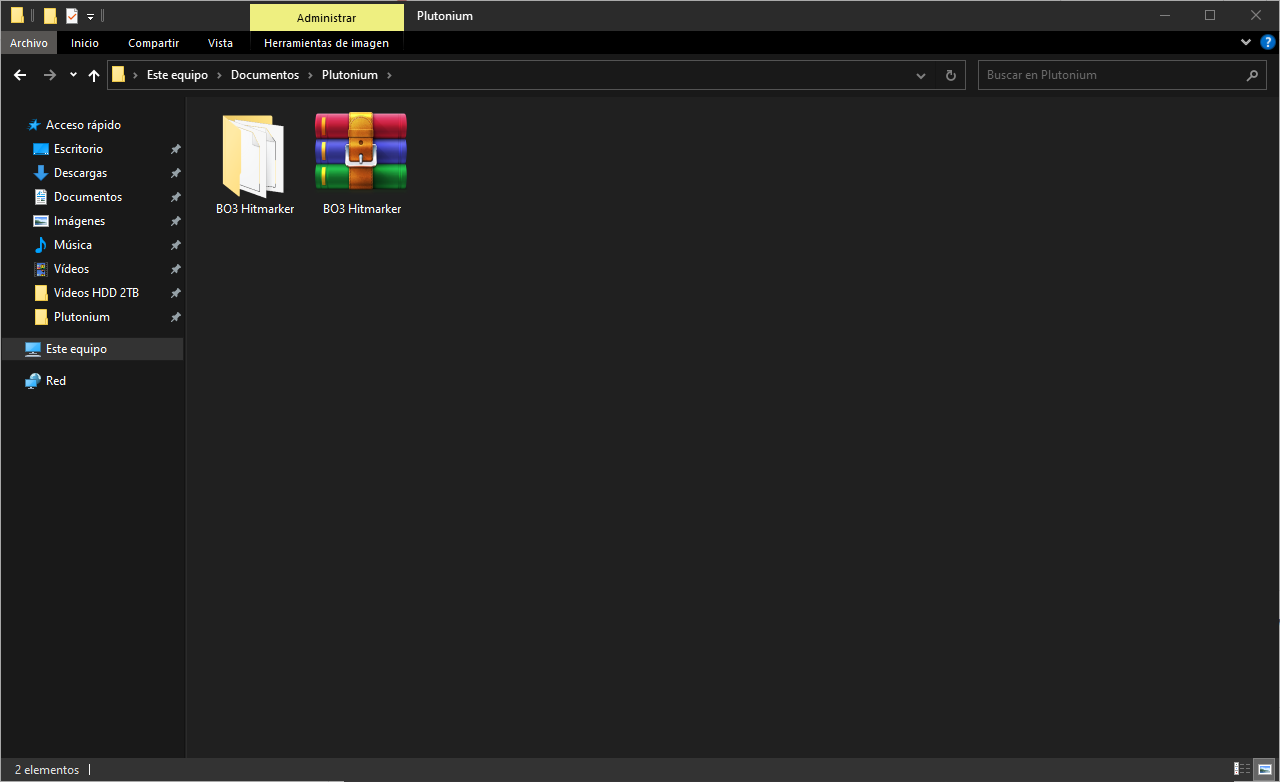
Now open the folder and just "Drag & Drop" or "Copy & Paste" the files to the "images" folder where you have the game installed or in this directory (use Windows key + R and type "%localappdata%"):
C:\AppData\Local\Plutonium\storage\t6\images
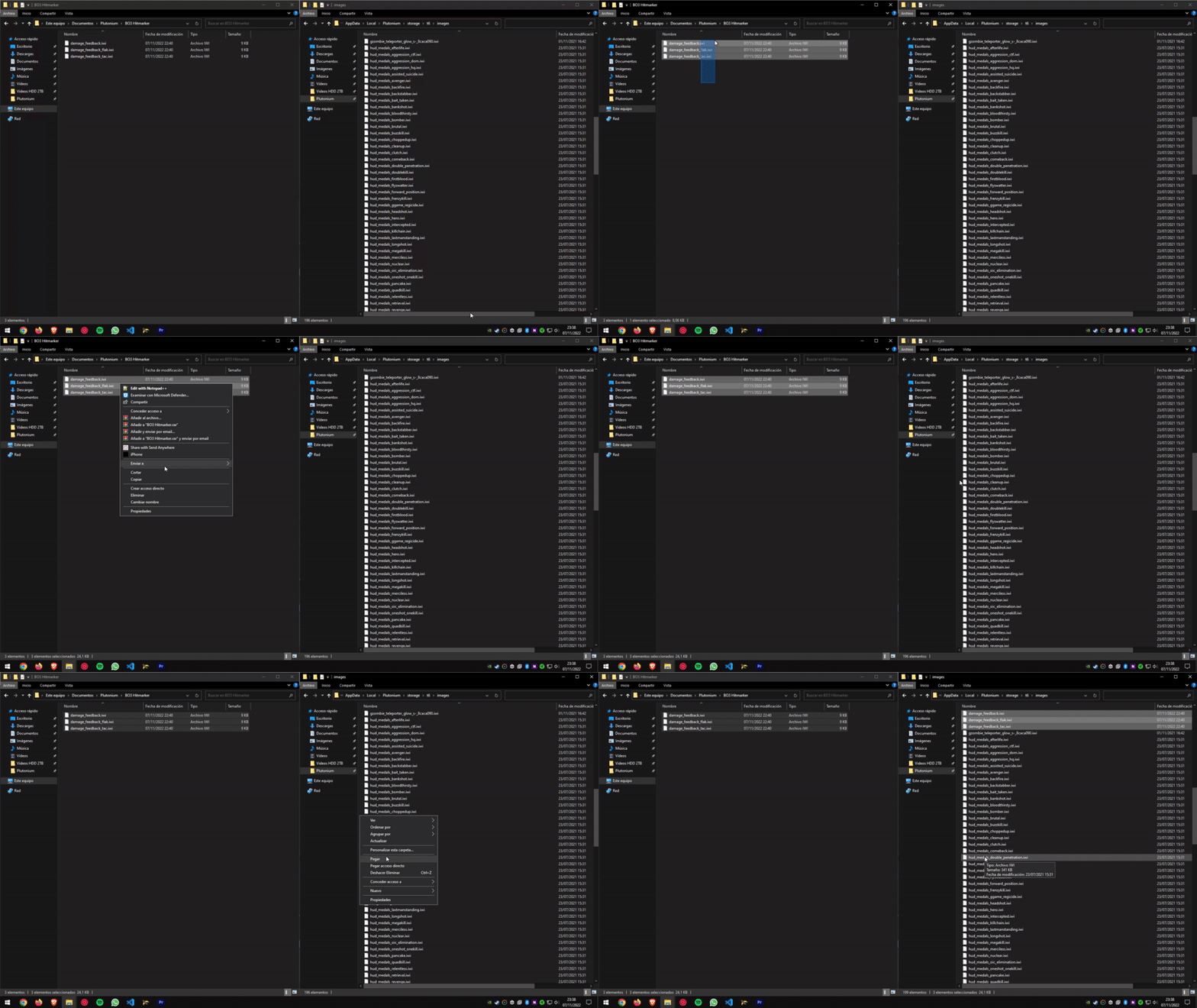
And there you have it!! Ready to enjoy it!! -
Cambiar idioma del juego a Español Black Ops 2vladimirzl ahi no te puedo ayudar mucho ya que no se cuales son los archivos que tienes, porque a lo mejor son diferentes que los que subo yo y se reemplazan de diferente manera
-
[Release - T6ZM] Apple Emojis replacement for Origins Staffs Crystals HELLO EVERYBODY! ️ First of all, I'm sorry if I make a mistake when writing but it's because I don't speak English natively. Today I'm sharing with you this Apple Emojis replacement for Origins Staffs crystals.
-
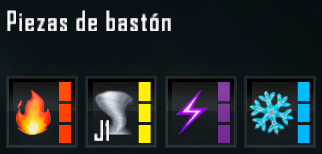
For the Fire Staff, I've replaced it with the "Fire" Emoji
-
For the Wind Staff, I've replaced it with the "Tornado" Emoji
 ️ (I could have also used this emoji
  ("Dash"), but in my opinion the tornado fits and better represents the function of the Staff).
 -
For the Lightning Staff, I've replaced it with the "High Voltage" Emoji
(The original emoji color is Yellow, but I decided to change it to Purple because in-game, the Lightning Staff pieces are purple and with the color change fits PERFECT). -
For the Ice Staff, I've replaced it with the "Snowflake" Emoji
 ️
️
This are the emoji images, and what looks like in-game.

STEPS TO REPLACE THE CRYSTALS TEXTURES: First of all, you need to download the files from this link below:
Once you've downloaded the files, extract it with WinRAR, 7Zip or WinZip.
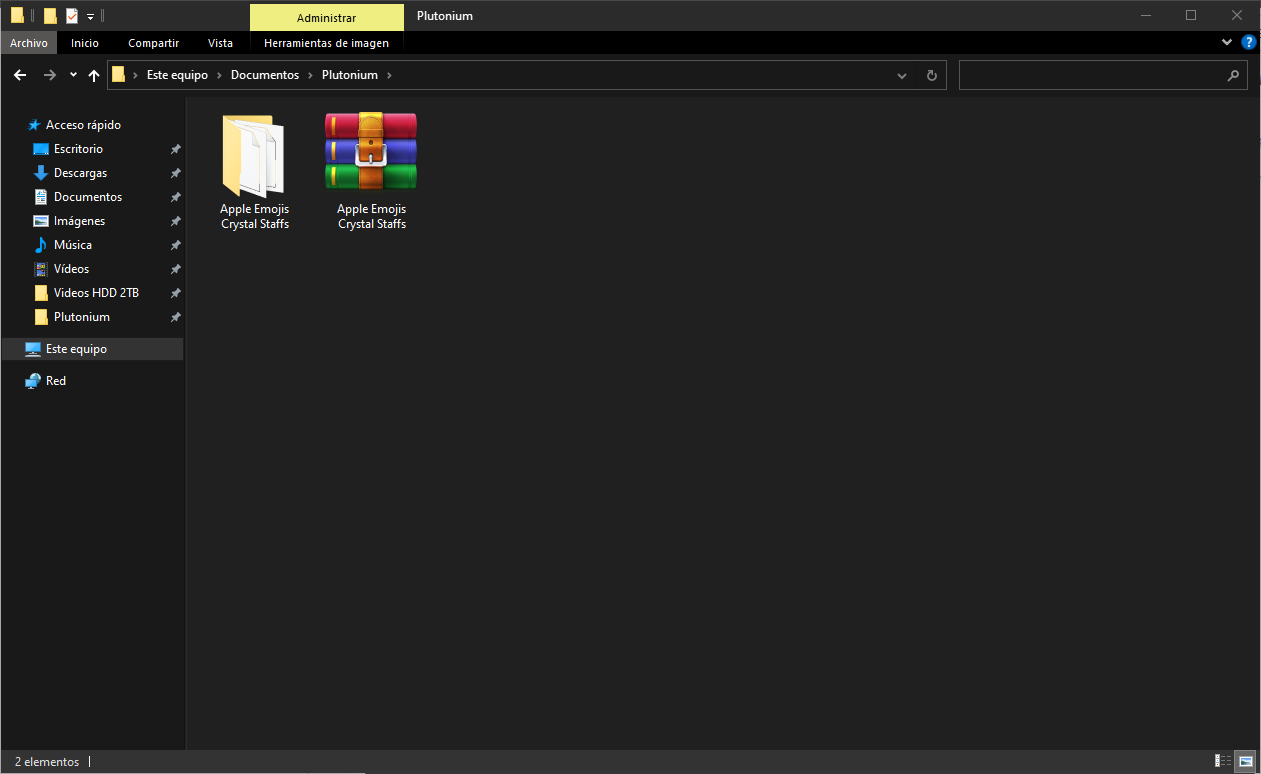
Now open the folder and just "Drag & Drop" or "Copy & Paste" the files to the "images" folder where you have the game installed or in this directory (use Windows key + R and type "%localappdata%"):
C:\AppData\Local\Plutonium\storage\t6\images
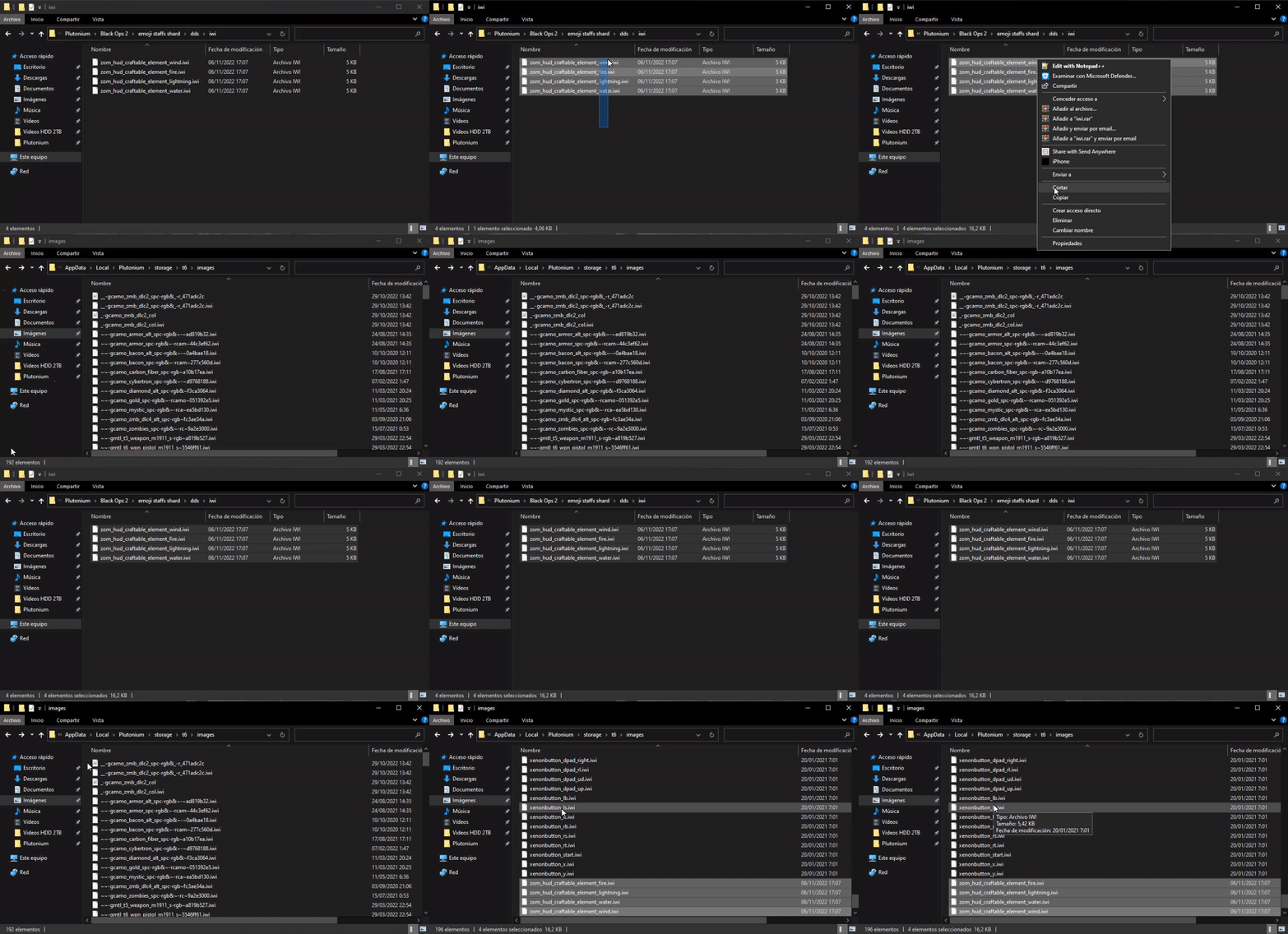
And there you have it!! Ready to enjoy it!! -
-
[Release T6ZM] - Black Ops III Ray Gun StyleLKurama yeah, yesterday I realized that they were different models and that the 115 chamber moves and has some glow playing origins and buried. But still thanks for the BO3 model!
-
[Release T6ZM] - Black Ops III Ray Gun StyleLKurama the textures works for all the maps?? because sometimes I play buried but the skins is the vanilla bo2 ray gun. There's a bug just for me or the skins works normal for all the maps??
-
Cambiar idioma del juego a Español Black Ops 2EVlLGOD666 prueba a no poner la carpeta de "sound", porque en teoria esa carpeta es la que contiene todos los sonidos
-
EASTER EGG in SOLO

 DOWNLOAD LINK