Skip to content

BO2 Modding Releases & Resources

Plutonium T6 Mod releases and resources go here.

2.1k Topics 17.8k Posts
  • [RELEASE] Clone Defender

    1
    1
    0 Votes
    1 Posts
    347 Views
    No one has replied
  • [RELEASE] Gersh Grenades (Updated)

    3
    1
    1 Votes
    3 Posts
    435 Views
    @Dec
  • This topic is deleted!

    3
    1
    1 Votes
    3 Posts
    96 Views
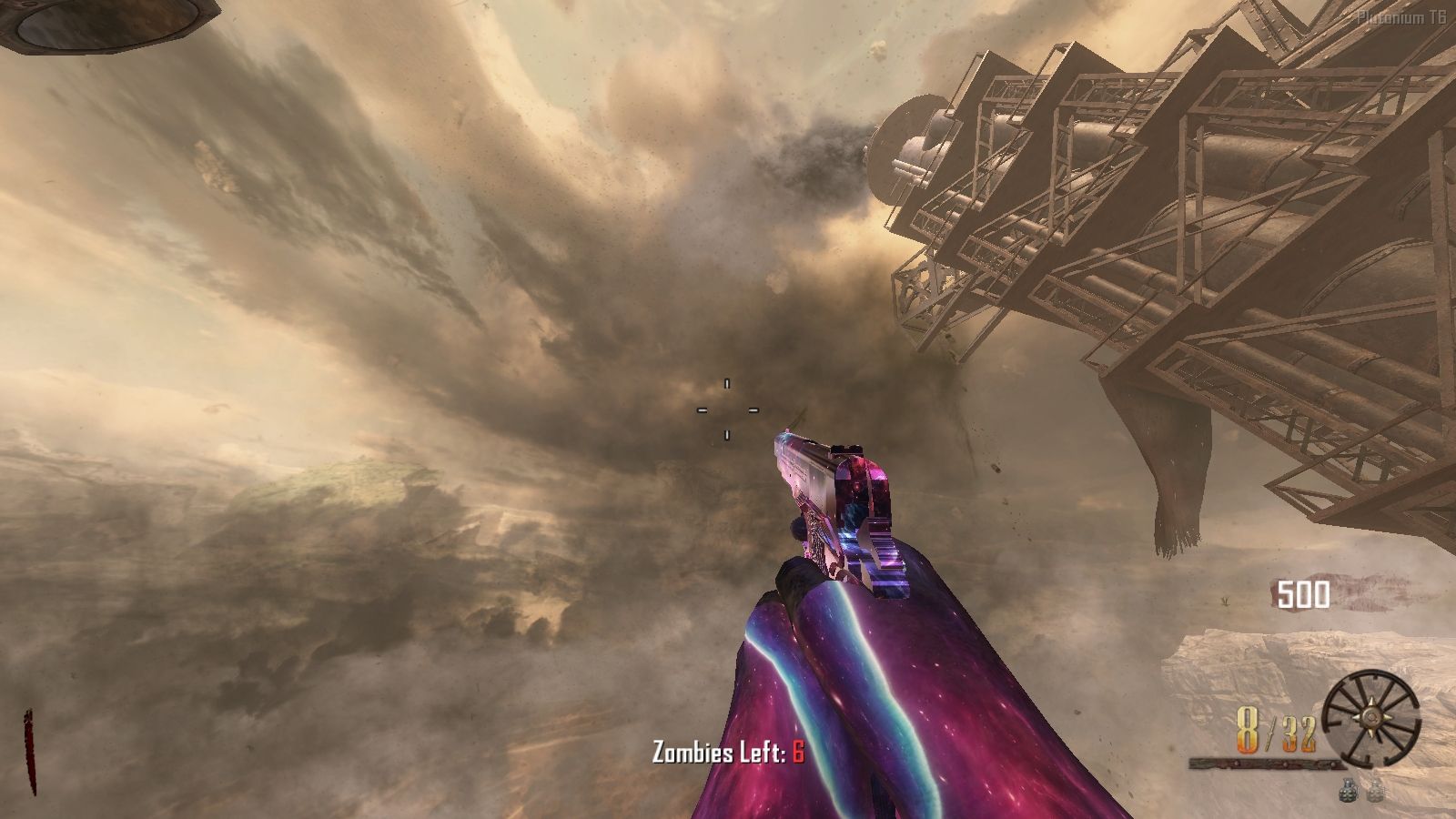
  • {ZM} MilkWay Skybox (Tranzit)

    3
    1
    3 Votes
    3 Posts
    2k Views
    how can i install the mod?
  • 40 Votes
    302 Posts
    167k Views
    Entire texture pack : https://www.mediafire.com/file/h4ll8b085ev8zj8/Origins+Enhanced+2025.rar/file Mod (some nice features next to the pack) : https://drive.google.com/file/d/1BER0nRMUexAwjADG2Edl3XcPjw1cGkYK/view?usp=drivesdk That's all i got
  • [Release] Simple BO2 Perk Icon Skin Pack

    4
    2
    2 Votes
    4 Posts
    912 Views
    Thanks @Dec!
  • BO2 Zombies LAN Cheat (LOOKING FOR TESTERS)

    5
    2
    1 Votes
    5 Posts
    748 Views
    Looks like some cool shit
  • [Release] ZM Mystery Box Custom Skin (BEST YOU'VE EVER SEEN)

    4
    4
    2 Votes
    4 Posts
    1k Views
    nice box but i got something bigger
  • 5 Votes
    38 Posts
    15k Views
    You didnt send your DSC here. But look for the FF Explorer and you can use that to browse the FastFiles the game uses to store textures. The file names are self explanatory if you know exactly what file you wanna edit. MP_DRONE -> Drone Map files ZM_PRISON -> MoTD Map files
  • [Release] [ZM] Main Menu Custom Map

    68
    1
    23 Votes
    68 Posts
    21k Views
    crash
  • [ZM] [RELEASE] Running and Reloading!

    2
    2 Votes
    2 Posts
    665 Views
    goated
  • Perma Stamin up

    5
    6 Votes
    5 Posts
    3k Views
    i cant download it why
  • [Release] [ZM] [Mod] zm_weapons - Adding all weapons to maps

    258
    20 Votes
    258 Posts
    132k Views
    @baca17 This is useful information, I'll take a look into this when I pick up modding again. Thank you
  • [ZM] SKIN GALIL Marie-Skullgirls

    4
    3
    3 Votes
    4 Posts
    947 Views
    @mr.kennutbuster said in [ZM] SKIN GALIL Marie-Skullgirls: may i ask what program you use to look at the 3d model of the bo2 weapons blender xd..
  • 6 Votes
    41 Posts
    22k Views
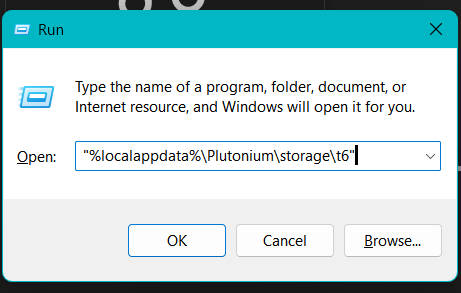
    Update 4.5.0 (Profiles - Developer Categories - Config.gods - Teleport Menu Categories - Teleport Zone Locator - Account Menu - Password System - Weapon Camouflage Menu - Developer Settings - Smart Menu - Commands) Description Hello, new update with many improvements and fixes, and as always, with something surprising. This is a PRERELEASE v4.5.0. Fixes Menu Scroll: The menu was very slow to scroll. It has now been improved and optimized to allow faster navigation between menus. Menu Navigation: Fixed an annoying bug where entering some submenus caused multiple unwanted interactions. Improvements Profiles You can now save multiple profiles with different menu layouts and load them at the start of each game. [image: 1769310736878-841837d1-1138-4555-822b-ae1725f7871f-captura-desde-2026-01-24-23-39-01.png] [image: 1769310737014-c51df42f-4591-456f-bfa0-cdefce854e78-captura-desde-2026-01-24-23-39-07.png] [image: 1769310737150-60ed92b0-12d2-49a1-b792-8d2501b65542-captura-desde-2026-01-24-23-39-23.png] [image: 1769310737267-a10ee156-8170-426e-bb83-66f3c5c81e6c-captura-desde-2026-01-24-23-39-55.png] [image: 1769310737425-404a9f1f-505c-49d6-b1d7-5839aaf662a6-captura-desde-2026-01-24-23-40-22.png] [image: 1769310737623-e416cf5c-9dc5-42d9-b9f8-88fde936eb08-captura-desde-2026-01-24-23-40-51.png] [image: 1769310737882-13d598e4-293c-4a8c-b2a4-2385755e01db-captura-desde-2026-01-24-23-40-58.png] Developer Categories You can now create shortcut categories inside the developer menu. Add quick-access items such as godmode or specific weapons, allowing fast access without navigating through all menus. [image: 1769311450057-eab0c294-6af8-4bce-8994-6495de39ff59-captura-desde-2026-01-25-00-16-31.png] [image: 1769311450234-18eee7ee-e4c3-4139-97b6-1ded53d9a04b-captura-desde-2026-01-25-00-16-38.png] [image: 1769311450451-69573e1d-5d21-45b3-b8c5-71a0c1523b4b-captura-desde-2026-01-25-00-16-59.png] [image: 1769311450619-66a04d79-b742-442d-9cb3-008c4fee9948-captura-desde-2026-01-25-00-17-19.png] [image: 1769311450789-1fb63ce2-f510-47e0-a470-c61af4ded87a-captura-desde-2026-01-25-00-17-28.png] [image: 1769311450973-b24c5938-7566-46a4-86c0-7207aab9202d-captura-desde-2026-01-25-00-17-55.png] [image: 1769311451155-2565ba11-76cd-4c15-9424-3633ea05b415-captura-desde-2026-01-25-00-18-03.png] Config.gods Codename system that allows you to create your own match configuration. Edit health, score, mystery box price, starting weapon (upgraded or not, with or without camouflage), and perks. You can apply it during the match or at the beginning of the game from the Load Config menu. [image: 1769311864073-b28e9f16-9213-4a67-afb1-48c883e7be81-captura-desde-2026-01-24-23-51-17.png] [image: 1769311864234-c2d408f7-165f-4fda-ac2a-43430fdb8185-captura-desde-2026-01-24-23-52-03.png] [image: 1769311864391-8abb6196-ce79-4276-b246-6ac288b596cf-captura-desde-2026-01-25-00-07-16.png] [image: 1769311864542-10385814-a7a8-4803-acb1-9af3f4784c3a-captura-desde-2026-01-25-00-07-29.png] [image: 1769311864688-416c5c0b-ee17-4f51-916b-241987c387b4-captura-desde-2026-01-25-00-07-37.png] Teleport Menu Categories The teleport menu now supports categories. You can create teleport points, save them into categories, and keep everything organized. [image: 1769311558146-6bf21ffd-f7cd-409c-b81e-a8559fea8d38-captura-desde-2026-01-25-00-18-48.png] [image: 1769311558315-bcde4829-265d-409a-bcda-4c926a550ee0-captura-desde-2026-01-25-00-19-16.png] [image: 1769311558726-7e4a8615-aa76-4fad-866f-db624122e6f0-captura-desde-2026-01-25-00-19-40.png] [image: 1769311558925-d5688b86-64ea-41dd-8928-bf12ce8216cd-captura-desde-2026-01-25-00-19-50.png] Teleport Zone Locator Each map has a zone menu where you can view all zones and teleport to them. [image: 1769311581625-13a79ac0-0e17-4541-855f-6b5f46c0b71a-captura-desde-2026-01-25-00-20-15.png] Account Menu View detailed profile information. Quickly switch between profiles. Manage language settings and developer menu password. [image: 1769311936178-a8a203e4-e5eb-43dc-bf98-5ec967a7a466-captura-desde-2026-01-24-23-41-06.png] Password System You can change the default admin password. Double confirmation is required. Each profile has its own password. If you create a profile from another profile, the password will be copied, but changing it later will not affect the original profile. Weapon Camouflage Menu You can now apply camouflage to your weapons. [image: 1769312317900-af221ab2-2053-4f8f-92ec-14d047e08550-captura-desde-2026-01-25-00-36-41.png] [image: 1769312318061-042c200b-5ca2-4320-a4cf-b99779c365a2-captura-desde-2026-01-25-00-36-51.png] [image: 1769312581516-d22637b2-e9df-4042-b8d5-f1914babe92e-captura-desde-2026-01-25-00-37-08.png] Developer Settings You can change your password. [image: 1769312524430-8d1b2a29-3350-496d-a488-807da311254a-image.png] Smart Menu If you are a new player, the menu will ask for your language the first time you open it. After setting it, it will not ask again. Automatically detects config.gods and existing profiles. Profile selection is always required at startup. For now, there is no default profile option by design. Commands *.menu* opens or closes the menu (toggle). Wall of Death Completely removed. You can now freely fly using UFO mode on all maps. Web Statistics Integration 2.0 Menu statistics are compatible with Web Stats v2.0. Web stats are currently unavailable while the system is being fixed. Important Notice Please avoid using fast_restart or map_restart. Always start maps from the Main Menu to ensure scripts load correctly. Beta / Pre-release Everything shown is in beta and may be kept, removed, or improved. Source Code [image: Download-v4.5.0-black?style=for-the-badge&logo=github] [image: Download-Release-black?style=for-the-badge&logo=github] Install new folder AppData\Local\Plutonium\storage\t6\raw\scripts\zm\ old folder AppData\Local\Plutonium\storage\t6\scripts\zm\ Aquí explicé algunos pasos rápidos: ingles To open menu command -> .menu To open the menu, you need to aim and knife at the same time. To move up, press the numeric key 1, and to move down, press the numeric key 2 To enter a menu, press F on your keyboard.** spanish Para abrir el menu comando -> .menu Para abrir el menú, debes apuntar y apuñalar al mismo tiempo. Para moverte hacia arriba, presiona la tecla numérica 1, y para moverte hacia abajo, presiona la tecla numérica 2. Para entrar a un menú, presiona F en tu teclado.
  • [MP] "Interstellar" Camo from MW3

    11
    3
    3 Votes
    11 Posts
    3k Views
    @ItzPlayer5 I can't post folder here because is too large, so you need download it from link: https://www.mediafire.com/file/3r2of252a52no10/images.zip/file There are mainly textures from MWIII, but there are also some from MWII, and if you want some textures from BO7 you can get it here: https://callofduty.fandom.com/wiki/Weapon_Camouflage/Call_of_Duty:_Black_Ops_7
  • [ZM] Emotes & Gestures Script (VERSION 2 RELEASE)!

    2
    1
    1 Votes
    2 Posts
    720 Views
    Just saw the video; pretty cool lol I could mess around with the "knuckle crack."
  • [Release] [ZM] Amogus HUD

    3
    1
    2 Votes
    3 Posts
    2k Views
    GIF????
  • [Release] [Zombies] Custom Map, Survival T6 Bo2 v2.0

    68
    4
    6 Votes
    68 Posts
    109k Views
    @juanmaasm thanks !
  • 2 Votes
    1 Posts
    734 Views
    No one has replied