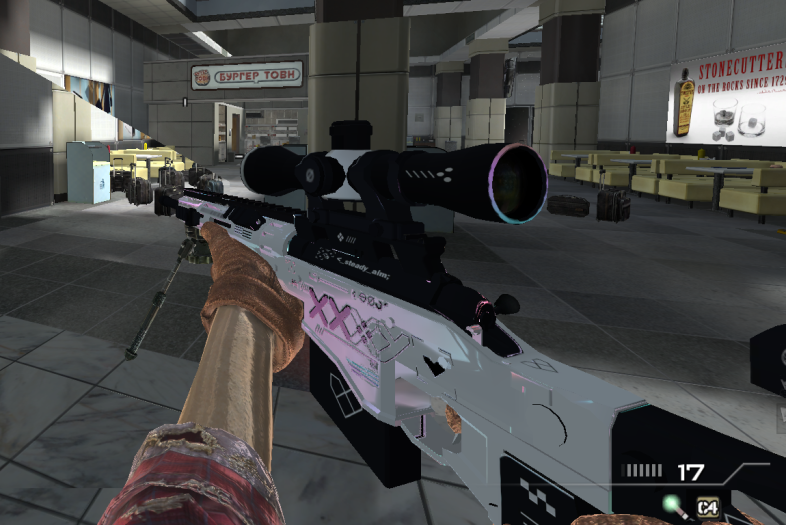
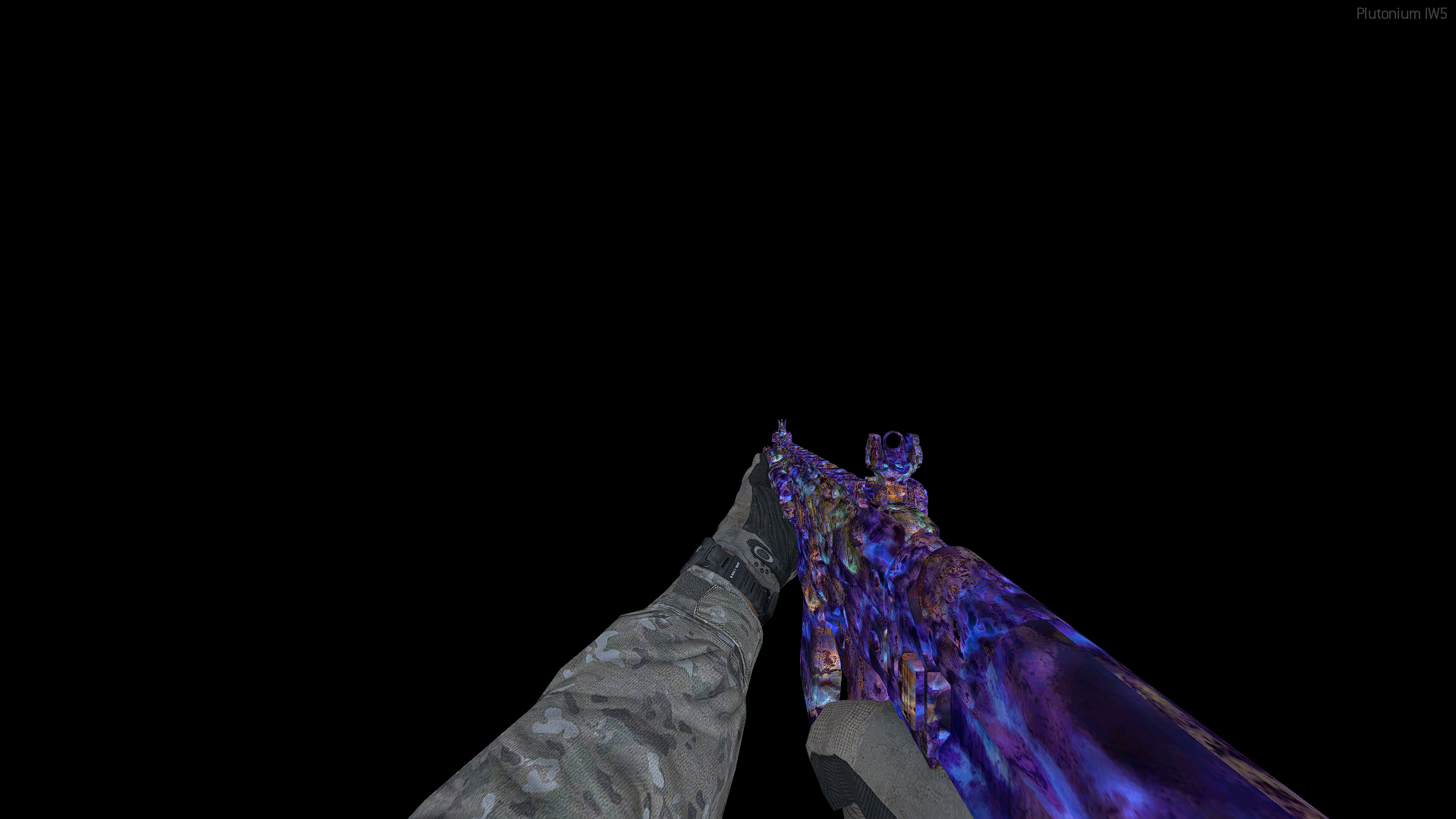
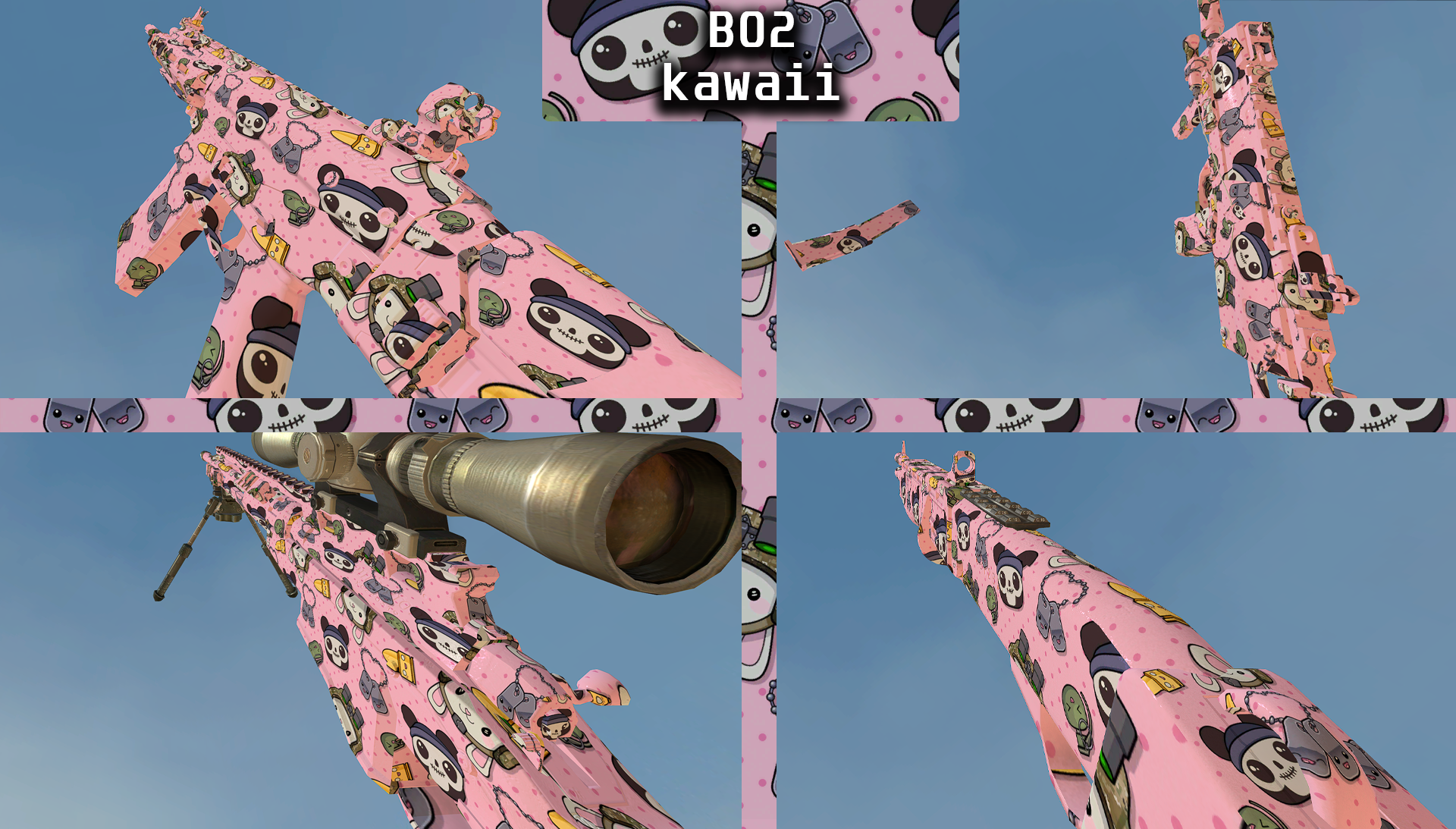
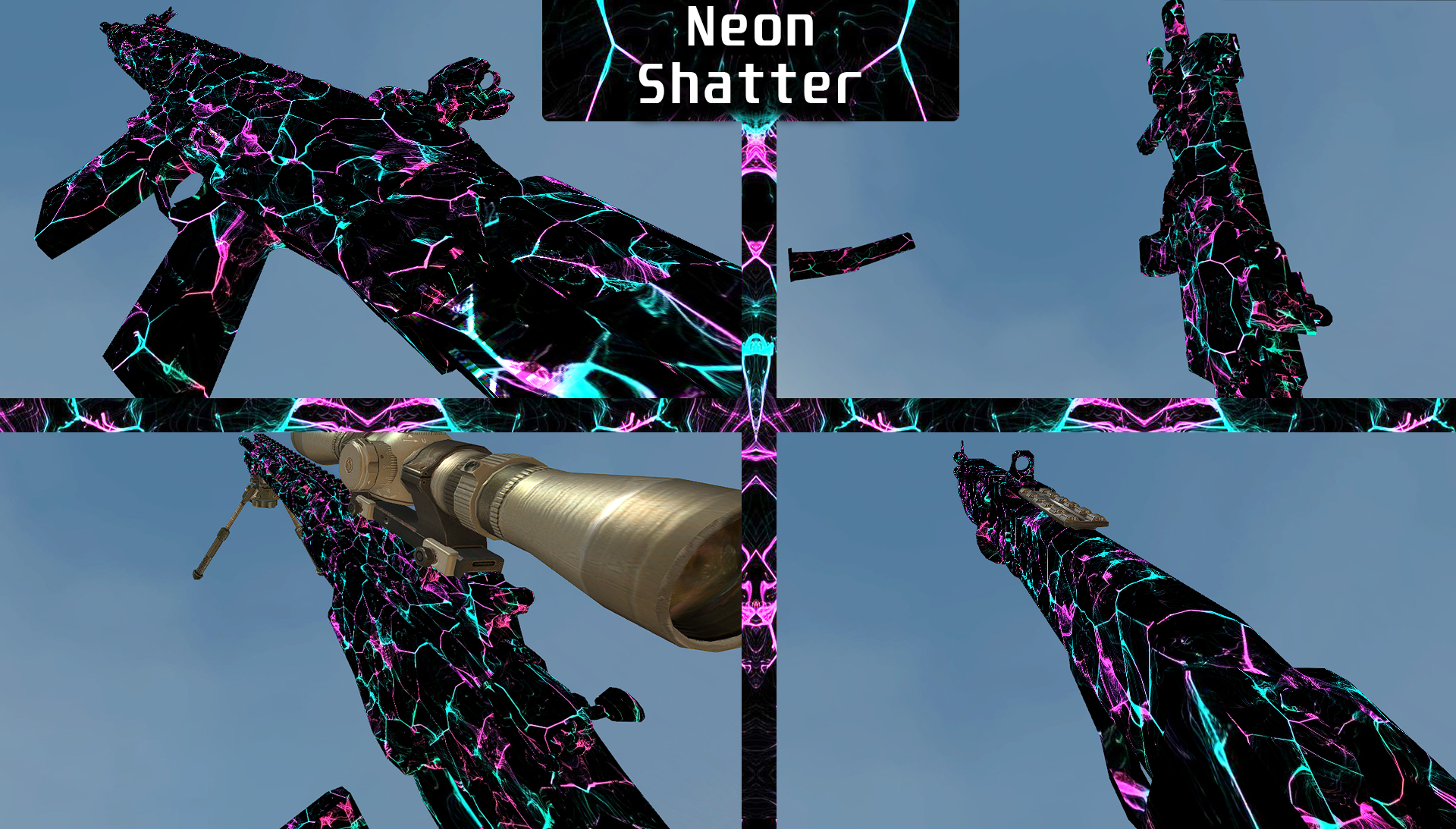
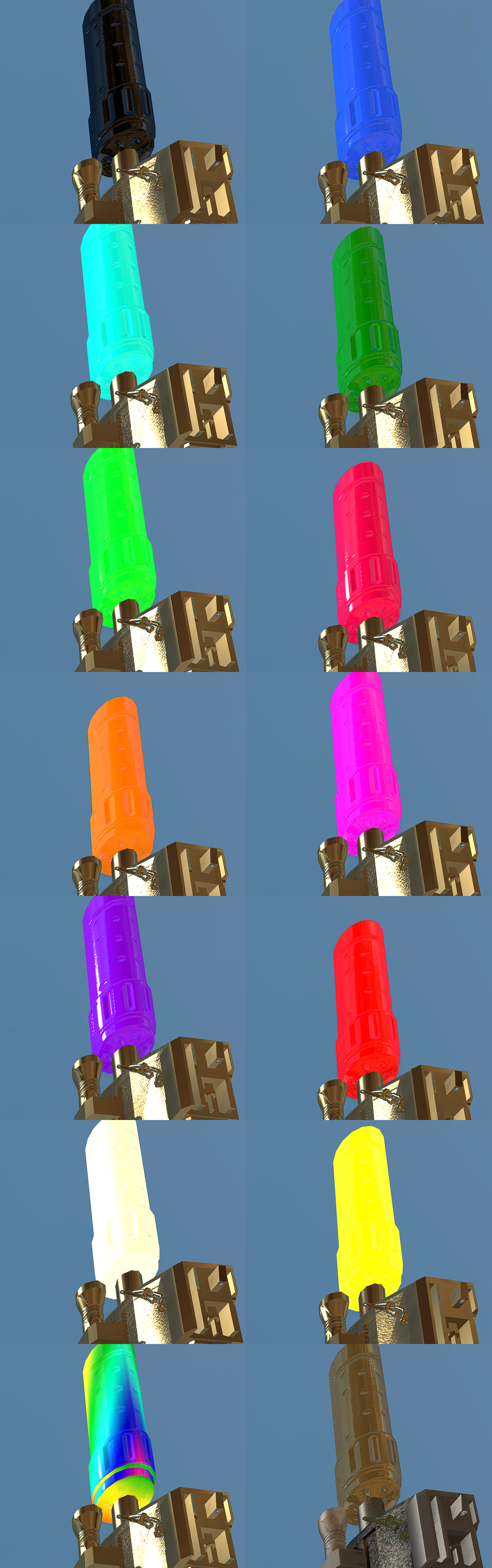
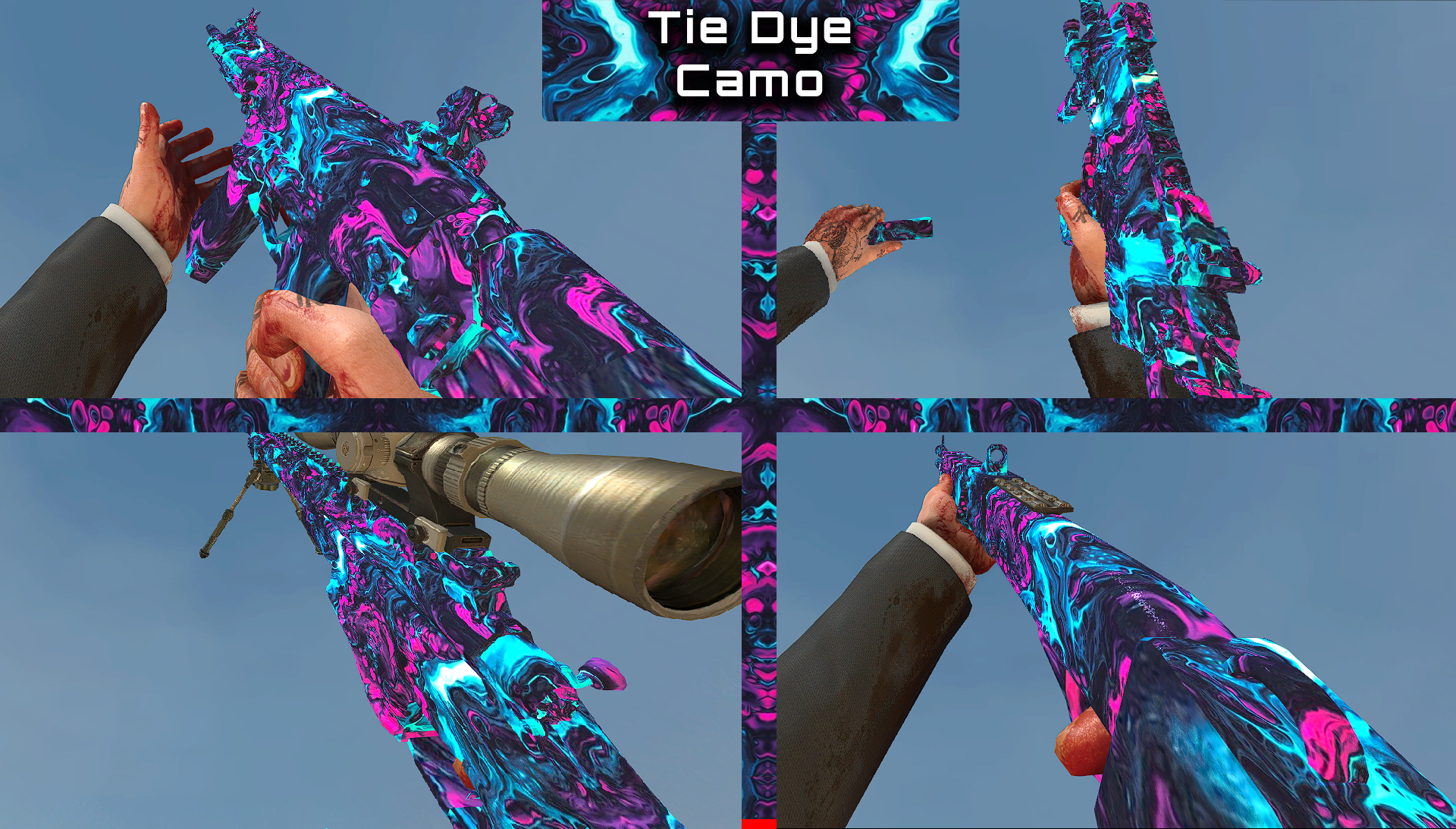
@GooseBumpBalls42 you need to download this exe file called grey hound for extracting textures https://github.com/Scobalula/Greyhound/releases
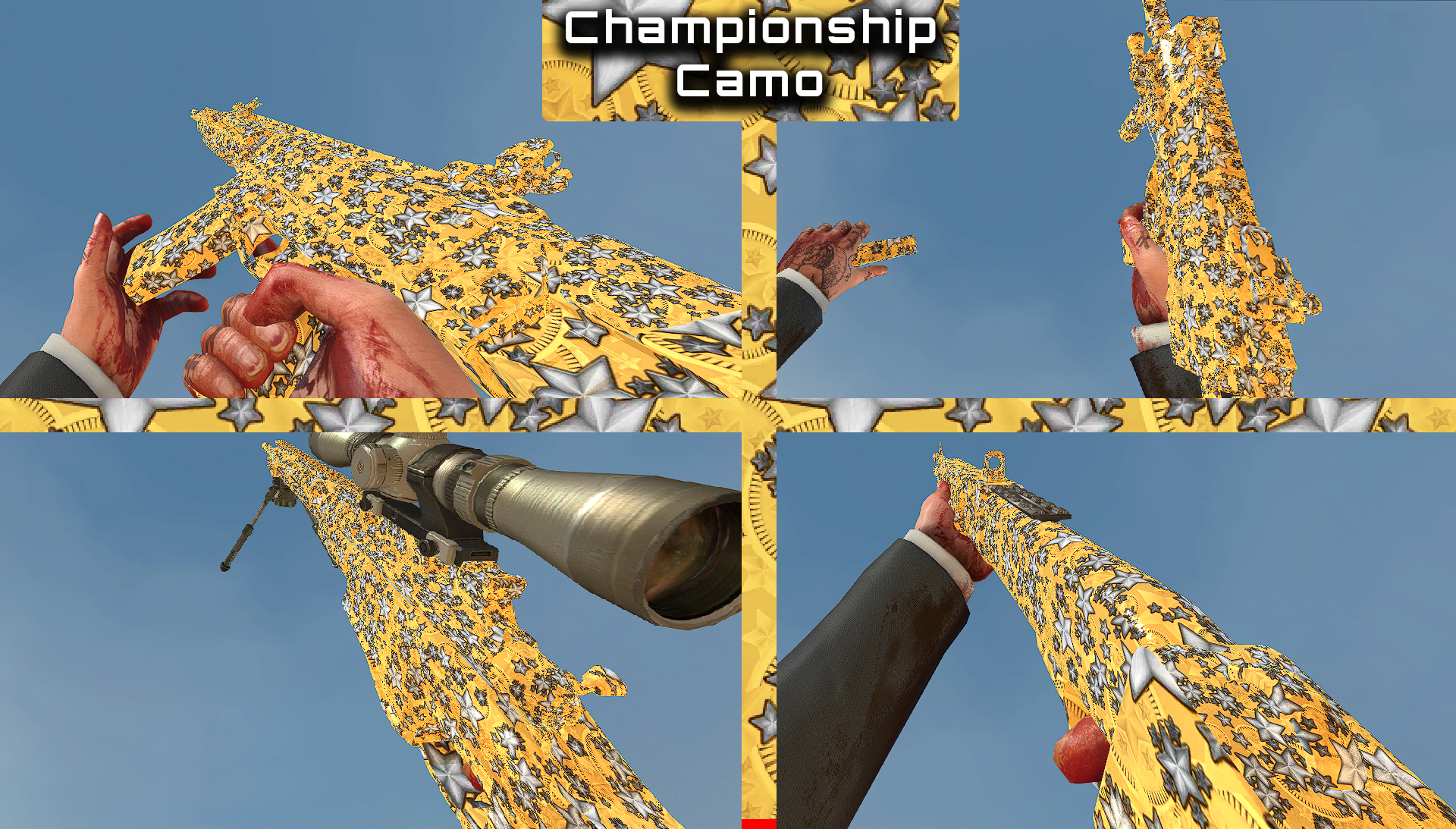
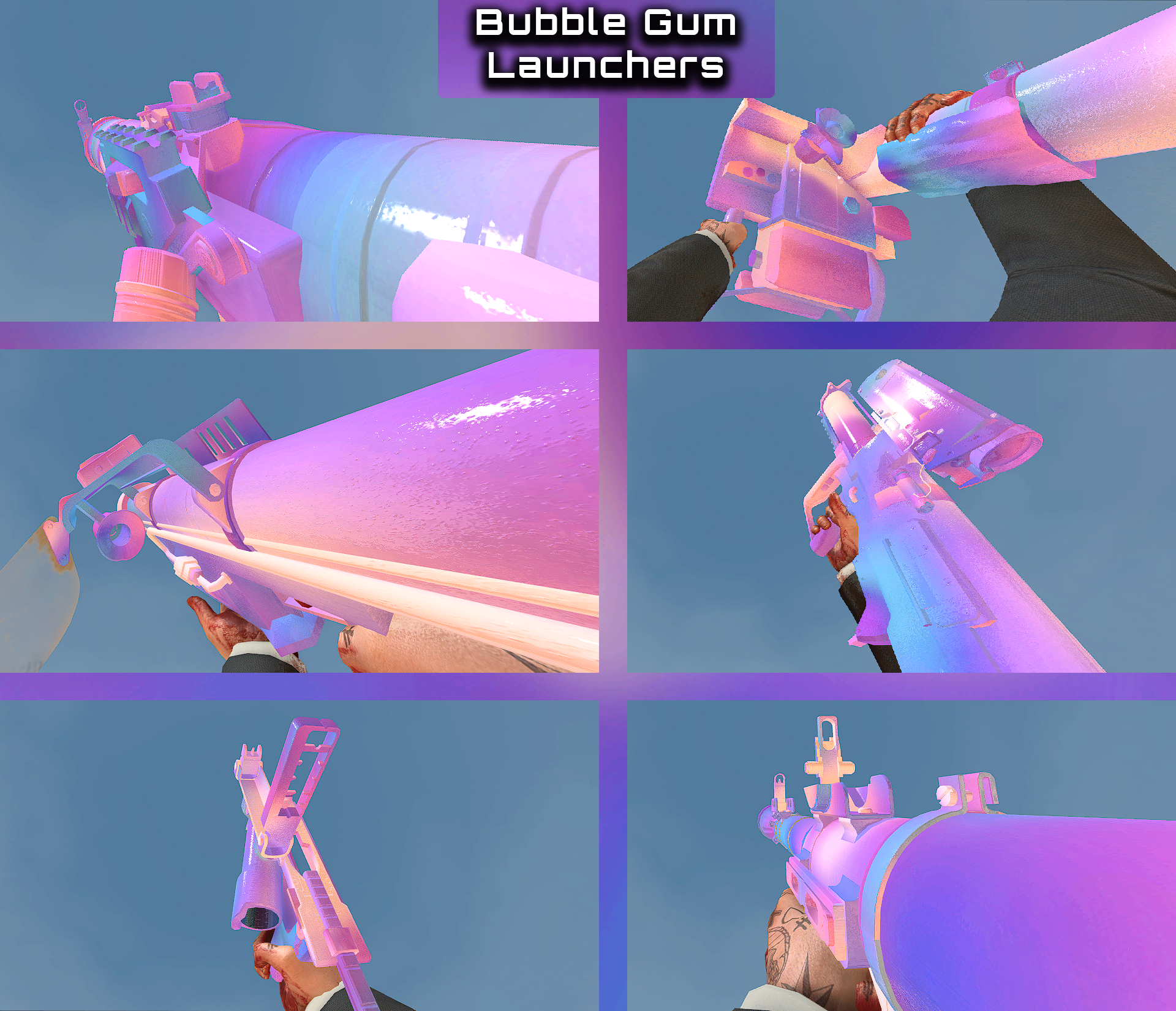
Then you open it press load then you gotta find your mw3 folder location go in it then go in main here are all the mw3 textures or just search in this furom and for changing them heres a tutorial https://www.youtube.com/watch?v=ZHuCkdd7OBs
@vhetti Is mentioned in this same publication, How To Use: "Place the script file at "%localappdata%/plutonium/storage/iw5/scripts" if the folder does not exist, create it"
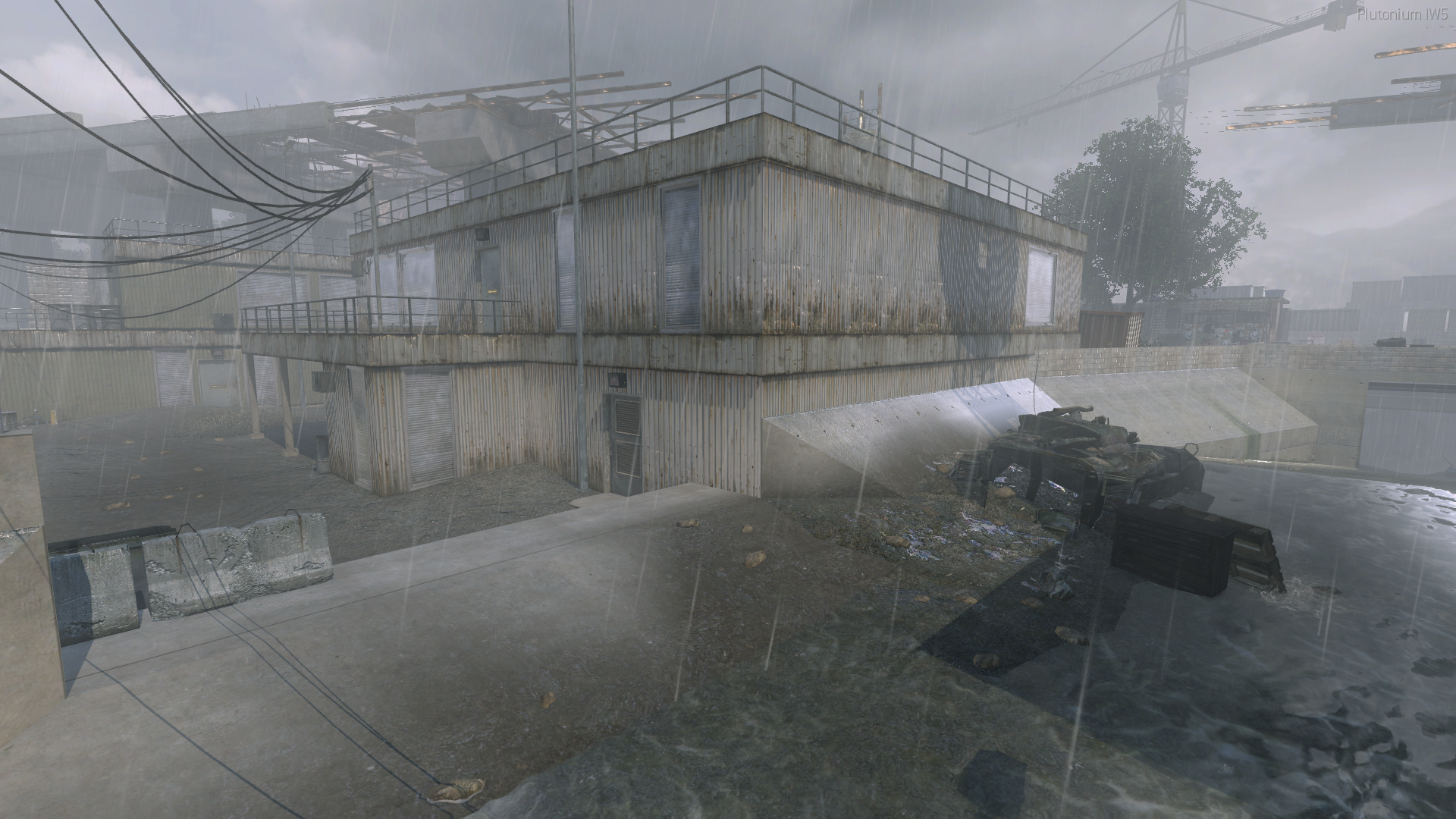
Sort of a small thing but but the wind/snow blowing effect in this map doesn't seem to respect the "Soften" setting and looks sharp and has a billboarding effect. I don't recall this being an issue in MW2
@123456m works just fine on my side.
You either loaded a mod or you have scripts or you use Bot Warfare and then I might know what the issue is
If you use Bot Warfare and you have a lot of waypoints then read this
https://github.com/ineedbots/piw5_bot_warfare/issues/78