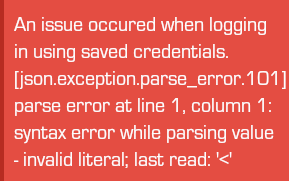
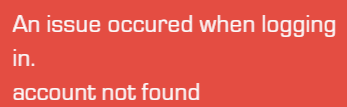
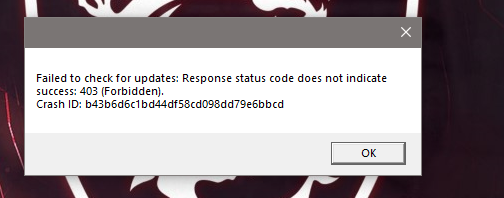
@SibestaXx strange error. Try:
moving the launcher out of the downloads folder to your desktop or to C:\Games
running the launcher as admin (right click -> run as administrator)
Additionally:
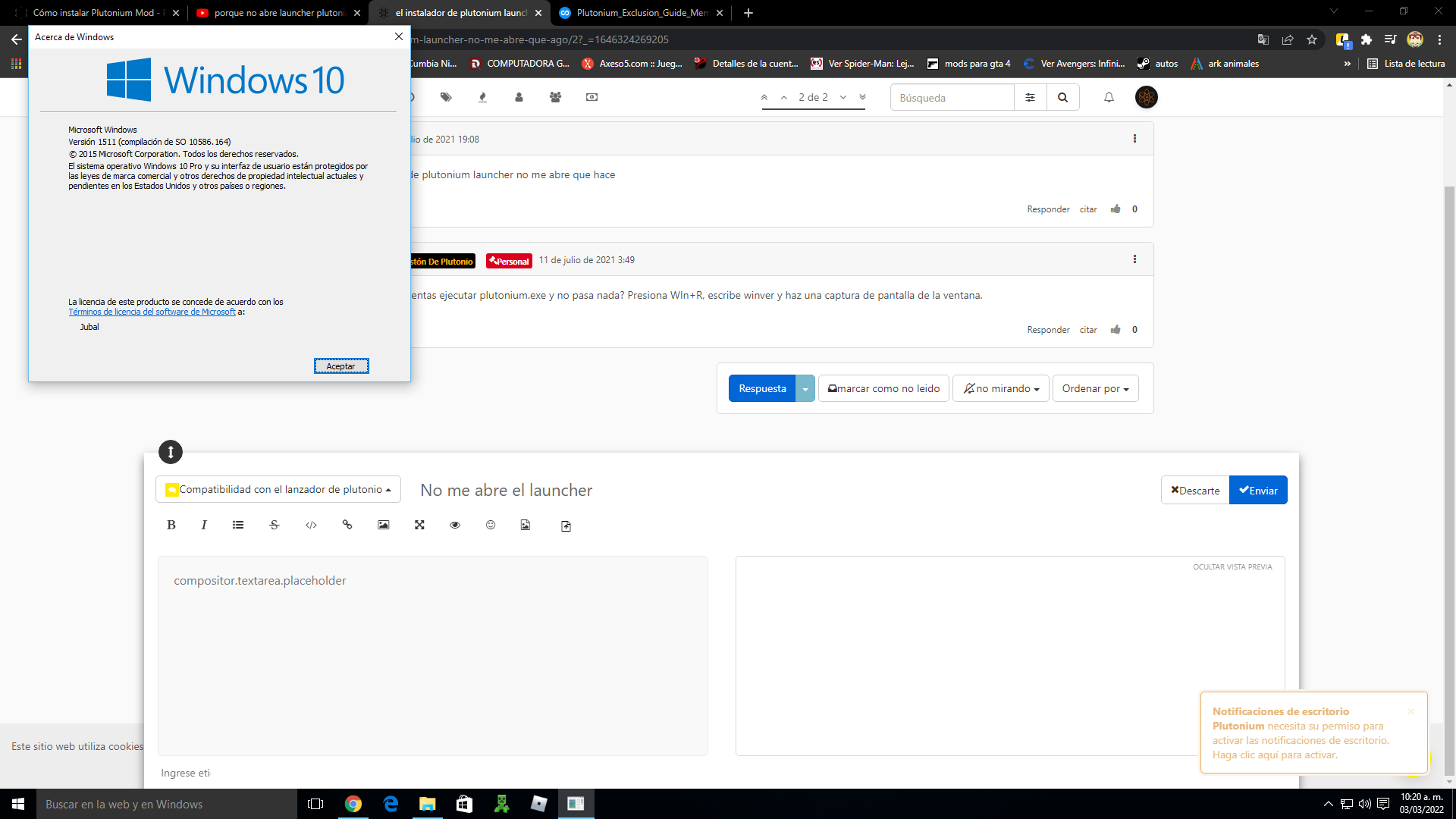
make sure you're on win10 version 1607 or later
verify the integrity of your system files:
open the start menu and search for "cmd"
run cmd as admin
execute the following command
dism /online /cleanup-image /restorehealth
restart your pc
@ADHLAI You could simply use Google for this but here is a guide to change your DNS https://www.windowscentral.com/how-change-your-pcs-dns-settings-windows-10
For a VPN well just Google a VPN: NordVPN, ProtonVPN etc
Cannot join any public dedicated server
This probably happens because your launcher is outdated. Read the update guide to fix this https://plutonium.pw/docs/update/