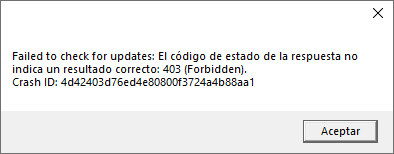
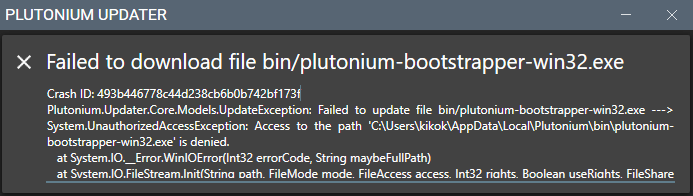
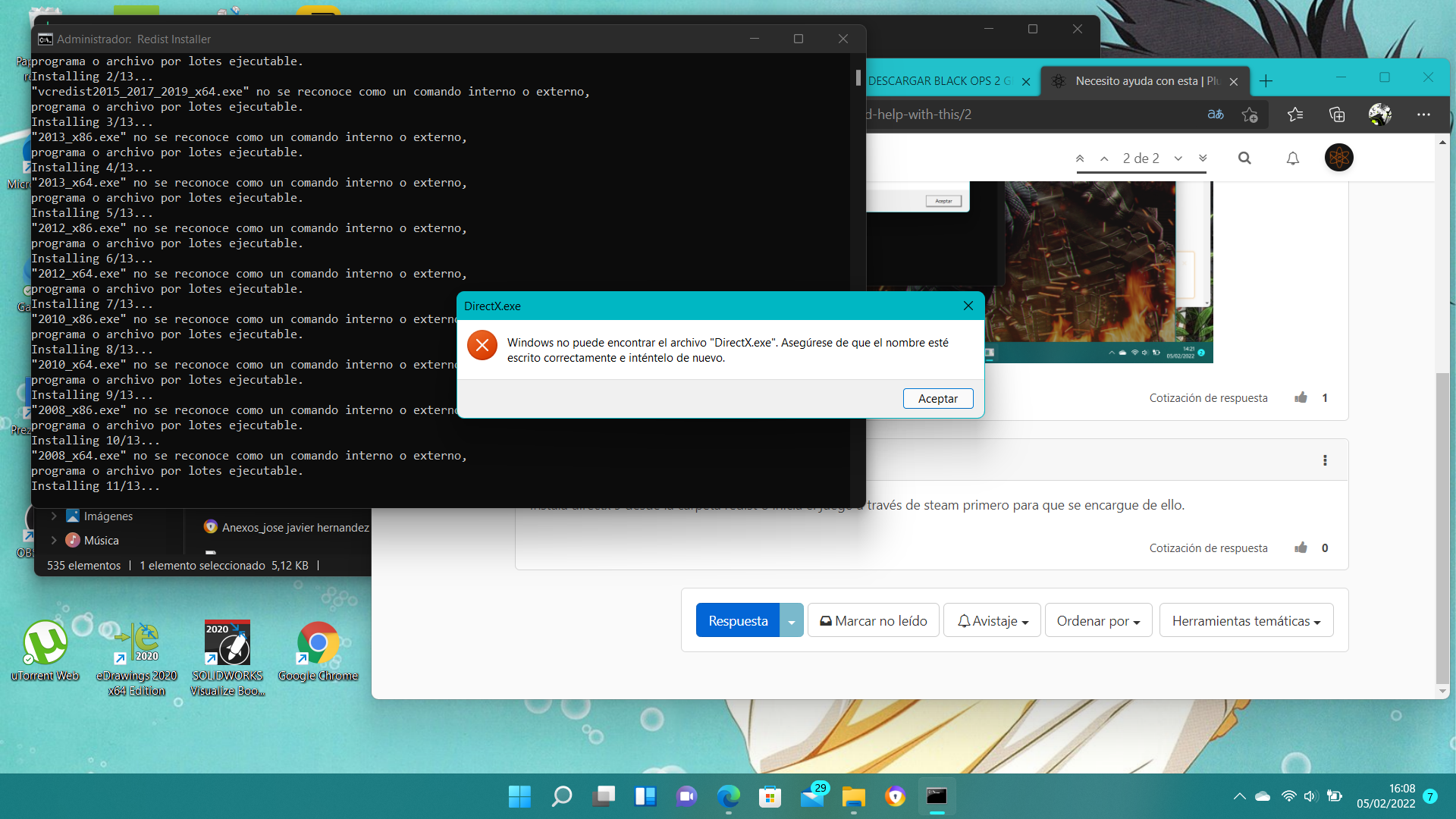
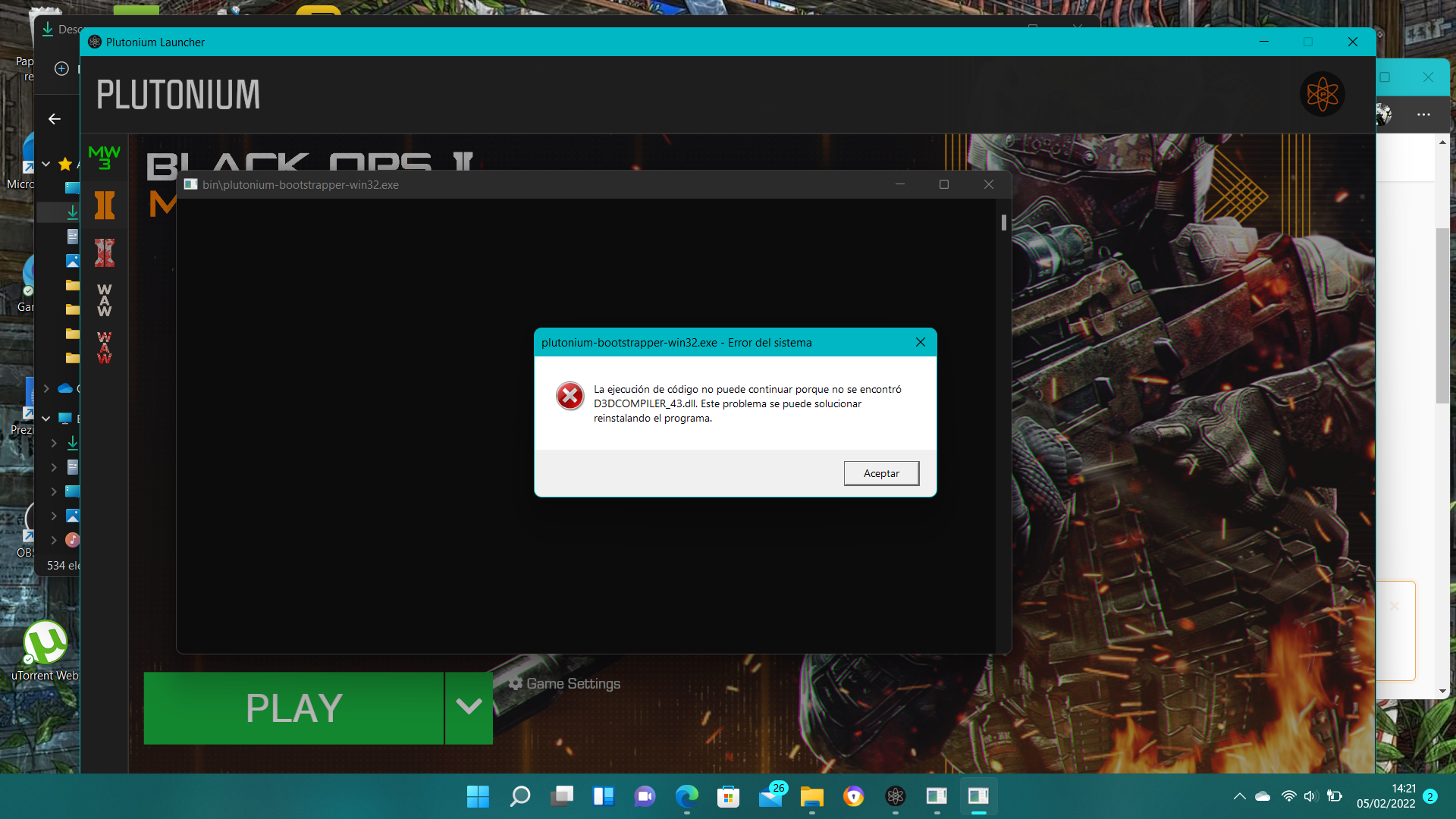
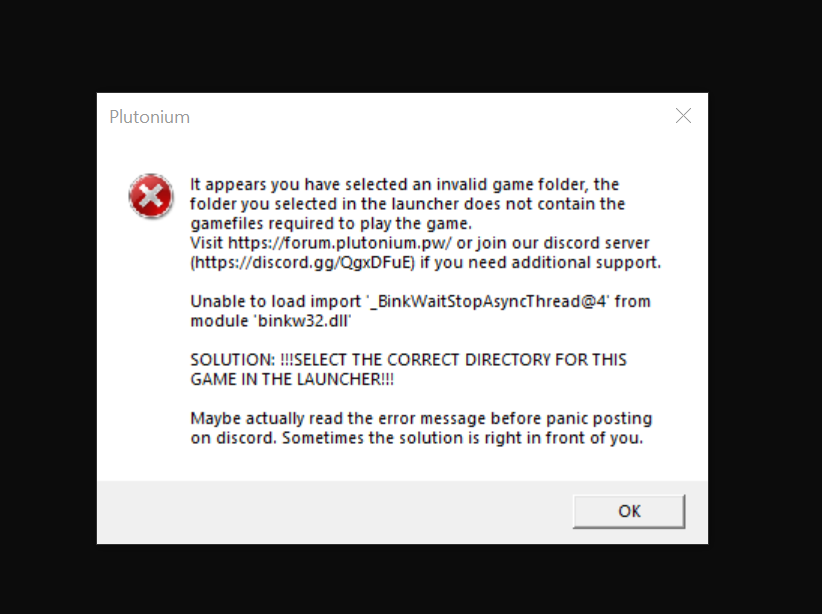
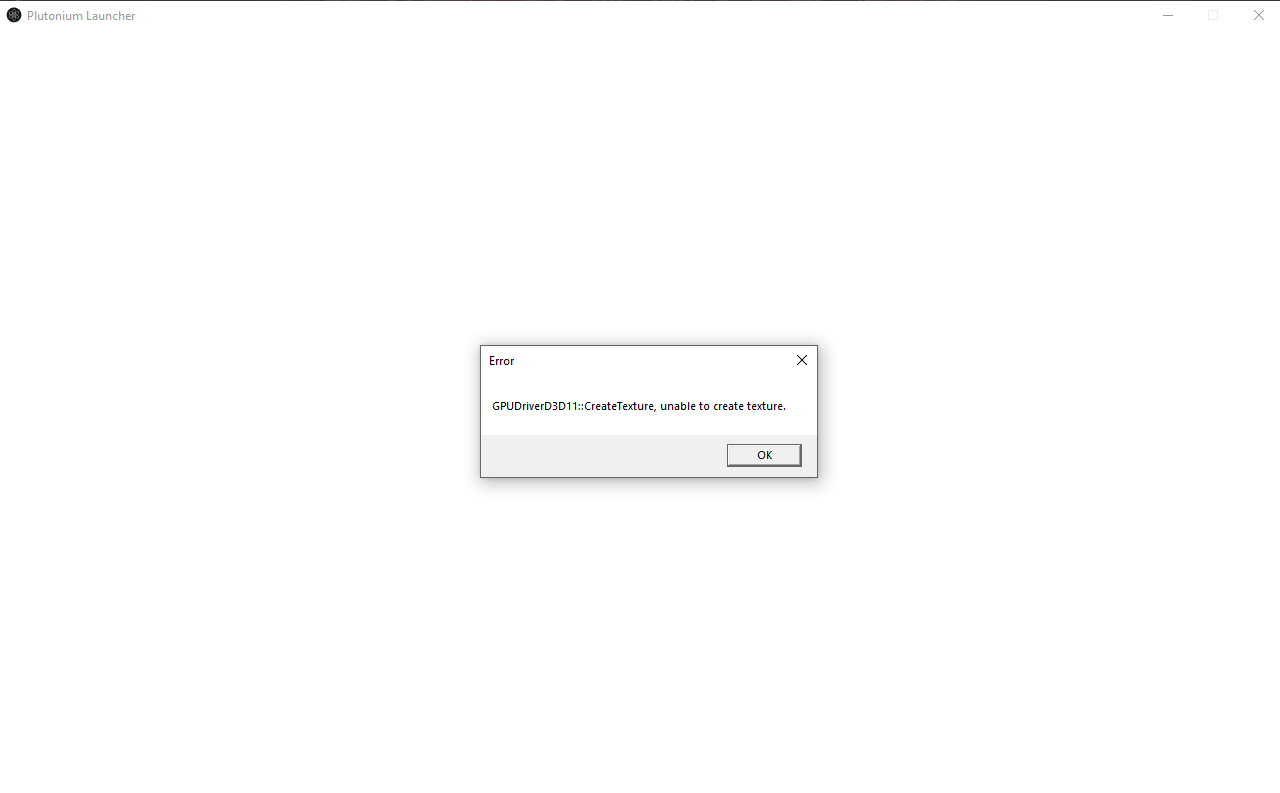
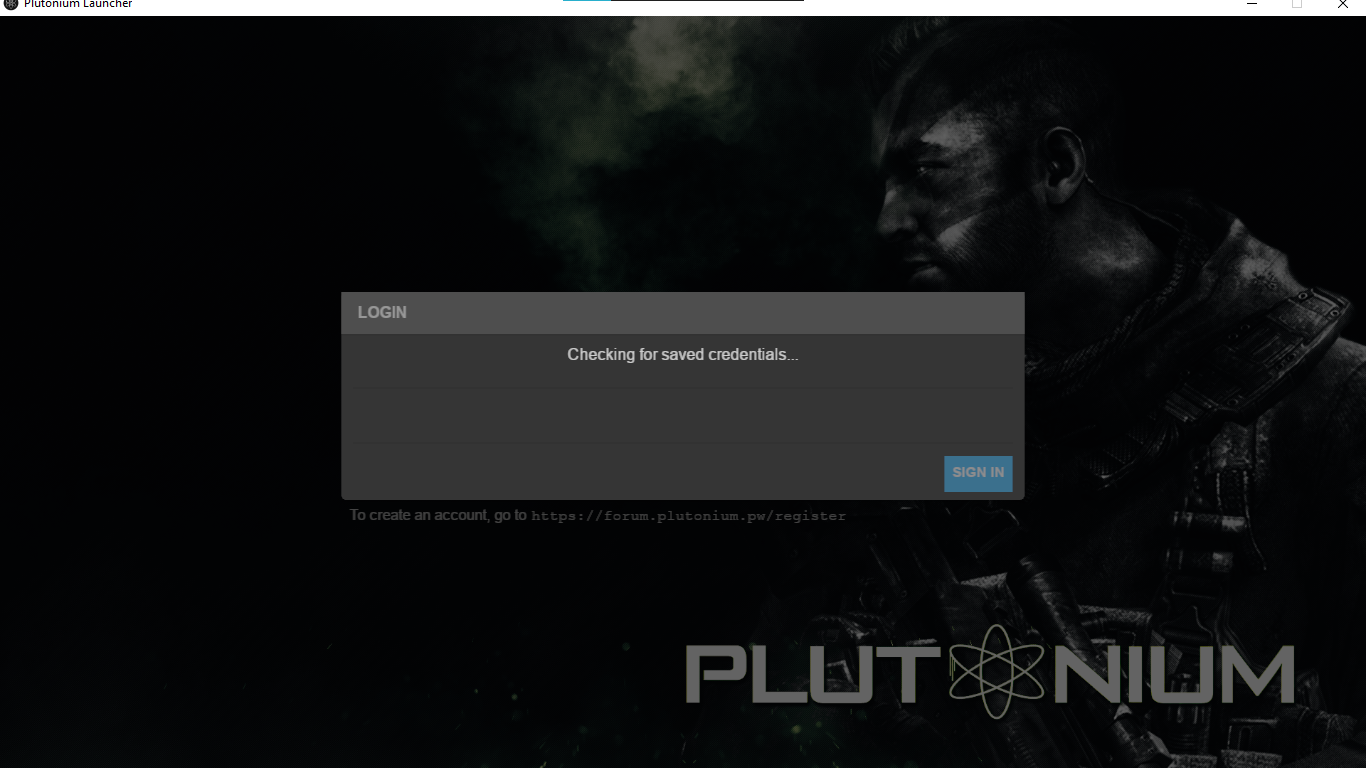
probably because you're not launching pluto via plutonium.exe but via plutonium-launcher-win32 which windows automatically pinned to the start menu. Doing that will skip the automatic updating process.
@Dss0 Yeah your right its because of old graphics driver even i read about that in other forum as well but i don't want update my intel gpu driver because of some reason i am using 2017 driver its ok if i can't play anyways thanks for your reply.
@vastlol This is very simple and you should apply this to pretty much any other content.
In your opinion: is getting a 60$ game for free legal or illegal?
Plutonium itself is legal and won't get you in trouble.
Torrenting a paid game for free can get you in trouble.
Either use a paid VPN that supports torrenting/P2P and configure it properly or buy the game on Steam.
If you do that you will not get into trouble.
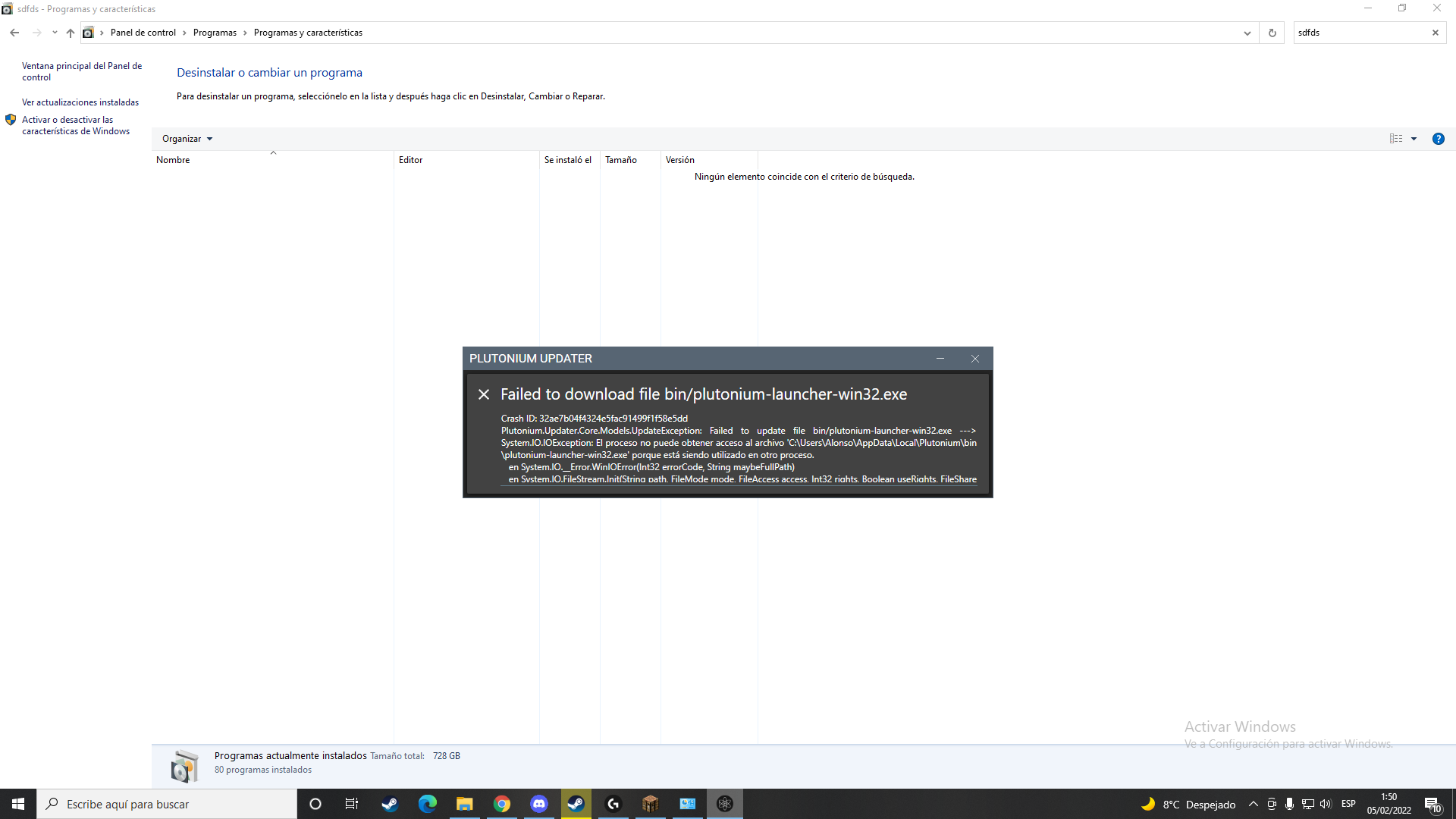
@KekoJones your error says "the process is being used by another application" so something is using it, close it. Could be the torrent client, a file syncing program, antivirus etc.
Restarting your PC could also help
What antivirus do you use? It's firewall might be blocking Pluto, so either disable the firewall or add exclusions to it. AVs like BitDefender/BullGuard are known to cause this type of issues.
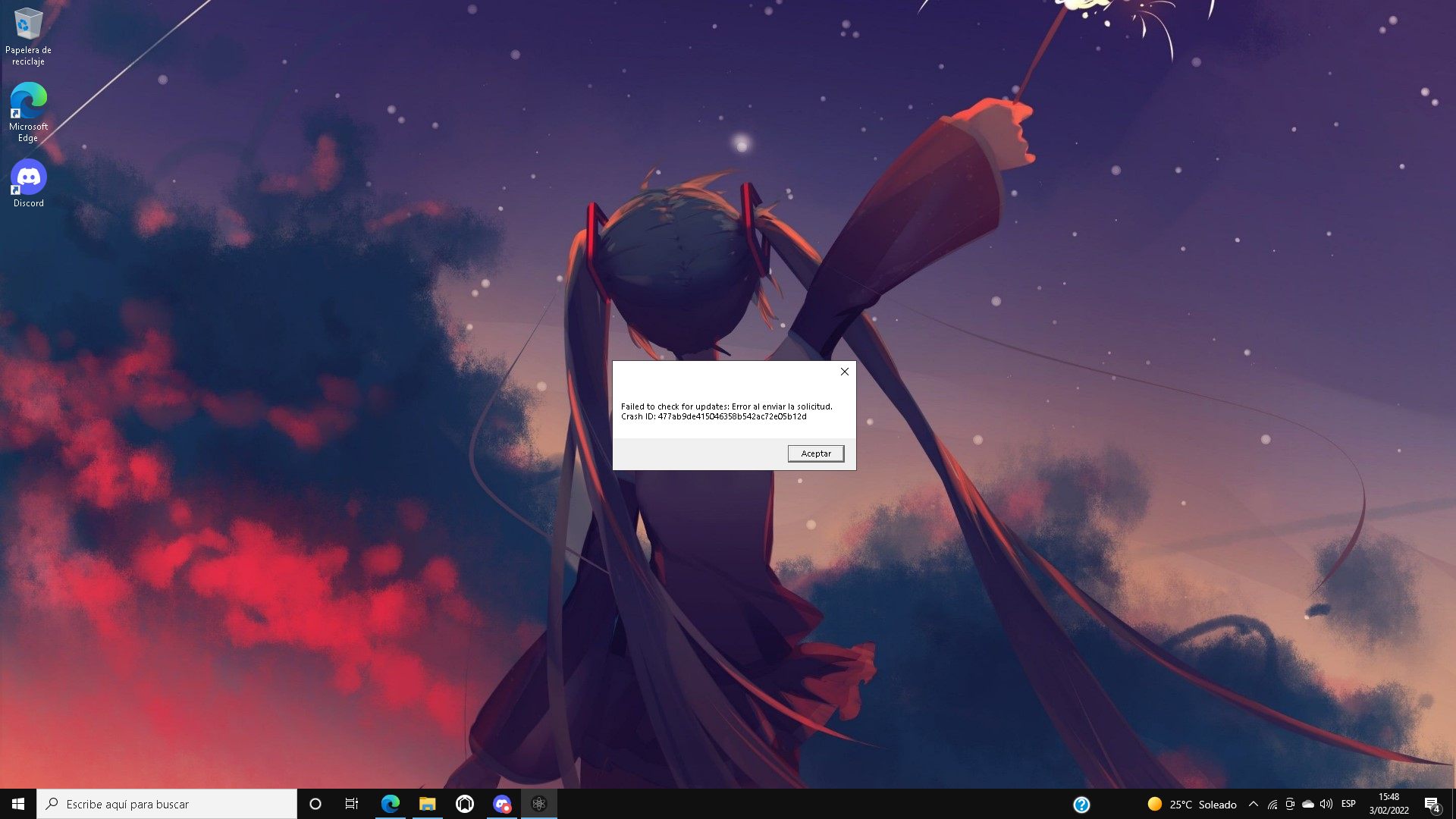
You could also try changing your DNS if that doesn't fix it, or using a VPN.
https://www.windowscentral.com/how-change-your-pcs-dns-settings-windows-10
@FuzionBeans Nothing we can do with no info provided. Please provide these screenshots:
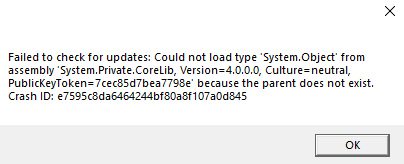
Error
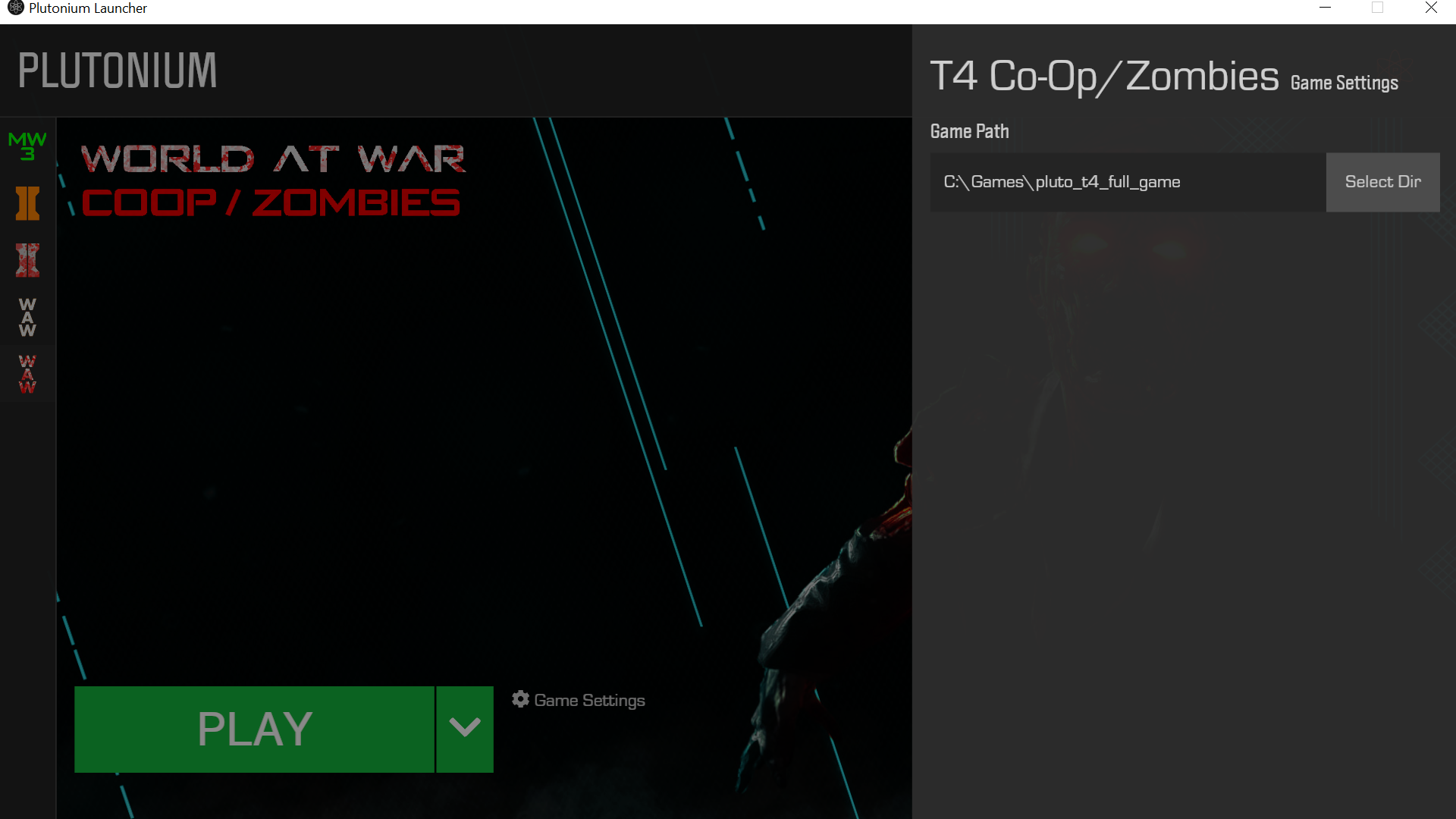
Your game files (don't hide the path)
Path in the launcher (game settings)