Skip to content

Launcher Support

4.0k Topics 14.1k Posts

Request support for the Plutonium Launcher, please wait at-least 1 day for a reply, it can get busy.

  • Ayuda con modo offline plutonium.

    Moved
    2
    3
    0 Votes
    2 Posts
    501 Views
    @KrzMcCurdi Plutonium supports playing private/solo/LAN games but doesn't support offline. You need an internet connection to play.
  • Pluto is not even starting on my pc

    Moved
    2
    0 Votes
    2 Posts
    304 Views
    @Anachi_Uchiha covered here https://forum.plutonium.pw/topic/6832/common-launcher-issues-solutions
  • what's wrong?

    Moved
    3
    1
    0 Votes
    3 Posts
    213 Views
    @HannesC thank you for replaying
  • Obtengo un error 403 (Forbidden)

    Moved
    2
    0 Votes
    2 Posts
    360 Views
    @Tatatom46 what is your antivirus? If you're using a VPN try without it. If you aren't using a VPN you could try again while using a VPN to see if that helps.
  • Can't find World at War but the others no problem

    4
    4
    0 Votes
    4 Posts
    265 Views
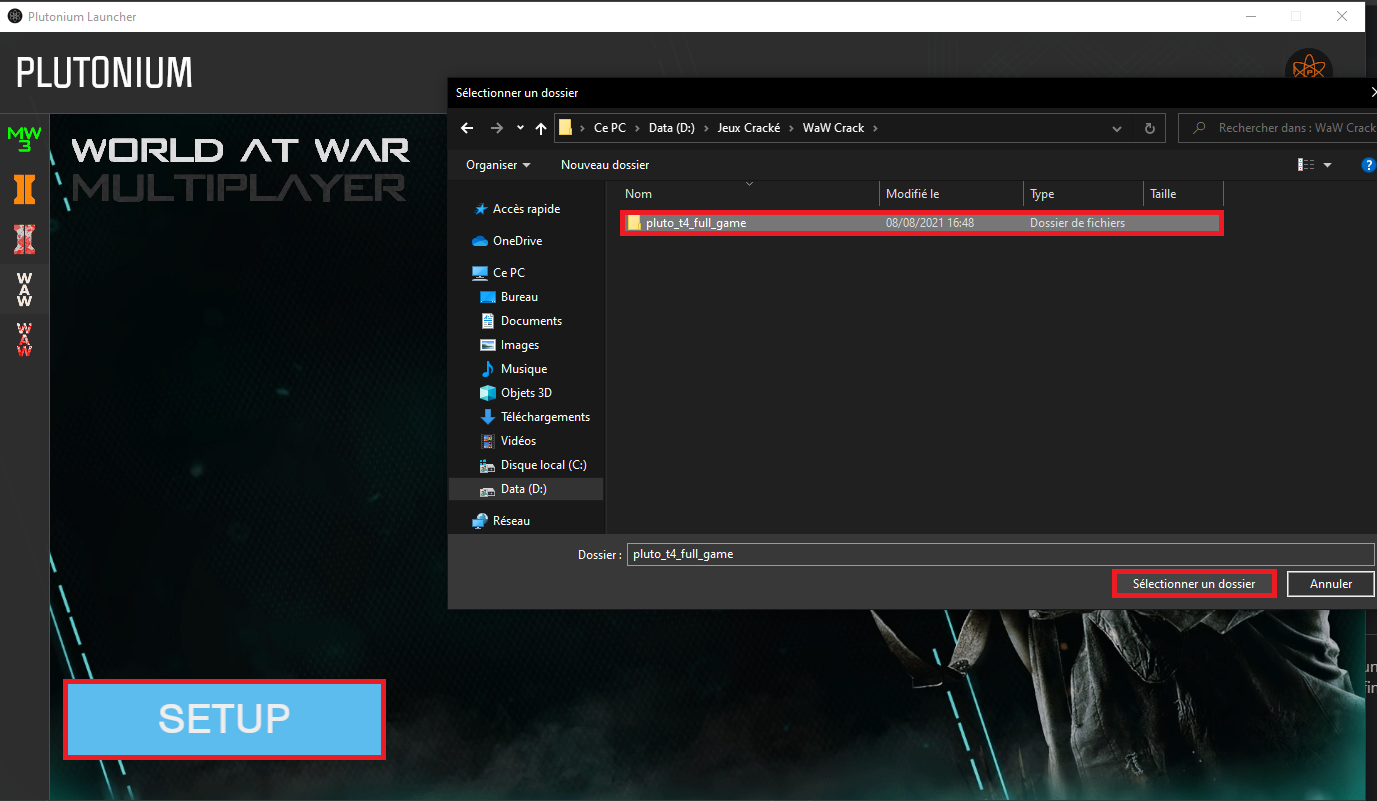
    @OwNuT special characters pretty much means any non english character. So yes as said above the é character was probably what was causing the launcher to not be able to read the path.
  • Does the Launcher have launch arguments?

    2
    3 Votes
    2 Posts
    639 Views
    @MazikeenX only thing I can tell you is that it's using the exe files in %localappdata%\Plutonium\bin with the exes in %localappdata%\Plutonium\games as an argument. Don't know how it works exactly or if it has other arguments but maybe this will help you. If you're using a game launcher like GOG Galaxy then you could either launch plutonium.exe instead of the game directly or create a macro that starts the launcher and click on Play or wait for an answer from staff.
  • alguien sabe como puedo solucionar esto

    Moved
    2
    0 Votes
    2 Posts
    1k Views
    Try adding %localappdata%/Plutonium to your AV's exclusions (https://streamable.com/5giauo). If this doesn't work, simply restart your PC.
  • Plutonium no me abre

    2
    1 Votes
    2 Posts
    166 Views
    Win8 isn't supported, win8.1 however is.
  • hire decent programmers!

    Locked
    4
    0 Votes
    4 Posts
    281 Views
    Enjoyable RCE!
  • Cant start any games

    7
    3
    0 Votes
    7 Posts
    582 Views
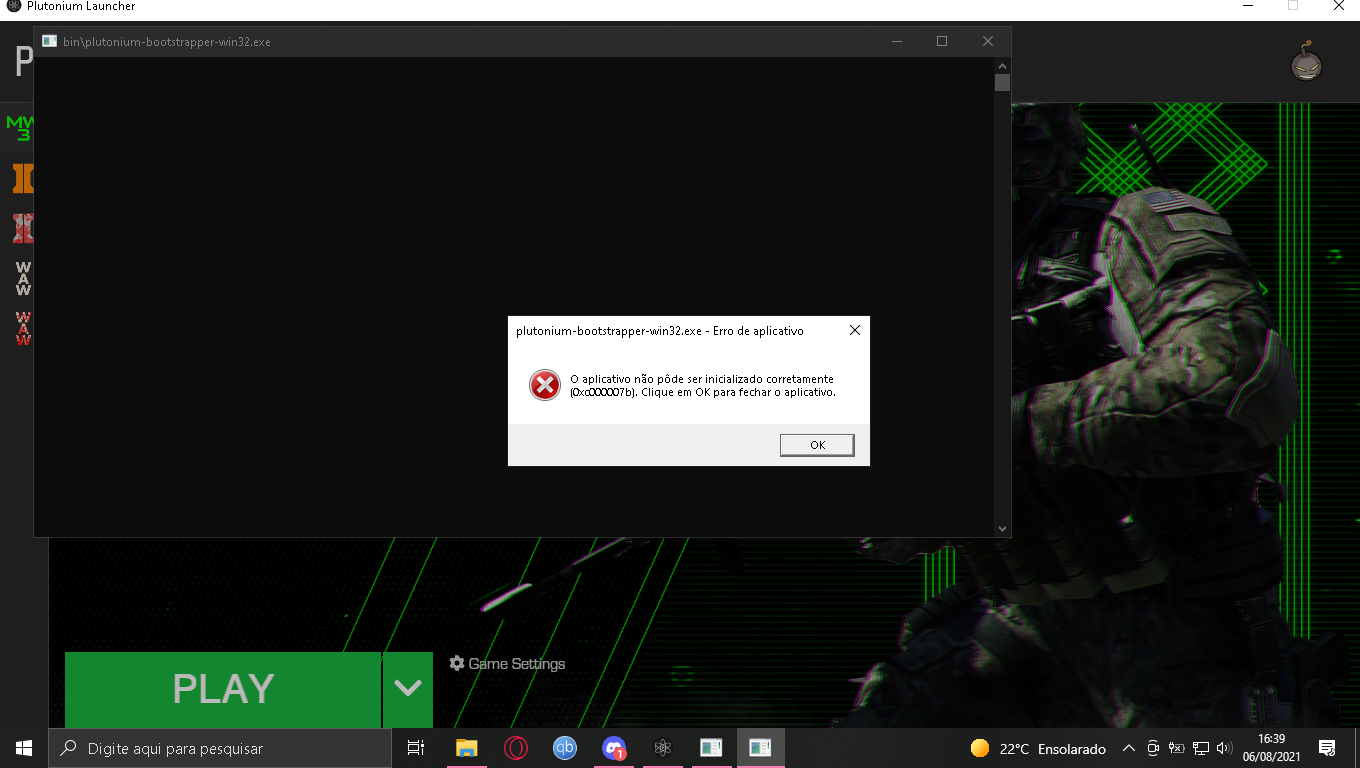
    @HannesC Ive tried that and restarted the pc, but again, same error. Maybe cuz my windows is X64 and the launcher is 32bit?
  • i can't initializate the launcher

    Moved
    3
    1
    0 Votes
    3 Posts
    231 Views
    @Dss0 thank youuuuuu man
  • plutonium launcher is not opening

    7
    0 Votes
    7 Posts
    750 Views
    Nah none of those worked. But looking in my %localappdata% files plutonium isn't even there, im assuming thats probably the issue. Thank you for the help though.
  • XINPUT1_4.dll

    Locked Moved
    7
    0 Votes
    7 Posts
    594 Views
    @twis2t No.
  • Launcher error

    2
    1
    0 Votes
    2 Posts
    207 Views
    @geroomv Try installing this https://drive.google.com/file/d/11BAlZId09Bo0C2yo2CtaOLl0QmRZAJcm/view?usp=sharing
  • 0 Votes
    3 Posts
    298 Views
    @feth4you first issue is covered here https://forum.plutonium.pw/topic/6832/common-launcher-issues-solutions second issue means you selected a folder that doesn't contain bo2 files, did you select F:\Bo2\pluto_t6_full_game in the game settings?
  • cant download

    3
    0 Votes
    3 Posts
    278 Views
    @Sk9erDude if it is for cod waw or cod bo2 then you have to select the folder with fully installed from torrent and for cod mw3 , you have to install it from steam
  • Please Help

    2
    1
    0 Votes
    2 Posts
    96 Views
    @KmKz-Rigby move it to your desktop, program files (x86) requires elevated permissions.
  • plutonium launch fale

    3
    1
    0 Votes
    3 Posts
    181 Views
    Windows 7 is not supported, even if you get the launcher to work the games won't. You have to upgrade to Windows 10 or newer.
  • BO2 Zombies doesn't start :c

    Moved
    4
    1 Votes
    4 Posts
    713 Views
    @KiTiTy The launcher updates itself when you start it. If it's not doing it this means you pinned the launcher while it was running. To fix this unpin Plutonium from your taskbar, make sure Plutonium is closed and pin plutonium.exe again. If this still doesn't work maybe getting clean files from the install guide would fix this.
  • Why all of that errors and problems

    4
    0 Votes
    4 Posts
    379 Views
    @david38484884 "The minimum requirements for the Pluto launcher is .NET 4.7.2," well 3.5 is below 4.7 and 5 is above 4.7...