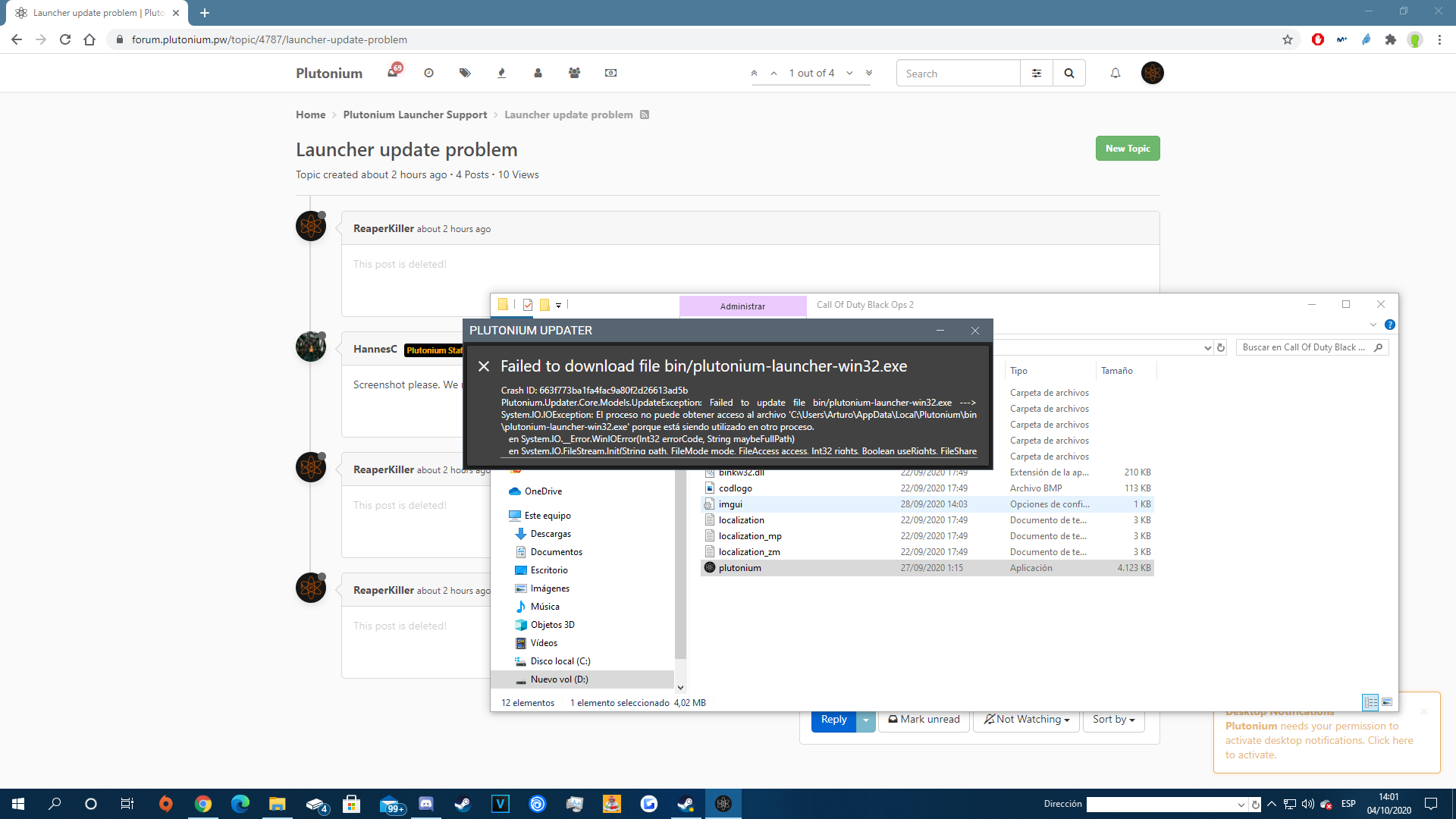
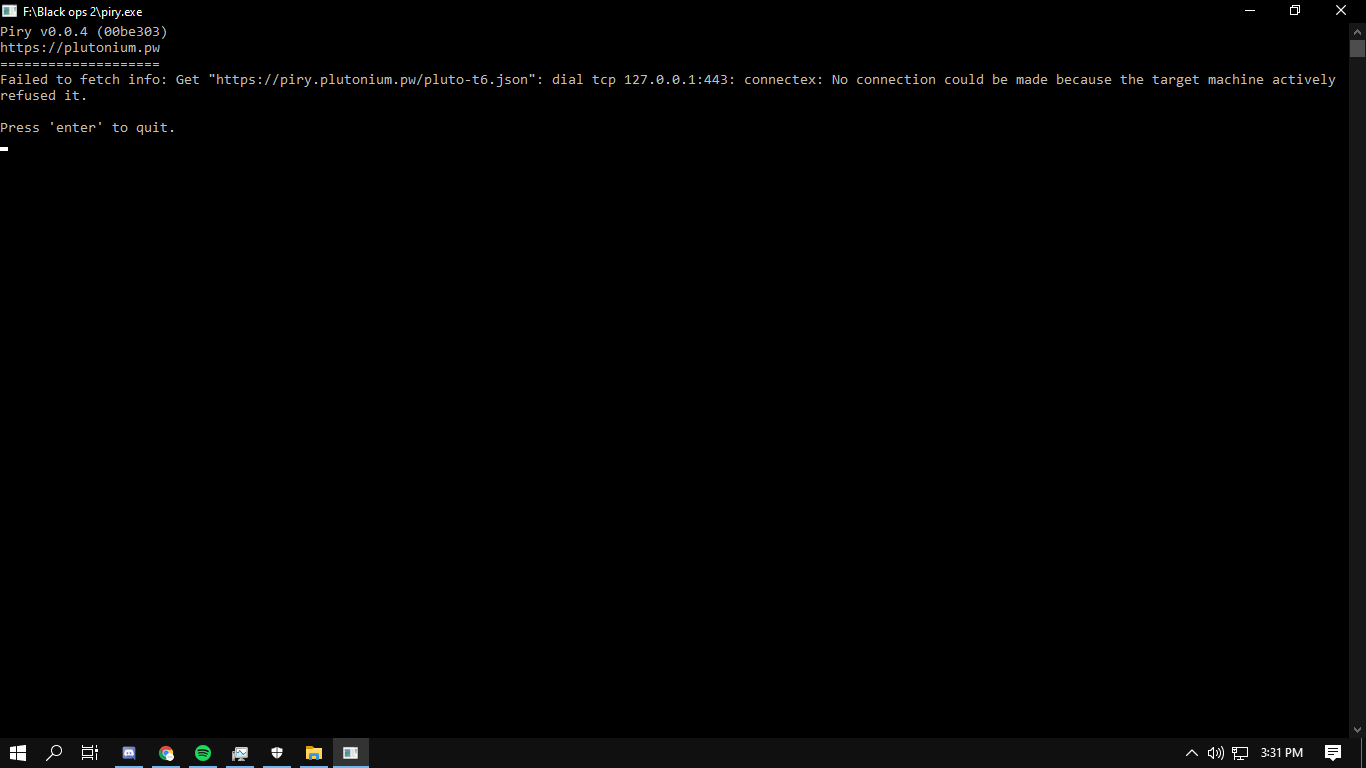
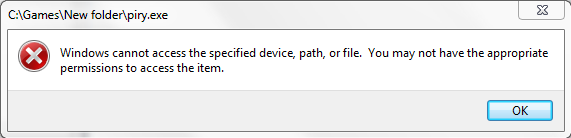
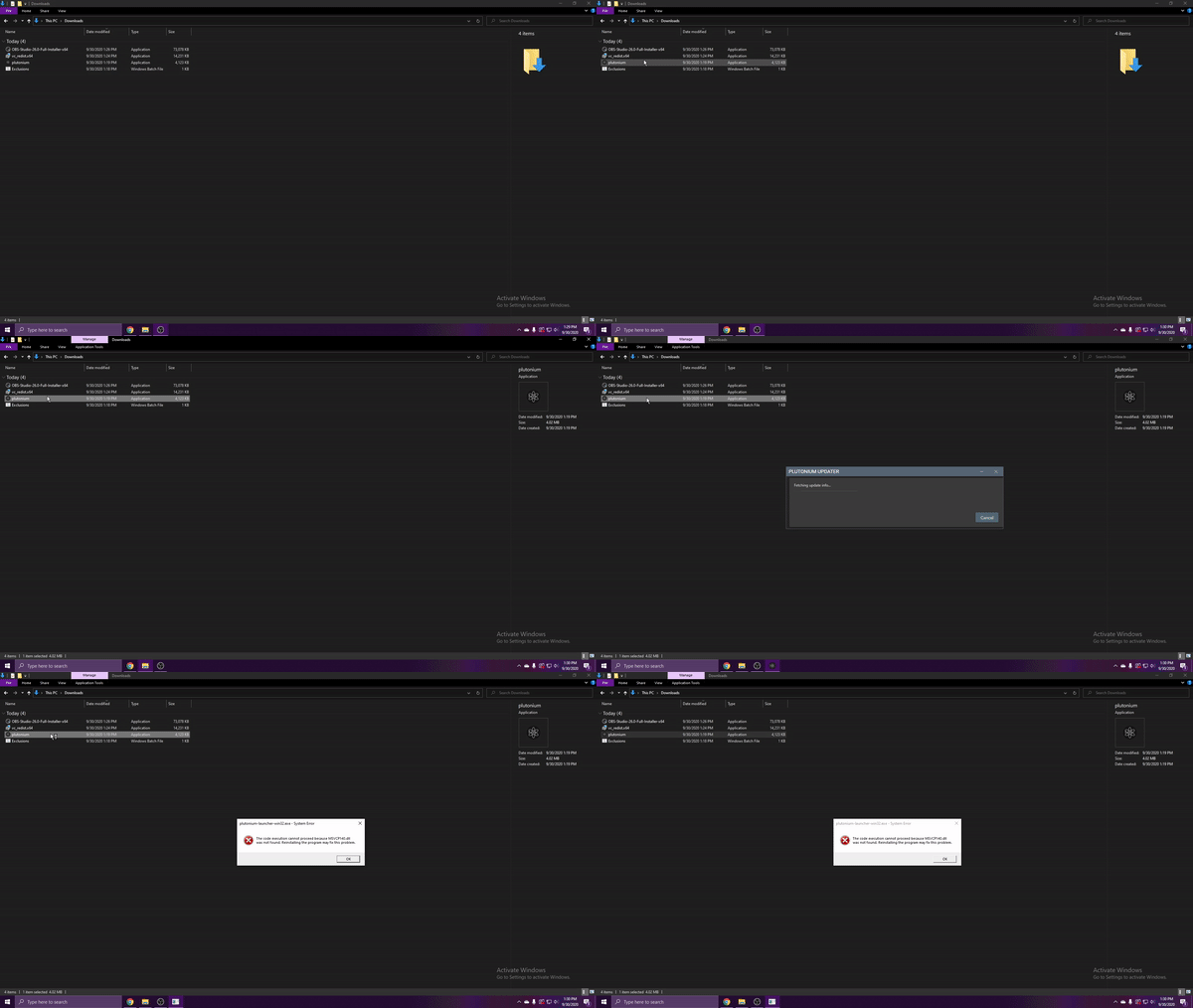
@Venzal Can you translate the error?
@DivorcedChicken Create your own thread and elaborate, provide screenshots and such.
@ChistoFlekser Run plutonium.exe as admin, that'll update your client files and solve the "certificate verify" error.
The game isn't launching because you're using the old versions of pluto to launch the game. Use the new pluto launcher https://cdn.plutonium.pw/updater/plutonium.exe
@Gumbastuds Your issue's related to your antivirus. Check the filesize of pluto, it's probably 0KB. Disable your AV and redownload it from http://cdn.plutonium.pw/updater/plutonium.exe
Side note: Plutonium's up now, so you shouldn't be facing any issues.
Is still happenin... click play and instantly close :/, already desactivate the antivirus, firewall, and install the visuals Direct X and nothing happen is still the same.
It turns into a .VIR probably because your antivirus sees it as a potential virus and quarantines it. You could solve it by adding piry to exclusions or disabling your av temporarily but that won't help much, since you're on windows 7 and that isn't supported. Upgrade to win10.
They're hidden files, google how to enable showing hidden files and folders on your pc. Then follow the exact same step of adding pluto to exclusions, but instead of pluto add the %localappdata%/Plutonium/bin/plutonium-bootstrapper-win32.exe instead.
Alternatively, you could try temporaily disabling/uninstalling your antivirus to see if that fixes your issue.
The method works, been confirmed by multiple people. You probably didn't select the correct exe in edit list, for clarification putting plutonium.exe in it won't work, you have to add %localappdata%/Plutonium/bin/plutonium-launcher-win32.exe in it. It's clearly explained in the reply Dss0 posted, re read it again.
@Gilphy don't try using any sort of injectors or other tools to modify your game, that will get you banned. If you want to use mods you have to host a dedicated server.