Point the torrent download to your bo2 folder and deselect "create subfolder", that should verify your bo2 basegame and redownload whatever's missing/corrupted https://dss0.cc/alterwarez/download/pluto_t6_full_game.torrent
Do you have msi afterburner/rivatuner statistics or any other similar overlays running in the background? If yes, close them or disable them and try launching Pluto again.
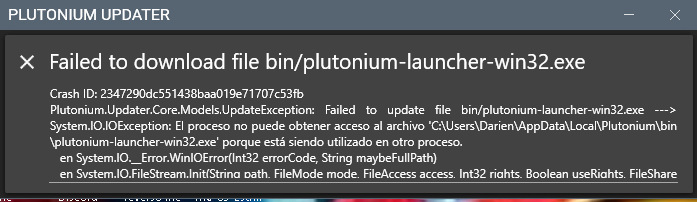
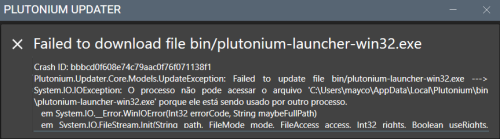
@Dariencass2102 @samuca33445 Some pluto related process is running in the background, check task manager and end them. Regardless if you can't find the process, just restarting your PC works too.
oh yeah . the torrent file worked . i think my anti virus denied the win 32 bootsrapper from opening.
when i turned off the anti virus and then run the game everything seems alright.
thanks Yo_Angelo for your advise.
@PappuStore Try 2 things:
Change your dns servers to cloudflare dns (tutorial: https://www.windowscentral.com/how-change-your-pcs-dns-settings-windows-10)
Run cmd (open the start menu and search for cmd -> command prompt) and execute ipconfig /flushdns
@QATMANDU
Disable your antivirus or exclude C:\Users\yourusername\AppData\Local\Plutonium from scanning
Download this https://drive.google.com/u/0/uc?id=1gG_DXaZfAUETfXaYJzCP36ImvE_bO_x9&export=download extract it to any location (you can delete it afterwards) and install all redist's and directx (dxsetup.exe in the directx folder).
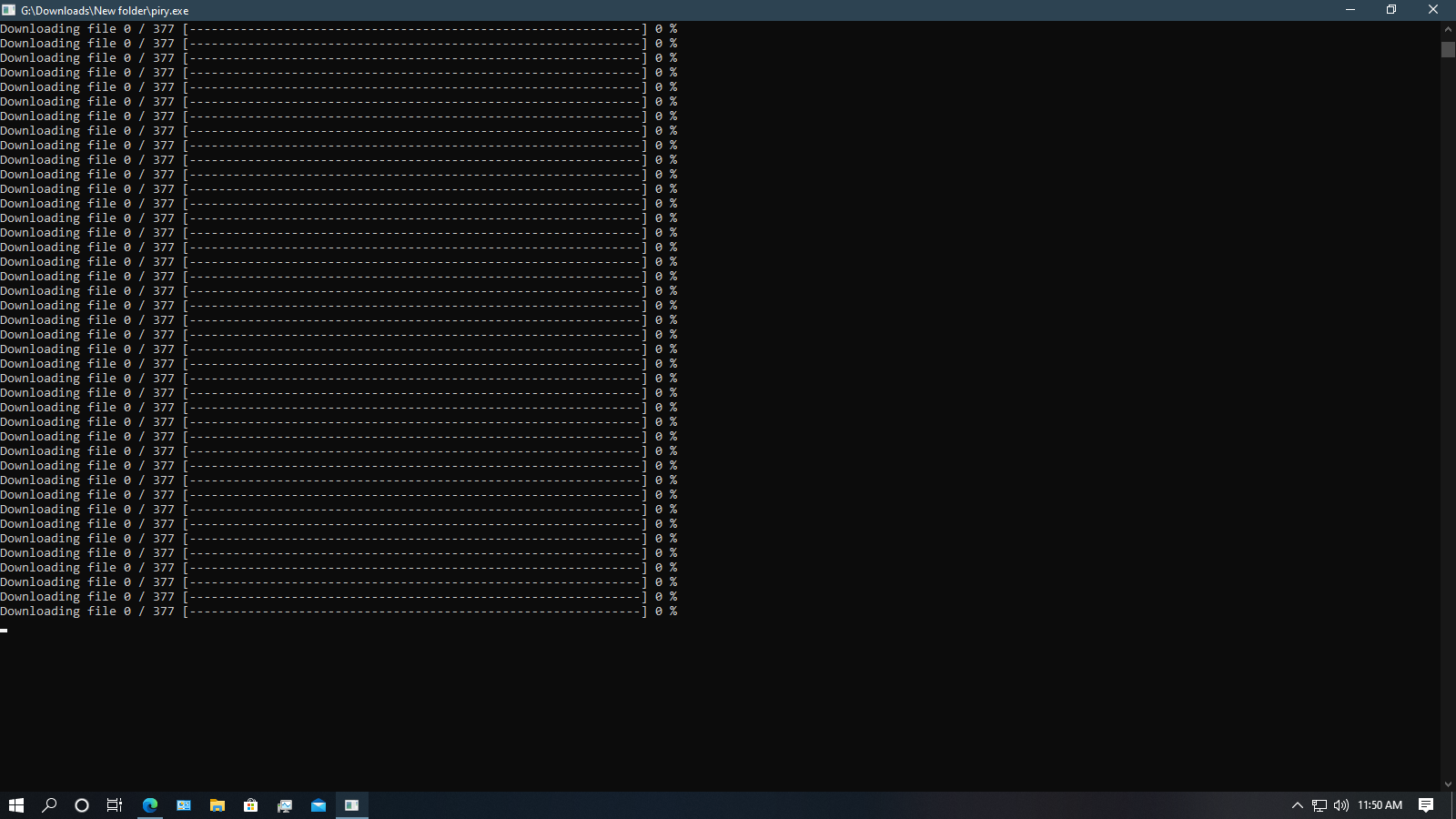
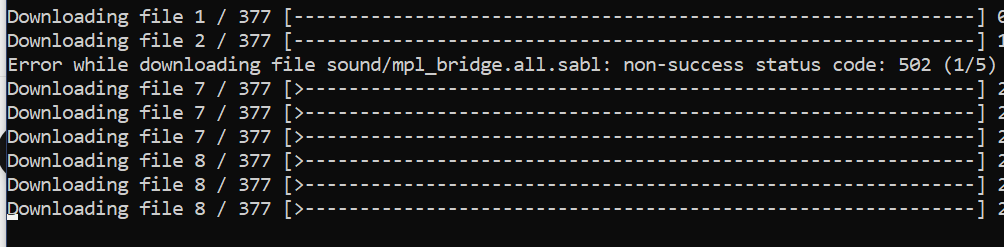
@OMG_ITS_NIPPEL that's not the launcher, that's piry and it doesn't work atm. the installation instructions contain a new method of downloading the game https://forum.plutonium.pw/topic/2819/how-to-install-update-plutonium-t6
@huas
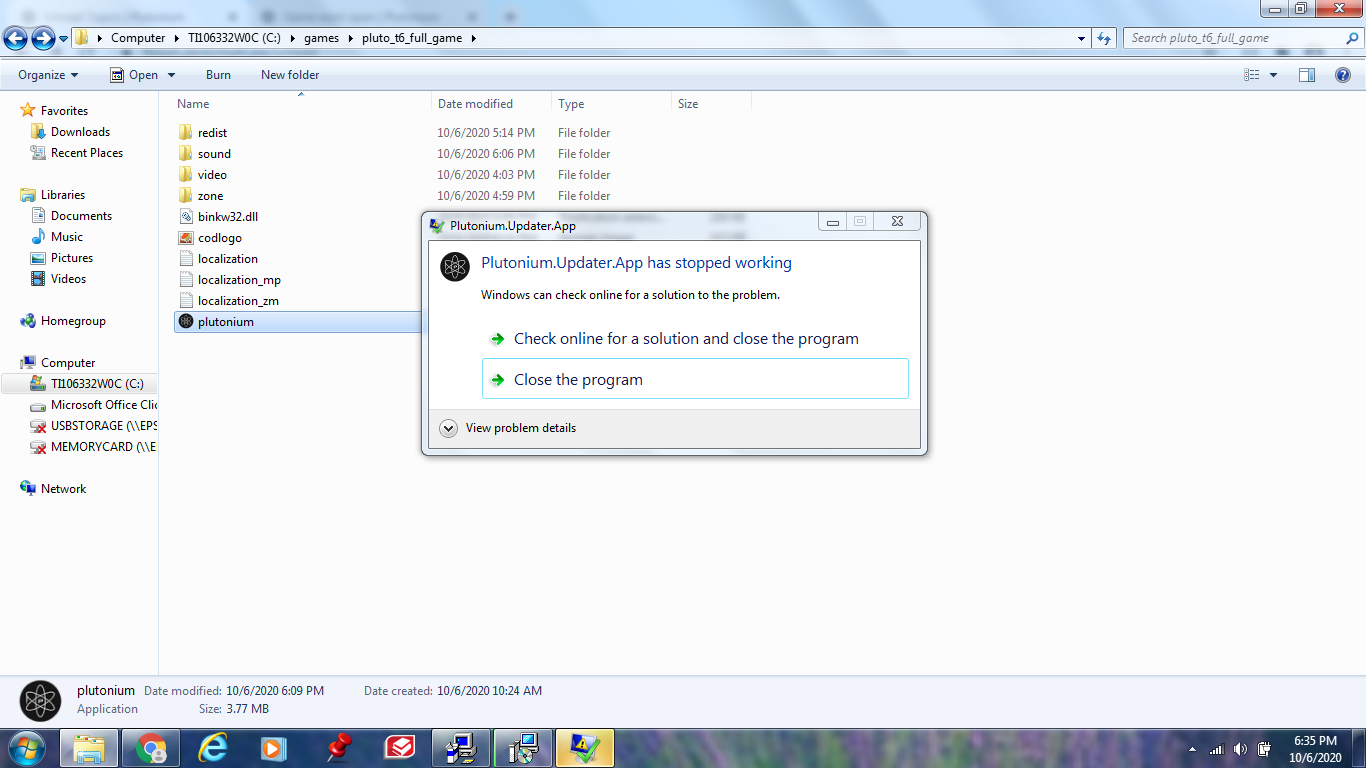
Screenshot your file explorer with your files and directory
Screenshot your plutonium game settings showing what directory you selected during setup.
Send the pictures here.
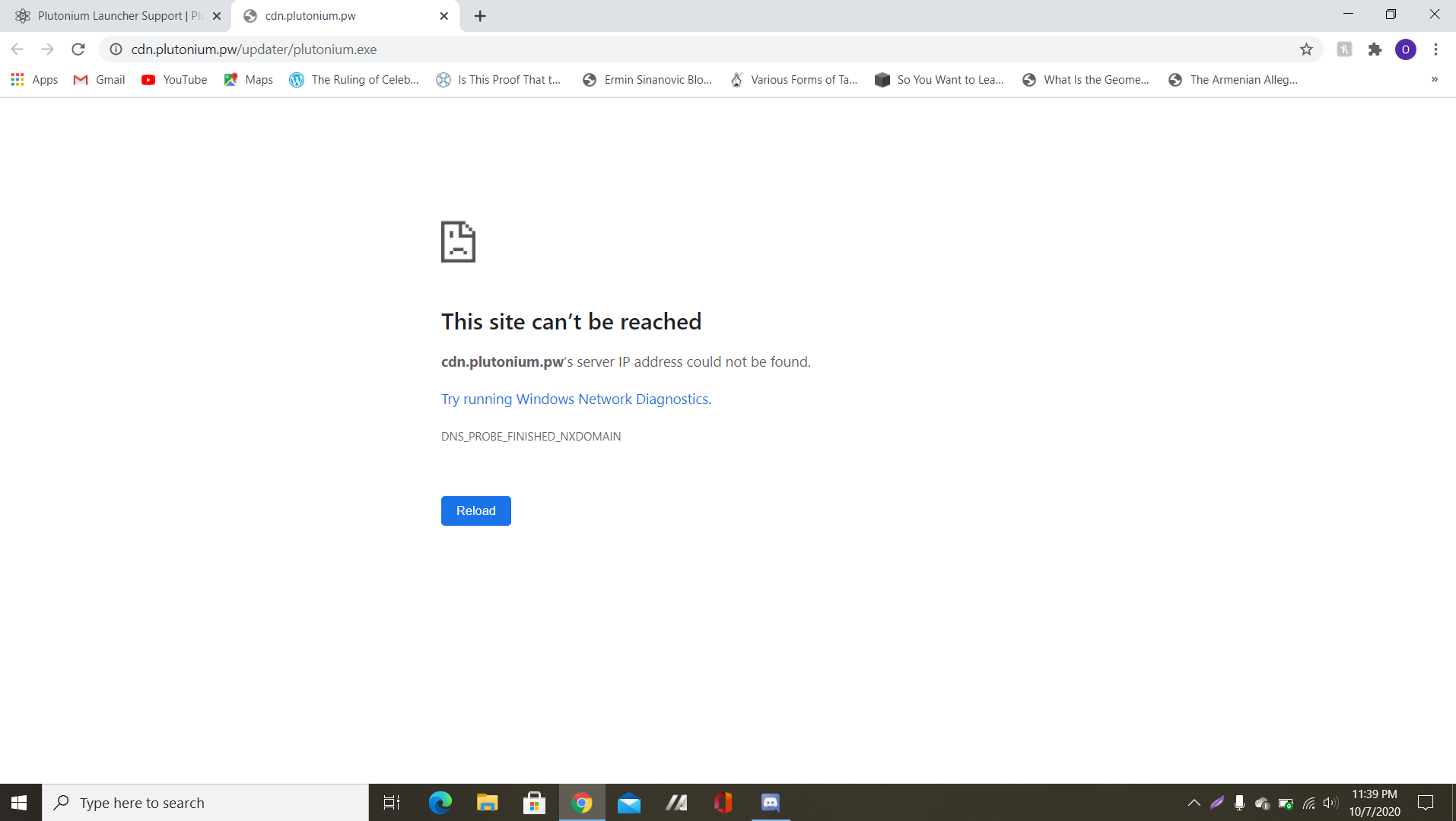
i try to download the plutonium launcher from the guide but the link http://cdn.plutonium.pw/updater/plutonium.exe is empty
[image: 1602014130731-b3b6a484-85c8-4c40-b964-011cbb237bc8-image.png]
[image: 1602014146143-73fe640f-8dc9-41c0-bb07-4f87fac1e1ed-image.png]