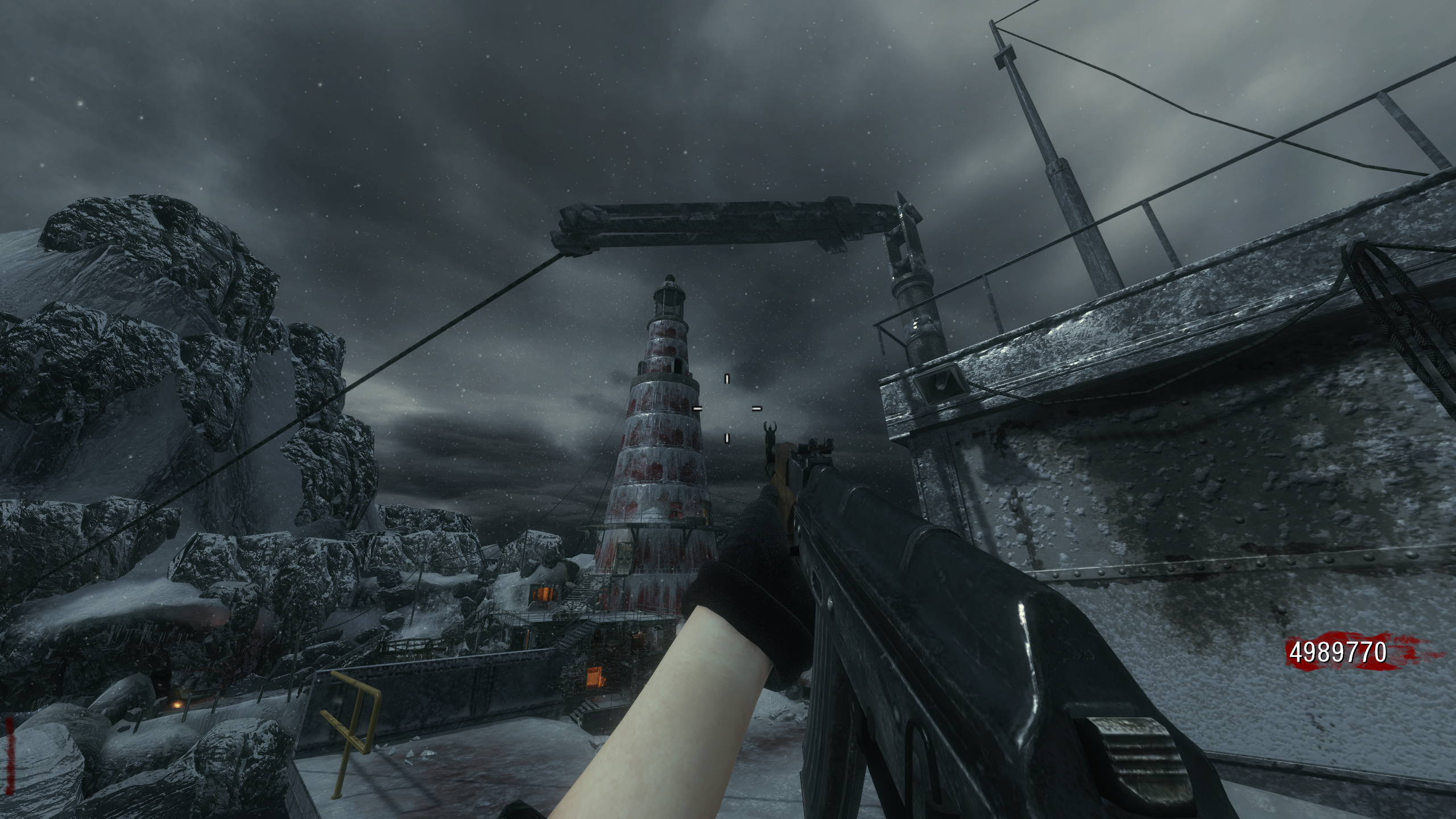
[ZM] BO1 Slightly Enhanced: Add Extra Weapons + Add Perks to All Maps v1.3.1
-
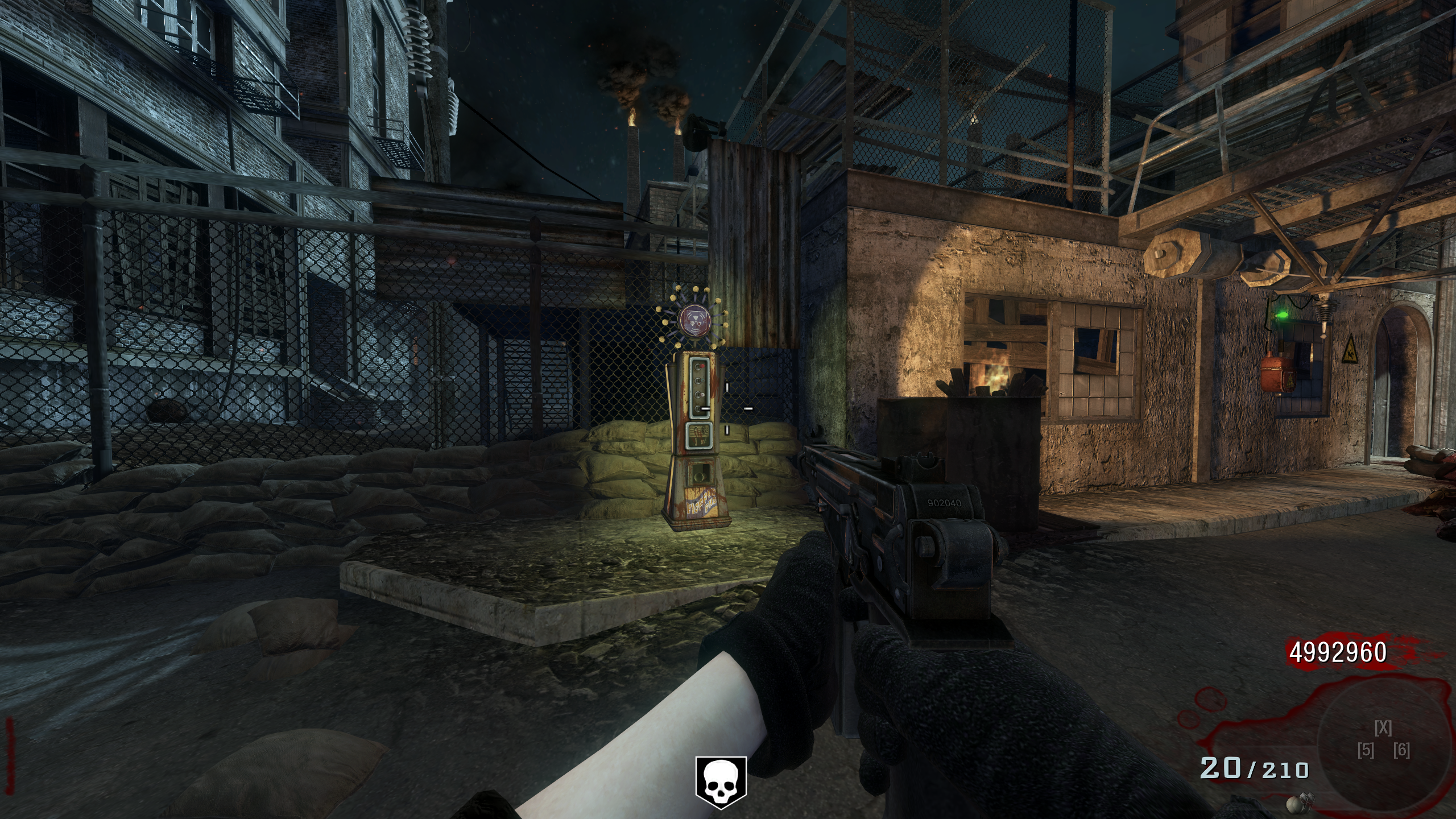
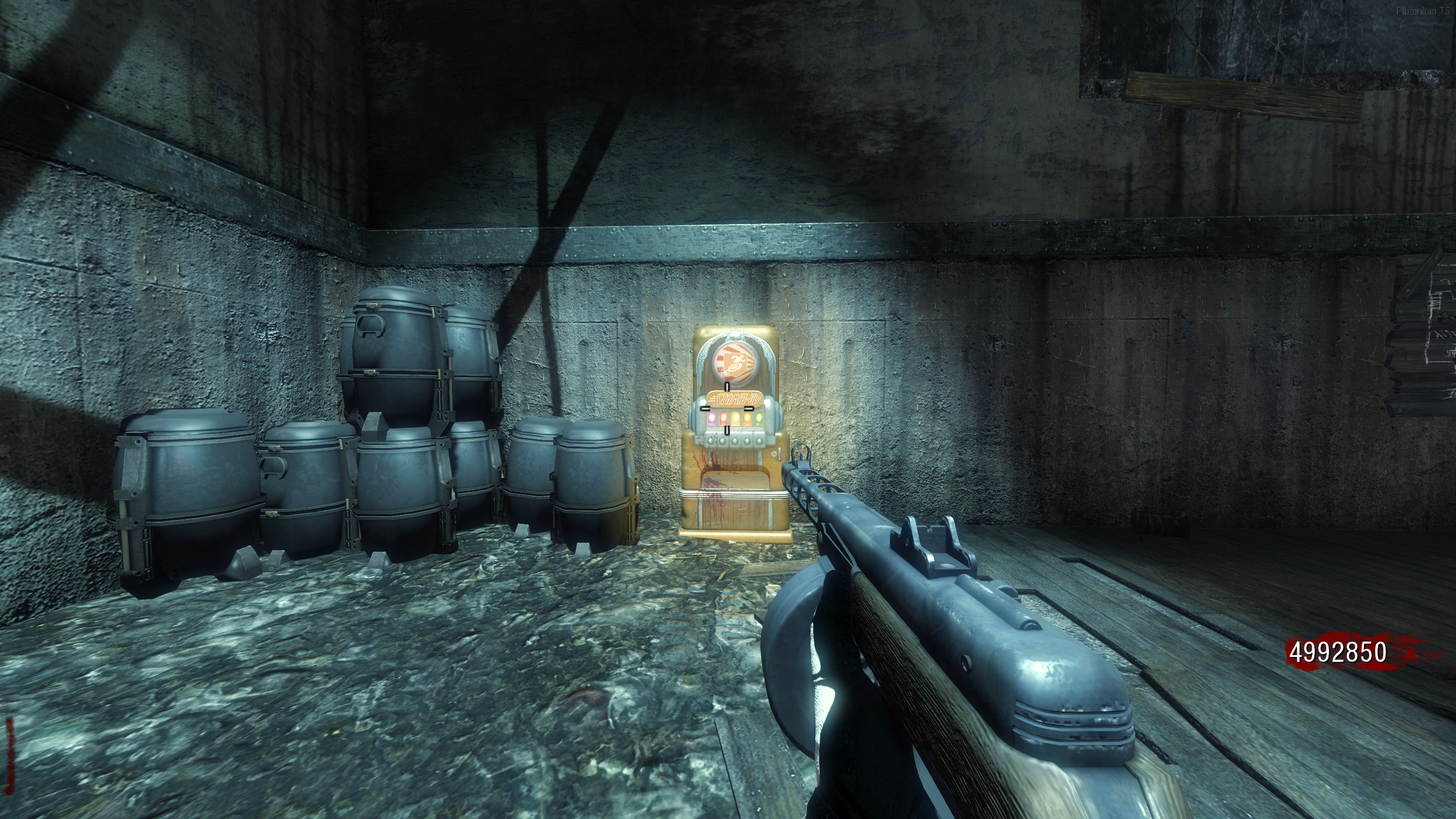
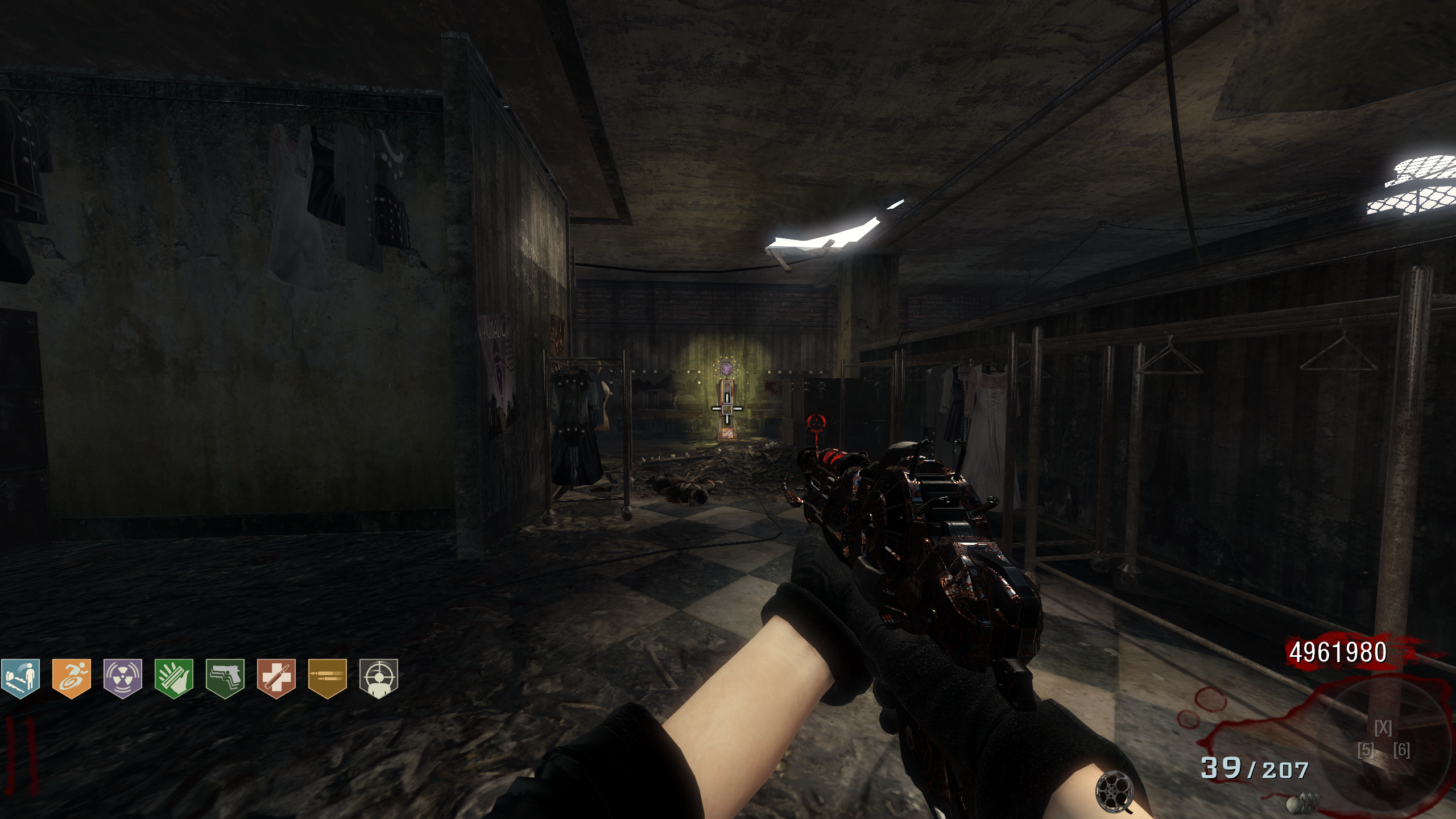
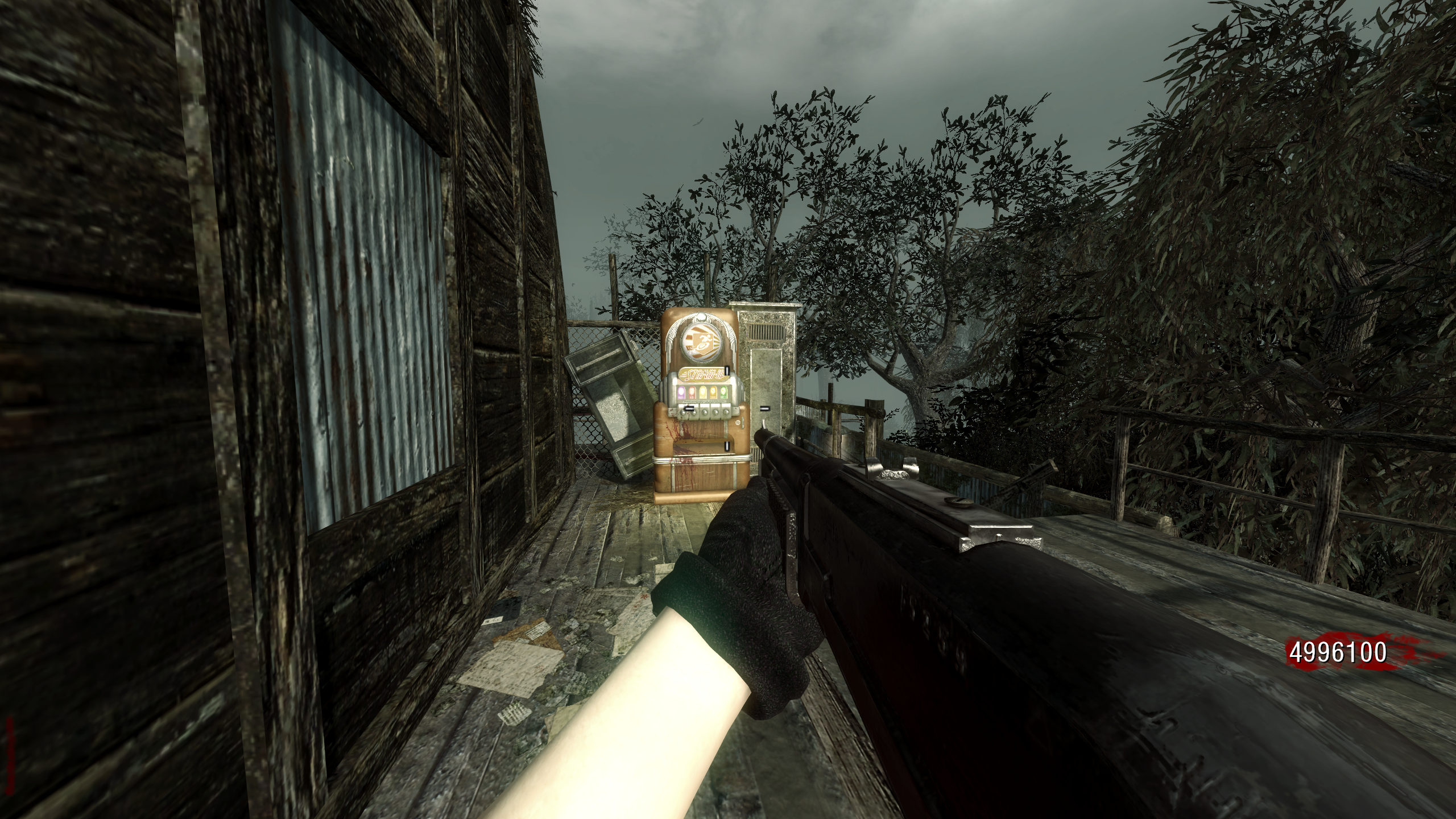
not sure if I installed the mod wrong but the only mods that seem to work is the stamin-up and phd added to maps. I still have a perk limit and the new weapons are invisible in the box and just disappear when picked up.
The way I installed the mod was putting all of the files into my plutonium/storage/t5/zone folder and I also tried putting them into my scripts folder AND making a "mods" folder and all gave me the same result.Any help is appreciated
-
not sure if I installed the mod wrong but the only mods that seem to work is the stamin-up and phd added to maps. I still have a perk limit and the new weapons are invisible in the box and just disappear when picked up.
The way I installed the mod was putting all of the files into my plutonium/storage/t5/zone folder and I also tried putting them into my scripts folder AND making a "mods" folder and all gave me the same result.Any help is appreciated
Alf2104 in your plutonium t5 directory you need to make a folder called "mods" (Plutonium>storage>t5) then take the folder from out of the zip and drop it in the mods folder and then go to mods in the main menu and load it.
I would also recommend you remove the files you put in your scripts folder and zone folder, everything needs to stay in the mod folder as is
-
This post is deleted!
-
@DevTheGiantStyle If I had known about that dvar I would've used that instead just to save the hassle. Next time I update this mod I'll probably switch to that
HomerJay42 hey man i loaded the mod up but nothing changed the perks were nowhere to be found
-
Only concern I got is that the perk limit doesn't work on co-op.
-
I have no idea why but the models for the perk machines are very low quality. they have the same shape, just the textures
-
Der Riese and Verrückt kick me back to the main menu due to script errors
-
Goose64lol I fixed the issue with der riese but verruckt had no issues so it might be an issue on your end, also try increasing the texture quality if they look low, plutonium defaults the texture quality to normal when loading a new mod
MajinHaku maybe try again, just because my mod was loaded doesn't necessarily mean my mod was causing the issue. I also tried changing the texture quality with this mod loaded and I had no crashes or issues
-
broo pls help when i go into the game the perks are invisible or js white and the perk machines are completely white or black how do i fix?
-
i loaded the mod up went into kino it says the mod is loaded but i dont see new perks or weapons. any idea why?
-
CyanSpace115 JaredTheJoint StarGold
These issues are most likely caused by not installing the mod correctly
-make sure you took the mod folder out of the zip before installing
-don't remove or mess with any of the files in the "BO1_more_perks_and_weapons" folder (once you've unzipped it) just drop it in your mods folder as isIf these aren't the problem, make sure that if you're playing on plutonium to install this mod in your plutonium directory and not your base bo1 directory as this can cause issues when it comes to loading the scripts for perk machines and the weapons
If all these failed idk what to tell you, I even tested the version of this mod that's in the mediafire link on my old pc (with no mod tools installed) right before making this response and it worked perfectly fine
-
CyanSpace115 JaredTheJoint StarGold
These issues are most likely caused by not installing the mod correctly
-make sure you took the mod folder out of the zip before installing
-don't remove or mess with any of the files in the "BO1_more_perks_and_weapons" folder (once you've unzipped it) just drop it in your mods folder as isIf these aren't the problem, make sure that if you're playing on plutonium to install this mod in your plutonium directory and not your base bo1 directory as this can cause issues when it comes to loading the scripts for perk machines and the weapons
If all these failed idk what to tell you, I even tested the version of this mod that's in the mediafire link on my old pc (with no mod tools installed) right before making this response and it worked perfectly fine
-
[[topic:post-is-deleted]]
CyanSpace115 where do i put it i put it in mods folder aswell?
-
CyanSpace115 JaredTheJoint StarGold
These issues are most likely caused by not installing the mod correctly
-make sure you took the mod folder out of the zip before installing
-don't remove or mess with any of the files in the "BO1_more_perks_and_weapons" folder (once you've unzipped it) just drop it in your mods folder as isIf these aren't the problem, make sure that if you're playing on plutonium to install this mod in your plutonium directory and not your base bo1 directory as this can cause issues when it comes to loading the scripts for perk machines and the weapons
If all these failed idk what to tell you, I even tested the version of this mod that's in the mediafire link on my old pc (with no mod tools installed) right before making this response and it worked perfectly fine
HomerJay42 bo1 and plutonium directory?? wym T_T






Hello! It looks like you're interested in this conversation, but you don't have an account yet.
Getting fed up of having to scroll through the same posts each visit? When you register for an account, you'll always come back to exactly where you were before, and choose to be notified of new replies (either via email, or push notification). You'll also be able to save bookmarks and upvote posts to show your appreciation to other community members.
With your input, this post could be even better 💗
Register Login