the launcher closes.
-
Dss0 Ok. So I followed those steps you laid out restarted my computer and the same problem occurred Plutonium launcher just closes no notification...
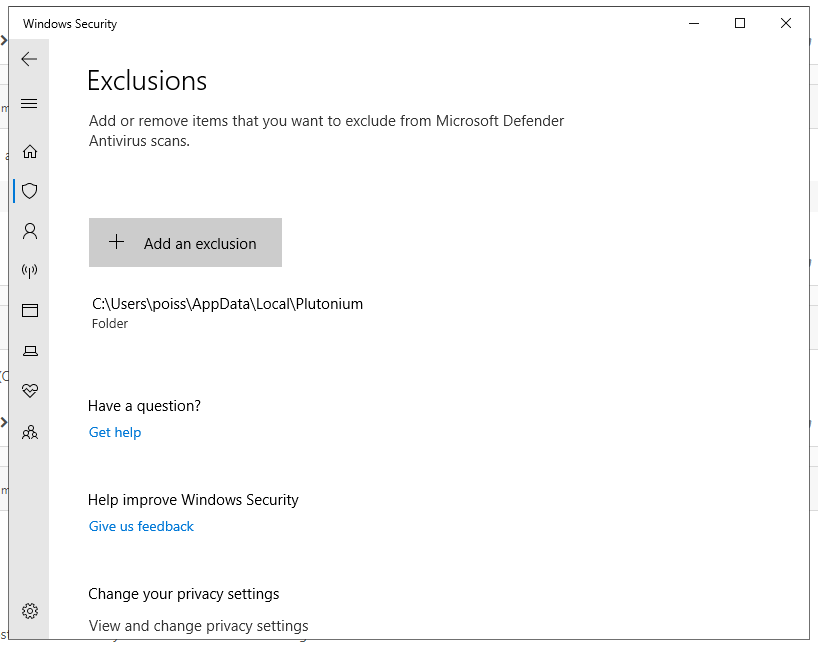
Qu1ck808 try also exluding plutonium.exe (should be in your game folder). If it still doesn't work try this aswell:
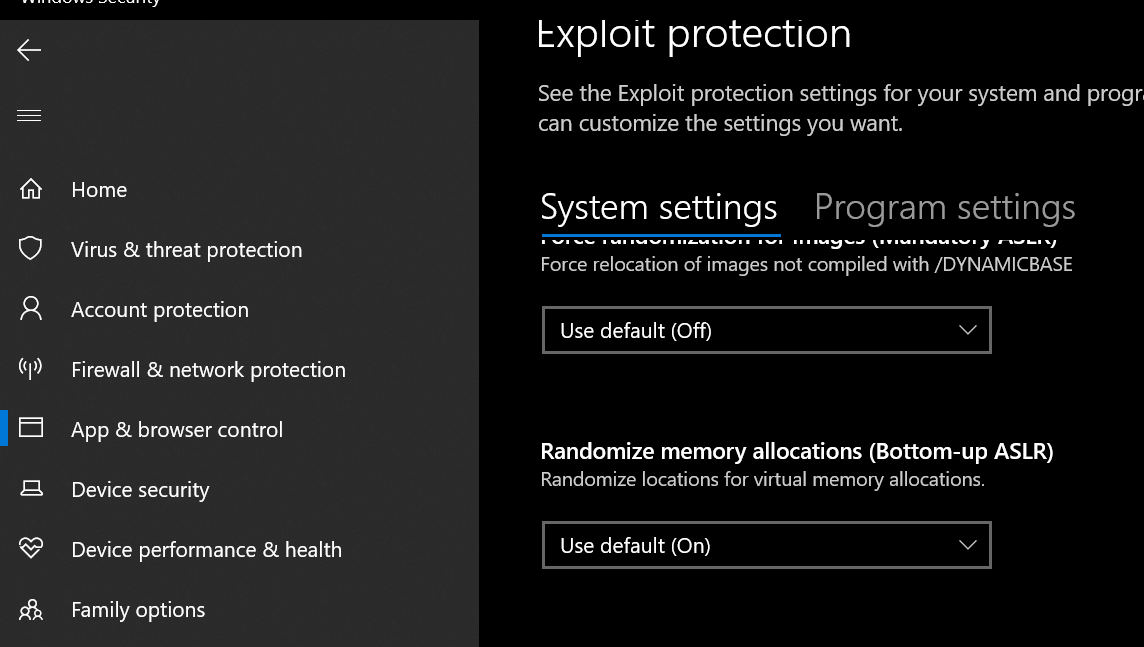
- go to windows security -> app & browser control -> exploit protection -> exploit protection settings
- turn off "randomize memory allocations (Bottom-up ASLR)"
-
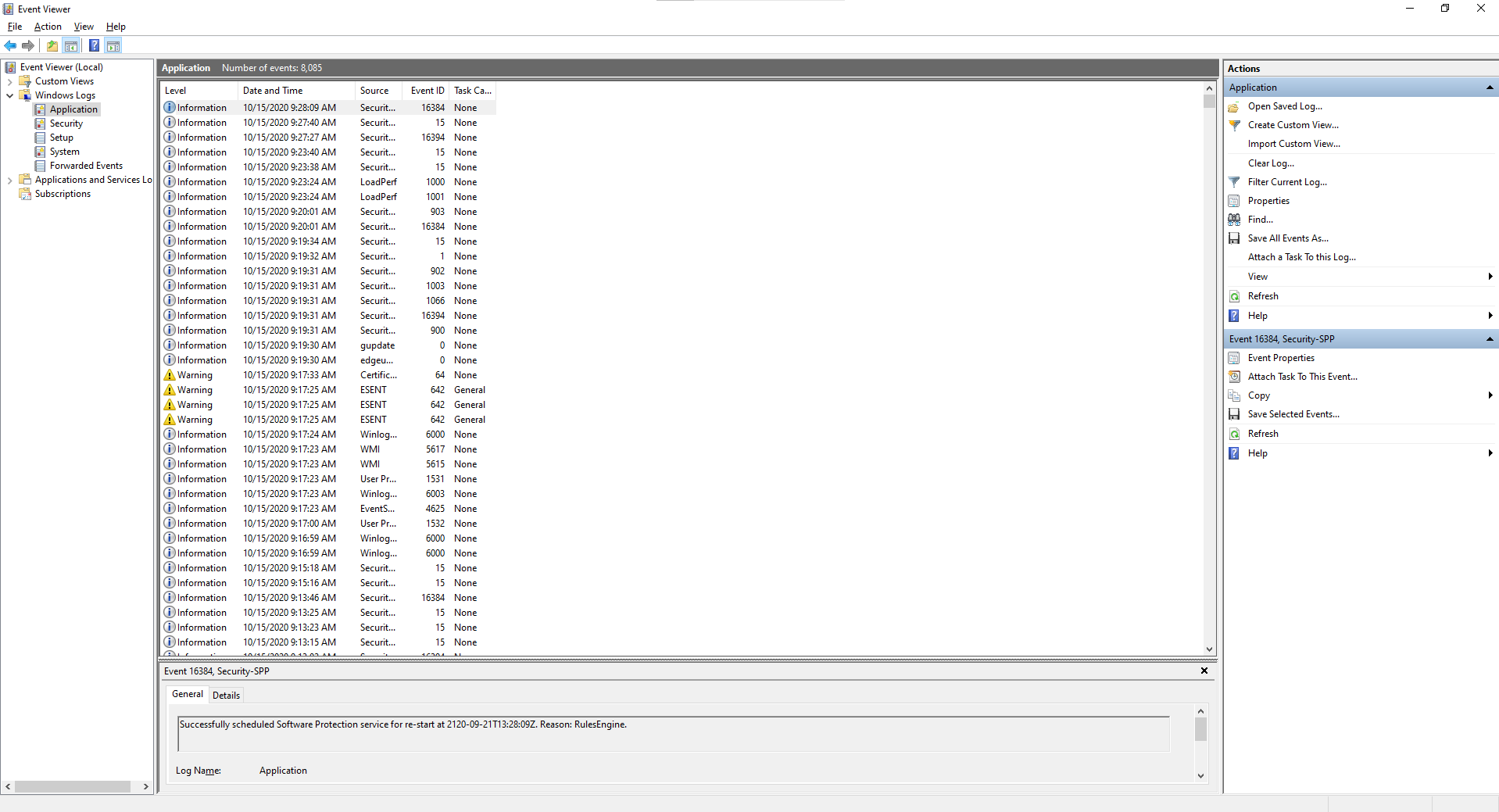
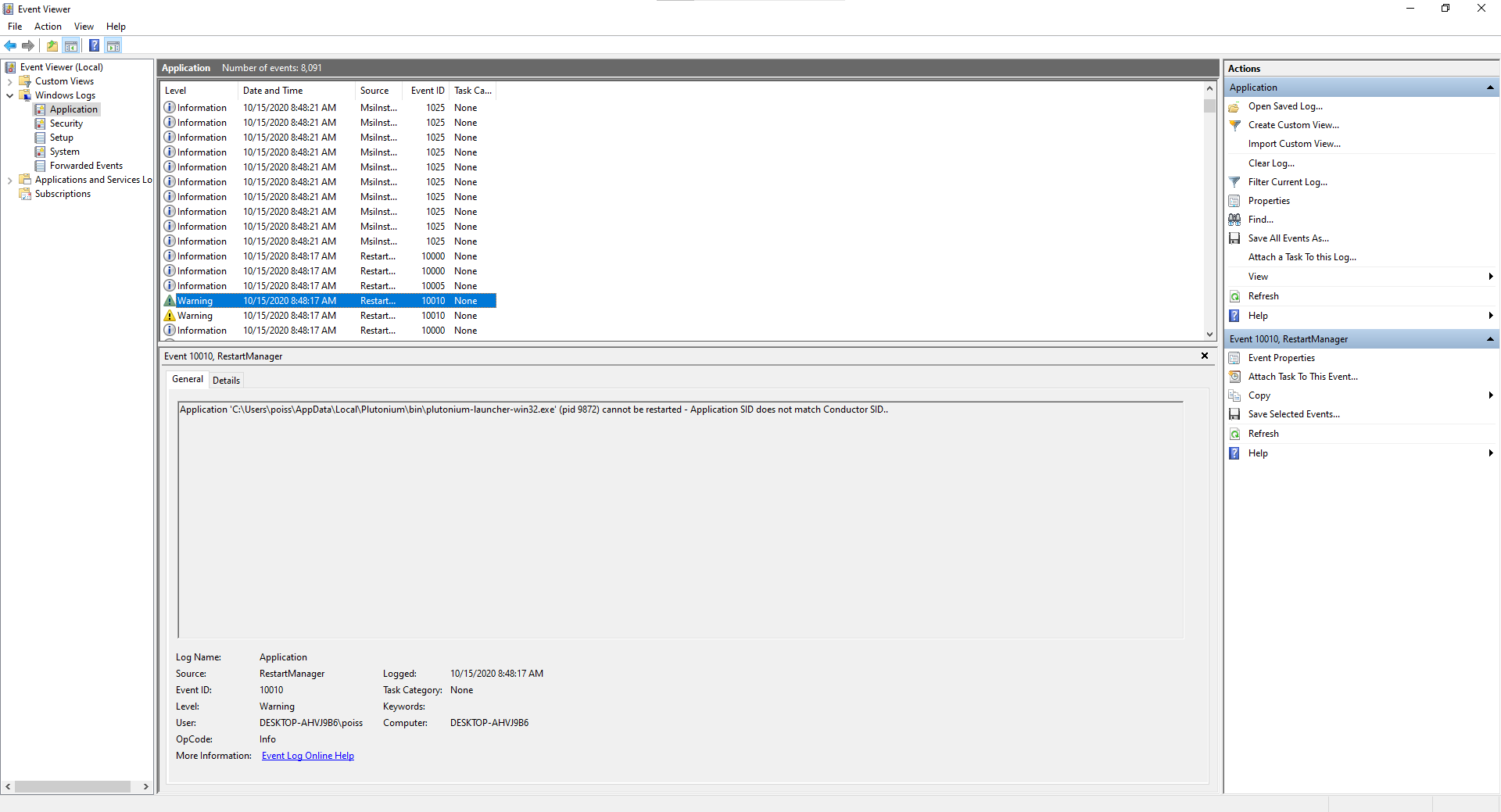
Qu1ck808 google it. shouldn't be necessary tho. Can you open event viewer (search for event viewer in the start menu) then go to windows logs -> application and see if you can find anything related to the launcher, if yes post a screenshot of the event details.
-
Qu1ck808 well the instructions he posted tell you what to look for.
You look at events that are marked as "warning" or "error" and then you click them and look at the even description underneath and see if it mentions plutonium.exe or plutonium-bootstrapper-win32.exe. -
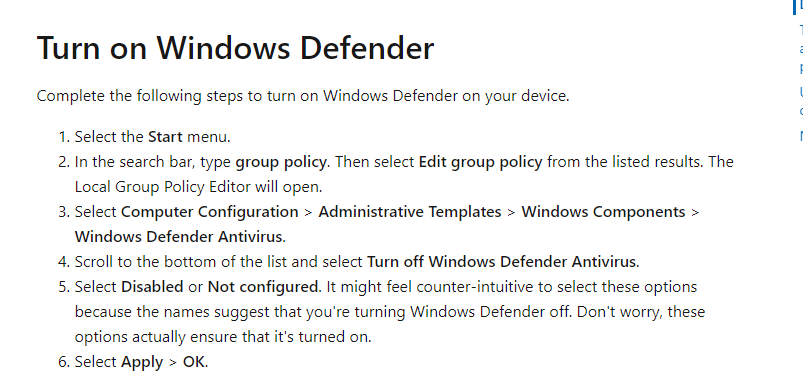
that should work for you if his suggestion isn't working


Hello! It looks like you're interested in this conversation, but you don't have an account yet.
Getting fed up of having to scroll through the same posts each visit? When you register for an account, you'll always come back to exactly where you were before, and choose to be notified of new replies (either via email, or push notification). You'll also be able to save bookmarks and upvote posts to show your appreciation to other community members.
With your input, this post could be even better 💗
Register Login