Skip to content

MW3 Modding Support & Discussion

414 Topics 1.5k Posts

Got modding questions regarding Plutonium IW5? Scripts erroring? Request help from the community here. Discuss your modding projects etc.

  • 0 Votes
    1 Posts
    186 Views
    No one has replied
  • MW3 Sniper Sights

    1
    1 Votes
    1 Posts
    248 Views
    No one has replied
  • Looking for better Camos!

    2
    2
    1 Votes
    2 Posts
    320 Views
    go in advanced search then put category to mw3 modding & realeses then in search box type skin go through all pages once your done type in the search box camo and go through them when you found camos that looks cool to you send them here ill convert them for you to be the red and blue camo
  • Weapons to BOT Names

    4
    1 Votes
    4 Posts
    608 Views
    Sure homie if you want to add me on discord my user is slayingoreos. Ill do my best to help out
  • NEED TO IW5 MAP - SUMMIT AND CHINATOWN

    Moved
    3
    3 Votes
    3 Posts
    489 Views
    Cod OL i think
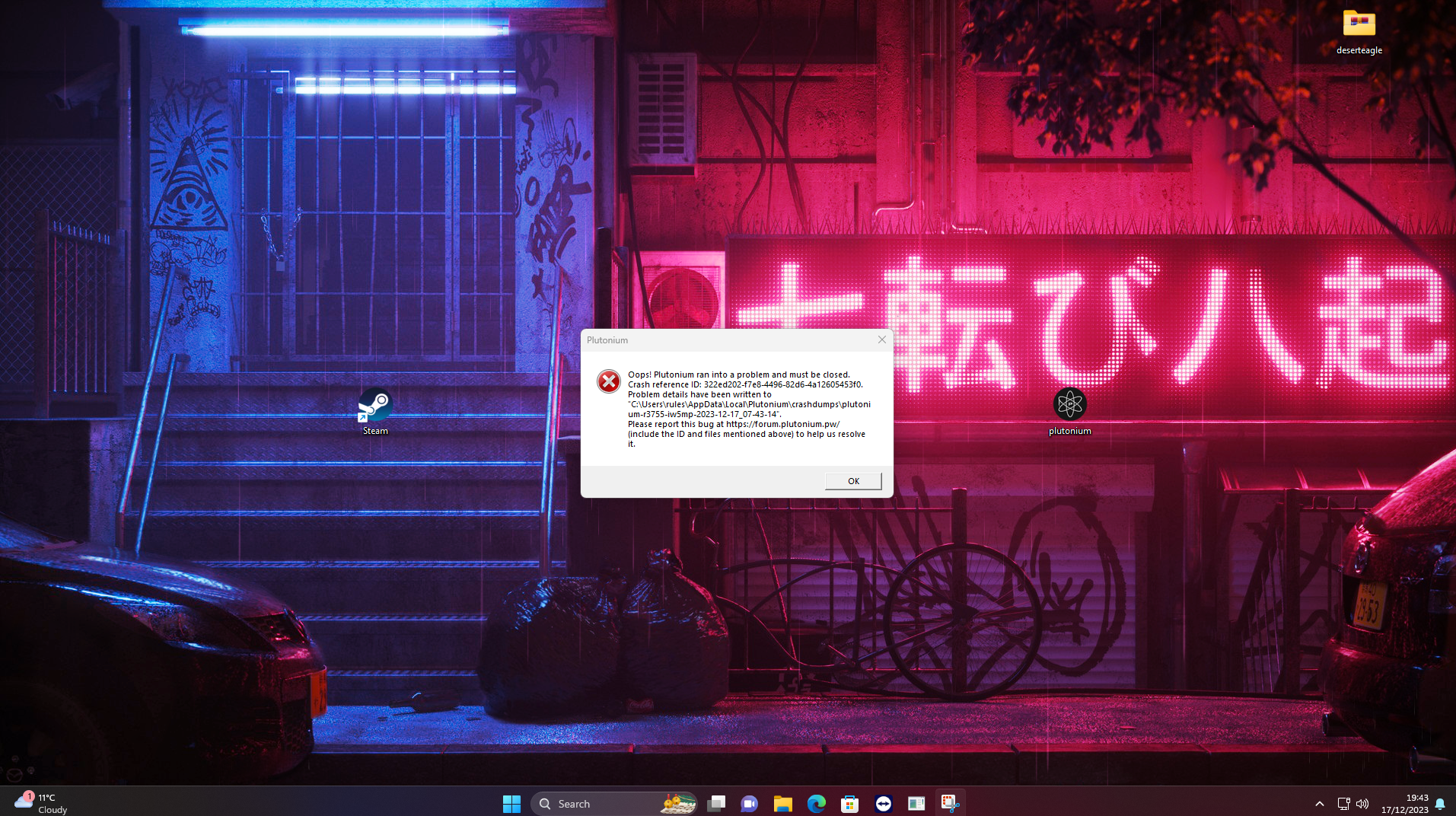
  • Plutonium IW5 Error (Couldn't Load Image)

    2
    1
    0 Votes
    2 Posts
    819 Views
    It seems you did not uninstall the entire mod. You should be more careful when installing mods. Having a list of files you installed would have saved you all of this trouble. You should find where you downloaded this mod from, then see the list of files you would have downloaded when installing it, and then try deleting those. If that does not work, since we can't tell you what you did, it's best if you start fresh by reinstalling Plutonium. I hope you did not put anything in your game folder because that can complicate things.
  • Survival set desired wave mod.

    2
    0 Votes
    2 Posts
    469 Views
    Bumped, would like to know as well. There is a guide on youtube where you can spawn in certain enemy types via dev console command. But to my knowledge I'mnot aware of any method to change waves on every map. There was a way to do it for resistance, but it bugs out on every other map.
  • IW5 Modded Gun Game By Sloth (W.I.P)

    Moved
    3
    1
    2 Votes
    3 Posts
    966 Views
    keep up the good work
  • IW5 KillstreakTable.csv?

    8
    0 Votes
    8 Posts
    1k Views
    @CabCon https://github.com/Brentdevent/MW3-GSC-Dump
  • 0 Votes
    1 Posts
    200 Views
    No one has replied
  • This topic is deleted!

    1
    1
    1 Votes
    1 Posts
    15 Views
    No one has replied
  • This topic is deleted!

    2
    1
    0 Votes
    2 Posts
    12 Views
    No one has replied
  • Plutonium IW5 Bot Warfare Issue

    11
    0 Votes
    11 Posts
    5k Views
    @Kalitos This has fixed it. Thank you.
  • i need help

    Moved
    1
    1 Votes
    1 Posts
    139 Views
    No one has replied
  • Making gold act like a normal camo?

    camo camos
    1
    0 Votes
    1 Posts
    888 Views
    No one has replied
  • Convertir les .iwi en .png ( ou autres )

    Moved
    1
    0 Votes
    1 Posts
    172 Views
    No one has replied
  • MW3 Multiplayer Level Icons

    Locked
    9
    1
    0 Votes
    9 Posts
    2k Views
    In English : Hello I am looking to convert .iwi files to PNG or I don't know what, but I don't know which software to use, can you give me software? thanks in advance
  • IW5 MW3 platinum camo

    1
    0 Votes
    1 Posts
    644 Views
    No one has replied
  • SMALL MAP MAYHEM

    Moved
    1
    0 Votes
    1 Posts
    200 Views
    No one has replied
  • iw5 main menu

    2
    0 Votes
    2 Posts
    619 Views
    first u get this 3 dds files menu_background.iwi background_image.iwi background_image_blur_less.iwi and heres the bit triky part u gotta have photoshop and install this plugin in it https://github.com/GameTechDev/Intel-Texture-Works-Plugin/releases it has readme to how to install and use it if u have photoshop already thats good if not then tell me to send u my version its old about 1 GB (compresed will be lower for download) and its portable when ur done put ur dds files in iwi convertorand done as u can see it worked for me [image: 1712167193409-screenshot_166.png] and do this when ur about to do save as part dds [image: 1712167302624-1654875113637-dd07fcc6-51ad-43ad-9601-7d46e840cdd9-image.png]