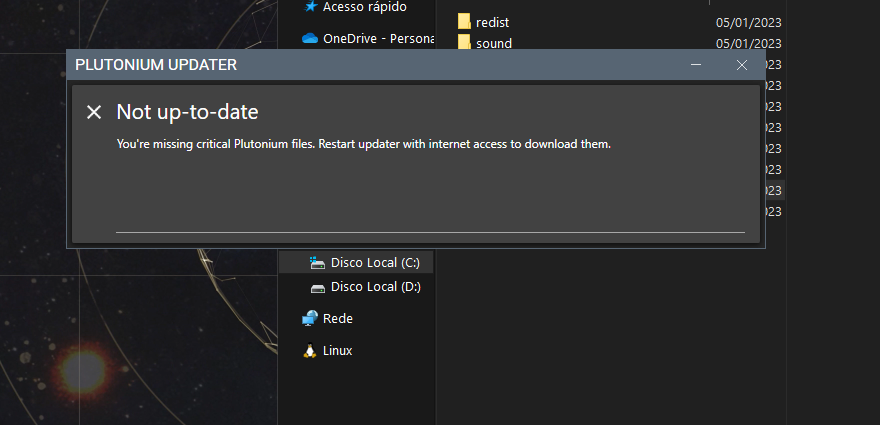
Choosing to not create a sub folder is only used to download the game properly, it has nothing to do with the issue you describe.
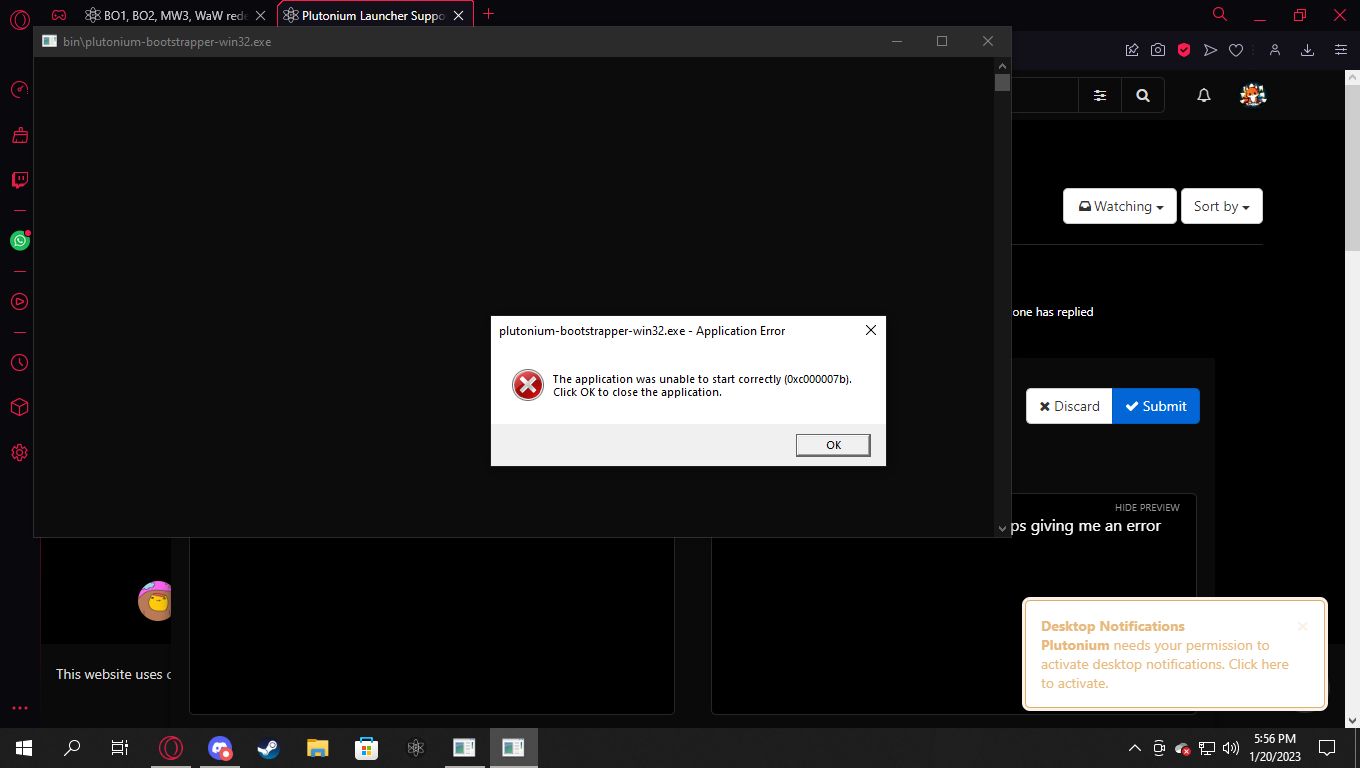
Your issue is that McAfee is an awful antivirus and it's deleting the exe.
We highly recommend uninstalling it completely, Windows Defender is far better
https://plutonium.pw/docs/antivirus/
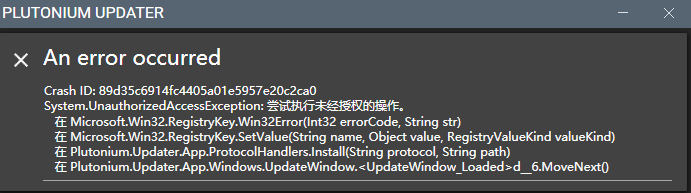
@EasonYICHENG520 can't read chinese but this could be caused by your antivirus blocking pluto or you not having admin rights.
https://plutonium.pw/docs/antivirus/
Are all of your torrents stuck at 0%?
Can you try downloading this torrent and tell me if after a few minutes it's still stuck on 0% or not?
https://releases.ubuntu.com/22.10/ubuntu-22.10-desktop-amd64.iso.torrent
You shouldn't ask in both Discord and the forum at the same time, duplicating messages will just make people waste time trying to help you.
I'll copy paste the same answer for future reference but you already got all the solutions
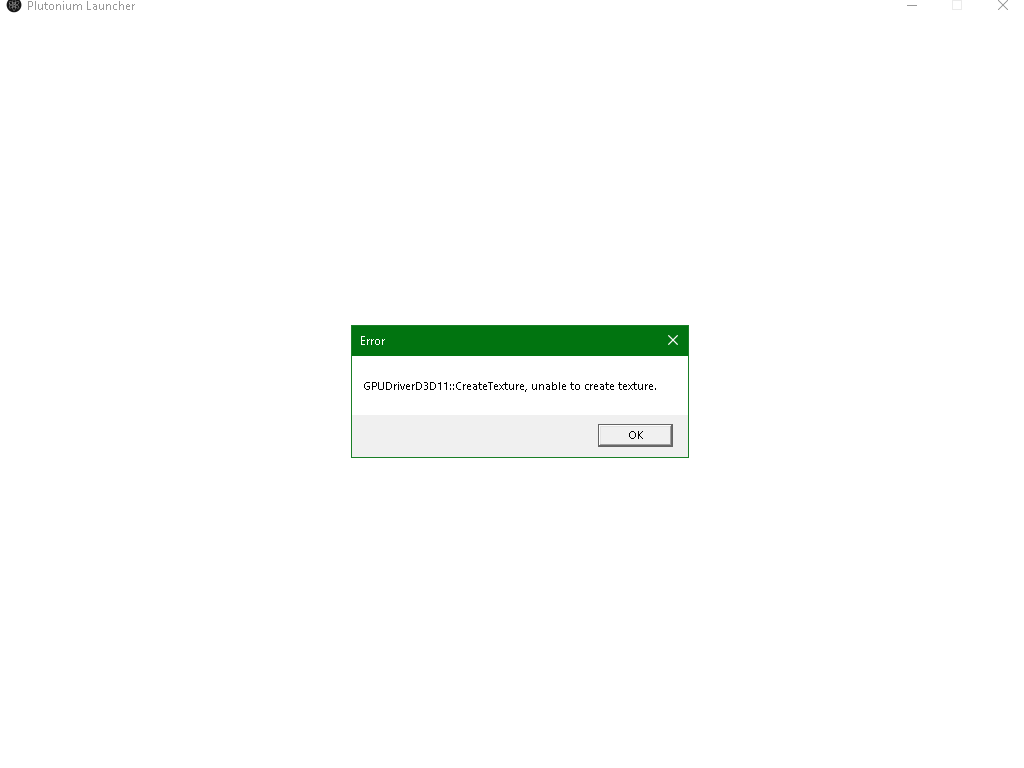
How to fix GPUDriverD3D11 errors?
Update your GPU drivers https://www.howtogeek.com/135976/how-to-update-your-graphics-drivers-for-maximum-gaming-performance/
Install Direct X (even if it's already installed) https://www.microsoft.com/en-us/download/details.aspx?id=35
Now restart your PC and try to start the launcher/your game again.
If the issue persists then your PC probably doesn't have a Direct X 11 capable GPU but there is a way to bypass that.
Download and run DXCpl.exe https://drive.google.com/file/d/1qvWbHrnBVVibYozaO9peXcSS9ovEBMhd/view
Click "Edit List..."
Click the three dots right of the "enter a process or folder name" field and select "plutonium-launcher-win32.exe" located in C:\Users\Username\AppData\Local\Plutonium\bin (Username is your Windows username)
Tick the "force warp" checkbox and select "11_0" from the "feature level limit" dropdown menu
Hit OK & try to start the launcher/your game again.