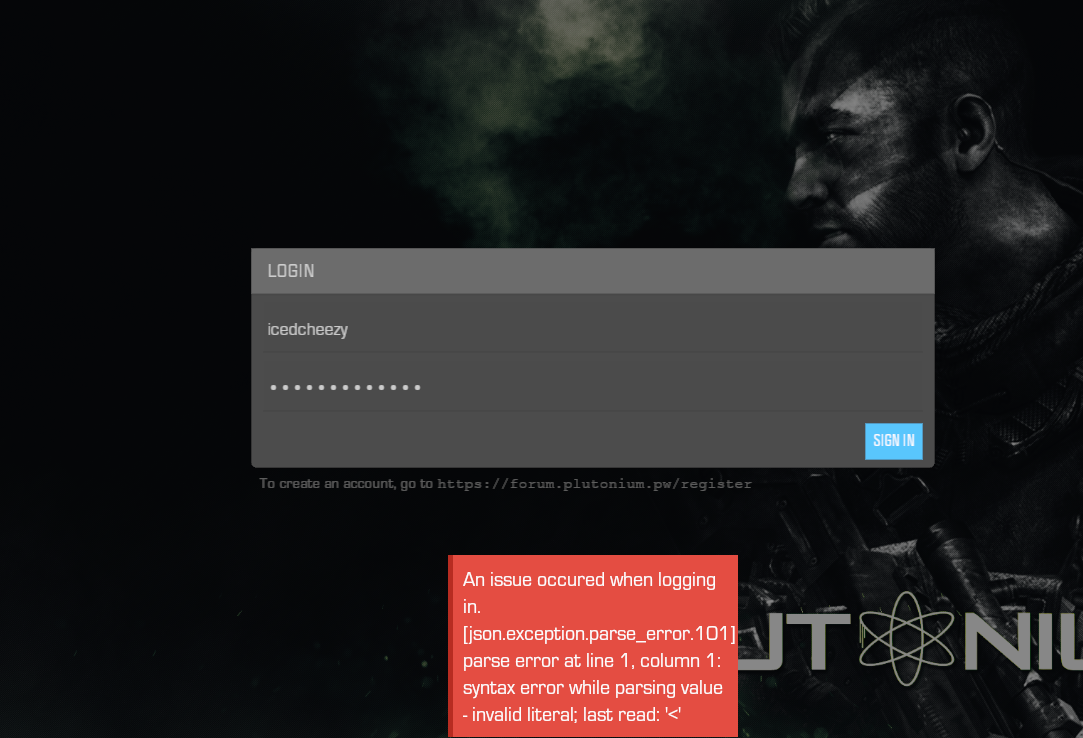
@mangoJuice This is caused due to having empty drives specified in game settings of the launcher. For example, this WON'T work and causes the non success status error-
[image: 1630500041917-5c0ea4da-ca15-436c-9b0f-651a5e57b043-image.png]
Reselect correct directory. If you followed our install guide, game files should be in C:/Games/pluto_t6_full_game, so select that.
@SeahawkMafia420 Dude just open plutonium then on the left side u will see mw3 and black ops 2 logo just select black ops 2 logo select black ops 2 multiplayer or u can select zombies then locate the game again[image: 1630485100306-d5a7f482-dc74-4581-9483-7241cb55fc6d-image.png]
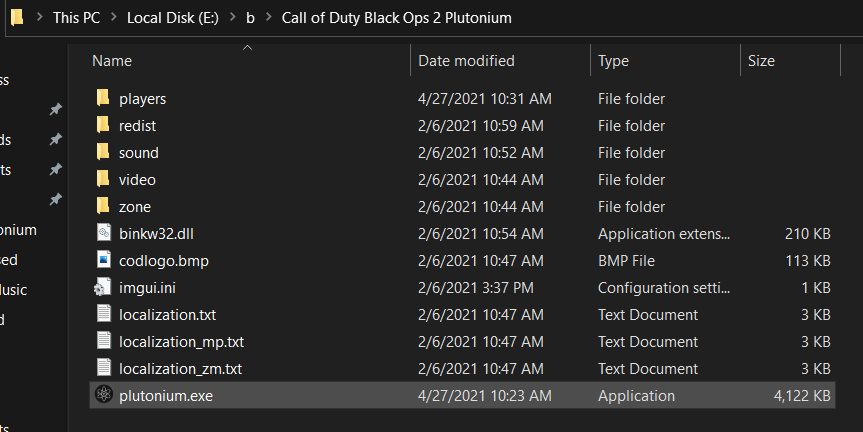
@Strayyy the fact that you don't see plutonium.exe and some other files while choosing a folder is normal. This is because the file explorer that Plutonium opens is in view folder only mode. Read the install guide and follow the instructions correctly and you'll be good.
After some time of researching I've found that the problem was by the antivirus, and somehow the exceptions were not working.
To fix the problem, follow this steps if you're using kaspersky:
Open Kaspersky GUI.
Go to the left bottom site of the window and click on the gear to enter the config.
Click on "Additional configuration" on the left side.
Click on Restore. This will restore your antivirus settings to its default.
If you are using another antivirus as Bitdefender, you'll have to restore default settings or disable temporally the firewall.