@Glitching-HD
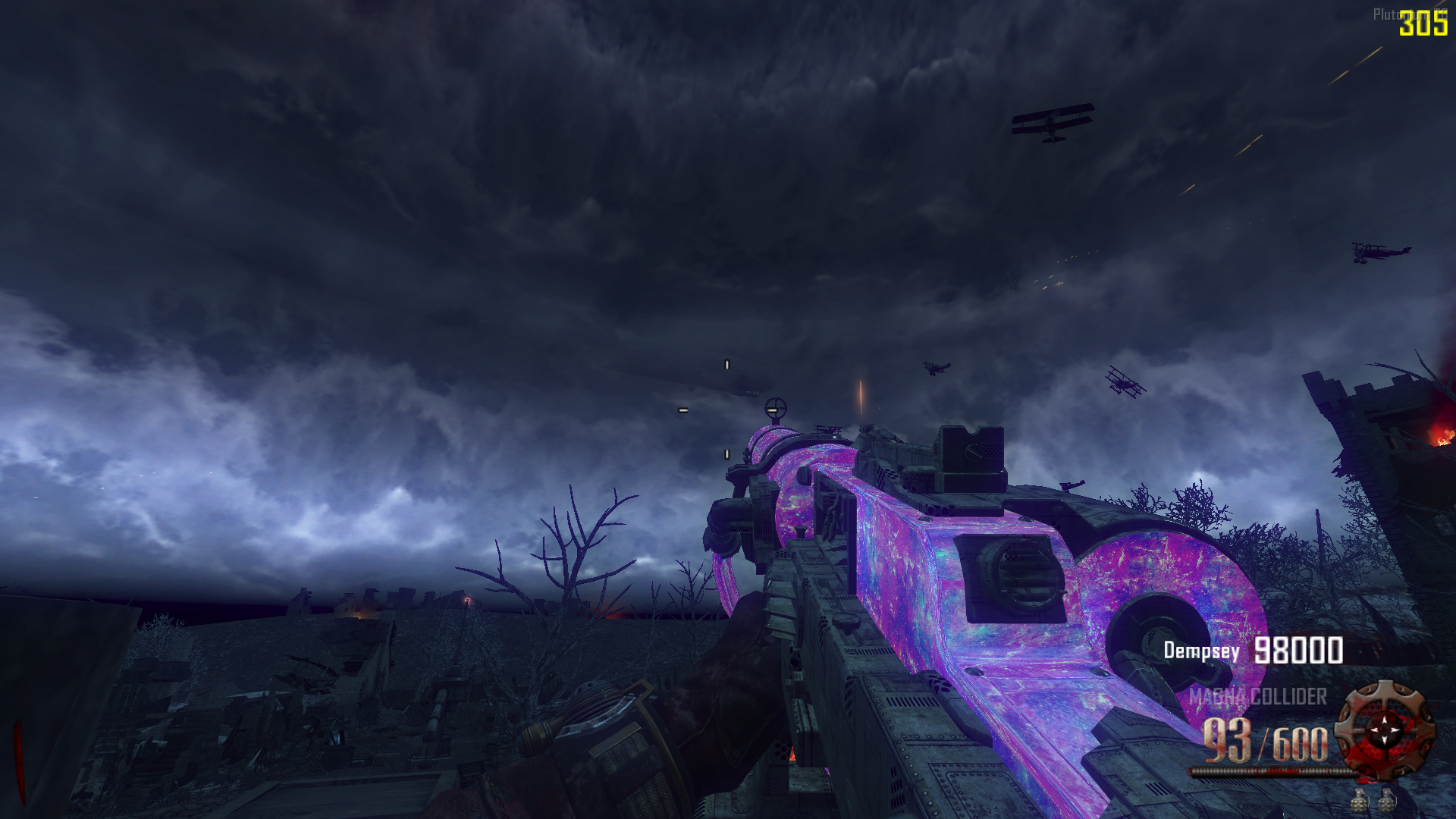
Just create a .gsc file and paste this script code. Then, place this file in the "scripts" folder located at %localappdata%\plutonium\storage\t6 (create the "scripts" folder inside the t6 folder if it doesn't already exist).
script code:
init()
{
thread remove_perk_limit();
for(;;)
{
level waittill("connected", player);
}
}
remove_perk_limit()
{
level waittill( "start_of_round" );
level.perk_purchase_limit = 11;
}
Warning: If you are a multiplayer player, create a folder named "zm" inside the scripts folder and place the gsc scripts inside it.
If you don't know how to create a .gsc file, just create a .txt text file, paste the script code, and rename the file to .gsc at the end, like noperklimit.gsc