Skip to content
  • 0 Unread 0
  • Recent
  • Tags
  • Popular
  • Users
  • Groups
  • Donate
Collapse

Plutonium

  1. Home
  2. BO1 Modding Releases & Resources
  3. [ZM] Black Ops 1 Zombies Mod [PRE-ALPHA]
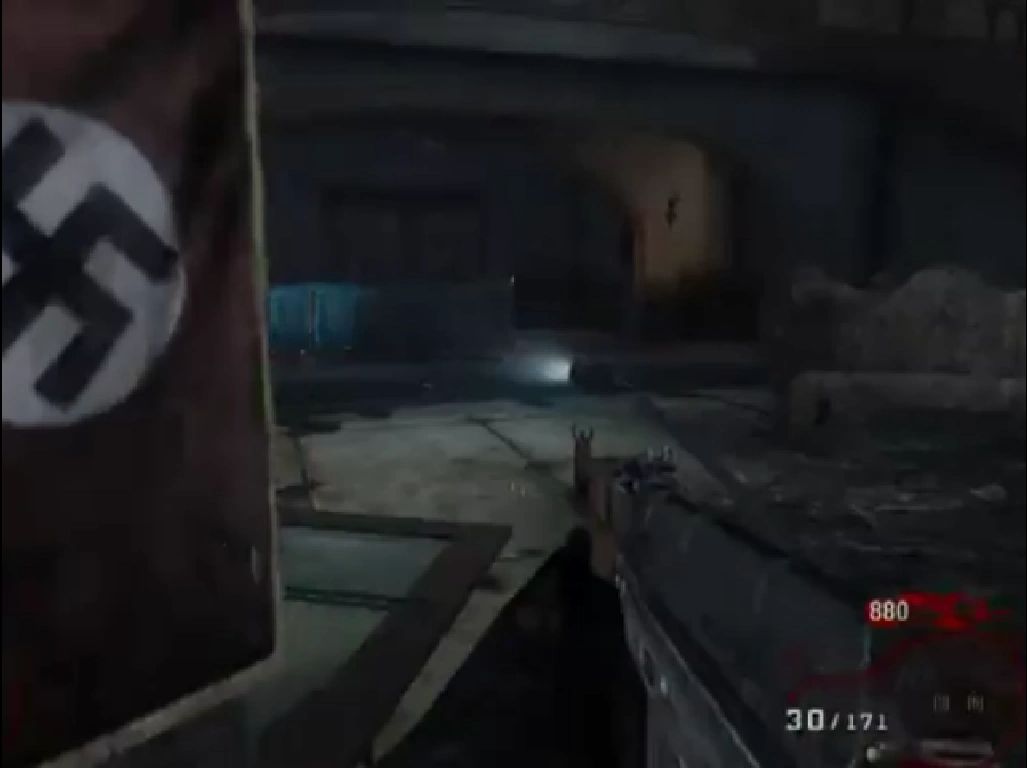
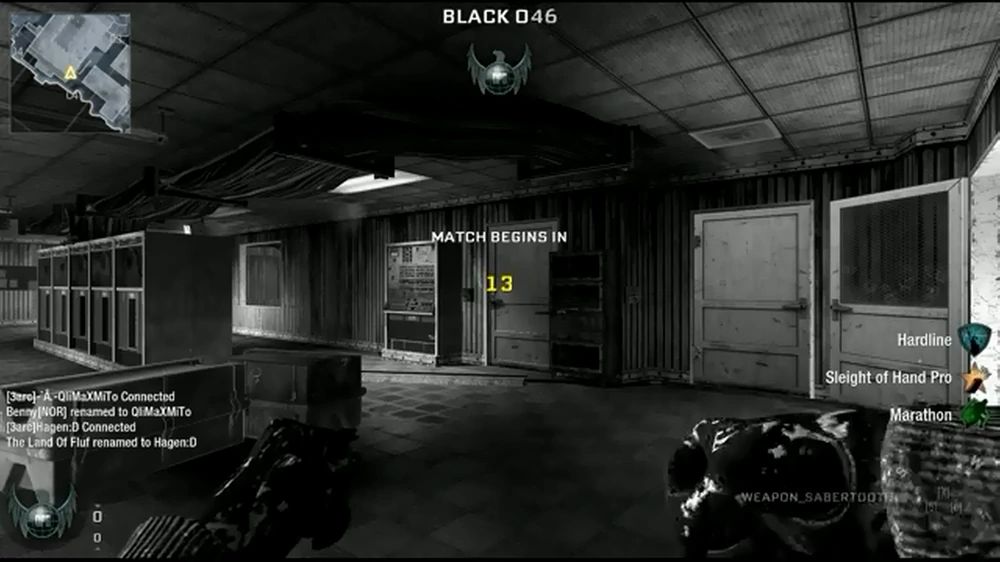
[ZM] Black Ops 1 Zombies Mod [PRE-ALPHA]
Scheduled Pinned Locked Moved BO1 Modding Releases & Resources
black opshindercanrunmodding
66 Posts 9 Posters 28.0k Views 7 Watching
  • Oldest to Newest
  • Newest to Oldest
  • Most Votes
Reply
  • Reply as topic
Log in to reply
This topic has been deleted. Only users with topic management privileges can see it.
  • hindercanrun Offline
    hindercanrun Offline
    hindercanrun
    Contributor
    wrote on last edited by hindercanrun
    #27

    yeah it just gives me the default gun not the ak47 and when it does it makes no sound

    so idk if I did something wrong

    MeatSlingerNick 1 Reply Last reply
    3
    • hindercanrun hindercanrun

      yeah it just gives me the default gun not the ak47 and when it does it makes no sound

      so idk if I did something wrong

      MeatSlingerNick Offline
      MeatSlingerNick Offline
      MeatSlingerNick
      wrote on last edited by
      #28
      This post is deleted!
      MeatSlingerNick 1 Reply Last reply
      0
      • MeatSlingerNick MeatSlingerNick

        This post is deleted!

        MeatSlingerNick Offline
        MeatSlingerNick Offline
        MeatSlingerNick
        wrote on last edited by MeatSlingerNick
        #29

        hindercanrun You put the files into the mod directory of your regular black ops installation

        (For example: steam/steamapps/common/Call of Duty Black Ops/mods)

        • Drop these files into the same mod folder alongside the other files (forgot about these sorry)
        • Add all the necessary lines to mod.csv
        • Run the BO1 mod tools and build mod with link fastfile and build IWD checked (It throws up some errors but idk it works fine regardless)
        • Move the entire folder into your t5/mods directory

        Also if you have other mods installed you can most likely merge the two by adding onto the mod.csv file and rebuilding it in the mod tools. I sent you my mod.csv, but it only includes my own mod files. Use the same format to add your own

        MeatSlingerNick hindercanrun 2 Replies Last reply
        3
        • MeatSlingerNick MeatSlingerNick

          hindercanrun You put the files into the mod directory of your regular black ops installation

          (For example: steam/steamapps/common/Call of Duty Black Ops/mods)

          • Drop these files into the same mod folder alongside the other files (forgot about these sorry)
          • Add all the necessary lines to mod.csv
          • Run the BO1 mod tools and build mod with link fastfile and build IWD checked (It throws up some errors but idk it works fine regardless)
          • Move the entire folder into your t5/mods directory

          Also if you have other mods installed you can most likely merge the two by adding onto the mod.csv file and rebuilding it in the mod tools. I sent you my mod.csv, but it only includes my own mod files. Use the same format to add your own

          MeatSlingerNick Offline
          MeatSlingerNick Offline
          MeatSlingerNick
          wrote on last edited by
          #30

          And one more thing almost forgot: once you're finished with that, copy the mod.ff file into

          t5/mods/yourmod/zone/common and rename it to the name of the map(s) you intend to use it on with "_patch" at the end

          For example: :zombie_pentagon_patch.ff", "zombie_theater_patch.ff", etc.

          hindercanrun 1 Reply Last reply
          3
          • MeatSlingerNick MeatSlingerNick

            And one more thing almost forgot: once you're finished with that, copy the mod.ff file into

            t5/mods/yourmod/zone/common and rename it to the name of the map(s) you intend to use it on with "_patch" at the end

            For example: :zombie_pentagon_patch.ff", "zombie_theater_patch.ff", etc.

            hindercanrun Offline
            hindercanrun Offline
            hindercanrun
            Contributor
            wrote on last edited by
            #31

            @JakePatcher does this work on the torrent version of bo1?

            1 Reply Last reply
            3
            • hindercanrun Offline
              hindercanrun Offline
              hindercanrun
              Contributor
              wrote on last edited by
              #32

              don’t have much money rn so I can’t buy the game

              MeatSlingerNick 2 Replies Last reply
              3
              • hindercanrun hindercanrun

                don’t have much money rn so I can’t buy the game

                MeatSlingerNick Offline
                MeatSlingerNick Offline
                MeatSlingerNick
                wrote on last edited by
                #33

                hindercanrun probably, so long as you have mod tools installed. I don't THINK you need to own the game on steam to download mod tools for it (look under tools in your steam game library). If it's not there you can try this installer I found from a quick google search: [(https://github.com/Mythical-Github/Black-Ops-Mod-Tools-Installer/releases)].

                Never used it so idk, but you should have a bunch of new folders in your BO1 directory, including bin\Launcher.exe. That's the mod tools launcher

                1 Reply Last reply
                3
                • hindercanrun hindercanrun

                  don’t have much money rn so I can’t buy the game

                  MeatSlingerNick Offline
                  MeatSlingerNick Offline
                  MeatSlingerNick
                  wrote on last edited by
                  #34

                  hindercanrun And it's a 12 year old game lmao. Don't blame you for not wanting to spend fucking $40 on the base game alone.... +$15 per dlc....

                  1 Reply Last reply
                  3
                  • MeatSlingerNick MeatSlingerNick

                    hindercanrun You put the files into the mod directory of your regular black ops installation

                    (For example: steam/steamapps/common/Call of Duty Black Ops/mods)

                    • Drop these files into the same mod folder alongside the other files (forgot about these sorry)
                    • Add all the necessary lines to mod.csv
                    • Run the BO1 mod tools and build mod with link fastfile and build IWD checked (It throws up some errors but idk it works fine regardless)
                    • Move the entire folder into your t5/mods directory

                    Also if you have other mods installed you can most likely merge the two by adding onto the mod.csv file and rebuilding it in the mod tools. I sent you my mod.csv, but it only includes my own mod files. Use the same format to add your own

                    hindercanrun Offline
                    hindercanrun Offline
                    hindercanrun
                    Contributor
                    wrote on last edited by
                    #35

                    @JakePatcher errors like this?
                    FAILED TO EXECUTE: launcher_ldr linker_pc.dll linker_pc -nopause -language english -moddir your_mod mod
                    FAILED TO EXECUTE: 7za a "C:\Users\hindercanrun\AppData\Local\Plutonium\modding\Black Ops Mod Tools\mods\your_mod\your_mod.iwd" -tzip -r "c------------:\Users\hindercanrun\AppData\Local\Plutonium\modding\Black Ops Mod Tools\mods\your_mod\your_mod.files"

                    1 Reply Last reply
                    3
                    • hindercanrun Offline
                      hindercanrun Offline
                      hindercanrun
                      Contributor
                      wrote on last edited by
                      #36

                      also the file it makes is it supposed to be 0kb?

                      1 Reply Last reply
                      3
                      • hindercanrun Offline
                        hindercanrun Offline
                        hindercanrun
                        Contributor
                        wrote on last edited by
                        #37

                        (this is basically my first time trying to use mod tools like this)

                        1 Reply Last reply
                        3
                        • hindercanrun Offline
                          hindercanrun Offline
                          hindercanrun
                          Contributor
                          wrote on last edited by
                          #38

                          Once I run the mod tools with link fast file and iwd it makes a your_mod.files file
                          is that what it’s supposed to do?

                          1 Reply Last reply
                          3
                          • hindercanrun Offline
                            hindercanrun Offline
                            hindercanrun
                            Contributor
                            wrote on last edited by
                            #39

                            and if you could send me some gameplay of the guns actually working that would be nice

                            and have u tried this with the torrent version or just steam?

                            MeatSlingerNick 1 Reply Last reply
                            3
                            • hindercanrun hindercanrun

                              and if you could send me some gameplay of the guns actually working that would be nice

                              and have u tried this with the torrent version or just steam?

                              MeatSlingerNick Offline
                              MeatSlingerNick Offline
                              MeatSlingerNick
                              wrote on last edited by MeatSlingerNick
                              #40

                              hindercanrun Hey here you go: It includes a full tutorial and the end result.

                              Also I edited the individual weapon files beforehand for my upcoming mod, so that's why the upgraded uzi has a custom name and PAP'd pew pew sounds -- And to add PAP sounds all you need to do is open the upgraded weapon's file in the UGX application and swap out its shooting sound with that of another gun.

                              Sorry if I made it out to be more confusing than it should've been. Let me know how it goes for you 🙂

                              And yes, it's the steam version though I highly doubt there's any difference. My best guess is I linked you faulty mod tools OR you didn't run the converter

                              hindercanrun 2 Replies Last reply
                              2
                              • DARKHACHK Offline
                                DARKHACHK Offline
                                DARKHACHK
                                wrote on last edited by
                                #41

                                bonjour est ce que vous pourriais me donner un coup de main sv pour mon zombie bo1 quand je lance le jeu T5 zombie 4 seconde plus tard il se ferme merci

                                hindercanrun 1 Reply Last reply
                                2
                                • DARKHACHK DARKHACHK

                                  bonjour est ce que vous pourriais me donner un coup de main sv pour mon zombie bo1 quand je lance le jeu T5 zombie 4 seconde plus tard il se ferme merci

                                  hindercanrun Offline
                                  hindercanrun Offline
                                  hindercanrun
                                  Contributor
                                  wrote on last edited by
                                  #42

                                  DARKHACHK speak English

                                  1 Reply Last reply
                                  2
                                  • MeatSlingerNick MeatSlingerNick

                                    hindercanrun Hey here you go: It includes a full tutorial and the end result.

                                    Also I edited the individual weapon files beforehand for my upcoming mod, so that's why the upgraded uzi has a custom name and PAP'd pew pew sounds -- And to add PAP sounds all you need to do is open the upgraded weapon's file in the UGX application and swap out its shooting sound with that of another gun.

                                    Sorry if I made it out to be more confusing than it should've been. Let me know how it goes for you 🙂

                                    And yes, it's the steam version though I highly doubt there's any difference. My best guess is I linked you faulty mod tools OR you didn't run the converter

                                    hindercanrun Offline
                                    hindercanrun Offline
                                    hindercanrun
                                    Contributor
                                    wrote on last edited by
                                    #43

                                    @JakePatcher wait, the errors im getting is it because i dont own it on steam?

                                    1 Reply Last reply
                                    2
                                    • DARKHACHK Offline
                                      DARKHACHK Offline
                                      DARKHACHK
                                      wrote on last edited by
                                      #44

                                      no when I launch my game T5 zombie it closes itself

                                      1 Reply Last reply
                                      2
                                      • hindercanrun Offline
                                        hindercanrun Offline
                                        hindercanrun
                                        Contributor
                                        wrote on last edited by
                                        #45

                                        because I’ve tried it with the torrent files and same error

                                        1 Reply Last reply
                                        2
                                        • PS2ABBACHIO Offline
                                          PS2ABBACHIO Offline
                                          PS2ABBACHIO
                                          wrote on last edited by
                                          #46

                                          Is the progress of the Mod going well so far?

                                          hindercanrun 1 Reply Last reply
                                          1

                                          Hello! It looks like you're interested in this conversation, but you don't have an account yet.

                                          Getting fed up of having to scroll through the same posts each visit? When you register for an account, you'll always come back to exactly where you were before, and choose to be notified of new replies (either via email, or push notification). You'll also be able to save bookmarks and upvote posts to show your appreciation to other community members.

                                          With your input, this post could be even better 💗

                                          Register Login
                                          Reply
                                          • Reply as topic
                                          Log in to reply
                                          • Oldest to Newest
                                          • Newest to Oldest
                                          • Most Votes


                                          • 1
                                          • 2
                                          • 3
                                          • 4
                                          • Login

                                          • Don't have an account? Register

                                          • Login or register to search.
                                          • First post
                                            Last post
                                          0
                                          • Unread 0
                                          • Recent
                                          • Tags
                                          • Popular
                                          • Users
                                          • Groups
                                          • Donate