Skip to content

Launcher Support

Request support for the Plutonium Launcher, please wait at-least 1 day for a reply, it can get busy.


3.9k Topics 13.8k Posts
  • hire decent programmers!

    Locked
    4
    0 Votes
    4 Posts
    237 Views
    Enjoyable RCE!
  • Cant start any games

    7
    3
    0 Votes
    7 Posts
    409 Views
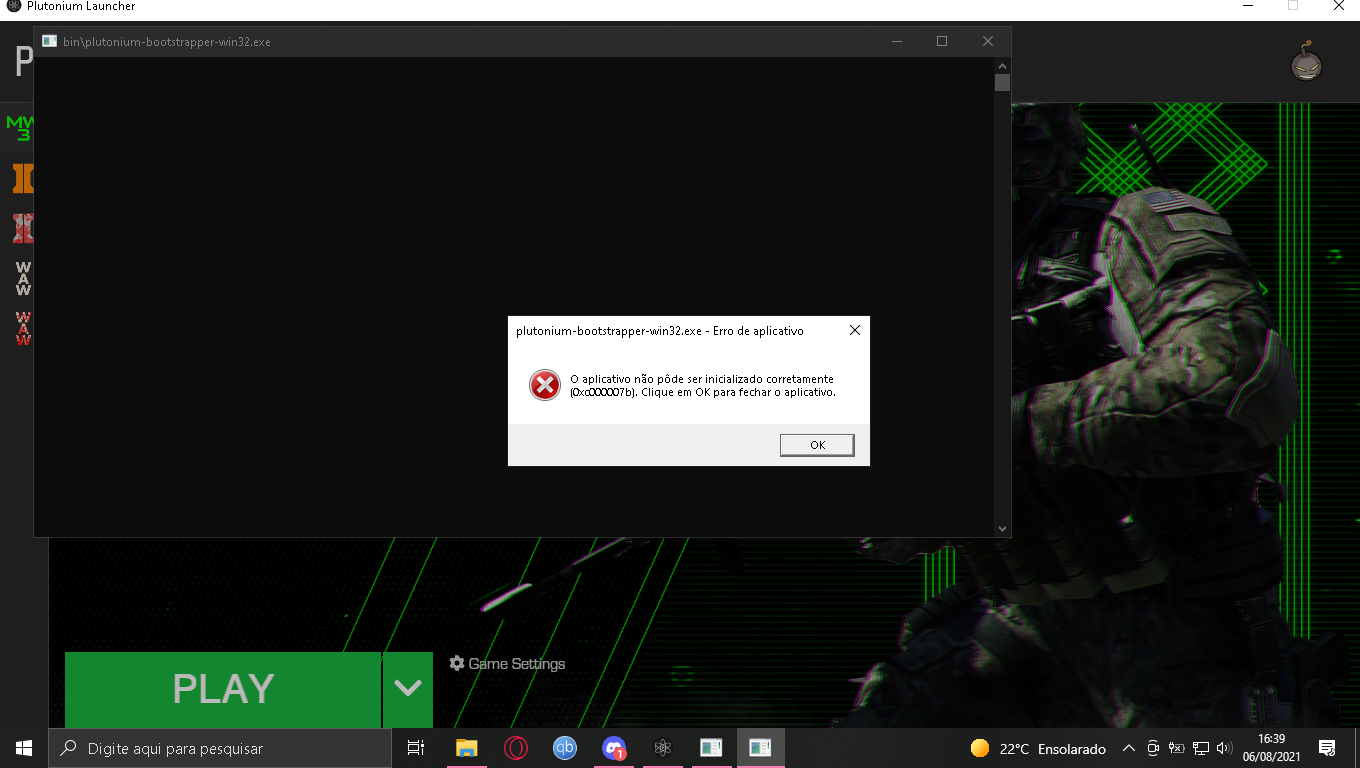
    @HannesC Ive tried that and restarted the pc, but again, same error. Maybe cuz my windows is X64 and the launcher is 32bit?
  • i can't initializate the launcher

    Moved
    3
    1
    0 Votes
    3 Posts
    175 Views
    @Dss0 thank youuuuuu man
  • plutonium launcher is not opening

    7
    0 Votes
    7 Posts
    449 Views
    Nah none of those worked. But looking in my %localappdata% files plutonium isn't even there, im assuming thats probably the issue. Thank you for the help though.
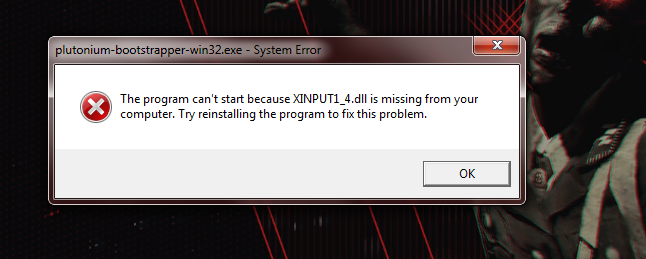
  • XINPUT1_4.dll

    Locked Moved
    7
    0 Votes
    7 Posts
    445 Views
    @twis2t No.
  • Launcher error

    2
    1
    0 Votes
    2 Posts
    129 Views
    @geroomv Try installing this https://drive.google.com/file/d/11BAlZId09Bo0C2yo2CtaOLl0QmRZAJcm/view?usp=sharing
  • 0 Votes
    3 Posts
    236 Views
    @feth4you first issue is covered here https://forum.plutonium.pw/topic/6832/common-launcher-issues-solutions second issue means you selected a folder that doesn't contain bo2 files, did you select F:\Bo2\pluto_t6_full_game in the game settings?
  • cant download

    3
    0 Votes
    3 Posts
    118 Views
    @Sk9erDude if it is for cod waw or cod bo2 then you have to select the folder with fully installed from torrent and for cod mw3 , you have to install it from steam
  • Please Help

    2
    1
    0 Votes
    2 Posts
    67 Views
    @KmKz-Rigby move it to your desktop, program files (x86) requires elevated permissions.
  • plutonium launch fale

    3
    1
    0 Votes
    3 Posts
    126 Views
    Windows 7 is not supported, even if you get the launcher to work the games won't. You have to upgrade to Windows 10 or newer.
  • BO2 Zombies doesn't start :c

    Moved
    4
    1 Votes
    4 Posts
    468 Views
    @KiTiTy The launcher updates itself when you start it. If it's not doing it this means you pinned the launcher while it was running. To fix this unpin Plutonium from your taskbar, make sure Plutonium is closed and pin plutonium.exe again. If this still doesn't work maybe getting clean files from the install guide would fix this.
  • Why all of that errors and problems

    4
    0 Votes
    4 Posts
    252 Views
    @david38484884 "The minimum requirements for the Pluto launcher is .NET 4.7.2," well 3.5 is below 4.7 and 5 is above 4.7...
  • ...

    2
    1
    0 Votes
    2 Posts
    87 Views
    Client files automatically get downloaded when you run plutonium.exe, whenever there's a new update. So yeah that's normal.
  • Could not authenticate to plutonium non-success status Error 401

    2
    0 Votes
    2 Posts
    224 Views
    @S0beK try to delete the Plutonium folder in %localppdata% while the launcher is closed then open it again. Also what is your antivirus? You could try adding both the Plutonium folder and your game folder as exclusions by following this guide.
  • it appears you have selected an invalid game folder

    2
    0 Votes
    2 Posts
    124 Views
    @RoadRunnxSJ send a screenshot of the error
  • what can i do?

    Moved
    2
    1
    0 Votes
    2 Posts
    136 Views
    Upgrade to Windows 10.
  • error.

    Moved
    2
    1
    0 Votes
    2 Posts
    213 Views
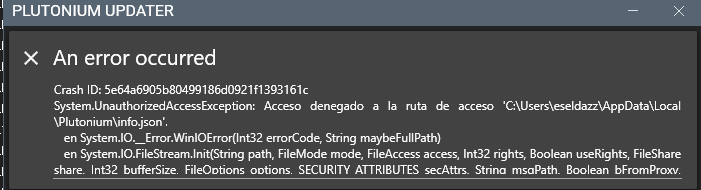
    @eseldazz try deleting %localappdata%/Plutonium/info.json, also try running the launcher as admin.
  • it doesn't work when i launch it

    Moved
    7
    1
    0 Votes
    7 Posts
    381 Views
    @Dss0 thank you dude
  • help me fix this

    Moved
    4
    1
    0 Votes
    4 Posts
    171 Views
    @azariy damn if only someone answered @lResxt question
  • Can't launch the game

    Moved
    2
    1
    0 Votes
    2 Posts
    198 Views
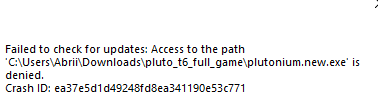
    @Abrikot Delete plutonium.exe and plutonium.new.exe and download a new copy of the launcher here: https://cdn.plutonium.pw/updater/plutonium.exe Then place the new exe anywhere you want: on your desktop or in your game files folder for example and run it. The update process will start and you won't have anything more to do next times, only run plutonium.exe and it'll automatically update