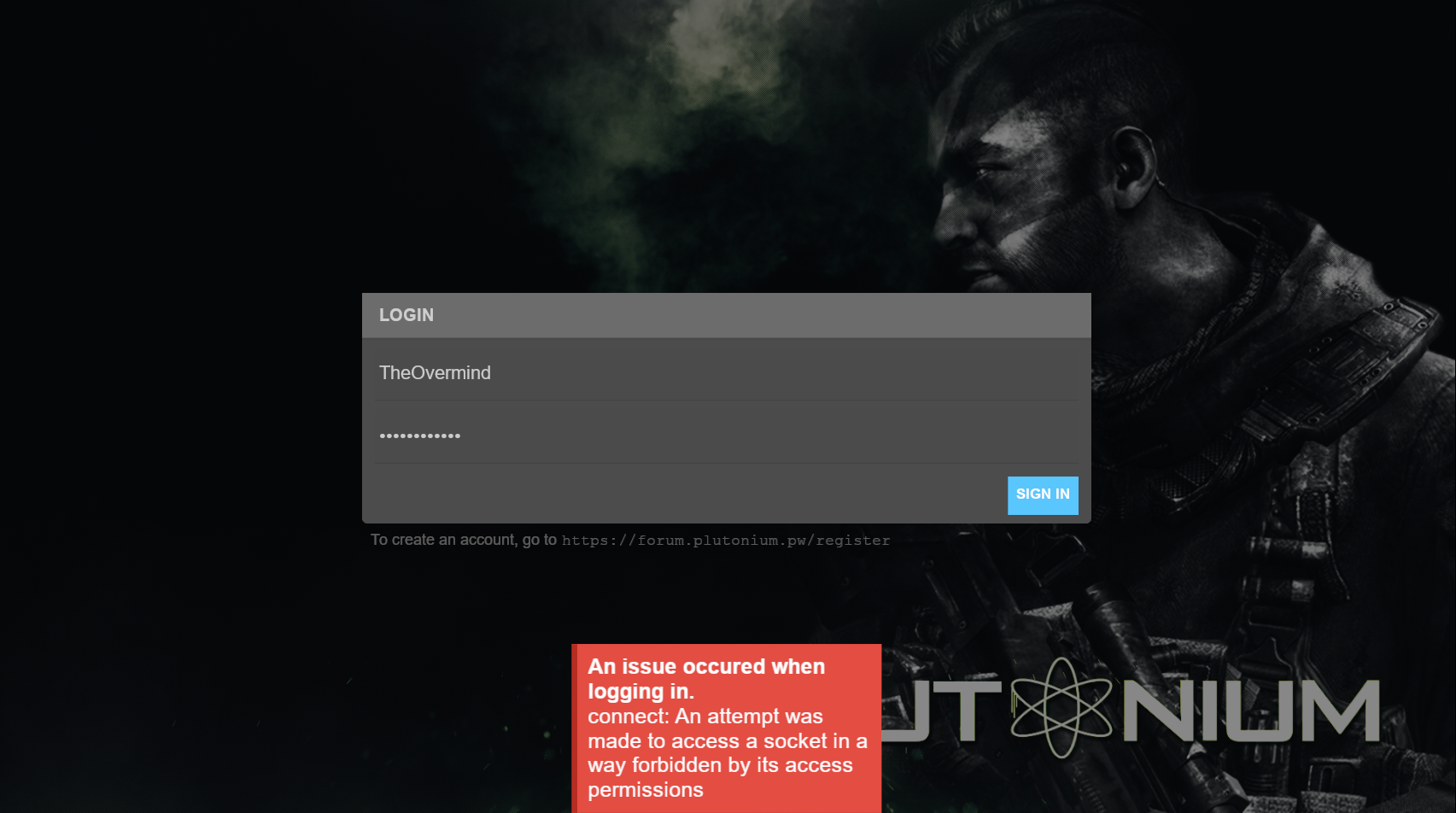
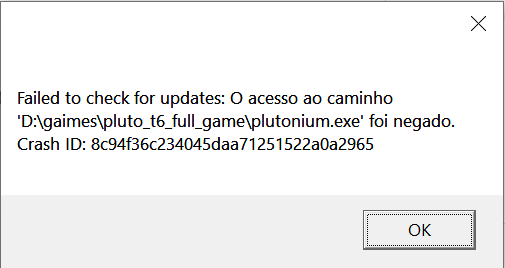
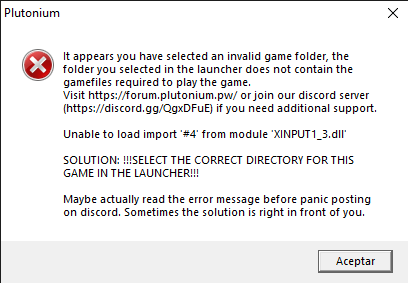
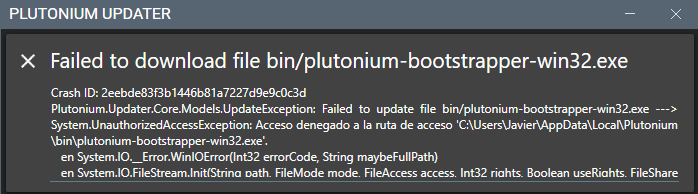
@NMK_SkilleX Did you download the game at any point? You need to install a game to play it. It says you don't need to own it but it doesn't say you don't need to download it
Try going to Kaspersky's quarantine section and see if there's a bootstrapper in it. If there is, restore it and try launching the game again.
If it still doesn't work, try running cmd as admin, and typing this command in it:
dism /online /cleanup-image /restorehealth
Once its done, restart your PC.
@Syn-Aspxct which antivirus software are you using? This could also be caused by you not selecting the correct folder in the launcher. Could you post a screenshot of the game settings in the launcher?
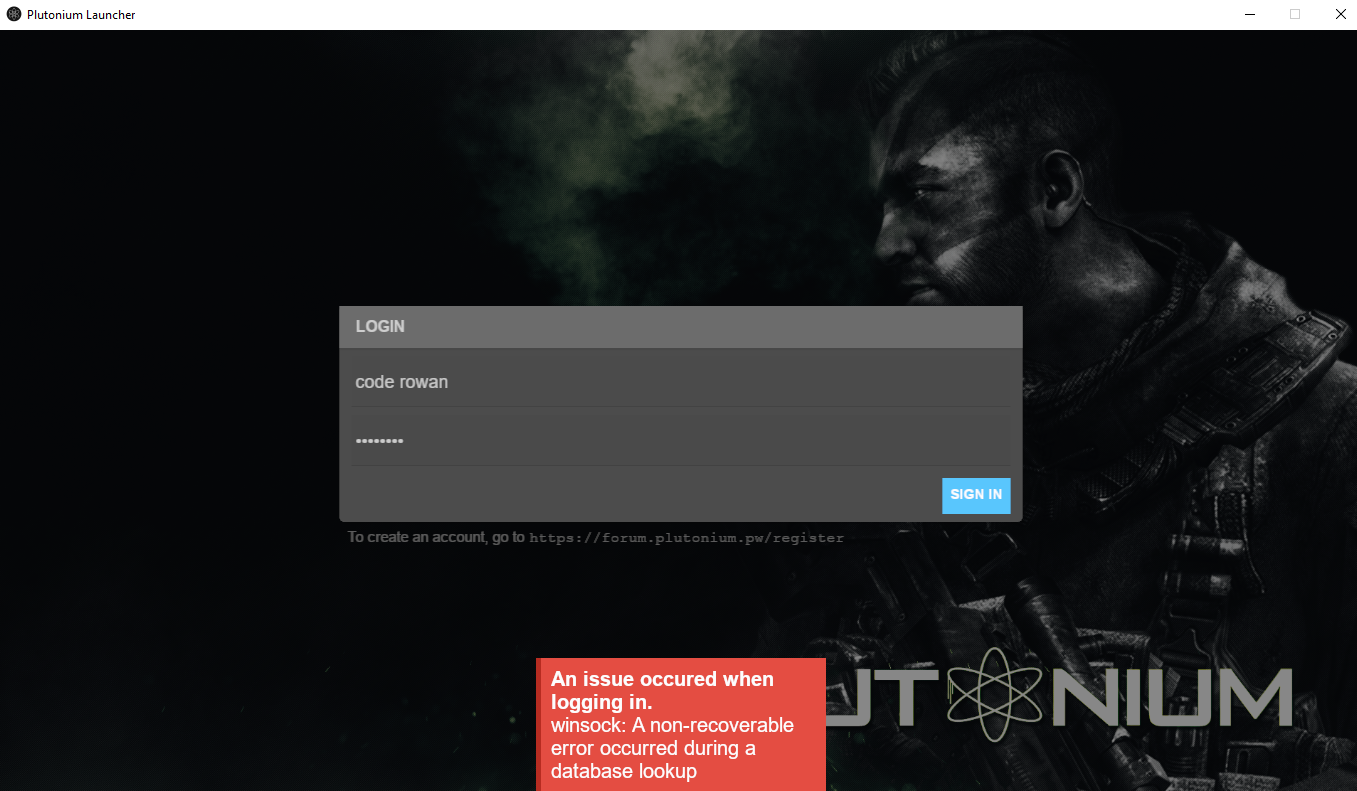
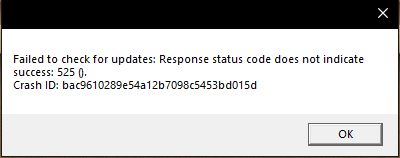
Some other solutions besides it are making sure your system date/time are synchronized, deleting %localappdata%/Plutonium and running the launcher again, or changing DNS (https://www.windowscentral.com/how-change-your-pcs-dns-settings-windows-10). If all this fails, try a VPN.
Make sure you don't have 3rd party firewalls blocking Pluto. Try changing DNS (https://www.windowscentral.com/how-change-your-pcs-dns-settings-windows-10) or use a VPN.