@spahzed just change the folder? I don't quite understand your plight, this seems real simple.
If you accidentally put a folder in your game folder, take it out so that everything is back to normal and proceed to set the MW3 launch on the Pluto Launcher accordingly.
If you chose the wrong starting location via the Pluto Launcher, simply go back and set the launching folder correctly.
I really wish it was higher priority, I've managed to get plutonium launching on the Steam Deck, however whenever out and about it's completely unplayable. I don't pay for hotspot data. I just want to enjoy zombies even when my internet is down or I am away from home. I hope they change their mind or manage to complete their other tasks soon.
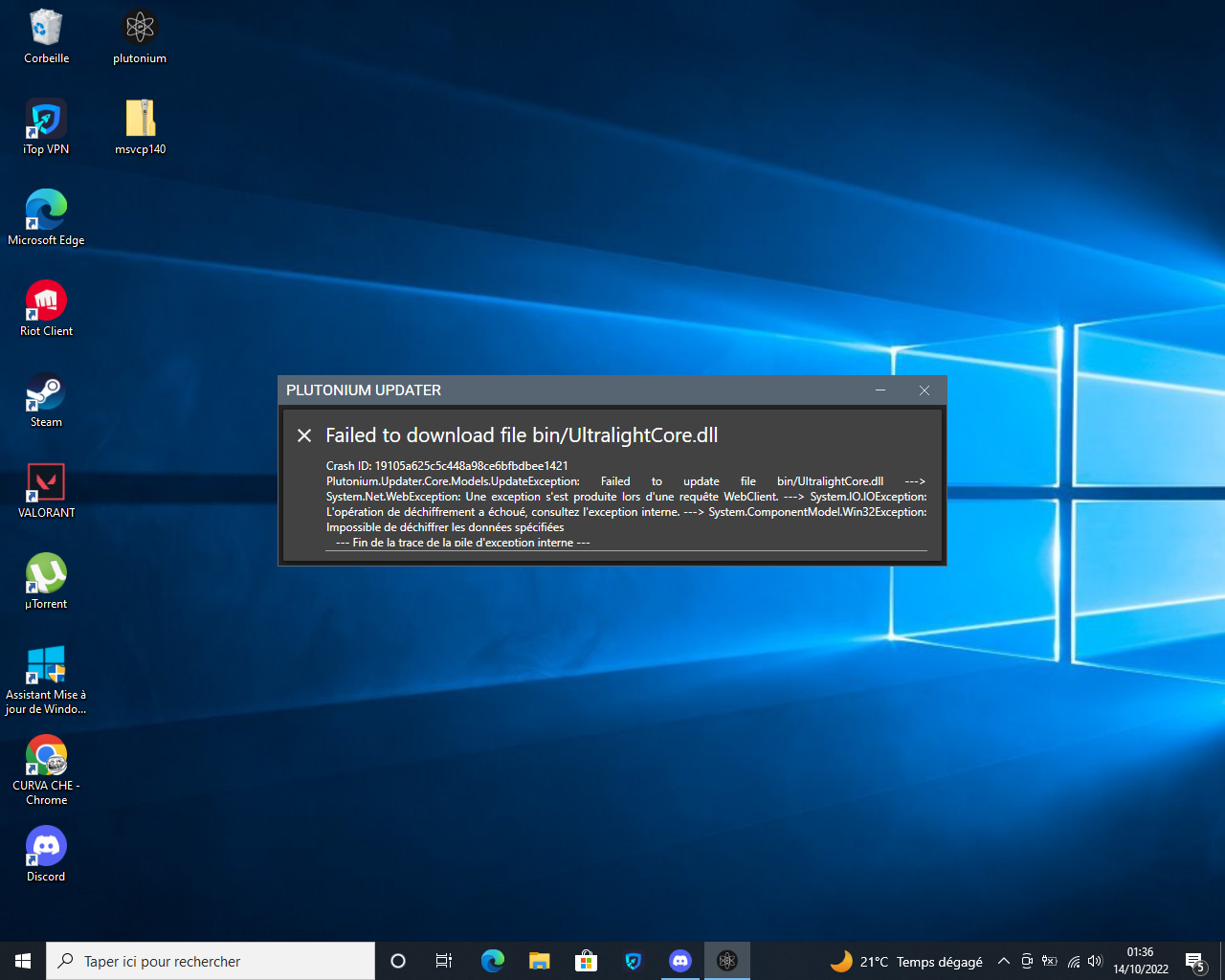
Are you sure you don't have any antivirus/security tool? Even if it's disabled.
Also try completely exiting your BetterVPN. I wouldn't be surprised if it was causing an issue.
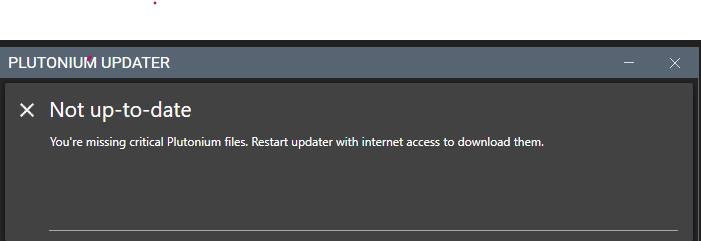
You can find answers here https://plutonium.pw/docs/update/#fixing-failed-to-check-for-updates
@Dss0 Reason why we can't read it is because it's in Hebrew. As far as I know, I know nothing about Hebrew. But from the GUI, I know that this is Avast.
@bajokitch add Plutonium folder to exceptions, and avoid having any unsupported characters in your PC username, else you won't be able to get Plutonium running, as it is stored in %localappdata%. Characters like ш, š, and so on aren't supported.
Got any other AV's?
If you got just defender, I'd advise you to add the following folder to exclusions:
C:\Users[Your Username]\AppData\Local\Plutonium
Guide for any other antivirus is here: https://plutonium.pw/docs/antivirus/
Your message doesn't make sense
If you want help explain your issue clearly
Think of what people trying to help you can do with the info you provide
As of now you didn't provide any info and your issue is unclear