Clean

Sloth
@Sloth
Posts
-
[MP] SRE Camo -
[Release] [MP] Black Ops 1 Coloured Gold Camo Pack!Black Ops 1 Coloured Gold Camo Pack!
Hello all!
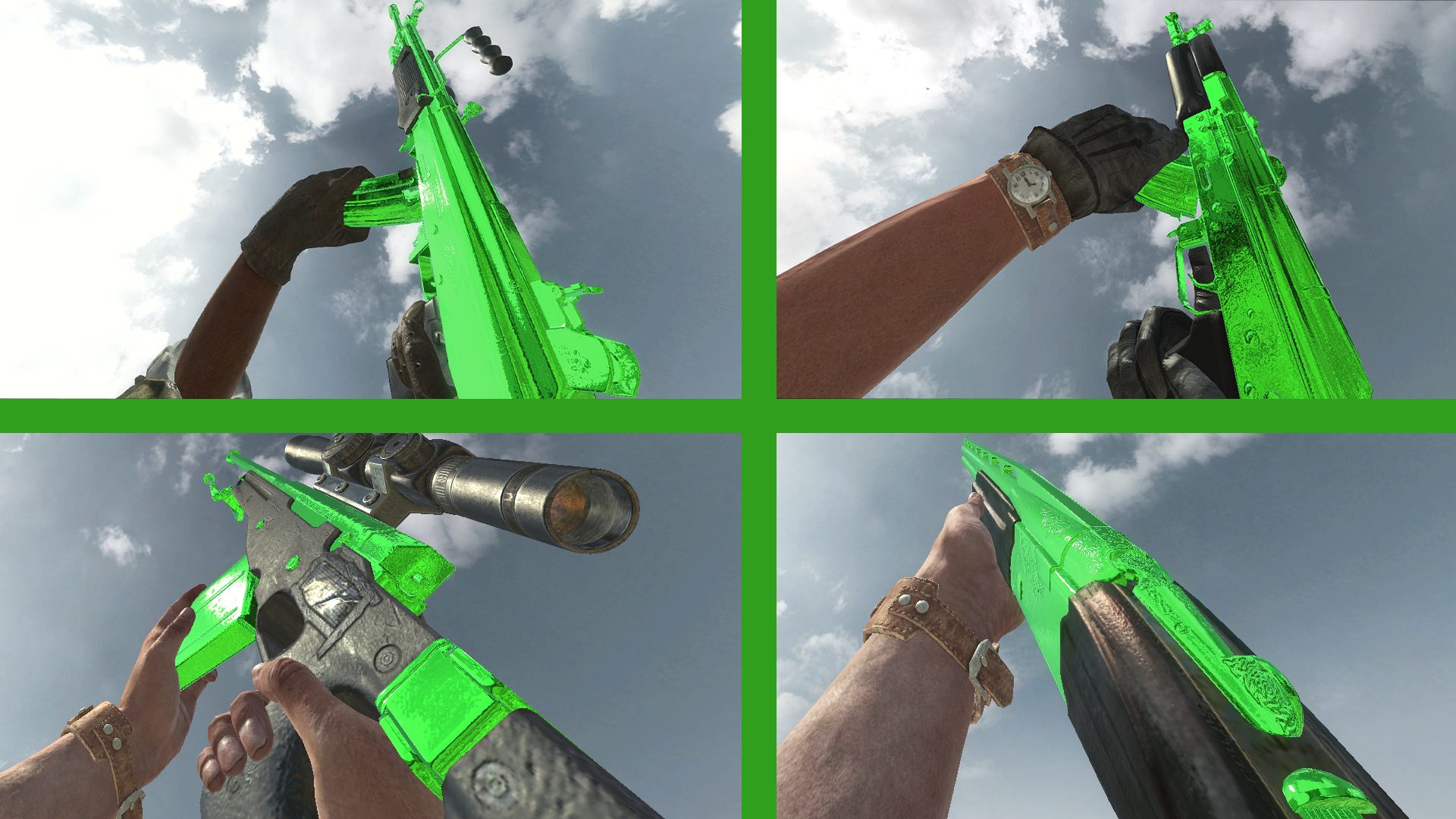
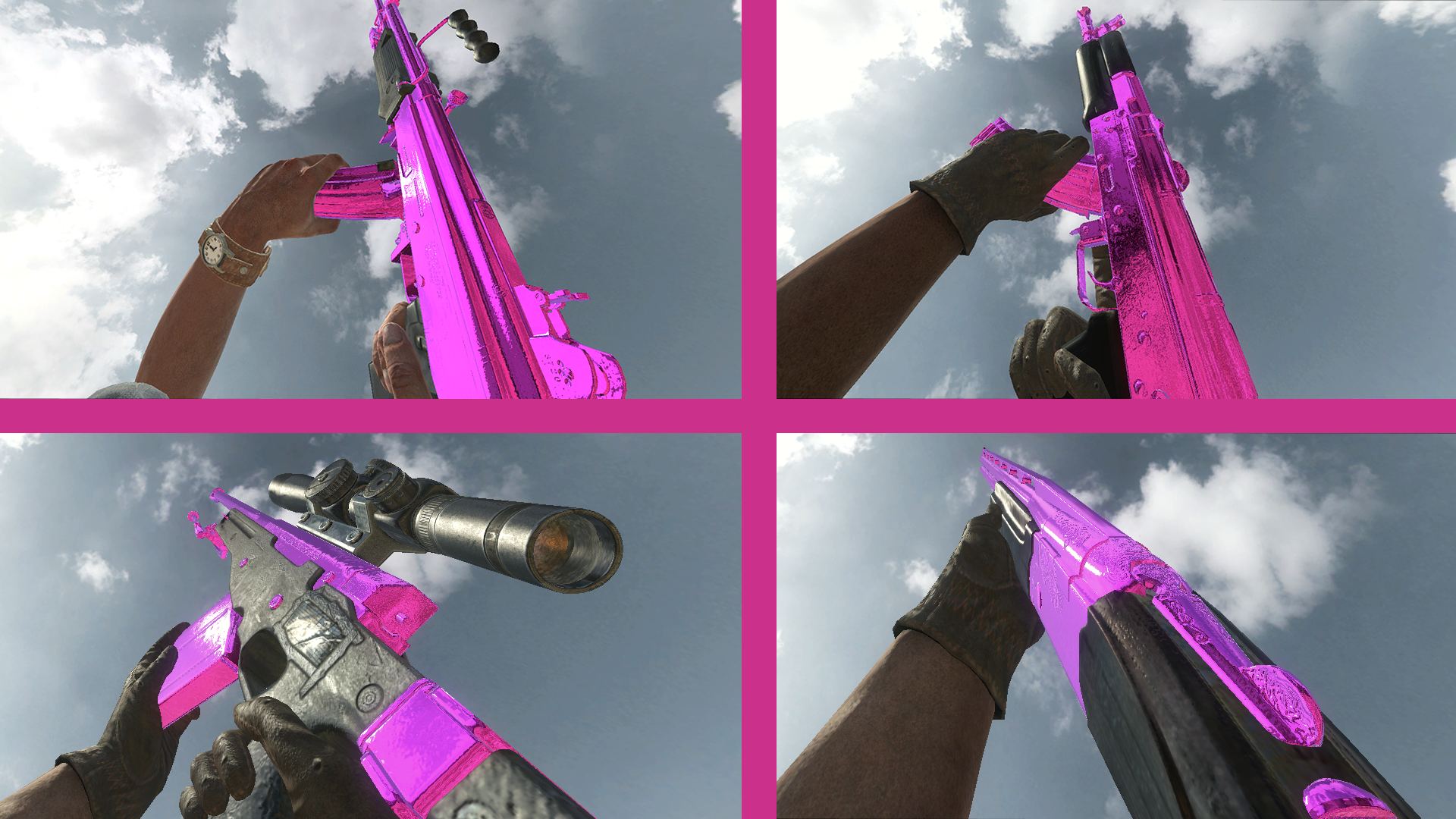
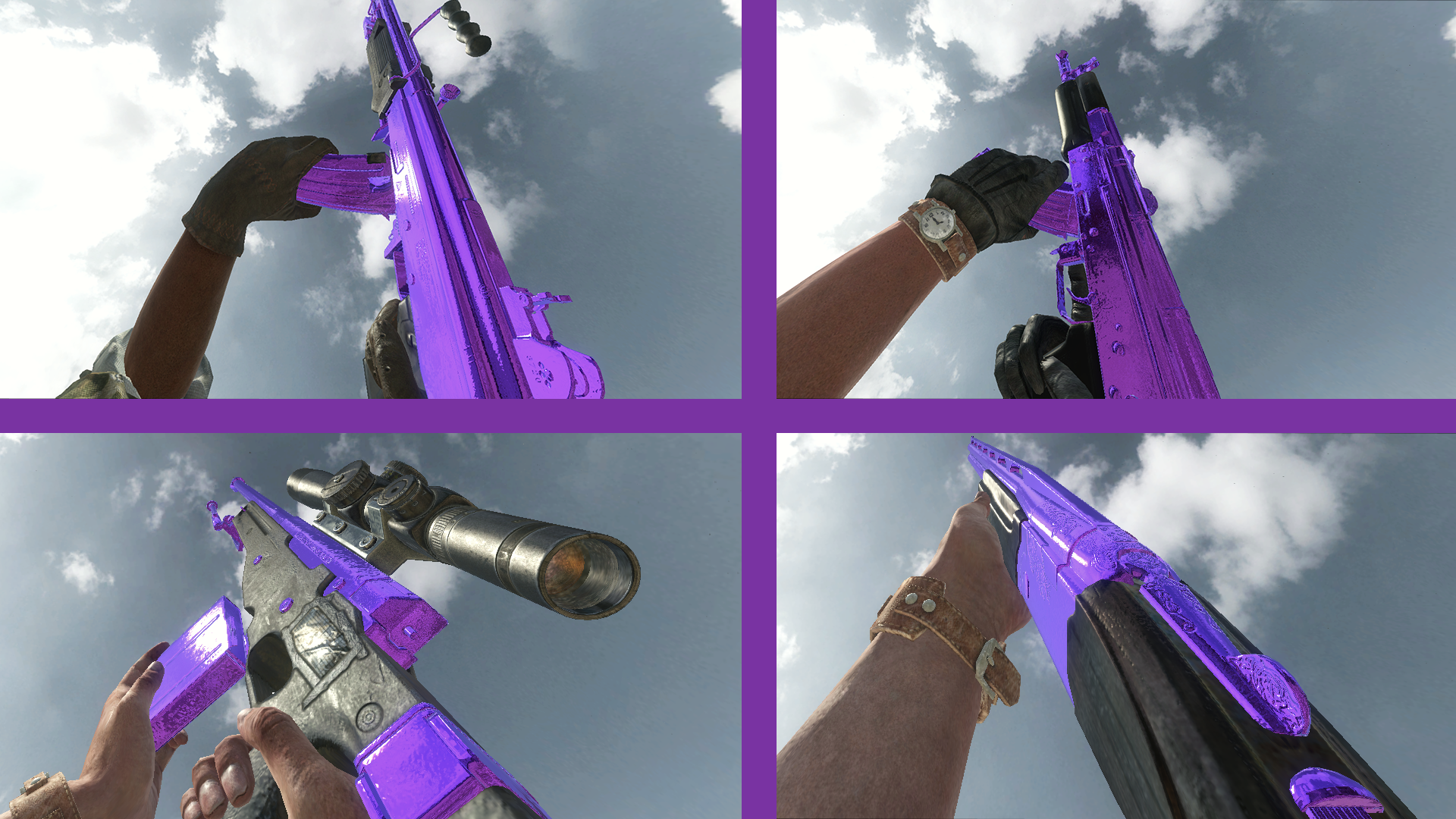
Today I am releasing different colours of the gold camo for T5, all of these will replace Gold camo in T5 mp.
Colours:
- Black
- Blue
- Chrome
- Cyan/Aqua
- Green
- Orange
- pink
- Purple
- Red
How to install
-
Download the Zip from Here.
-
Head to your plutonium T5 images folder by holding Win + R (Note: you might have to make a images folder)
(Windows key + Letter R) and pasting this %localappdata%\Plutonium\storage\t5\images into run and hitting ok or enter. -
Open the zip you just downloaded and open the Chrome Camo folder inside the zip then drag and drop the iwis into your T5 images folder
-
You're done! you may load up T5 and enjoy!
Please if you have any issues leave a comment and I will try and help as soon as possible!
Hope you enjoy!

In-game screen shots




-
BO1 Simple Perk BottlesRootinTootin Could you show some screenshots from in-game?
-
[ZM] Among Us Animated CamoGreen Lantern sus camo
-
[Release] [MP] Black Ops 1 Chrome camo!Black Ops 1 Chrome camo!
Hello all!
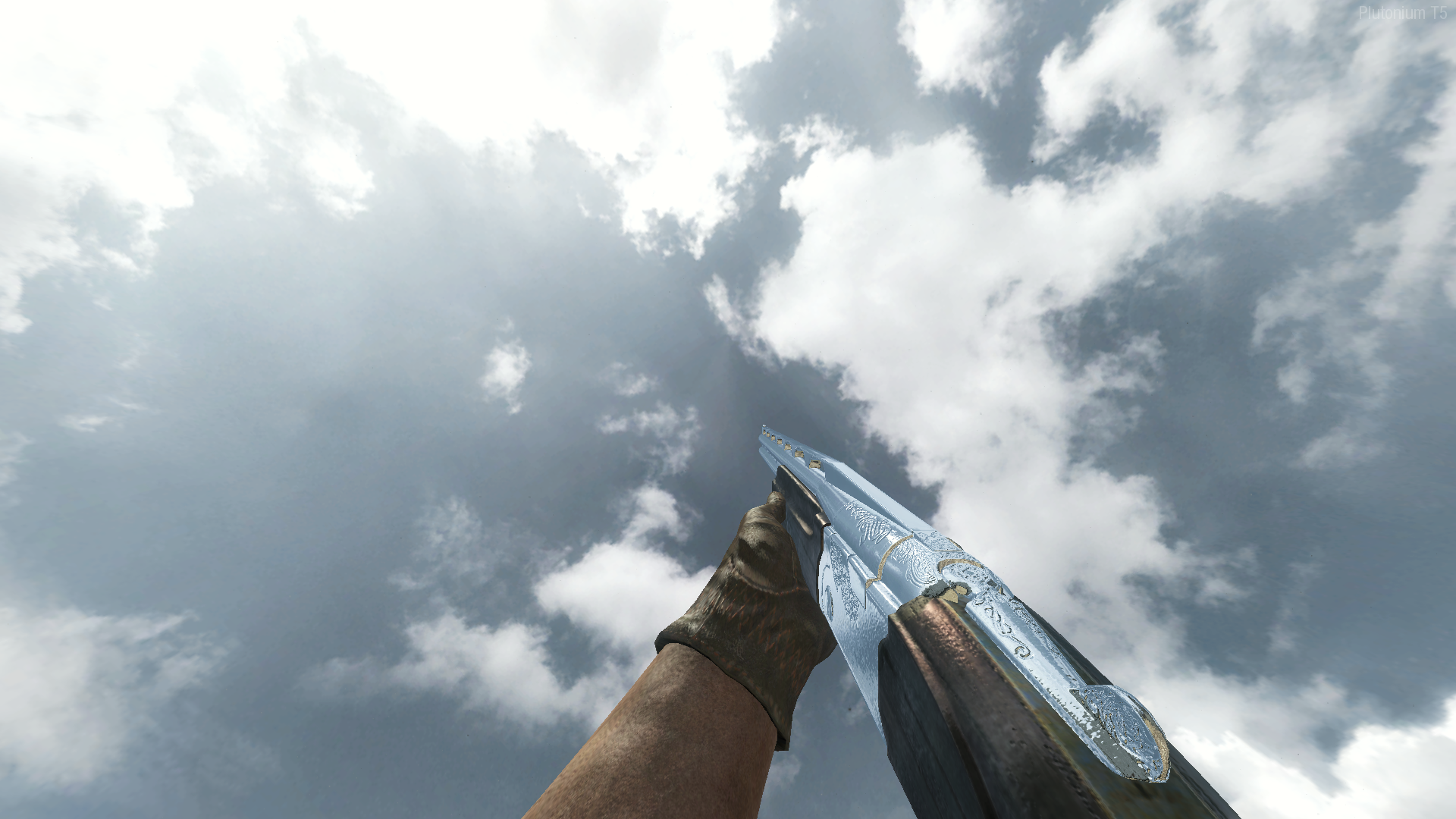
Today I am releasing Chrome Camo for T5, This will replace Gold camo in T5 mp.
How to install
-
Download the Zip from Here.
-
Head to your plutonium T5 images folder by holding Win + R (Note: you might have to make a images folder)
(Windows key + Letter R) and pasting this %localappdata%\Plutonium\storage\t5\images into run and hitting ok or enter. -
Open the zip you just downloaded and open the Chrome Camo folder inside the zip then drag and drop the iwis into your T5 images folder
-
You're done! you may load up T5 and enjoy!
Please if you have any issues leave a comment and I will try and help as soon as possible!
Hope you enjoy!
In-game screen shots




-
-
[Release] BO1 Custom Cursors!@SuspiciousGamer Thank you!
-
[Release] BO1 Custom Cursors!atuburapaler Thank you!

-
[Release] Custom Cursors!@SuspiciousGamer BO1 cursors is out!
https://forum.plutonium.pw/topic/21339/release-bo1-custom-cursors
-
[Release] BO1 Custom Cursors![Release] BO1 Custom Cursors!
Hello all!
Today I am releasing Custom Cursors I made for BO1!
I will continue to update this with more as time goes on. If you have any requests let me know and I'll try to respond to you as soon as possible! (SFW ONLY)
note: For the pickaxe use the tip of the pickaxe to click
Colours:
- Red
- Blue
- Cyan
- Gray
- Green
- Orange
- Pink
- Yellow
- Purple
Custom:
- Black Ops 3
- Minecraft Diamond Sword
- Minecraft Diamond Pickaxe
How to install
-
Download the Zip from Here.
-
Head to your plutonium T5 images folder by holding Win + R (Note: you might have to make a images folder)
(Windows key + Letter R) and pasting this %localappdata%\Plutonium\storage\t5\images into run and hitting ok or enter. -
Open the zip you just downloaded and open the Custom Cursors folder inside the zip then pick the curser you want and drag and drop the iwi into your T5 images folder
-
You're done! you may load up T5 and enjoy!
Please if you have any issues leave a comment and I will try and help as soon as possible!
Hope you enjoy!
Coloured Cursors!


Custom Cursors!


-
[Release] Gold Secondaries!Hi @Mag7 thank you for your feedback, as I have said in the post because maps have different levels of specular reflections there isn't much I can do to make the camo "more gold". If you want to see the camos to there fullest I recommend trying/testing the camos on favela.
-
[Release] Gold Secondaries!Hi Chooch thank you for your comment but unfortunately Im only looking for constructive criticism, thank you.
-
[Release] Gold Secondaries!Gold Secondaries!
Hello all!
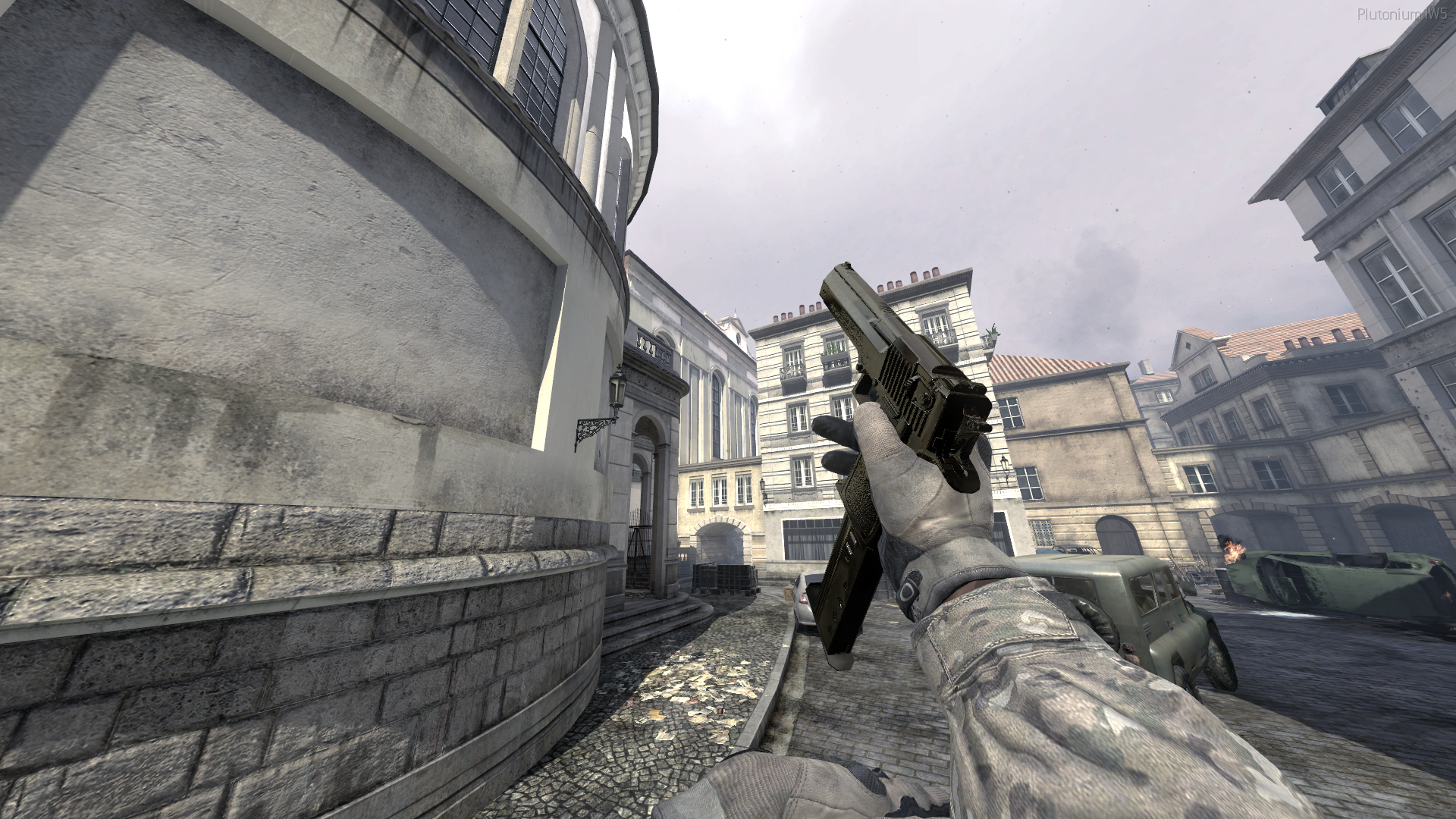
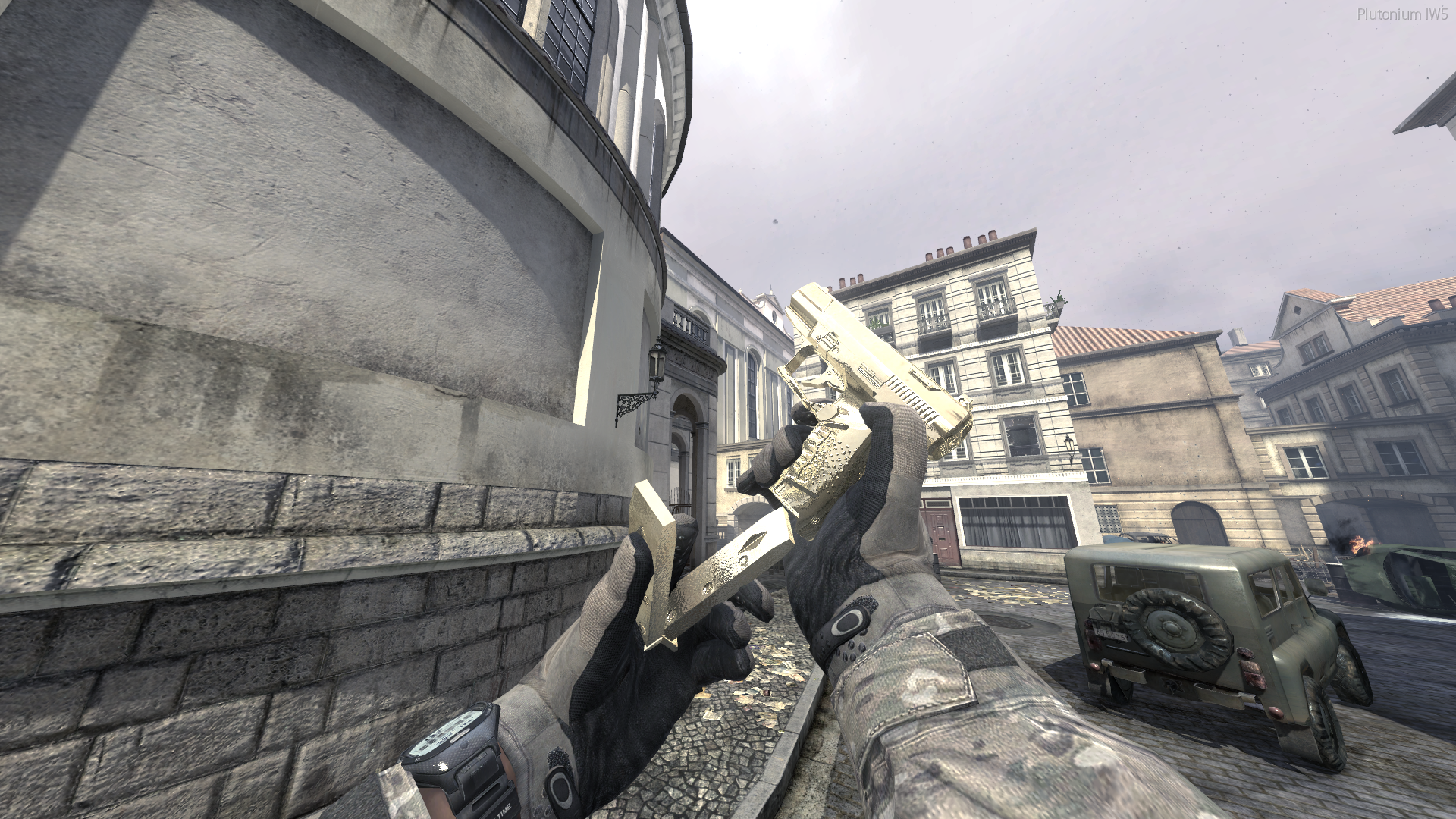
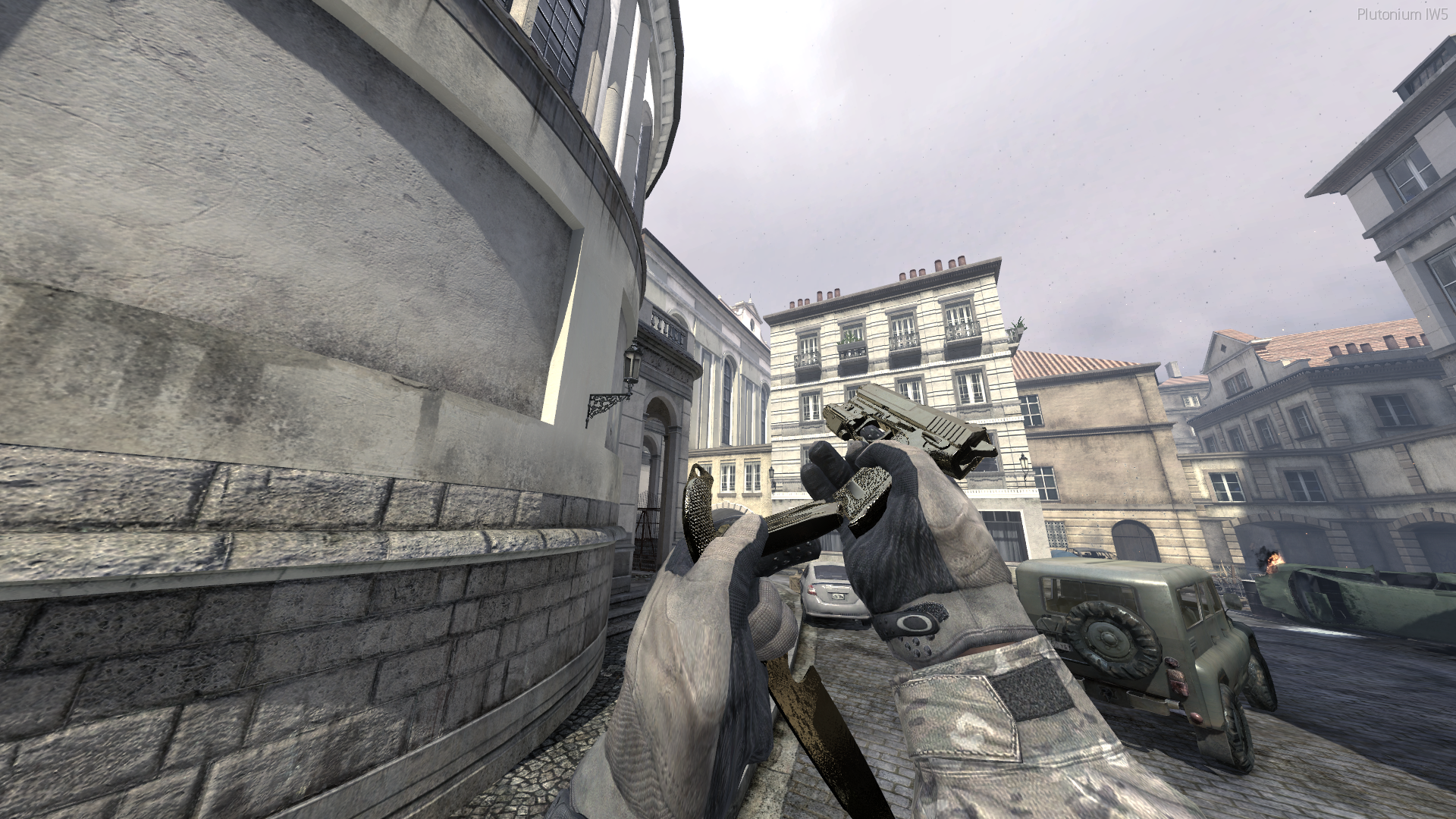
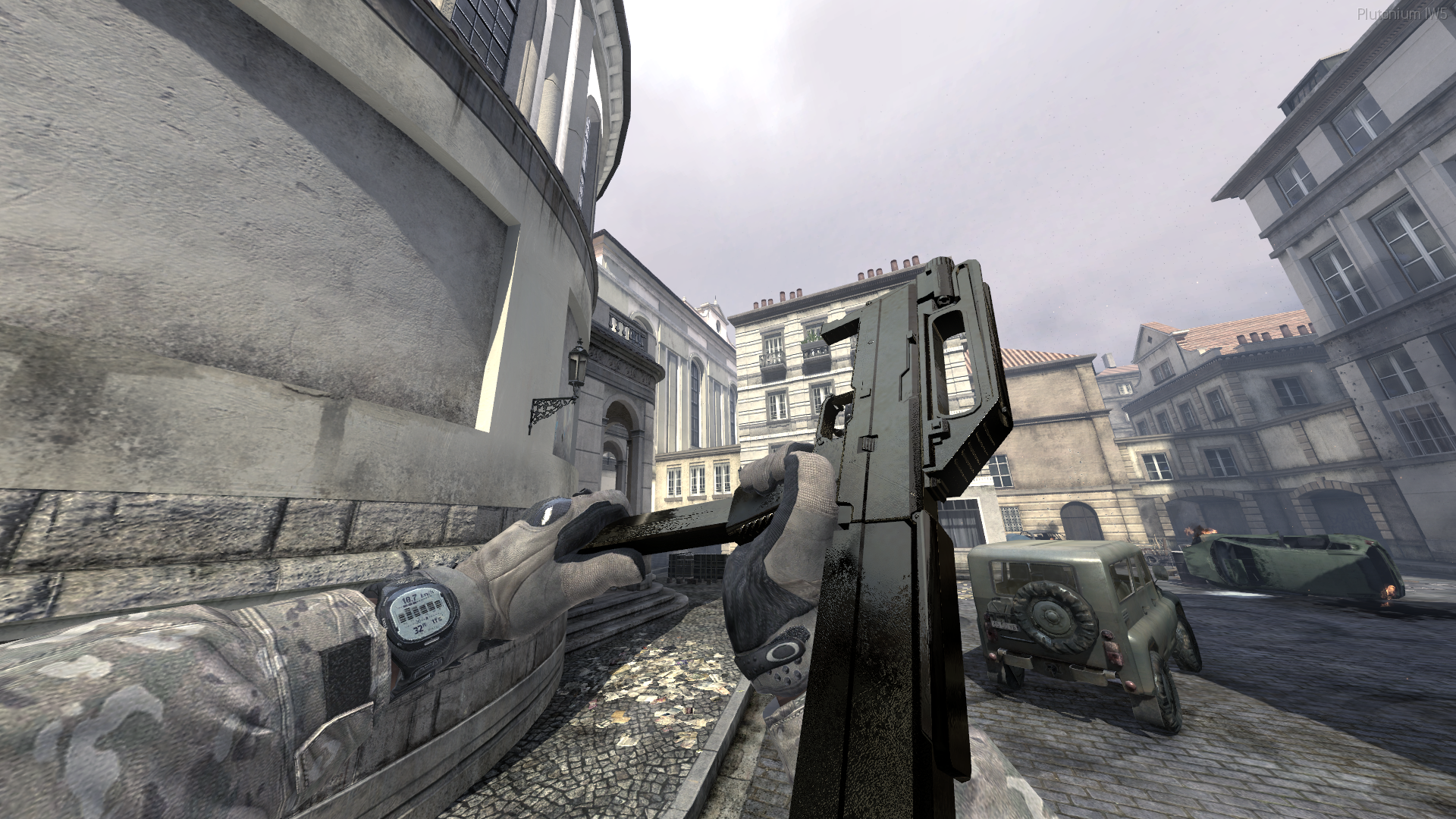
Today I am releasing Gold Secondaries!
Before I say anything I want to apologize for how these will look in some maps due to the maps specular reflection, on one map they will look amazing but on some they will look bad.
Iv been playing with these for a few days now and personally iv come to really like them, even if they might look a bit shit on some maps.So I hope you like them too, If you have any suggestions or even a camo request let me know and ill get back to you as soon as possible!
To use this camo you are required to use specular map in your video settings or the camo will break!
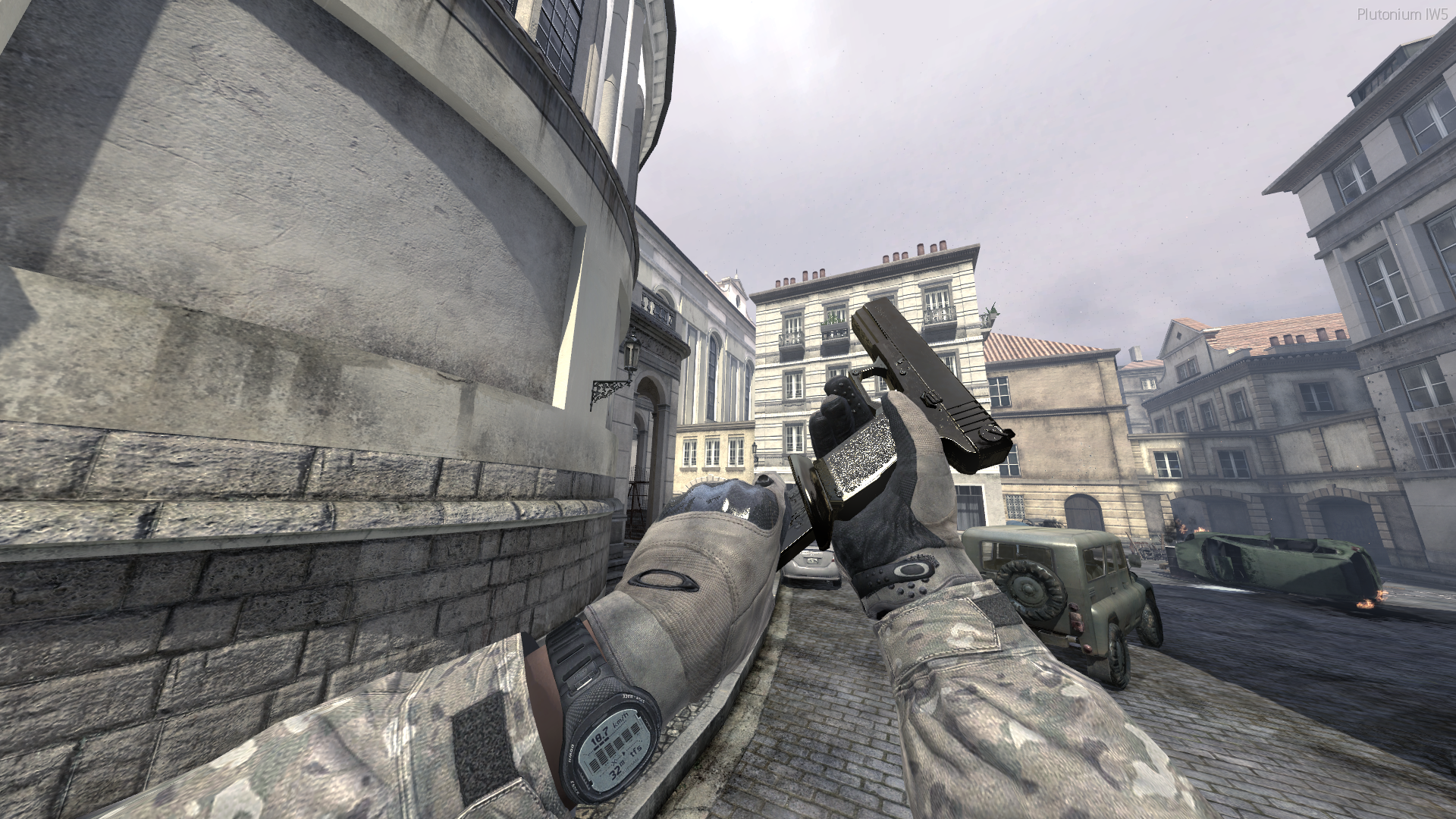
Weapons:
Pistols:
- Five Seven
- Desert Eagle
- MP412
- P99
- USP & Tac Knife
Machine Pistols:
- FMG9
- G18
- MP9
- Scorpion
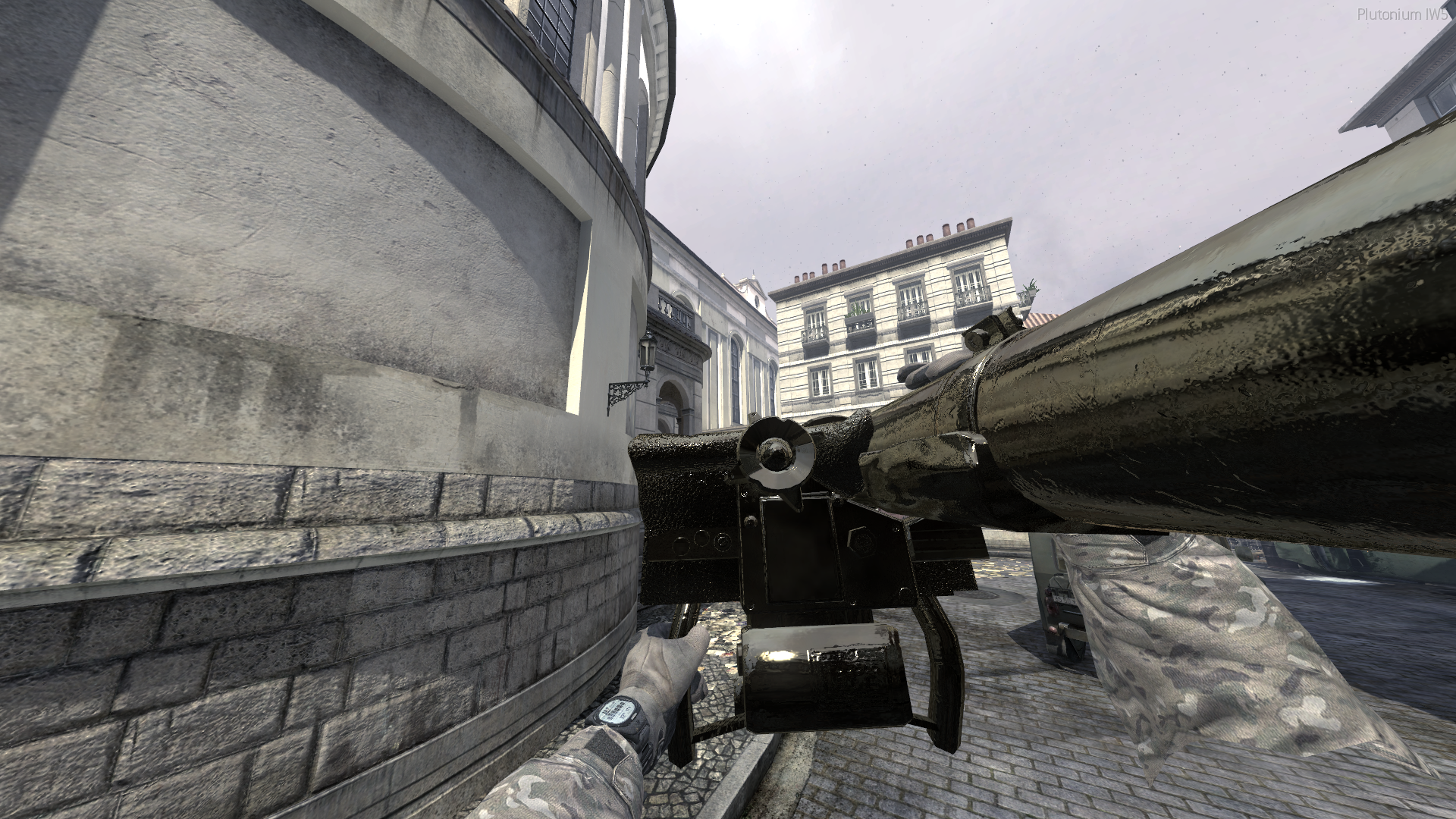
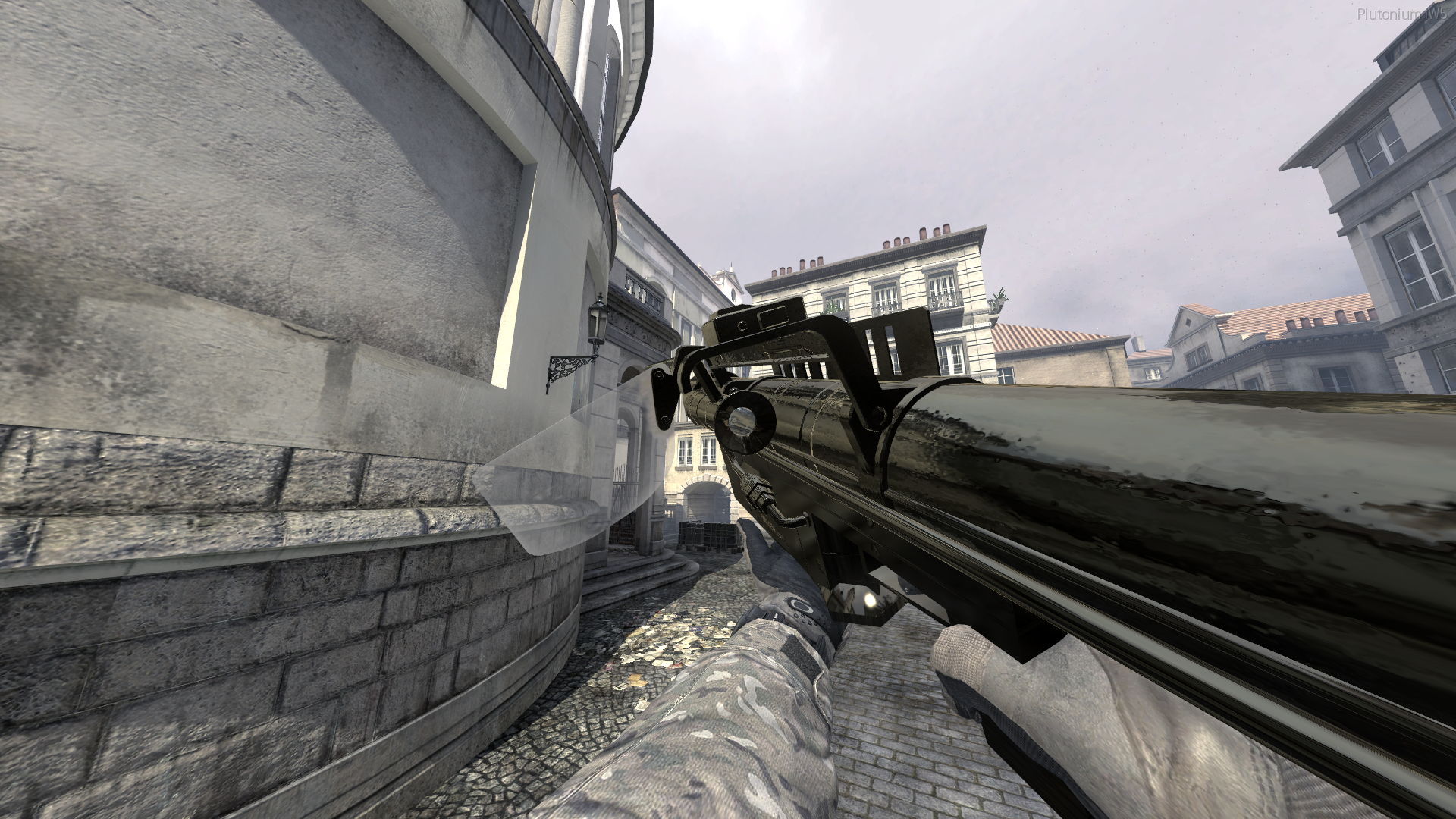
Launchers:
- Javelin
- M320
- RPG
- Smaw
- Stringer
- XM25
How to install
-
Download the Zip from Here.
-
Head to your plutonium IW5 images folder by holding Win + R
(Windows key + Letter R) and pasting this %localappdata%\Plutonium\storage\iw5\images into run and hitting ok or enter. -
Open the zip you just downloaded and open the Gold secondaries folder inside the zip when there you can ever use all the gold secondaries by opening the All iwis folder or chose what gold versions of the guns you want, drag and drop the iwi into your iw5 images folder
-
You're done! you may load up iw5 and enjoy!
Visual Instructions:
Please if you have any issues leave a comment and I will try and help as soon as possible!
Hope you enjoy!
Pistols!


Machine Pistols!


Launchers!



-
[Release] Custom Cursors!@SuspiciousGamer Yeah, sure! Where would you like me to post them as there is not a T5 forum yet?
-
[Release] Custom Cursors! -
[Release] Custom Cursors! -
[Release] Custom Cursors![Release] Custom Cursors!
Hello all!
Today I am releasing Custom Cursors!
I will continue to update this with more as time goes on. If you have any requests let me know and I'll try to respond to you as soon as possible! (SFW ONLY)
note: For the pickaxe use the tip of the pickaxe to click
Colours:
- Red
- Blue
- Cyan
- Gray
- Green
- Orange
- Pink
- Yellow
- Purple
Custom:
- Black Ops 3
- Minecraft Diamond Sword
- Minecraft Diamond Pickaxe
How to install
-
Download the Zip from Here.
-
Head to your plutonium IW5 images folder by holding Win + R
(Windows key + Letter R) and pasting this %localappdata%\Plutonium\storage\iw5\images into run and hitting ok or enter. -
Open the zip you just downloaded and open the Custom Cursors folder inside the zip then pick the curser you want and drag and drop the iwi into your iw5 images folder
-
You're done! you may load up iw5 and enjoy!
Visual Instructions:
Please if you have any issues leave a comment and I will try and help as soon as possible!
Hope you enjoy!
Coloured Cursors!
Custom Cursors!
-
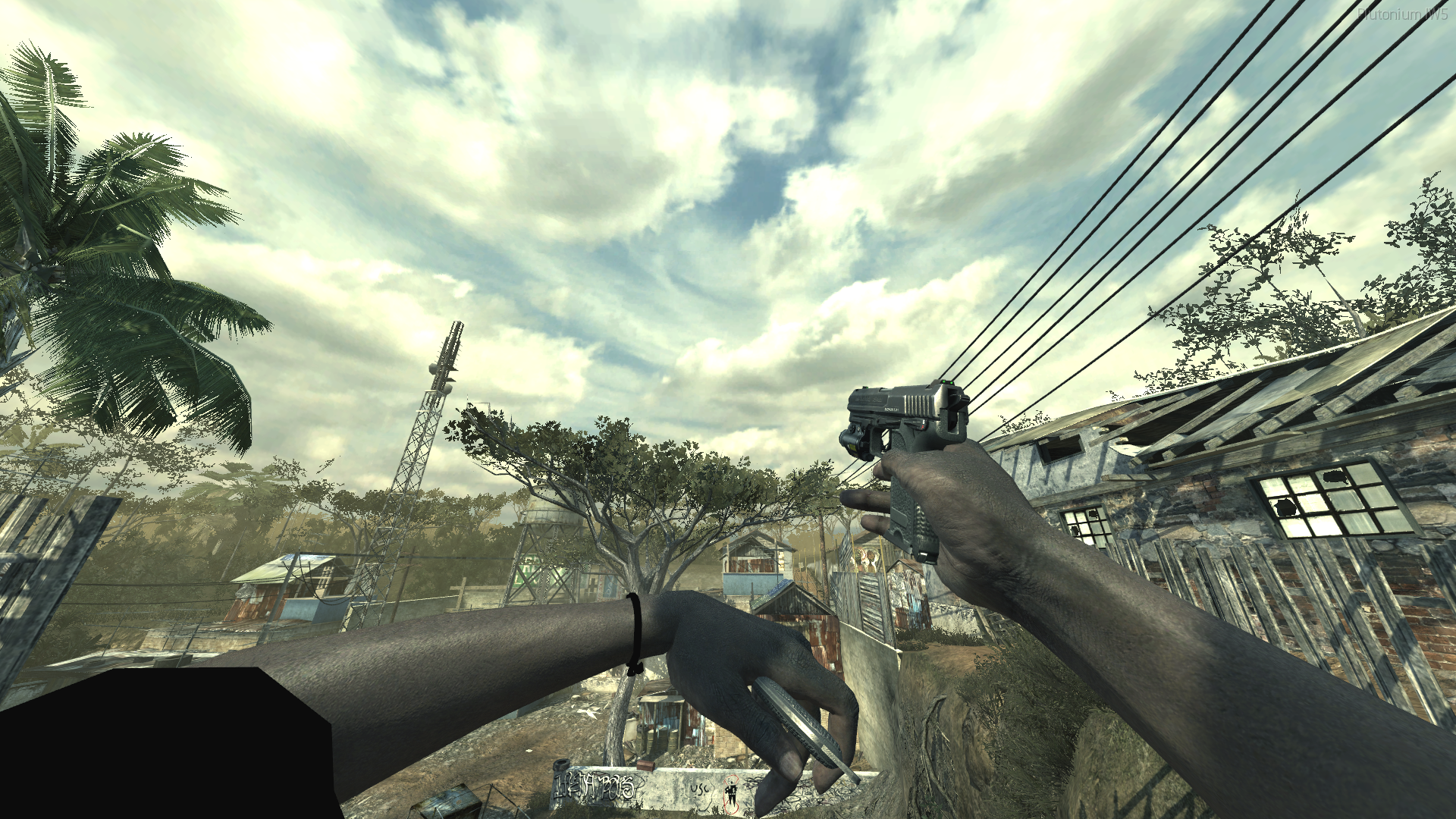
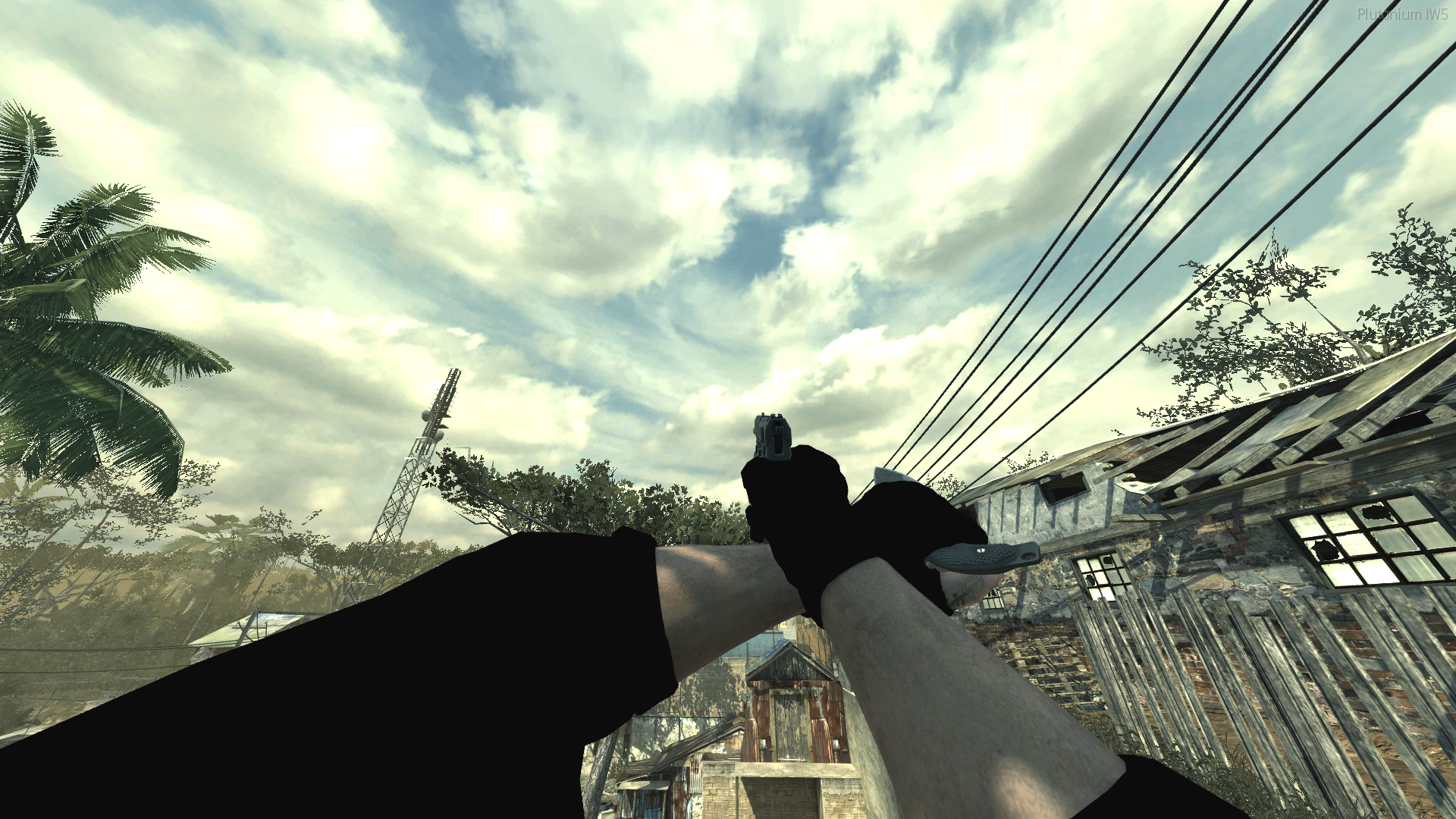
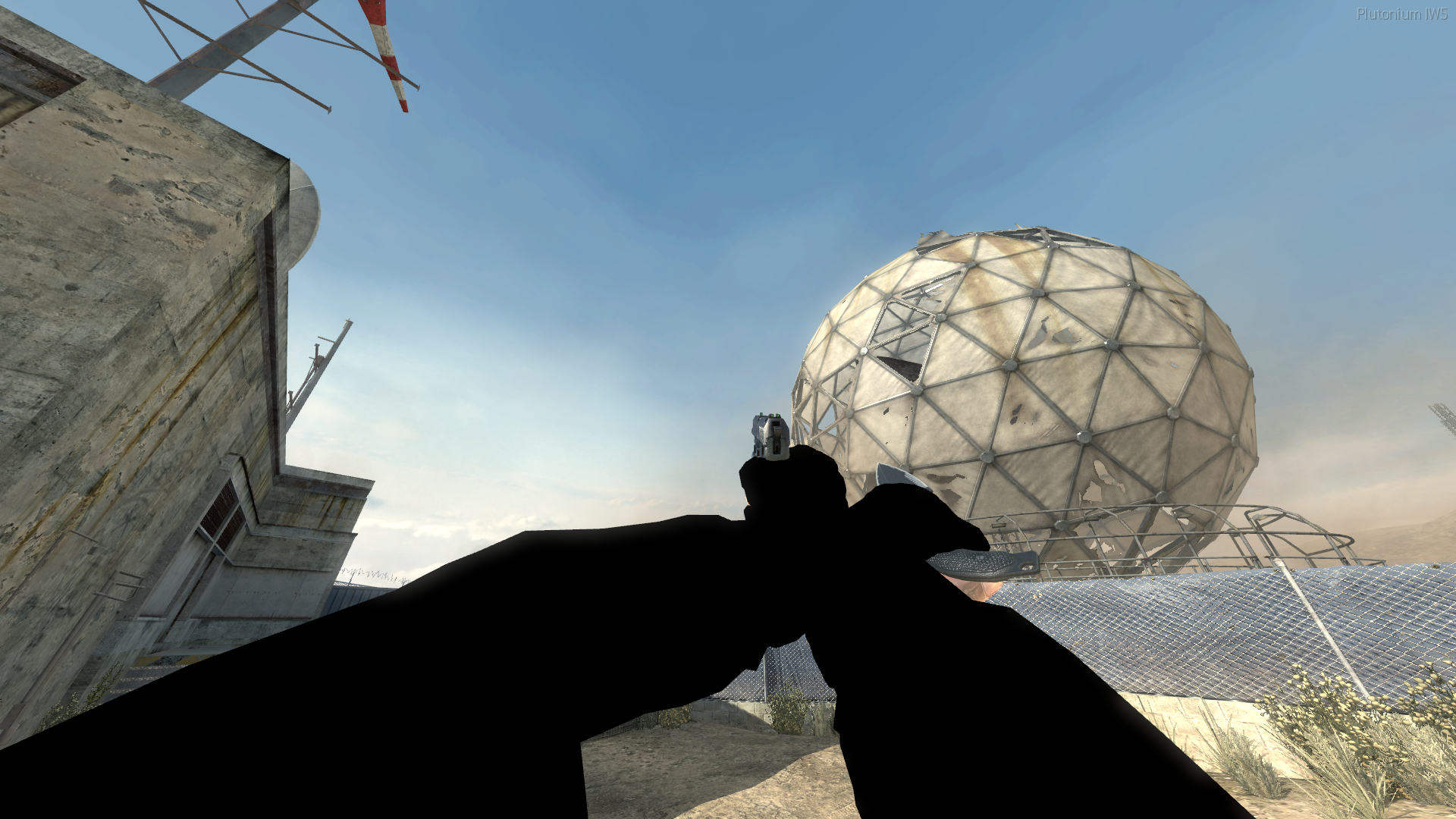
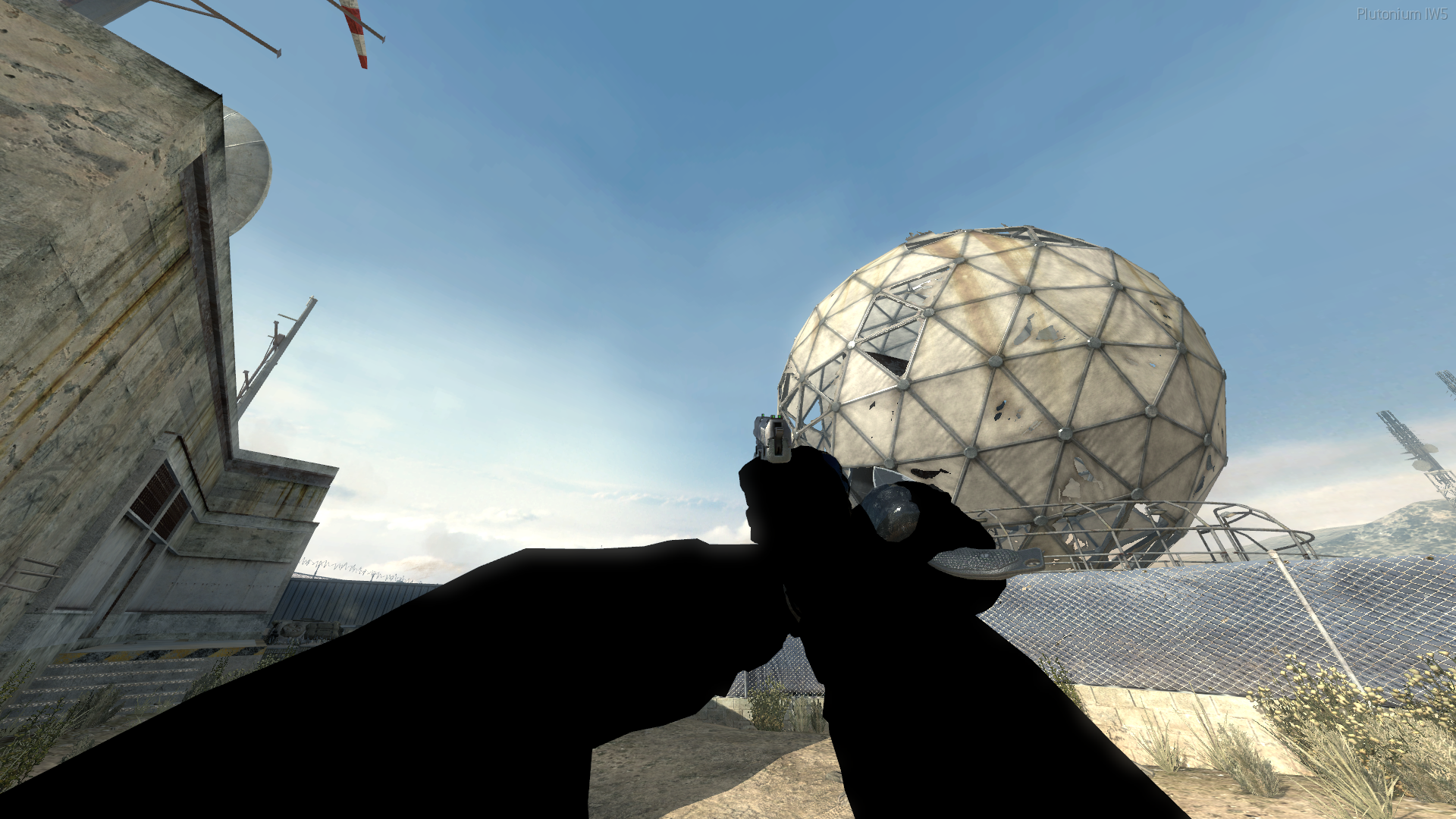
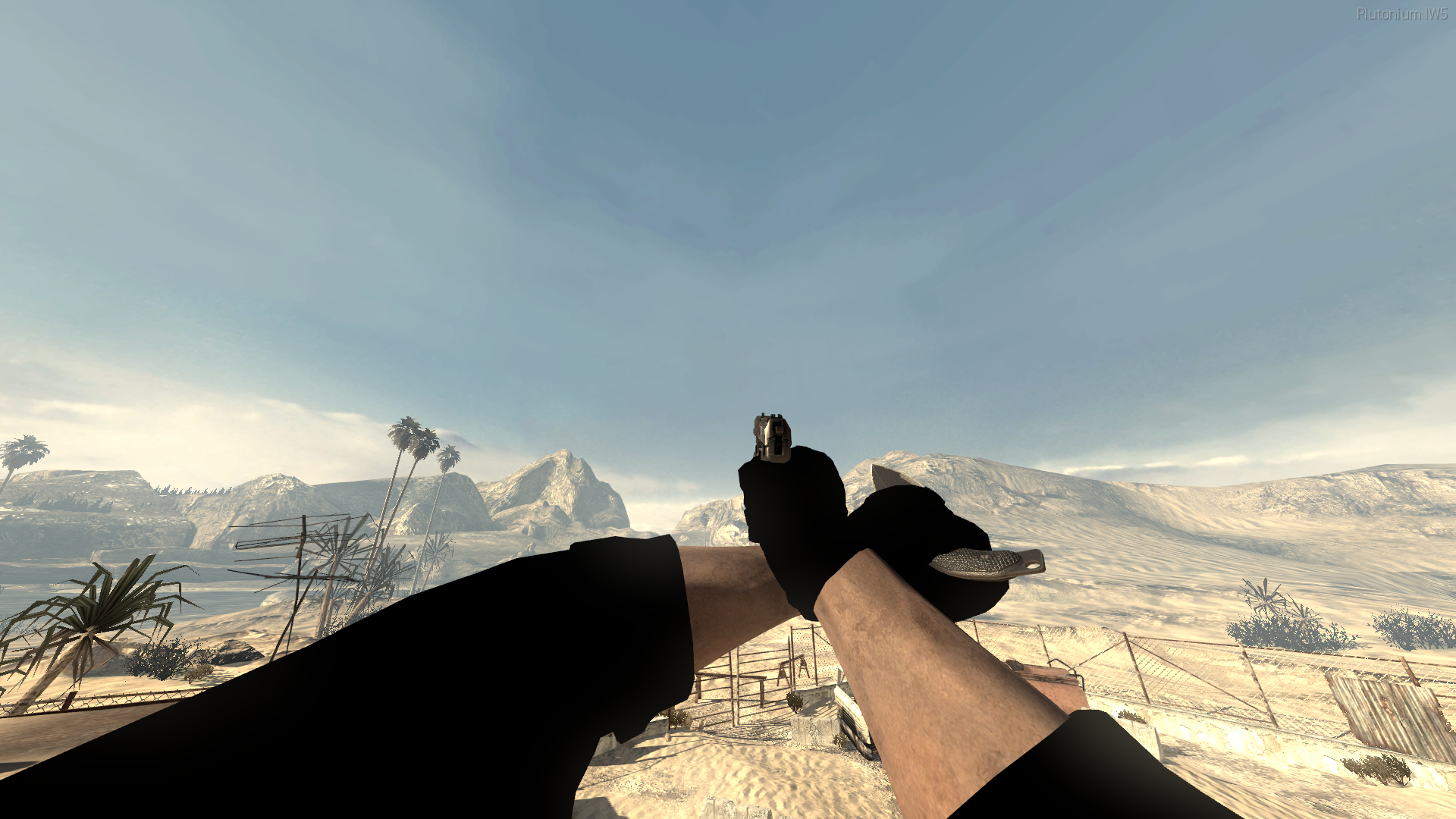
[Release] Void View Models!Void View Models!
Hello all!
Today I am releasing Void versions of all the view models!
How to install
-
Download the view models from Here.
-
Head to your plutonium IW5 images folder by holding Win + R
(Windows key + Letter R) and pasting this %localappdata%\Plutonium\storage\iw5\images into run and hitting ok or enter. -
Open the zip you just downloaded and open the images folder inside the zip then drag and drop the iwis into your iw5 images folder
-
You're done! you may load up iw5 and enjoy!
Visual Instructions:
Please if you have any issues leave a comment and I will try and help as soon as possible!
Hope you enjoy!
In-game screenshot(s)


-
-
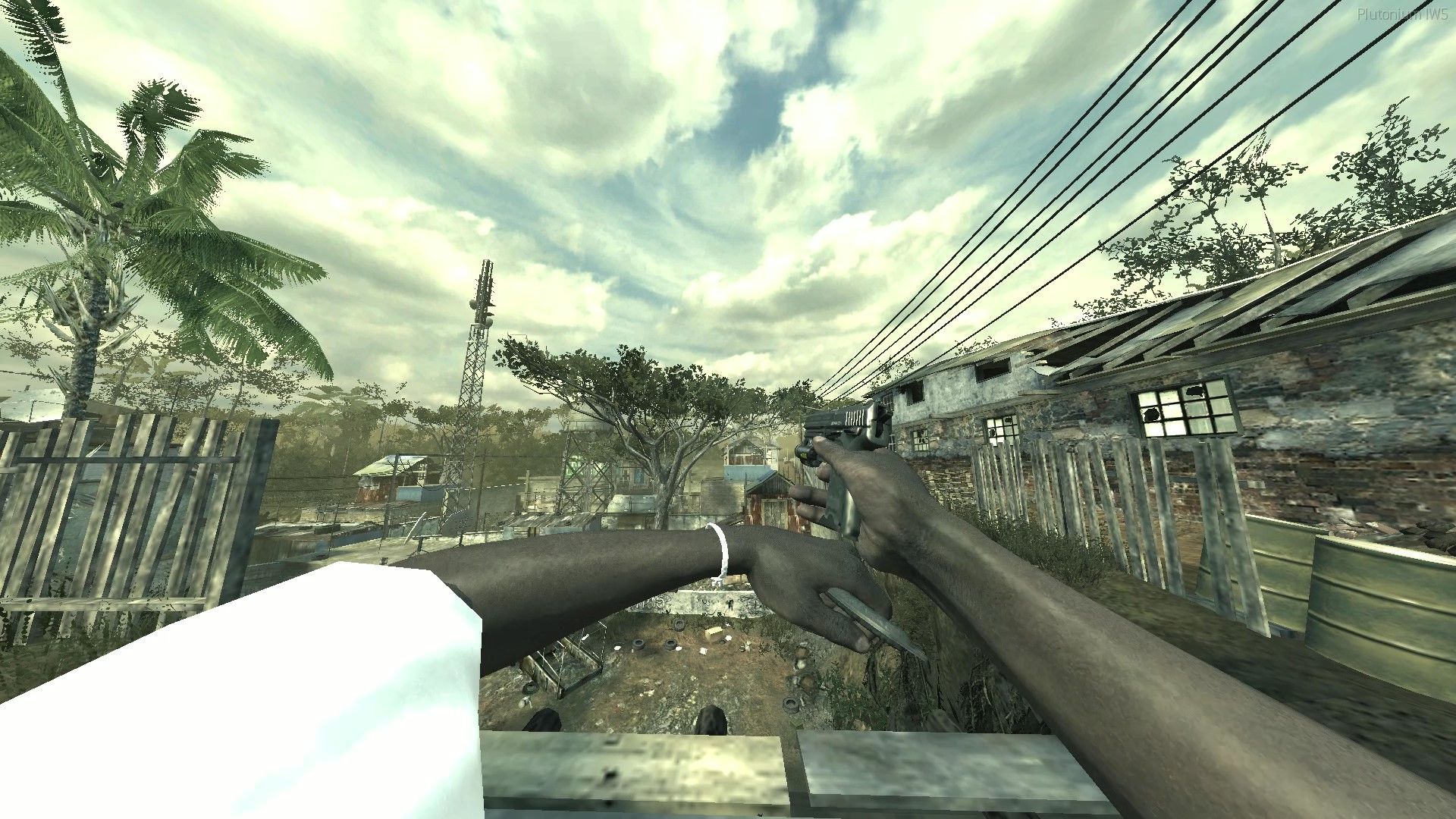
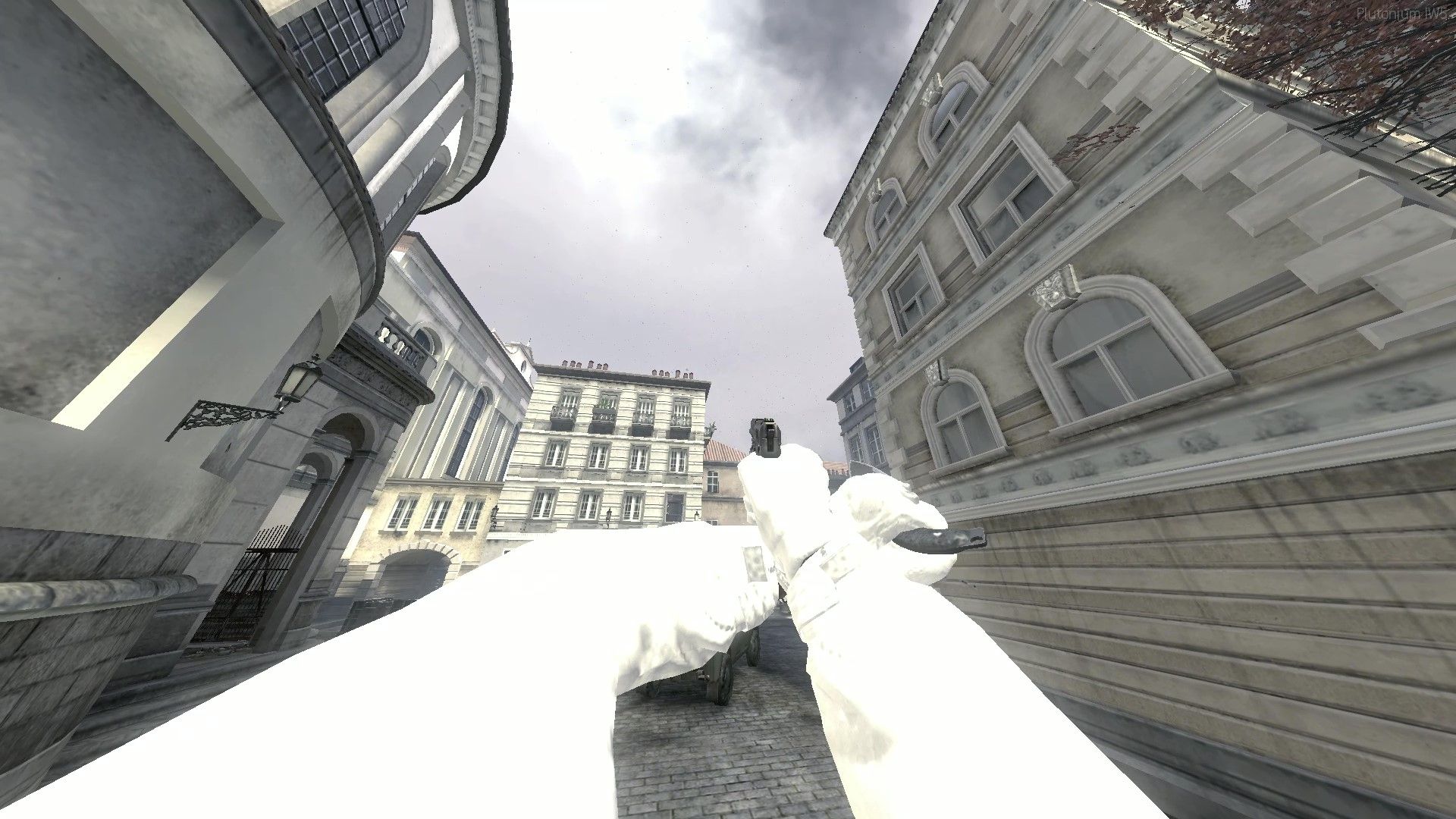
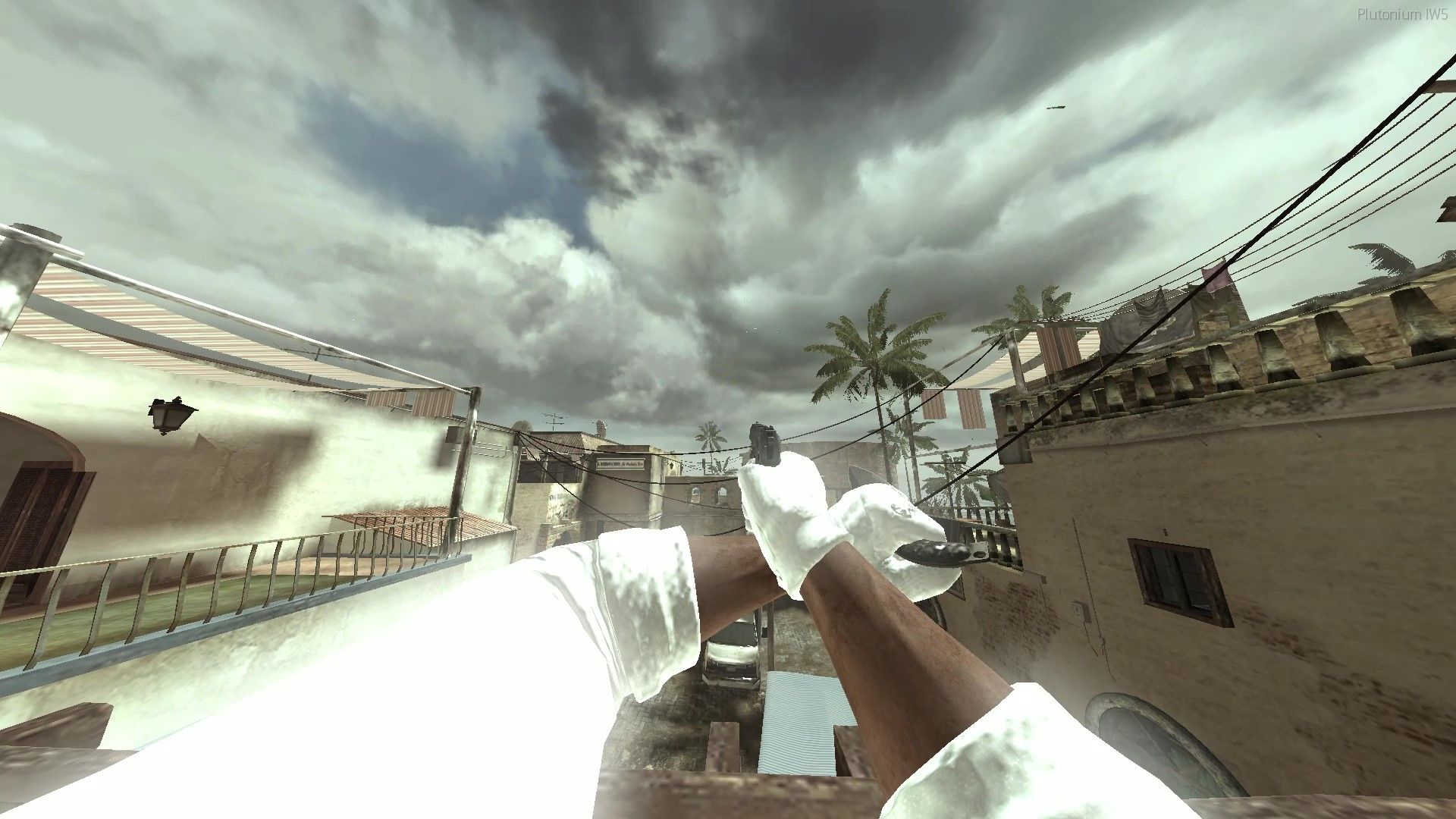
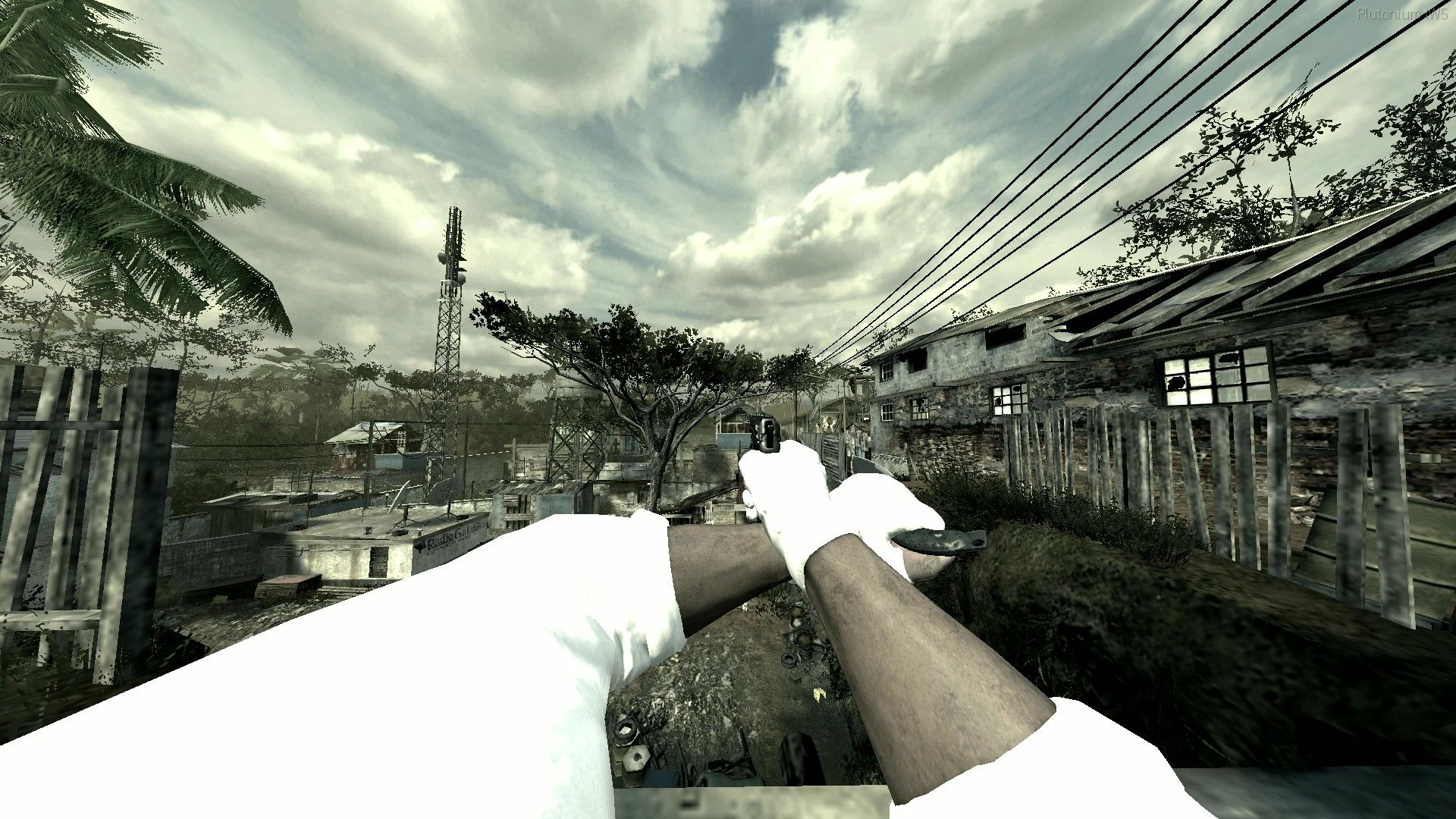
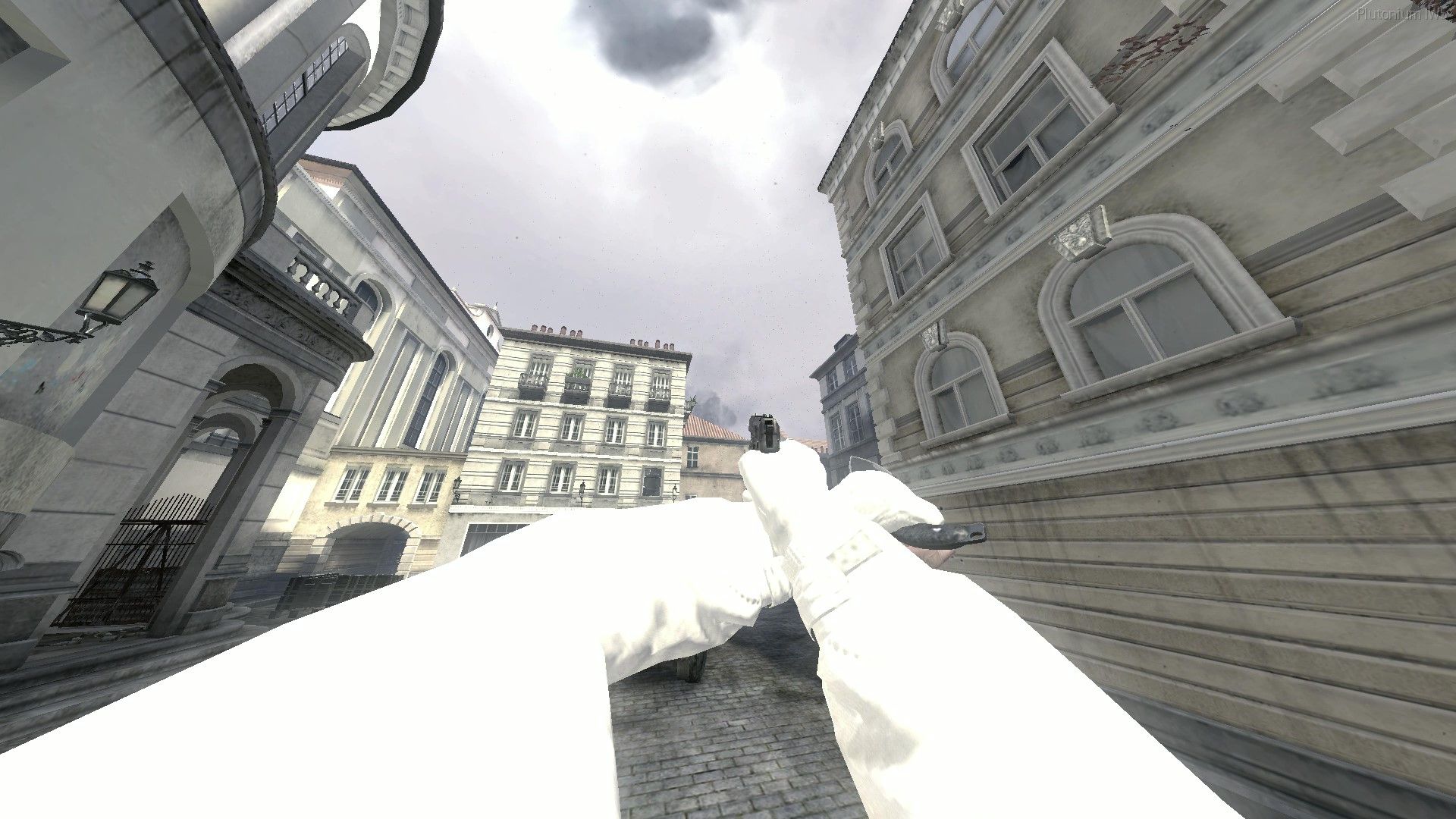
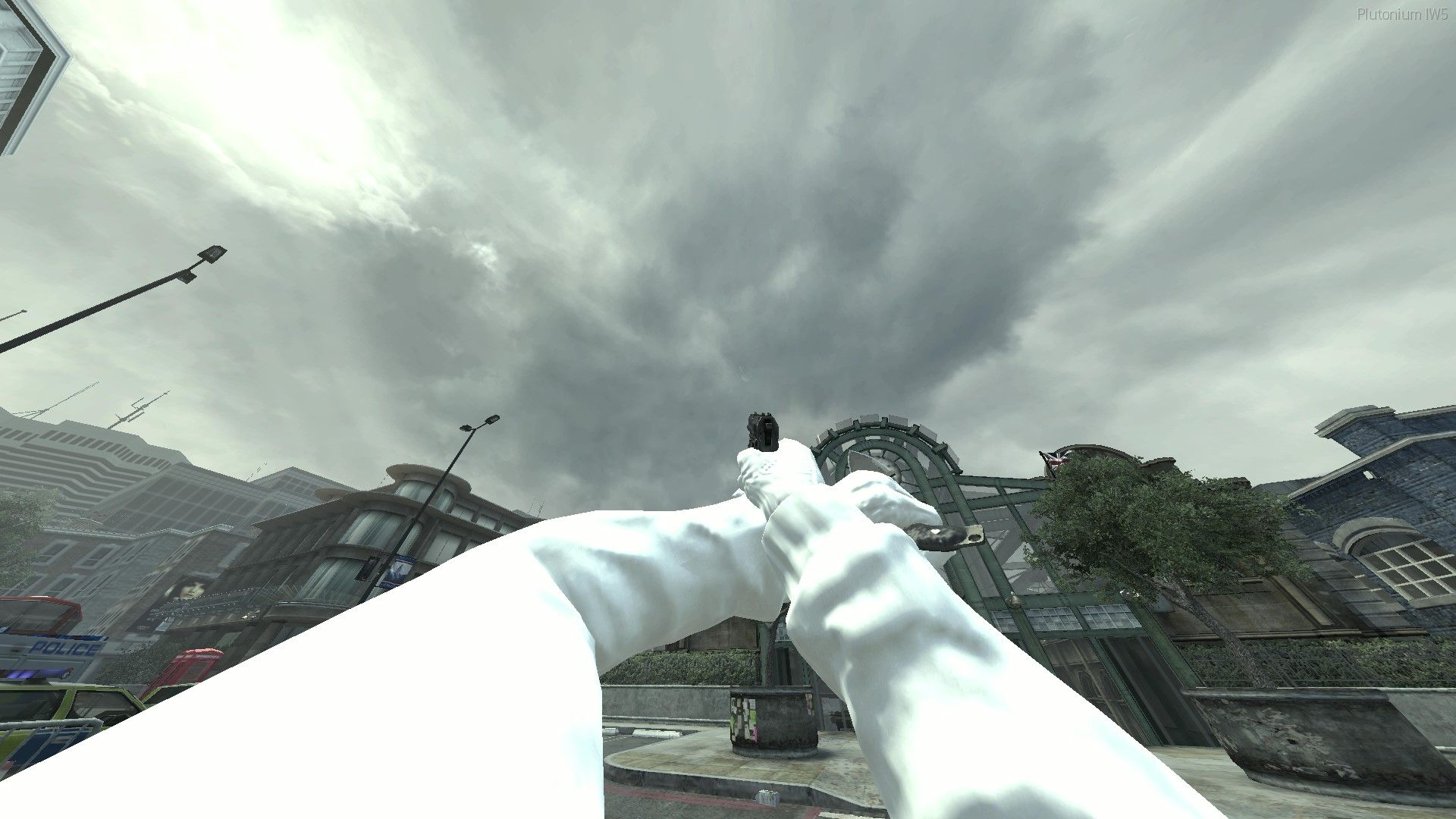
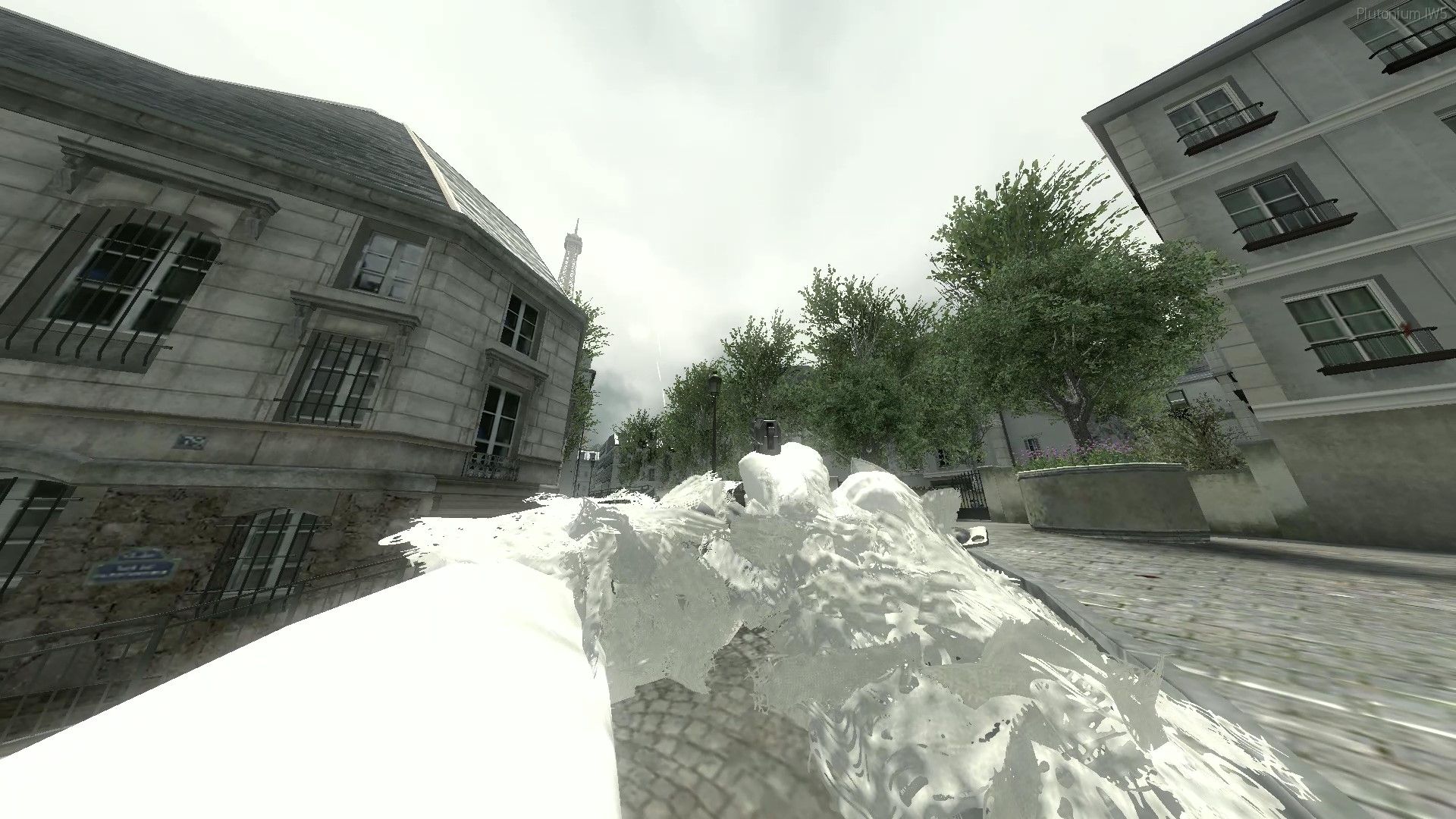
[Release] White Out view models!White Out View Models!
Hello all!
Today I am releasing white versions of all the view models as requested by someone!
How to install
-
Download the view models from Here.
-
Head to your plutonium IW5 images folder by holding Win + R
(Windows key + Letter R) and pasting this %localappdata%\Plutonium\storage\iw5\images into run and hitting ok or enter. -
Open the zip you just downloaded and open the images folder inside the zip then drag and drop the iwis into your iw5 images folder
-
You're done! you may load up iw5 and enjoy!
Visual Instructions:
Please if you have any issues leave a comment and I will try and help as soon as possible!
Hope you enjoy!
In-game screenshot(s)
-