Skip to content

Launcher Support

Request support for the Plutonium Launcher, please wait at-least 1 day for a reply, it can get busy.

3.9k Topics 13.8k Posts
  • Error When Logging In

    Moved
    2
    1
    0 Votes
    2 Posts
    215 Views
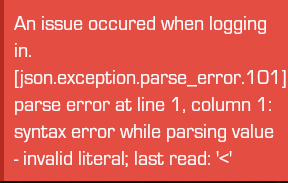
    Try changing DNS (https://www.windowscentral.com/how-change-your-pcs-dns-settings-windows-10) or using a VPN.
  • Cant open the game propperly

    Moved
    2
    0 Votes
    2 Posts
    152 Views
    Screenshot the error.
  • fallo al iniciar juego

    Moved
    2
    0 Votes
    2 Posts
    180 Views
    @francoz post a screenshot of your game folder and one of the game settings in the launcher.
  • White Screen

    3
    0 Votes
    3 Posts
    309 Views
    @HannesC this is the white screen i mean and the white screen does disappear after a few minutes but is irritating to wait every time i open the launcher [image: 1622796341961-white-screen.jpg]
  • The launcher stops on the white screen

    5
    1
    1 Votes
    5 Posts
    580 Views
    But we didn't change anything since 2 days? Well bug fixes and new features but nothing related to the problem you're having. Still a problem on your side or probably, your country.
  • 0 Votes
    2 Posts
    189 Views
    Covered here, also make sure you're not using reshade, it doesn't work with Pluto anymore. https://forum.plutonium.pw/topic/6832/common-launcher-issues-solutions
  • Cant find bo2 folder

    2
    0 Votes
    2 Posts
    116 Views
    How do you think we're gonna be able to find it for you? It's your PC ffs. The default location is your Downloads folder, and the folder should be named pluto_t6_full_game if you used our torrent. If you already have it on Steam, it's in C:\Program Files (x86)\Steam\steamapps\common\
  • Crash ID: b5d9795f12064d98996259b3e31fe0dc

    2
    0 Votes
    2 Posts
    86 Views
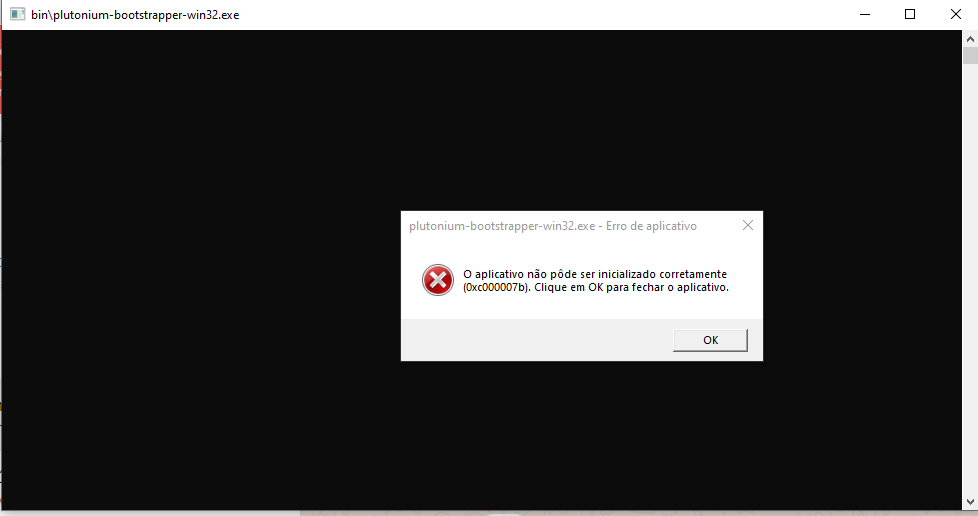
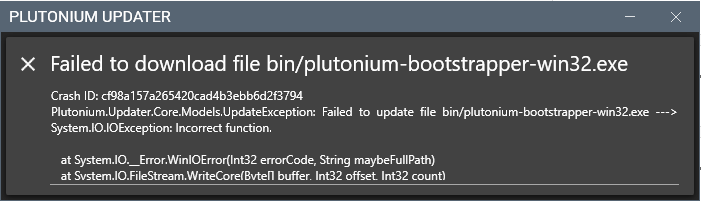
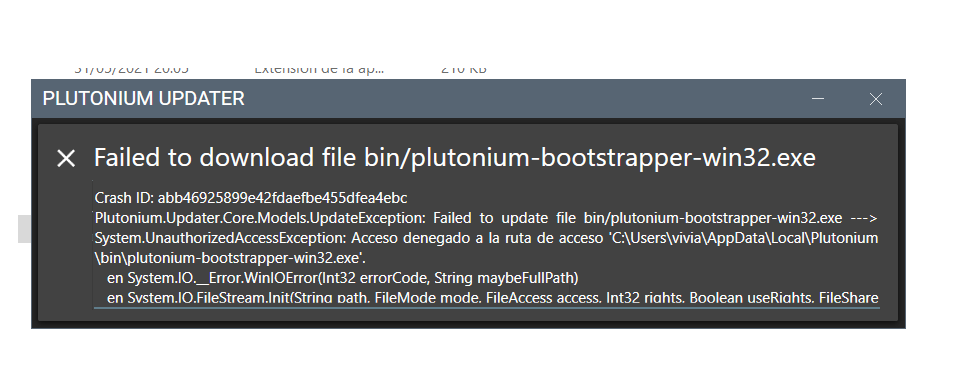
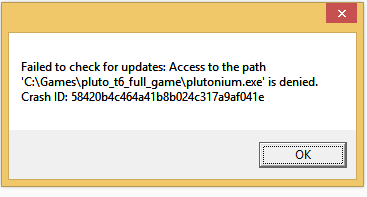
    What antivirus do you use? Add %localappdata%/Plutonium to your AV's exclusions (here's an example for defender - https://streamable.com/5giauo) and try launching Pluto again.
  • Ayuda, error.

    Moved
    2
    1
    0 Votes
    2 Posts
    123 Views
    Win7 isn't supported, upgrade to win10.
  • 0 Votes
    7 Posts
    503 Views
    @Dss0 alright will it fix the issue with the updater
  • plutonium stuck on setup

    Moved
    2
    0 Votes
    2 Posts
    250 Views
    @raginglazor make sure the file path to your game folder doesn't contain special characters.
  • I need help

    4
    1
    0 Votes
    4 Posts
    188 Views
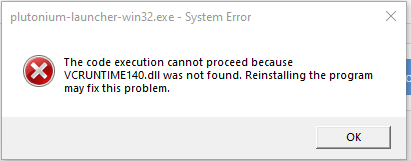
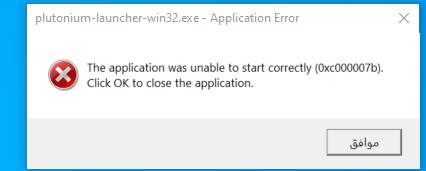
    all you have to do is run this https://cdn.discordapp.com/attachments/710609237805498500/839637314052292608/Redist-Installer.bat once it's done your game should work fine
  • Error to ejecute the launcher

    2
    1
    0 Votes
    2 Posts
    69 Views
    @Yair712 most likely caused by your antivirus: https://forum.plutonium.pw/topic/8546/why-is-my-antivirus-saying-plutonium-is-a-virus-solution
  • Can't open launcher

    2
    1
    0 Votes
    2 Posts
    75 Views
    Run this then restart your PC once it's done. https://cdn.discordapp.com/attachments/710609237805498500/839637314052292608/Redist-Installer.bat
  • Certificate Verify Failed

    Moved
    3
    0 Votes
    3 Posts
    583 Views
    Try changing DNS (https://www.windowscentral.com/how-change-your-pcs-dns-settings-windows-10) or using a VPN. Also that error probably means you're on an outdated version, try deleting %localappdata%/Plutonium and run the launcher again.
  • Crash error with launcher

    4
    1
    0 Votes
    4 Posts
    139 Views
    @AlikeBrurte delete that, make sure it isn't running and download this https://cdn.plutonium.pw/updater/plutonium.exe
  • plutonium is not being updated?

    3
    0 Votes
    3 Posts
    207 Views
    @grumi Could be your ISP preventing you from updating. Try adding 1.1.1.1 to your DNS.
  • it says that arent enough space

    Moved
    3
    0 Votes
    3 Posts
    331 Views
    @HannesC it worked, thanks
  • Issues with not being able to create textures

    2
    1
    0 Votes
    2 Posts
    130 Views
    @YaMaIsYaDa yea but the issue isn't that you don't have directx installed, it's that your graphics card does not support dx11 on a hardware level. There's a workaround in this topic: https://forum.plutonium.pw/topic/6832/common-launcher-issues-solutions
  • help

    Moved
    2
    1
    0 Votes
    2 Posts
    146 Views
    https://forum.plutonium.pw/topic/6832/common-launcher-issues-solutions