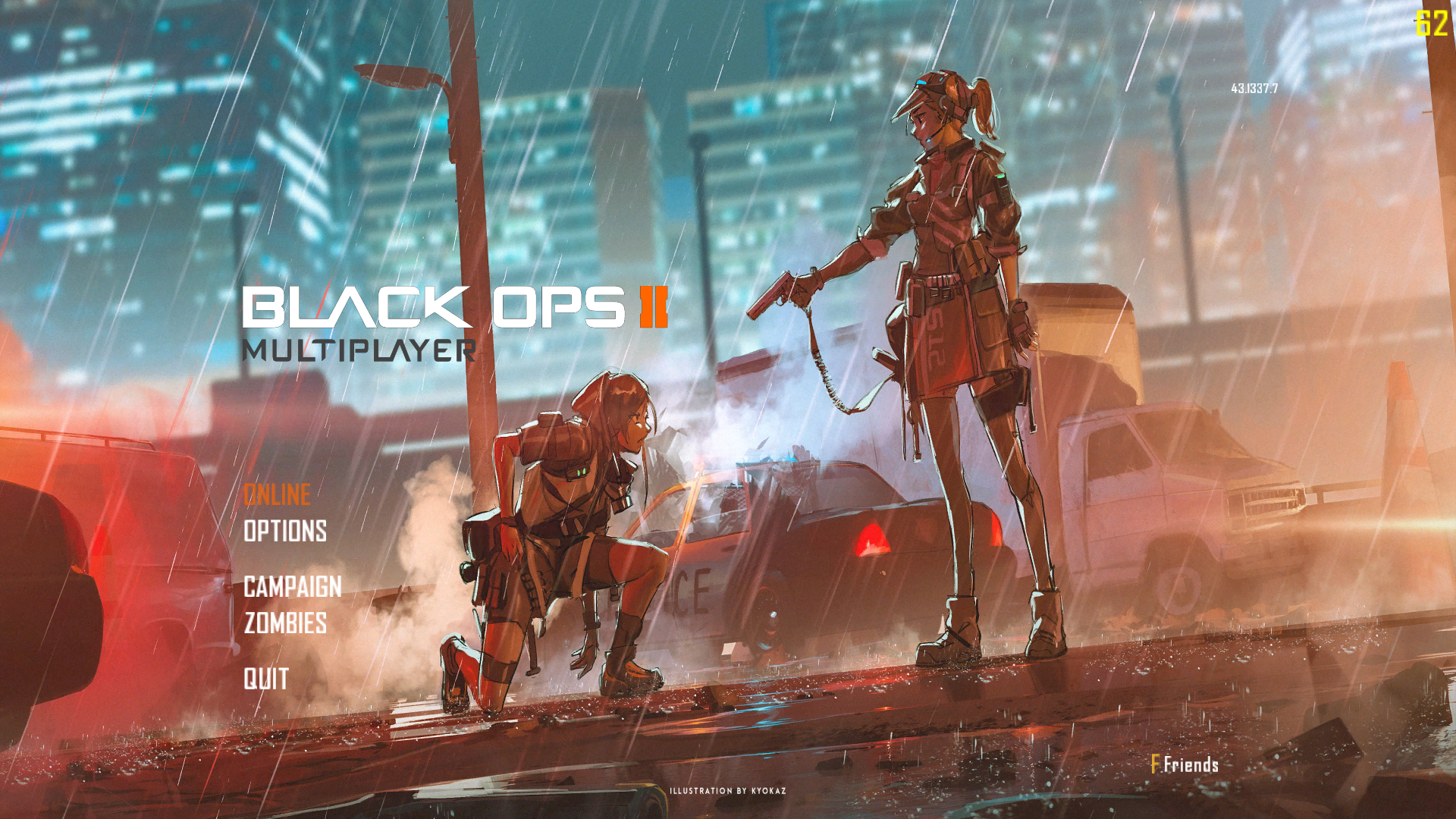
@koishicat If I did that it would be similar to how it's done in the bo1 reimagined mod where you can change settings for stuff like that in the actual settings menu, but I'm not all that familiar with modifying that so I'll have to see
@Mr.-Android said in NetflixnChill role signup thread.:
Hello community,
Occasionally we watch movies with our community via Discord and we have created a role so we can tag it to notifiy interested people of polls for the next movie and to pick dates and times of the next Netflix N Chill event.
Simply reply below with your Discord tag (example#0001) and a member of the Plutonium Staff will add you to the role.
This still a thing what movies?
@DatBomber420 props to creative members finding ways to get a non supported feature working... if you've found a better way then post it... otherwise your commentary doesn't help anyone.
put up or shut up
I'm trying to play CoD Black Ops 1 on my Redmi Note 15 5G through this LanLauncher since BGamerT5Launcher doesn't work on Winlator. I put the Plutonium folder fine, The Black Ops folder fine, and a valid username. Only problem is that it's giving me this weird error "The application was unable to start correctly (0xc000007b). Click OK to close the application." and can't launch the game. What can I do?
[image: 1776854043540-screenshot_2026-04-21-23-47-16-322_com.winlator-resized.jpg]
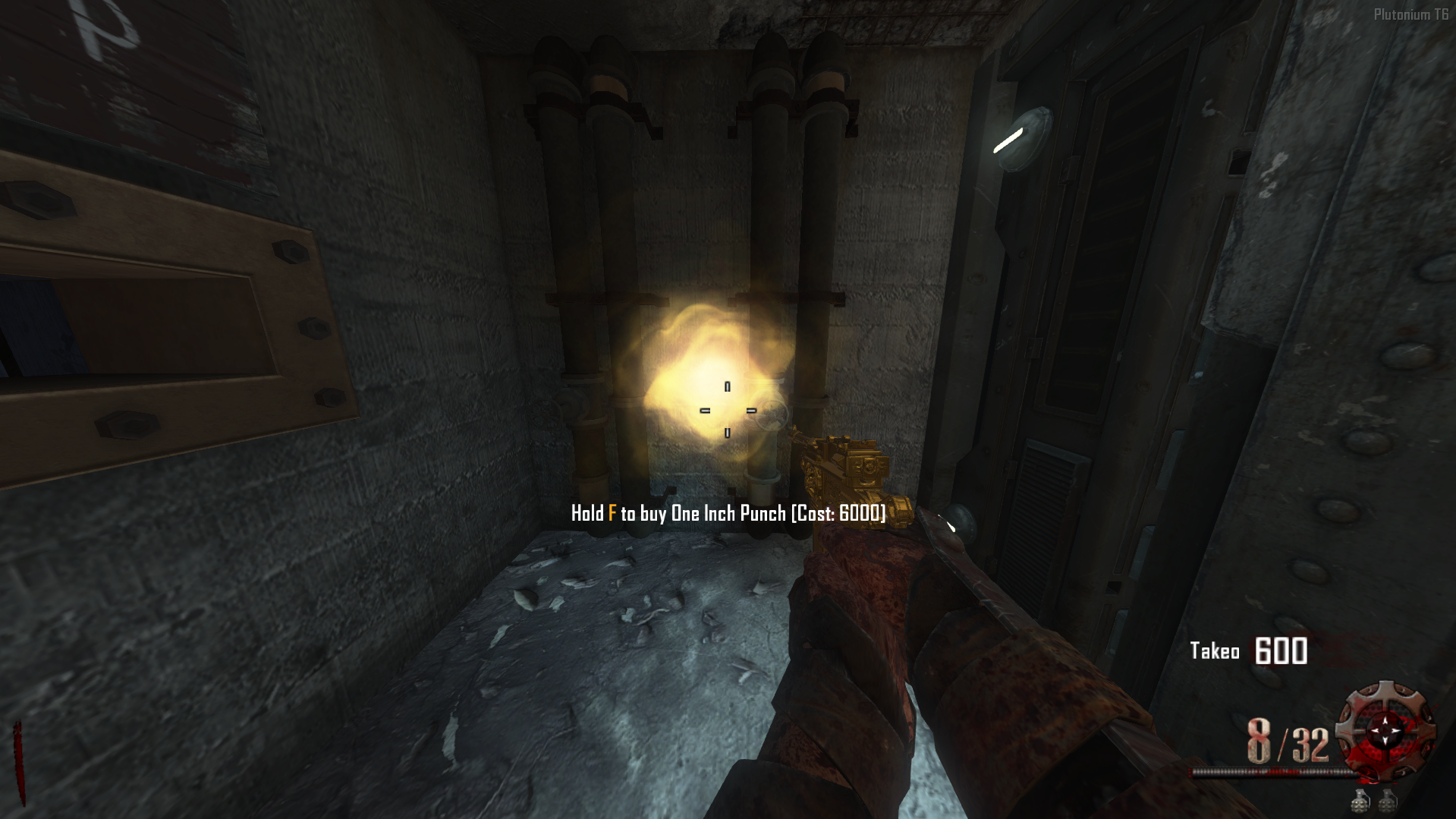
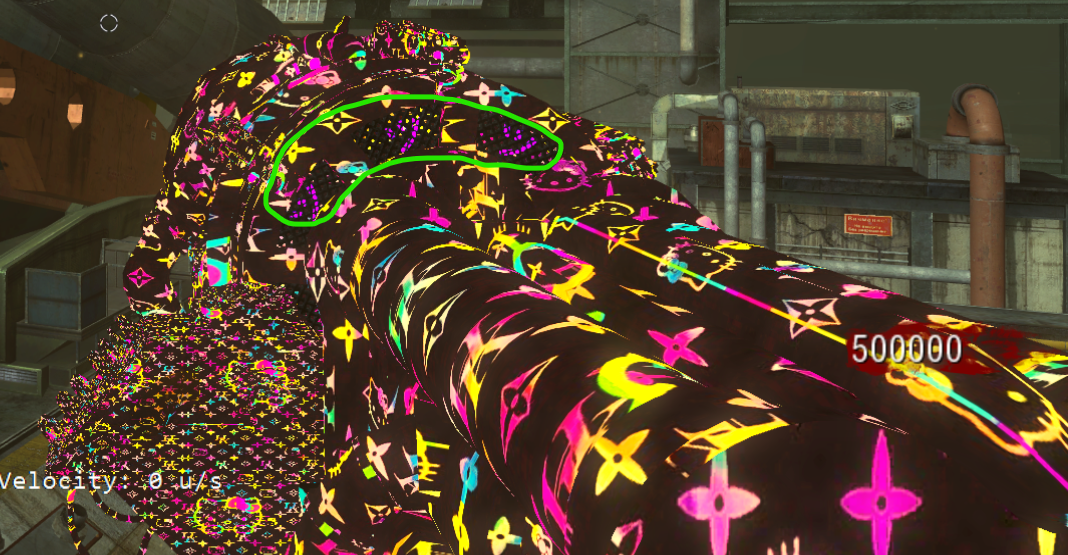
This shit is ass, it doesn't work. Why am I getting 2 perks with wrong icons, wrong perk machine models for the perks, and negative points? Please, for anyone reading this, don't waste your time downloading this.
[image: 1786467824547-screenshot-2026-08-11-at-19-41-25-1654423257105-preview-copy.jpeg-jpeg-image-1920-1080-pixels-scaled-50_.png] does anybody know which pack is this and which game it is for?
For new users, please make sure WinRAR is attached and you had the patch file to your zone folder under Plutonium. the mod works great in 2026. It's very good.
Guess who's back doin business shi and almost scammed someone with thousands of euros ? (that's what I've heard so far)
I can't get great proofs with those accusations but uh... Yeah I met this guy not a long long time ago with Jackals servers and he was doing shady stuff and was acting weirdly in my opinion
As a creator, or even modder, please, avoid this guy, don't work with him.
Maybe some people will relate